Template details
Commerce.js Vue.js Boilerplate
Unstyled Commerce.js eCommerce boilerplate built with Vue.js including product listing, cart, and checkout workflows.
About this template
Commerce.js Vue.js Boilerplate is an unstyled eCommerce starter kit that combines the Vue.js front-end framework with the Commerce.js headless commerce backend, delivering a working product listing, cart, and checkout flow that developers can theme and extend.
What is the Commerce.js Vue.js Boilerplate?
The Commerce.js Vue.js Boilerplate is an open-source starter project from Chec, the company behind Commerce.js, built to accelerate eCommerce development in Vue.js. It takes a Commerce.js public API key as its only required configuration and outputs a fully functional storefront front-end with product browsing, cart management, and a checkout page that calculates shipping and tax. The project is maintained as a GitHub repository and ships with development, build, and lint scripts via npm or Yarn.
Key Features
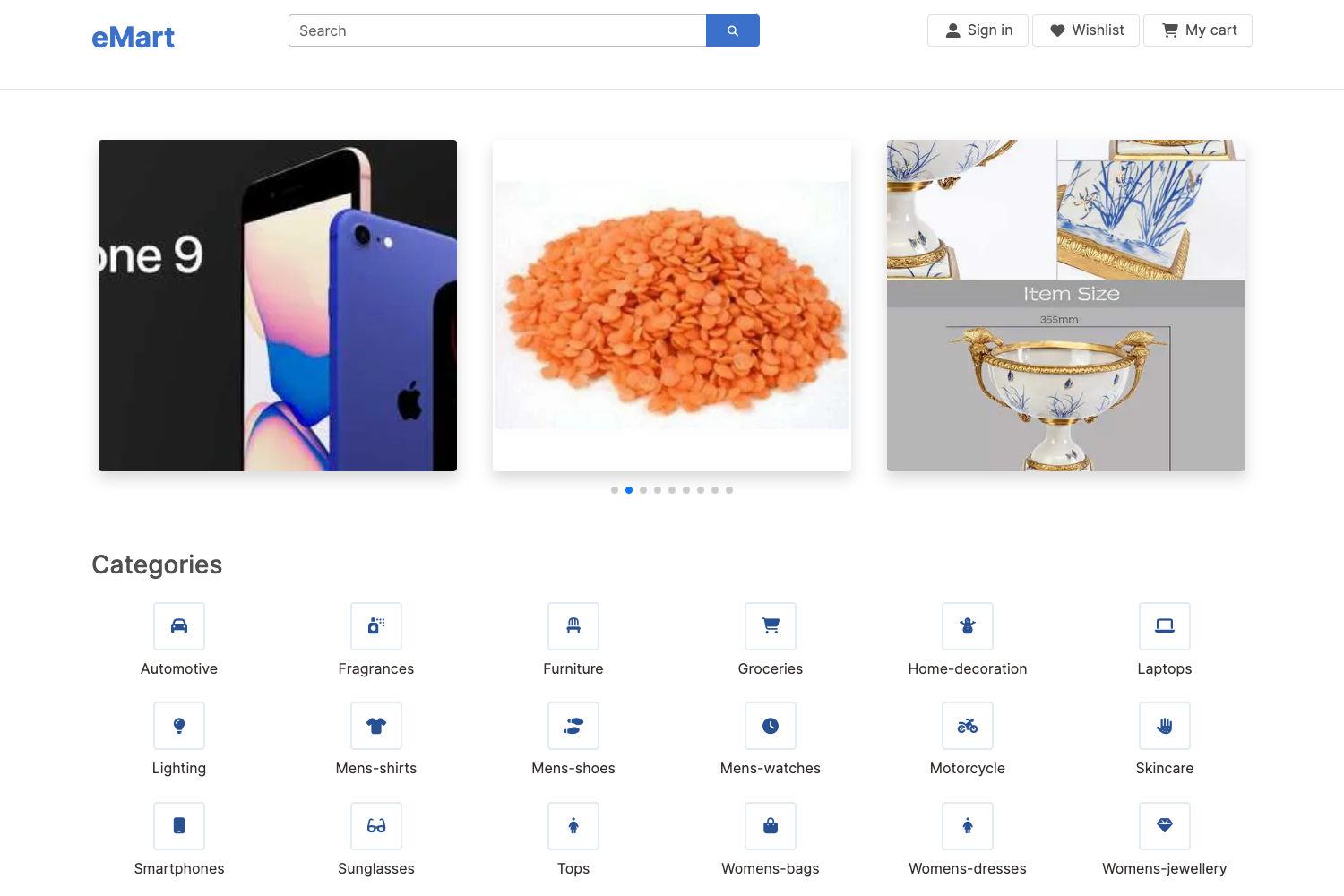
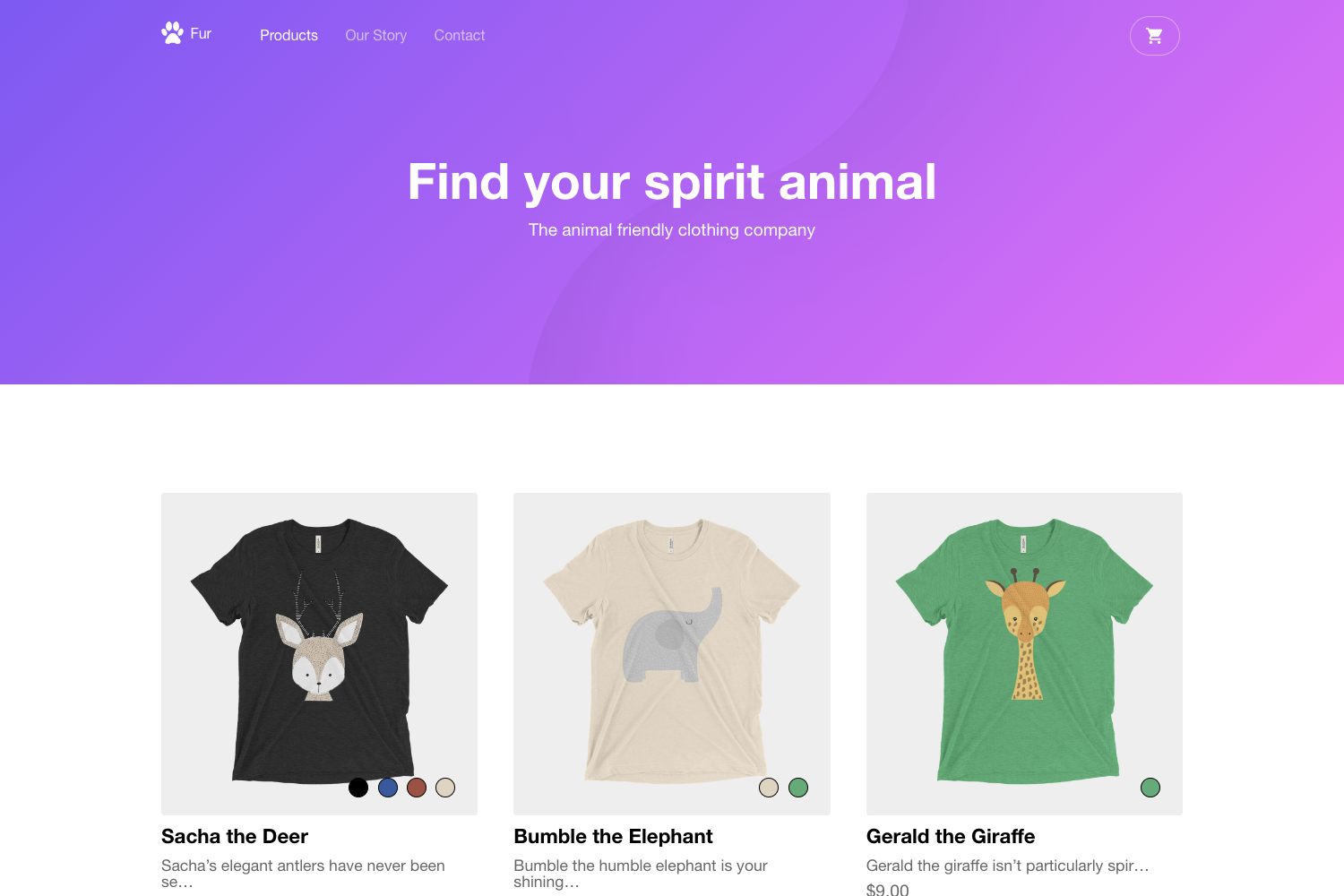
- Product listing page — Displays all products retrieved from the Commerce.js backend in an unstyled layout, ready for custom CSS or a component library.
- Complete cart — Calculates line totals and order totals, and lets shoppers edit quantities or remove items entirely.
- Checkout with shipping and tax — Integrates Commerce.js checkout APIs to compute shipping rates and tax for submitted orders.
- Thank you page template — Shows a post-order confirmation view after a successful checkout.
- 404 page template — A built-in not-found route so navigation failures are handled gracefully.
- Hot-reload development server —
npm run serveoryarn servecompiles the project and refreshes the browser on save, available athttp://localhost:8080/#/. - Production build —
npm run buildoryarn buildgenerates minified assets for deployment. - ESLint integration —
npm run lintchecks code style using rules configured in theeslintConfigfield ofpackage.json.
Who is it for?
- Vue.js developers — Start an eCommerce project without building cart and checkout logic from scratch.
- Agencies and freelancers — Prototype client storefronts quickly against a Commerce.js backend, then apply a custom theme.
- Commerce.js users — Developers already using Chec's platform who want a reference implementation of the SDK in Vue.
What can you do with it?
- Launch a demo storefront — Clone the repo, add your Commerce.js public key, and run the dev server to see a working storefront in minutes.
- Learn Commerce.js integration — Study how the boilerplate wires Vue components to the Commerce.js SDK for listing, cart, and checkout operations.
- Customize the checkout flow — Extend the included shipping and tax logic with your own business rules or payment provider.
How does the boilerplate work?
After cloning the repository, you run npm install (or yarn install), copy example.env to .env, and add your Commerce.js public API key from the Chec dashboard. The boilerplate then reads that key at runtime to fetch products and process checkout requests through the Commerce.js API. Commands that come preconfigured are npm run serve for local development, npm run build for a production bundle, and npm run lint for code quality checks.
FAQ
Is the Commerce.js Vue.js Boilerplate free?
Yes, the boilerplate is open source and hosted on GitHub under the Chec organization. It is available to clone or download at no cost, though you will need a Commerce.js account and API key to power the storefront.
Is the repository still maintained?
The repository is no longer actively maintained, but Chec accepts issue reports and contributions. For current APIs, Chec recommends checking the latest Commerce.js API documentation.
What do I need to get started?
You need Node.js, a package manager (npm or Yarn), and a Commerce.js public API key from the developer settings in the Chec dashboard. No other backend setup is required because Commerce.js is a headless commerce platform.
Does the boilerplate include styling?
No, the boilerplate ships unstyled. Every page and component is functional but bare, so developers can add their own CSS framework or design system. A separately styled demo is linked from the repository.