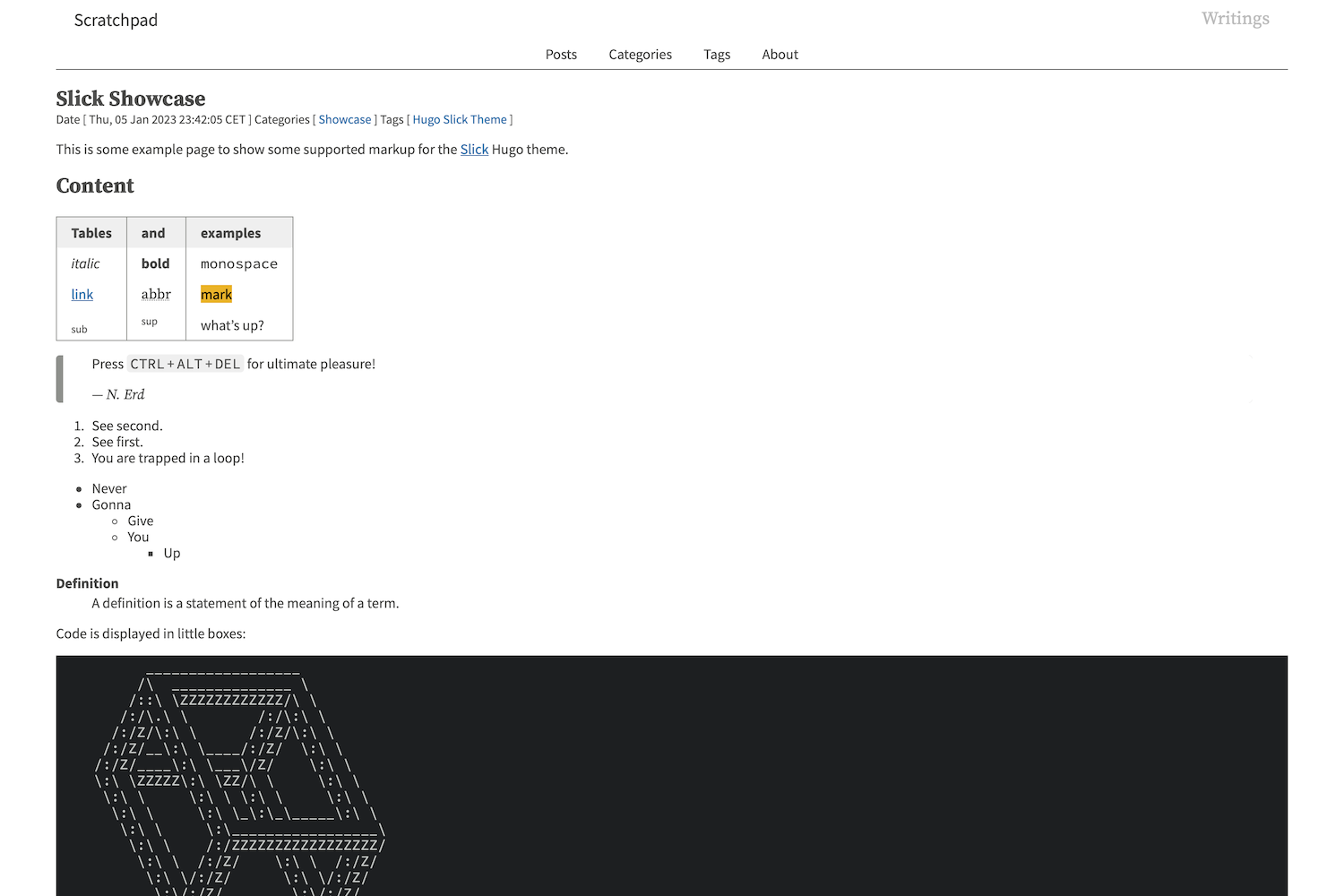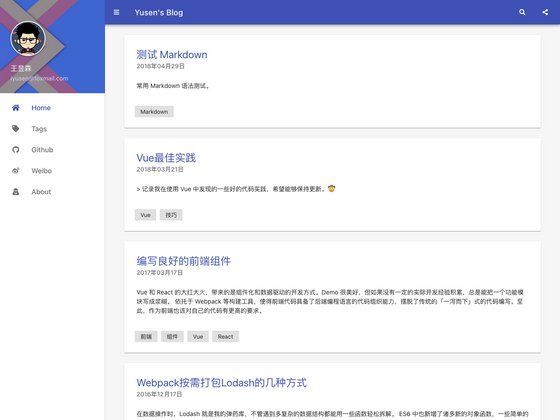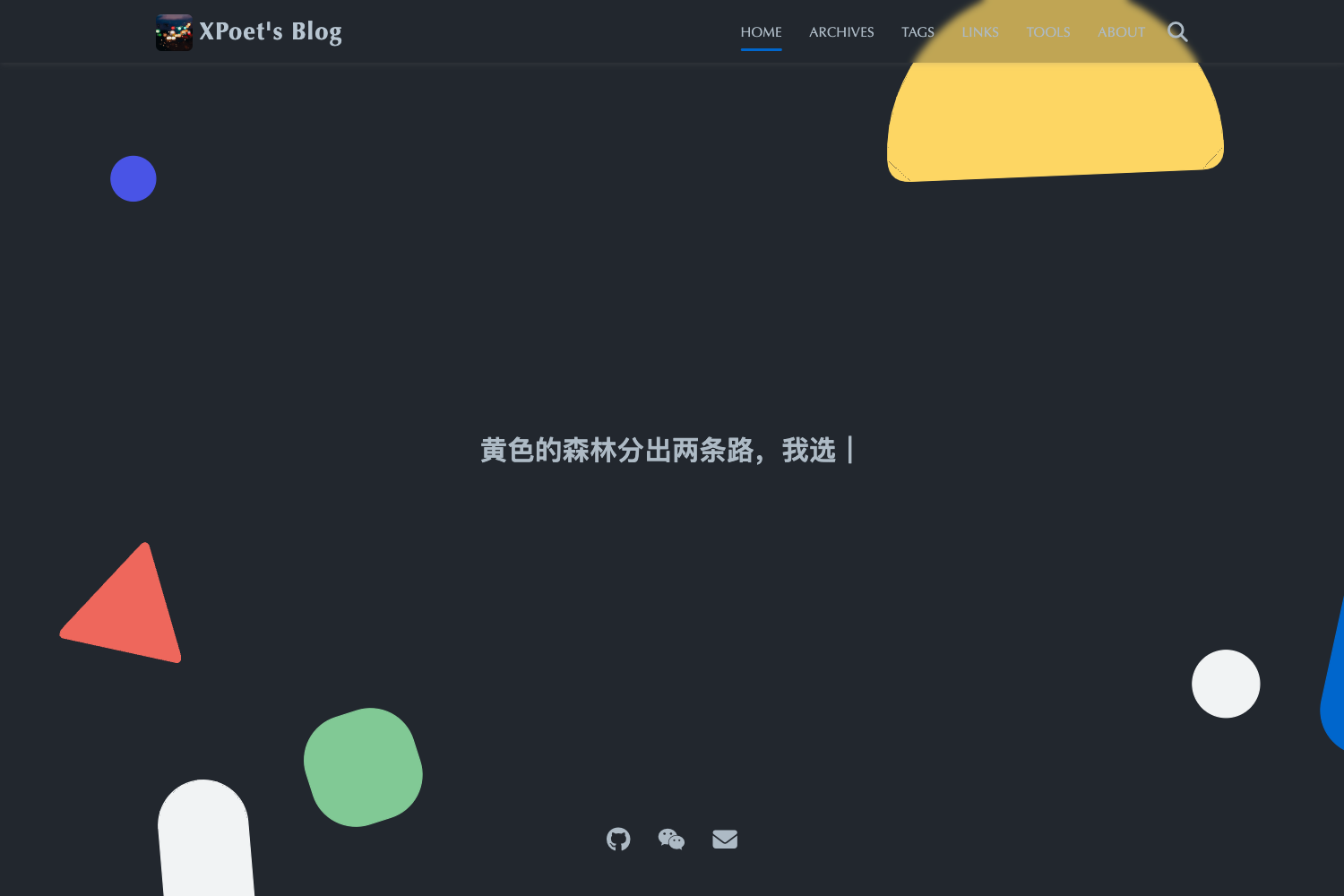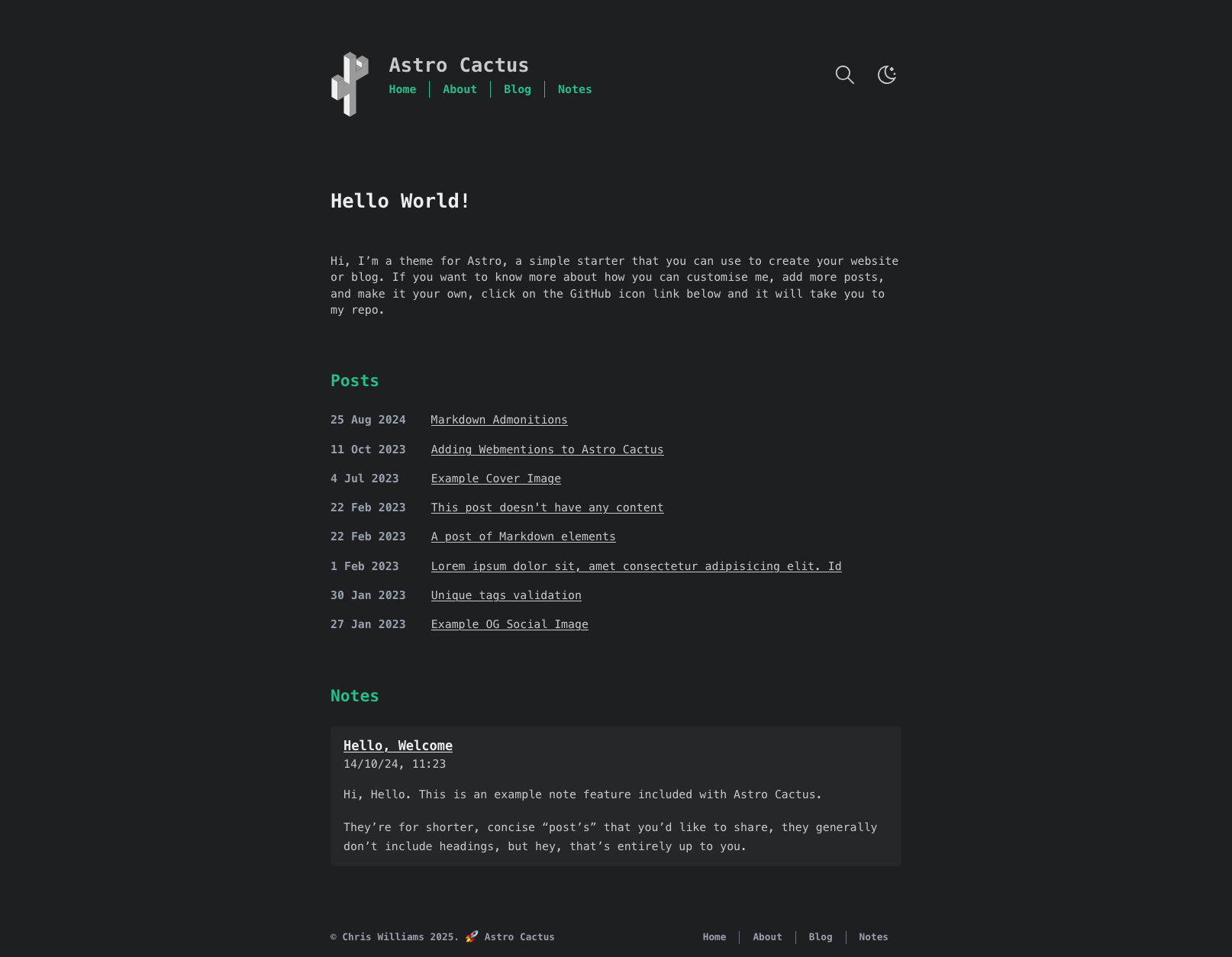
Template details
Astro Starter Blog
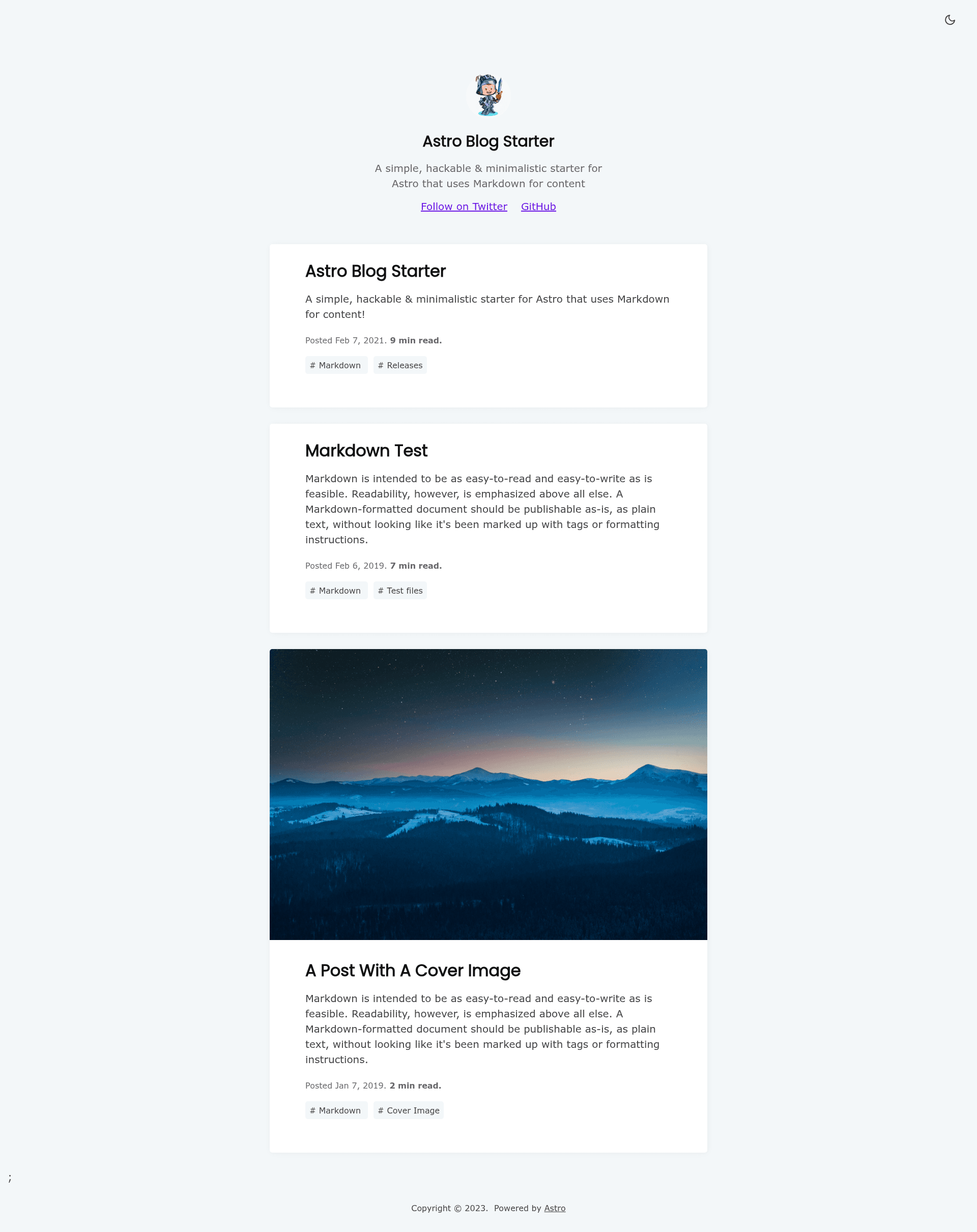
A simple, hackable & minimalistic starter for Astro that uses Markdown for content, with tags, dark/light toggle, RSS, and SEO.
About this template
Astro Starter Blog is a minimal, hackable starter theme for the Astro static site framework that composes Markdown and MDX content into a blog. It was created by Emmanuel Raymond (GitHub: peoray) and is a port of the Gridsome Starter Blog by Tommy Vedvik. The template is licensed under the MIT License and is free to use.
What is Astro Starter Blog?
Astro Starter Blog is a blog starter template for Astro that uses Markdown as its content format. It reads blog posts written as .md or .mdx files in src/pages/ and generates a static site with a route for each file. The template runs on Astro, a component-driven static site generator, and produces a fully static output in dist/ after running npm run build. The project is maintained on GitHub and has a live demo at https://astro-starter-blog.netlify.app.
Key Features
- Markdown & MDX support — Write posts in both Markdown and MDX; the template processes these files in the src/pages/ directory.
- Tags support — Add tags to posts and the template generates tag pages automatically.
- Dark / Light toggle — Visitors can switch between light and dark themes with a built-in toggle.
- Minimal styling — The design is intentionally minimal so you can restyle the blog without overriding a large UI framework.
- 100/100 Lighthouse performance — The template scores 100 on Lighthouse performance out of the box.
- SEO-friendly — Includes canonical URLs and OpenGraph data through the MetaTags component in src/components/MetaTags.astro.
- Optimized images — Uses Astro's astro:assets feature to process images for the site.
- RSS Feed support — Generates an RSS feed for blog posts.
- Sitemap support — Generates a sitemap for search engines.
- Blog drafts — Supports draft posts that can be hidden from production builds.
Who is it for?
- Personal bloggers who want a fast, clean, Markdown-driven blog without a database or CMS.
- Developers who value hackability and want to customize a starter; site-wide settings live in a single file, src/consts.ts.
- Gridsome users looking to migrate to Astro, since this theme is a direct port of the Gridsome Starter Blog.
- Static-site beginners who want a Lighthouse 100/100 baseline to build from.
What can you do with Astro Starter Blog?
- Publish a personal blog: write posts in Markdown or MDX, add tags, and get RSS, sitemap, and SEO meta automatically.
- Customize branding: edit site title, URL, description, author, Twitter and GitHub links in src/consts.ts.
- Restyle the design: change facets like the favicon by editing links in the head tags inside src/components/MetaTags.astro.
- Deploy to any static host: the build produces a static dist/ folder that can be hosted on Netlify, GitHub Pages, Vercel, or similar; the demo is hosted on Netlify.
How does Astro Starter Blog work?
The template is scaffolded with the command npm create astro@latest -- --template peoray/astro-starter-blog. After that, run npm install and npm run dev to start a local server at localhost:3000. Edit src/consts.ts to set site metadata, add Markdown or MDX posts, and run npm run build to output the production site to dist/.
Pricing
Astro Starter Blog is free and open source under the MIT License. There are no paid tiers or premium features.
FAQ
Is Astro Starter Blog free?
Yes, the template is free and open-source under the MIT License. You can use it for personal or commercial projects and modify it without restriction.
How do I change the site title?
Edit the src/consts.ts file and update the site title value. The template reads this file to fill the title shown in the browser tab and in metadata.
Does the template support tags?
Yes, tags are supported. You can add tags to your Markdown or MDX posts, and the template will generate tag pages automatically.
Can I use MDX instead of Markdown?
Yes, the template supports both Markdown and MDX content files. Place either format in the src/pages/ directory and Astro will route them as pages.
What commands does the template provide?
The package.json includes npm run dev for the local dev server, npm run build for production, npm run preview to preview the build, and astro CLI commands for additional tasks.