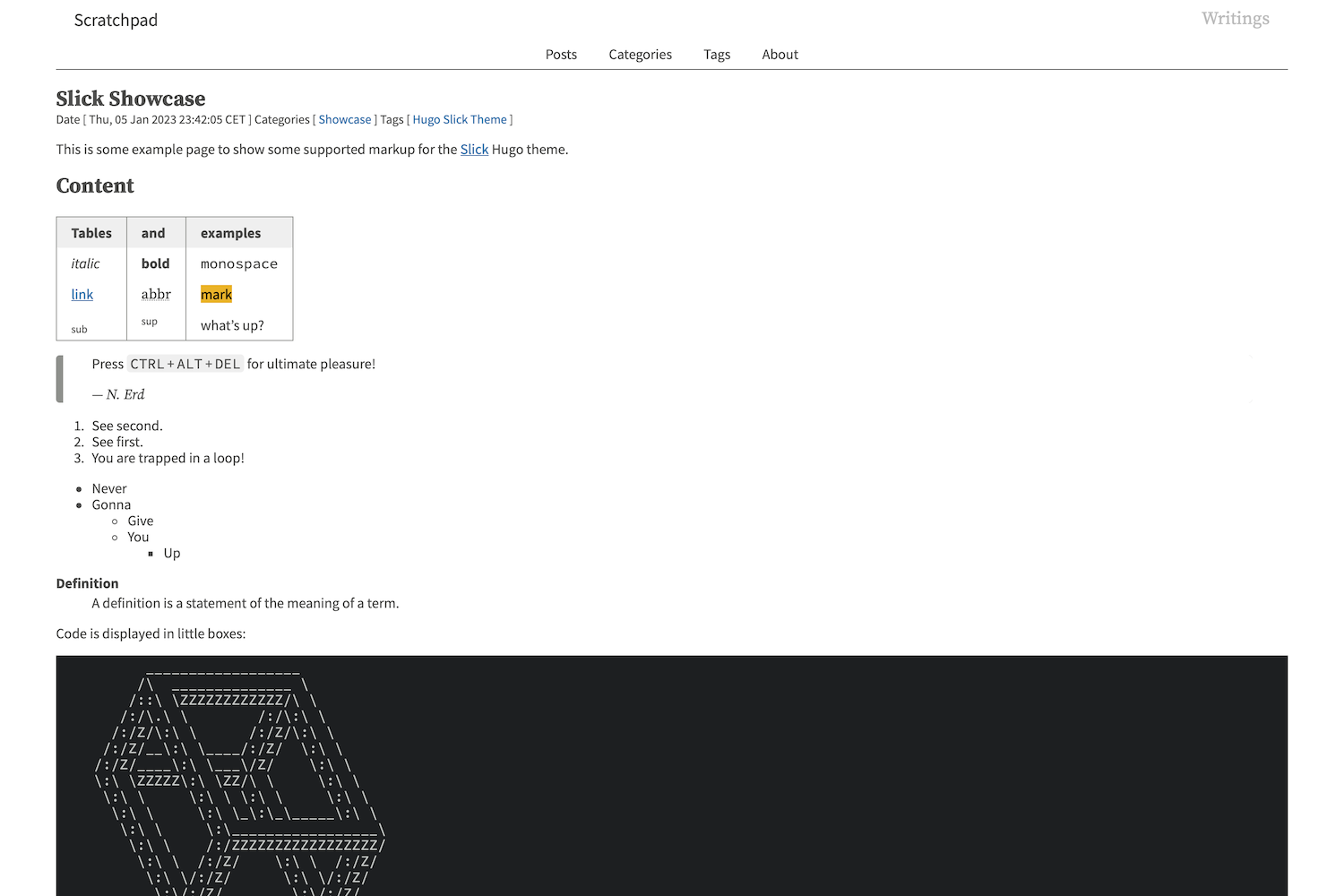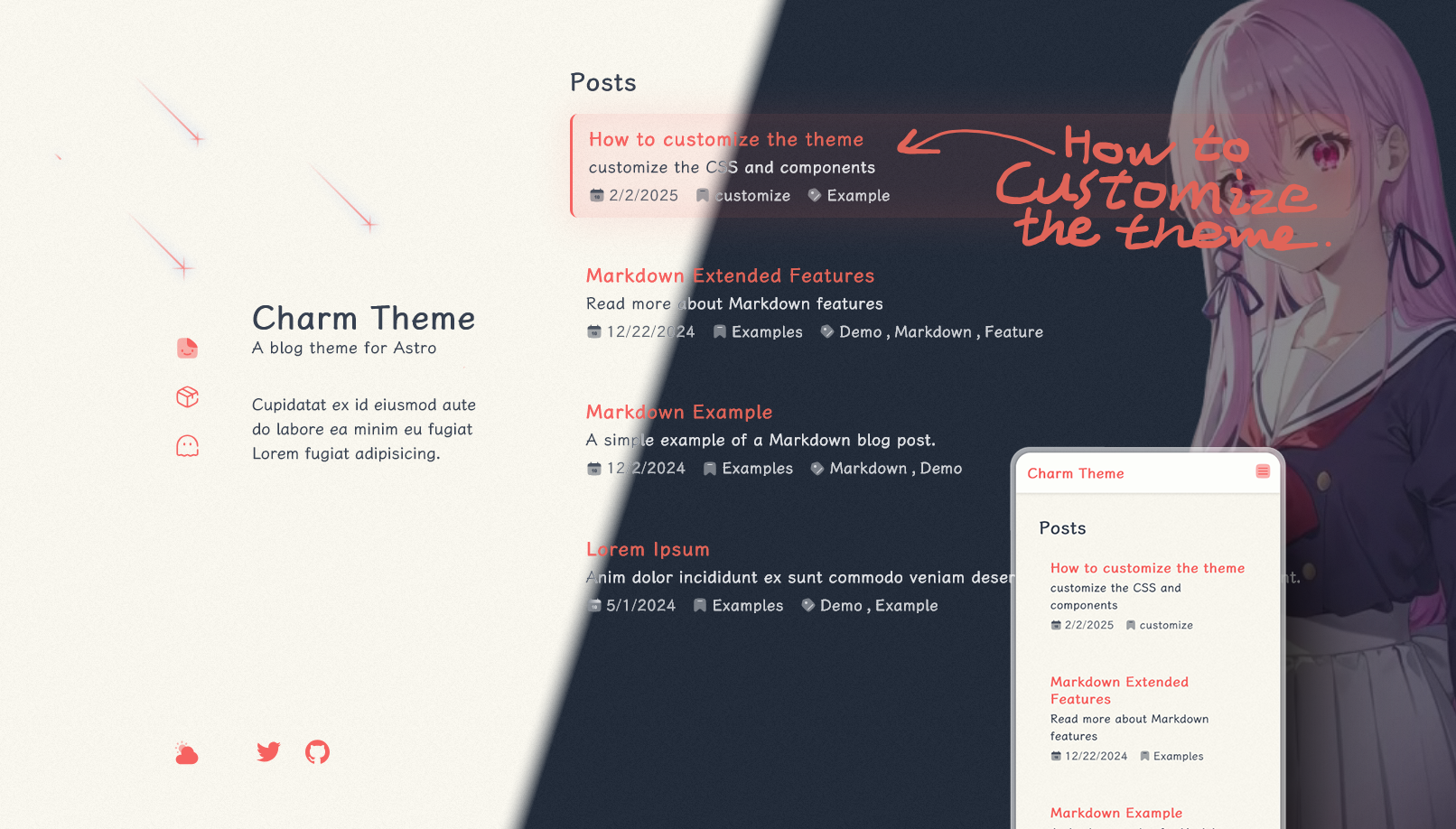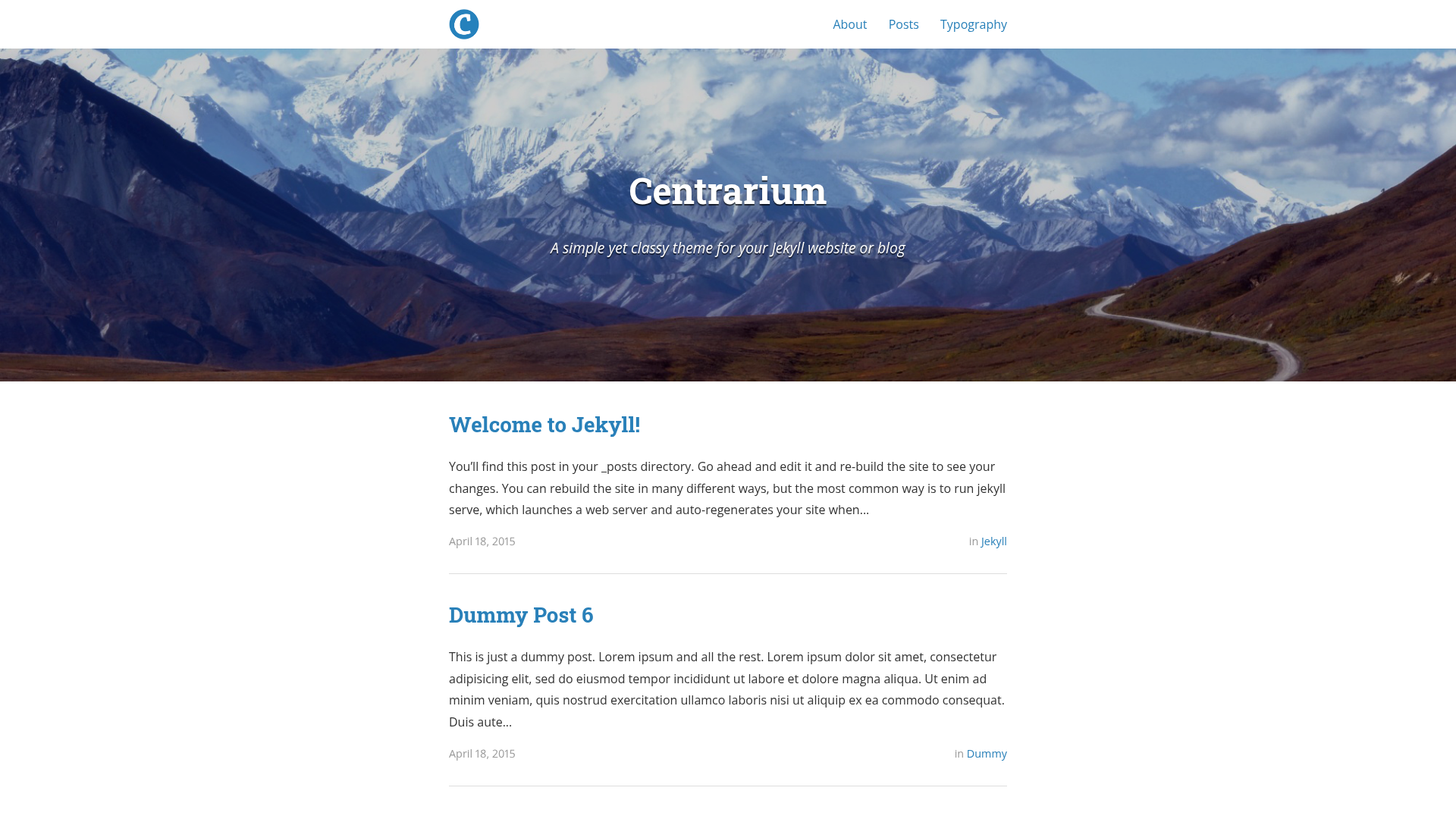
Template details
hexo-theme-keep
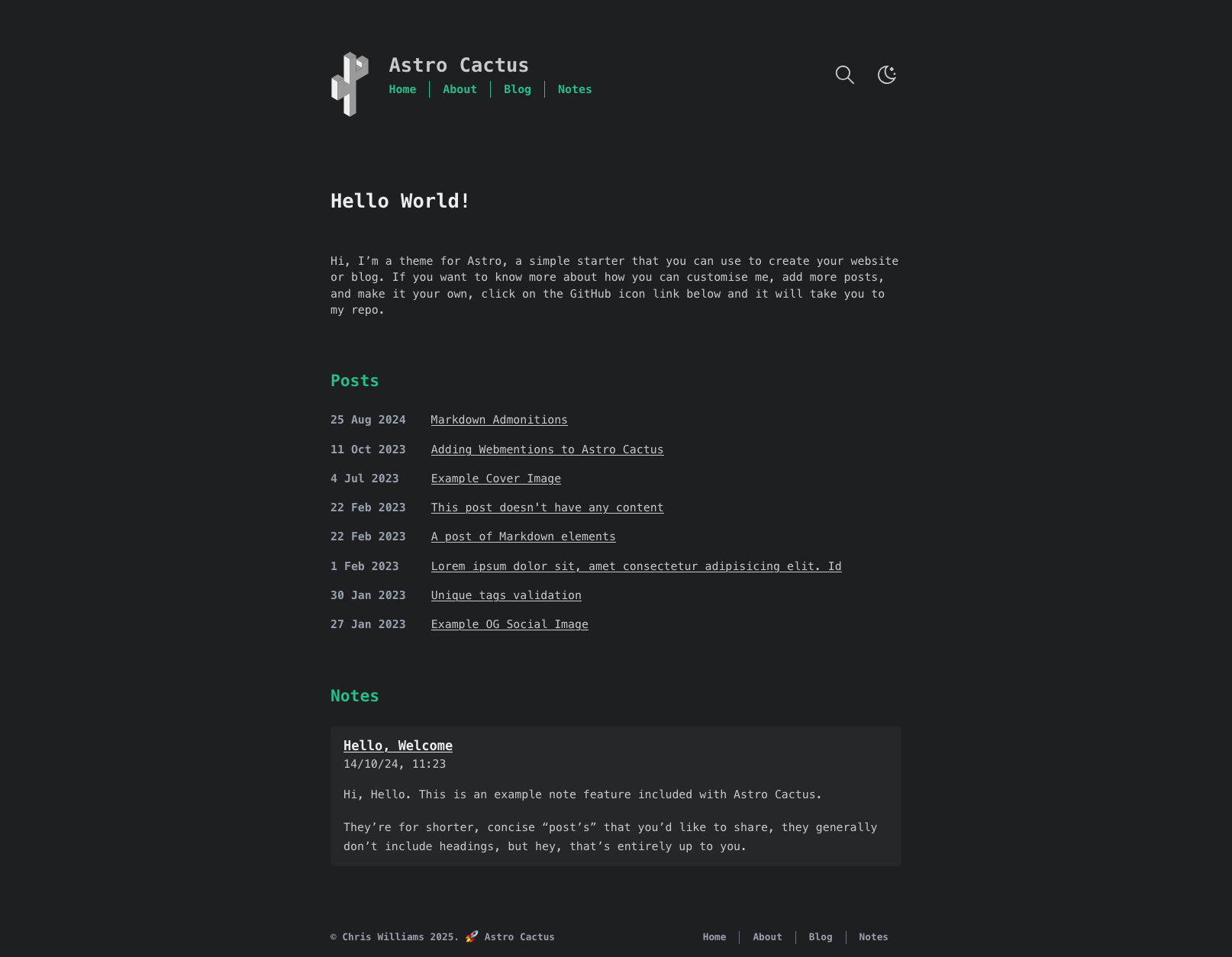
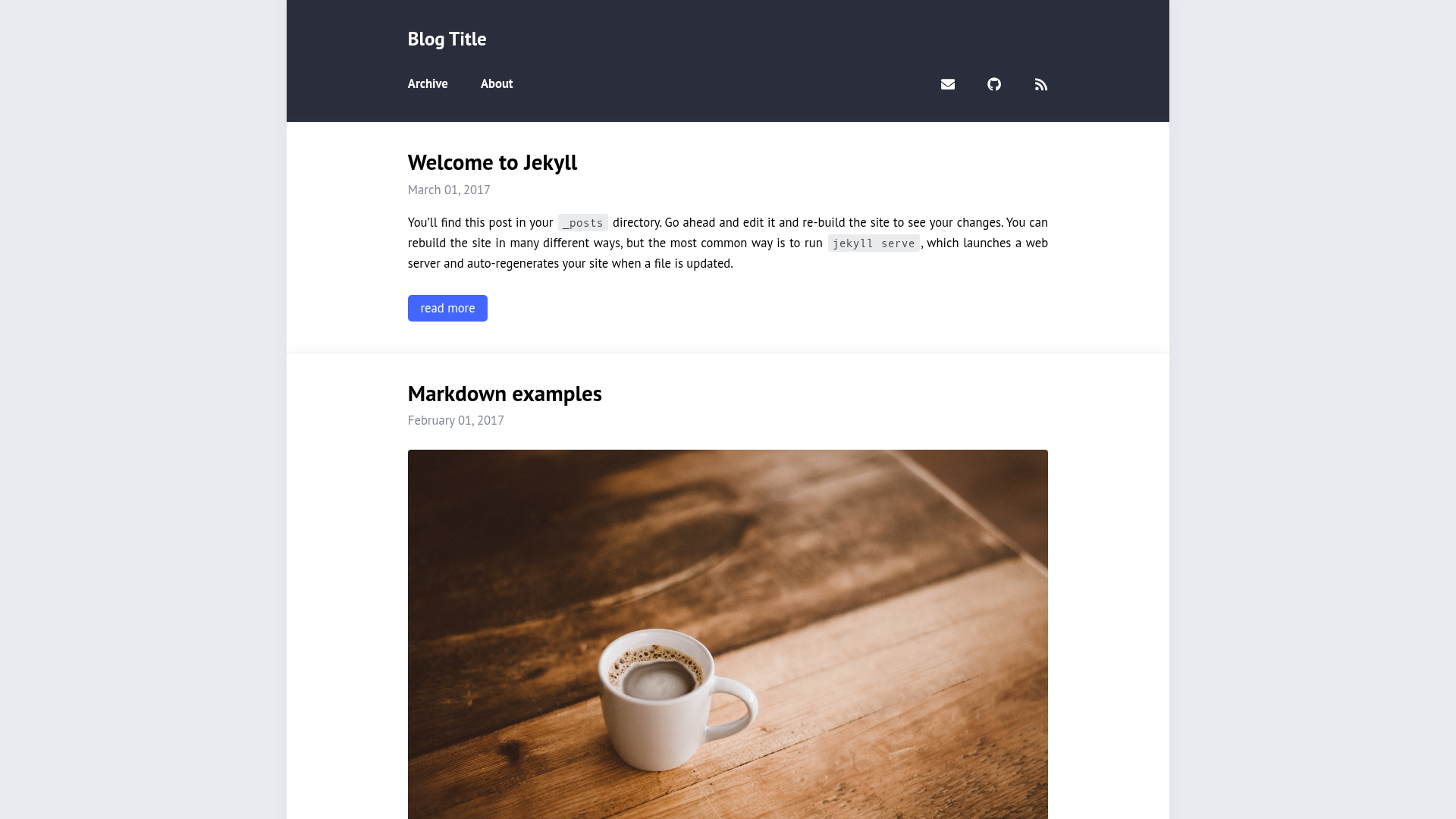
A simple and light theme for Hexo. It makes you more focused on writing.
About this template
hexo-theme-keep is a simple and light open-source theme for the Hexo static site generator, designed to make writers focus on content rather than layout customization.
What is hexo-theme-keep?
hexo-theme-keep is a theme that transforms a Hexo-powered website into a minimal blog. It accepts standard Hexo Markdown posts as input and renders a clean, fast-loading static site. The theme was created by XPoet and is distributed via NPM and GitHub, requiring Hexo 5.0 or later and Node.js 14.0.0 or higher.
Key Features
The theme's key strengths lie in its minimal design, simple installation, and strong documentation.
- Simple and light design — The theme reduces visual clutter so that writing, not layout, stays the center of attention; its slogan is "It makes you more focused on writing."
- NPM installation — Install with
npm install hexo-theme-keepdirectly into an existing Hexo project, or clone the repository into thethemes/keepdirectory. - Easy updates — Update to the latest release with
npm install hexo-theme-keep@latestor pull the master branch withgit pullinside the theme folder. - Multilingual documentation — The README is available in English, Simplified Chinese, and Traditional Chinese, and the official docs at keep-docs.xpoet.cn include a configuration guide and advanced usage pages.
- Compatibility — Officially supports Hexo version 5.0.0 and above, with a Node.js requirement of 14.0.0 or later.
- Live previews — See the theme in action at XPoet's Blog (xpoet.cn) and the Keep Demo (keep.xpoet.cn); users can submit a PR to add their own site to the preview list.
- Open-source development — The project is hosted on GitHub with a contributors page, a contributing guide, and an AGPL-3.0 license.
Who is it for?
hexo-theme-keep is best suited for Hexo users who want a straightforward, writing-focused blog without heavy customization.
- Hexo bloggers — Set up and maintain a personal blog without wrestling with complex theme options, since Keep's default layout is intentionally sparse.
- Technical writers — Publish Markdown-based tutorials or documentation using Hexo's familiar file structure and get a lightweight, fast site as output.
- Minimalist web enthusiasts — Use the theme's clean base and open-source code to create a custom blog by adding only the components they need.
What can you do with hexo-theme-keep?
With this theme you can quickly launch a personal blog, share project updates, or publish documentation with minimal configuration.
- Personal blogging: Install the theme, write posts in Markdown, and generate a static blog that loads quickly and is easy to host on any static server.
- Project changelog or updates: Use the simple layout to publish release notes or feature updates for an open-source project, as seen on the author's own blog.
- Multilingual sites: Leverage Hexo's i18n abilities with a theme that has documentation and configuration guides in three languages.
How does hexo-theme-keep work?
The theme is activated by setting theme: keep in Hexo's config file and works with the standard Hexo build pipeline.
Install the theme via NPM or git clone, then set the theme variable to keep in your Hexo _config.yml. Hexo then uses Keep's templates and styles to render your posts and pages into a static site. The theme can be updated through the same package manager used for installation.
Pros and cons
The main trade-off is that simplicity comes with a caution about direct file edits.
- Free and open source — Available under AGPL-3.0 with no cost or feature limits.
- Active community — Contributions are welcome and tracked through a contributors page.
- Customization caution — Directly editing theme files is discouraged because updates can overwrite changes or create merge conflicts; the official docs recommend configuring through theme options instead.
Pricing
hexo-theme-keep is free and open source, released under the AGPL-3.0 license. There are no paid tiers or premium features.
Alternatives
A comparable Hexo theme is NexT, which offers multiple layout schemes.
FAQ
Is hexo-theme-keep free?
Yes, hexo-theme-keep is free and open source under the AGPL-3.0 license. You can use it for personal and commercial projects without paying a fee.
How do I install hexo-theme-keep?
For Hexo 5.0 or later, run npm install hexo-theme-keep in your project directory. Alternatively, you can clone the repository into themes/keep and then set theme: keep in your Hexo configuration file.
How do I update hexo-theme-keep?
Use npm install hexo-theme-keep@latest to update through NPM, or run git pull in the theme directory if you installed via git clone. It is recommended to avoid direct file modifications to prevent conflicts during updates.
Does hexo-theme-keep support multiple languages?
The theme's documentation is provided in English, Simplified Chinese, and Traditional Chinese. The advanced usage documentation covers setting the language, and the theme works with Hexo's multi-language posting capabilities.
Can I customize hexo-theme-keep?
Yes, but the official guidance recommends not modifying theme files directly because updates may discard changes or cause merge conflicts. Instead, you can configure the theme through its settings or contribute improvements via pull requests.