Template details
Centrarium
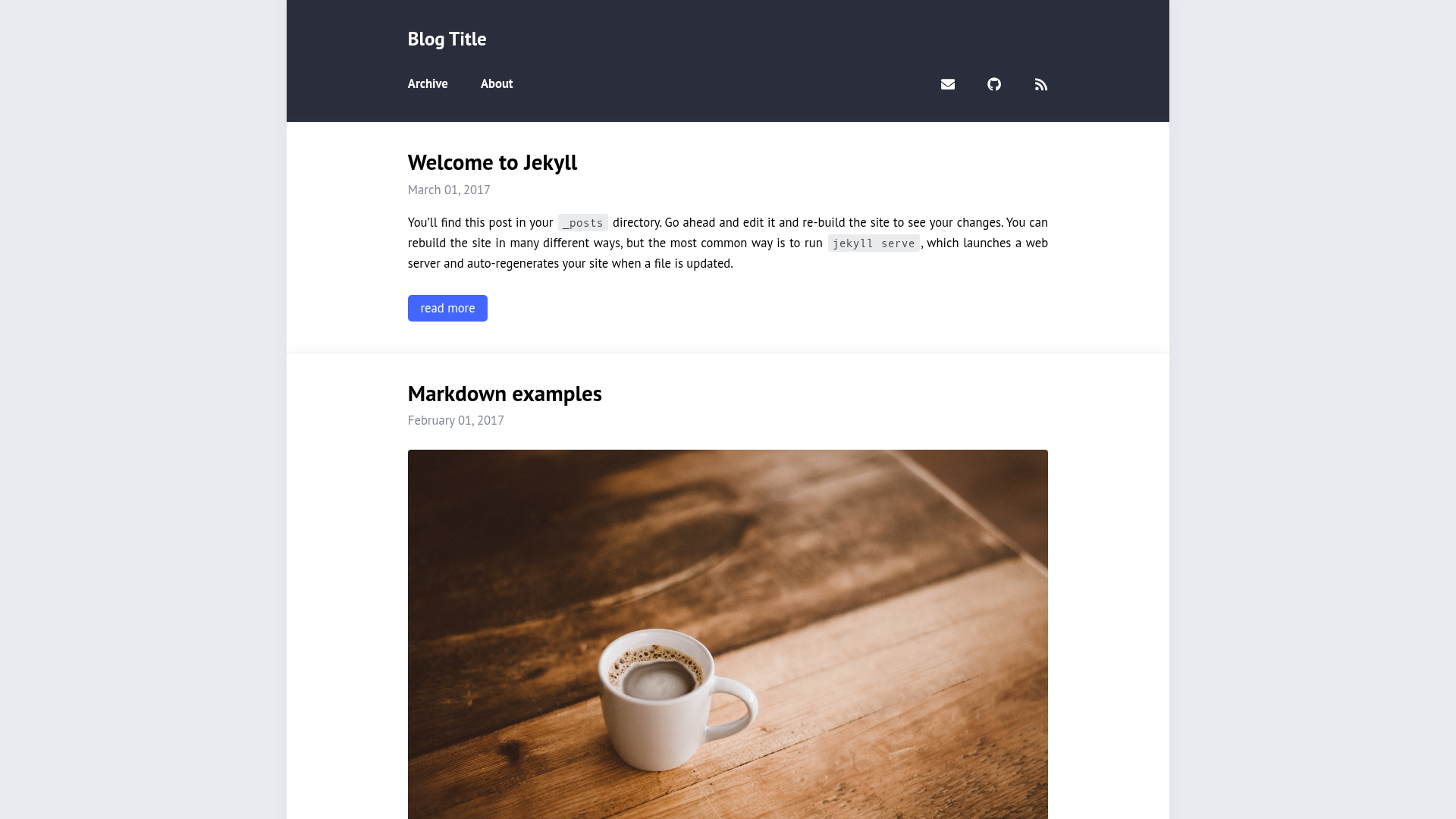
A simple yet classy theme for your Jekyll website or blog.
About this template
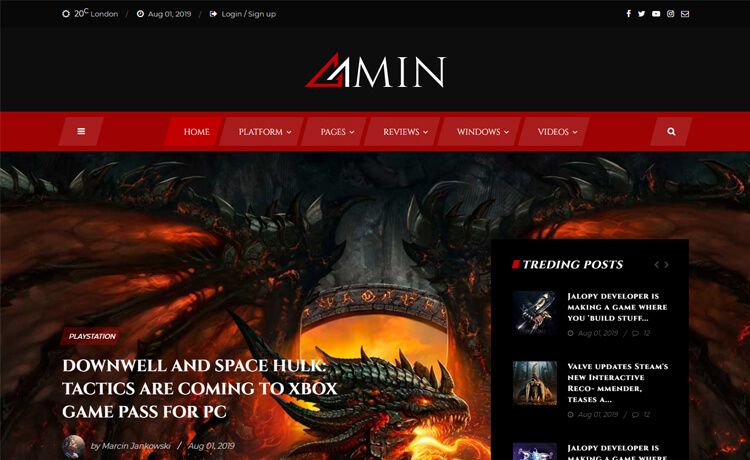
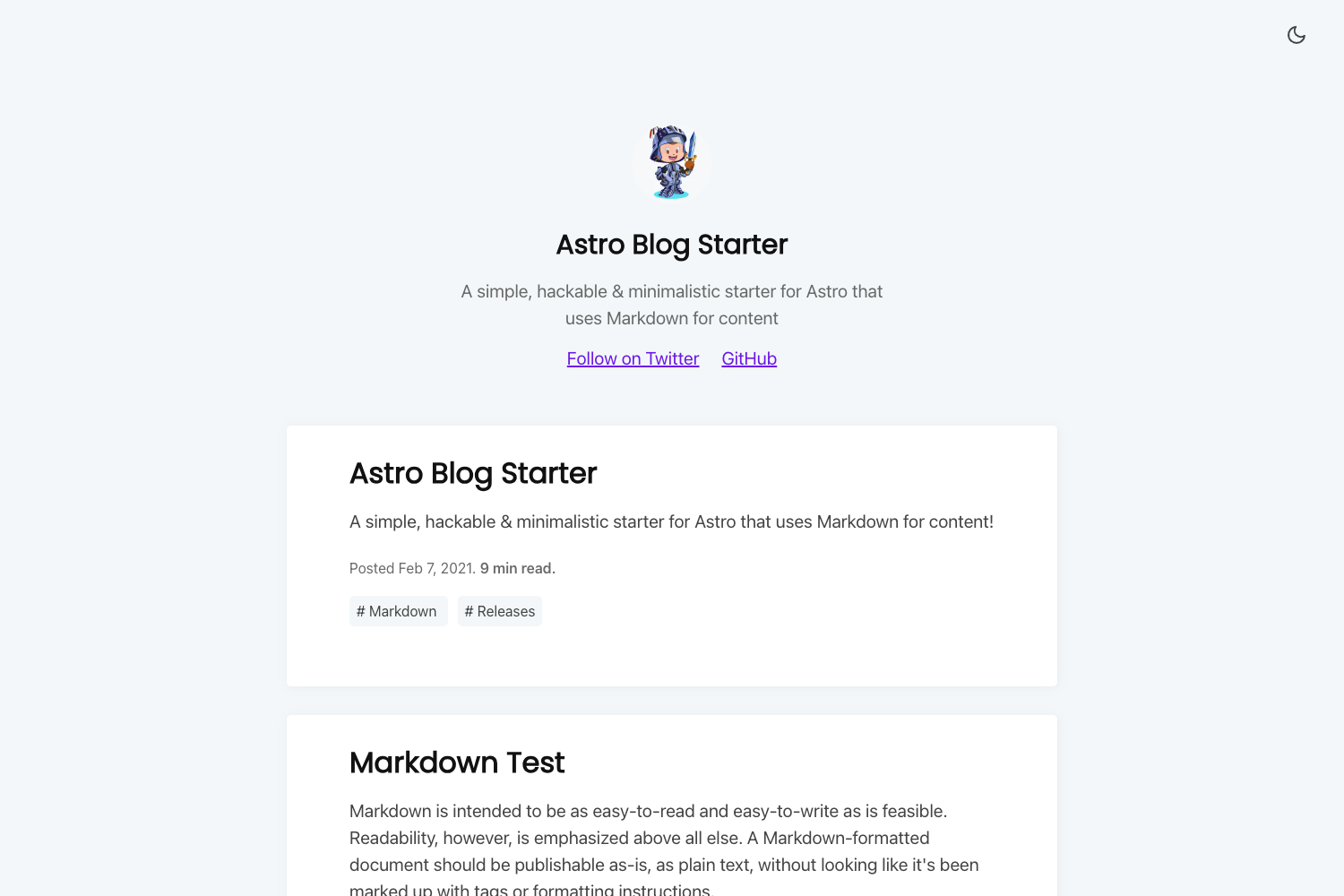
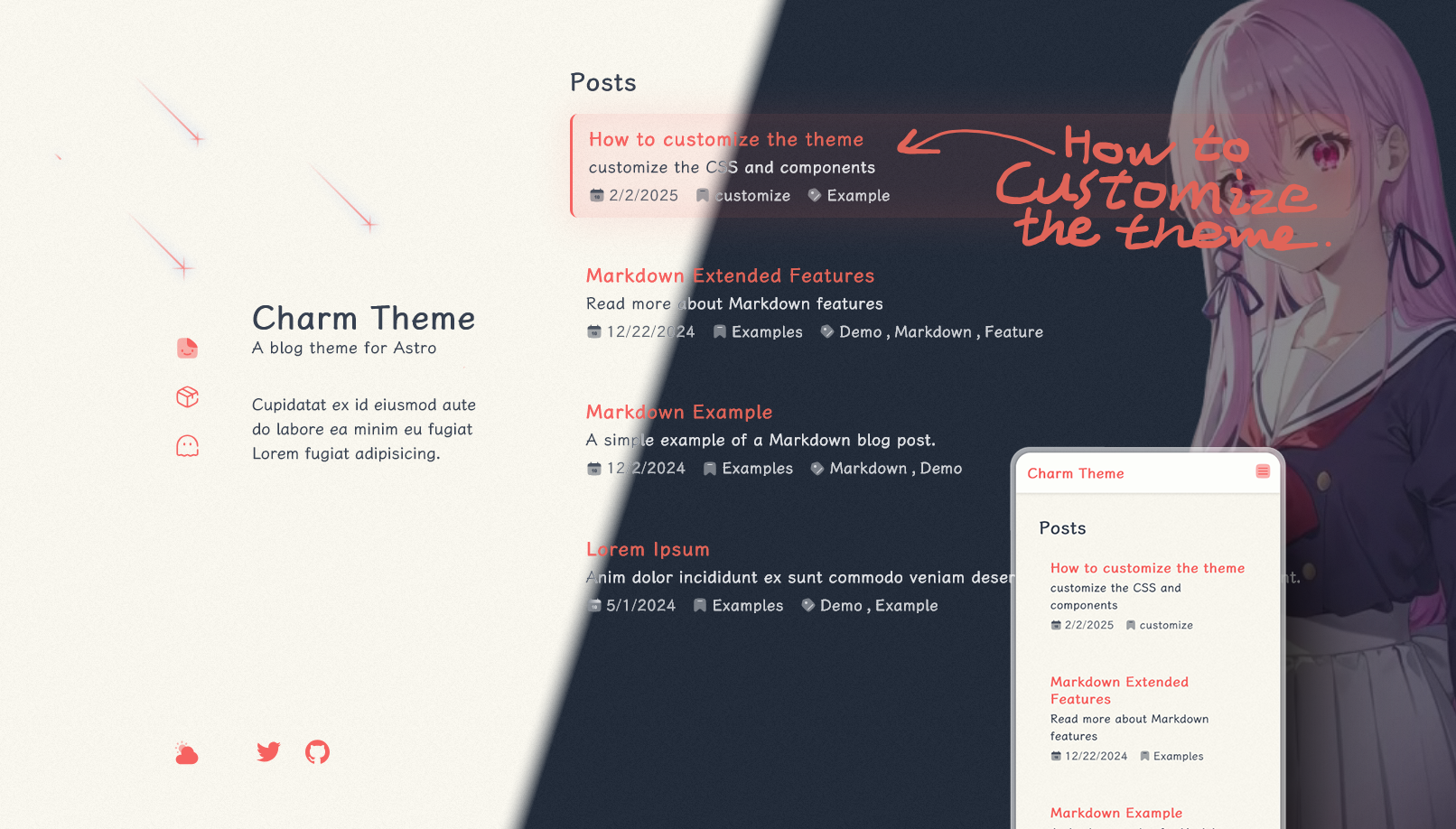
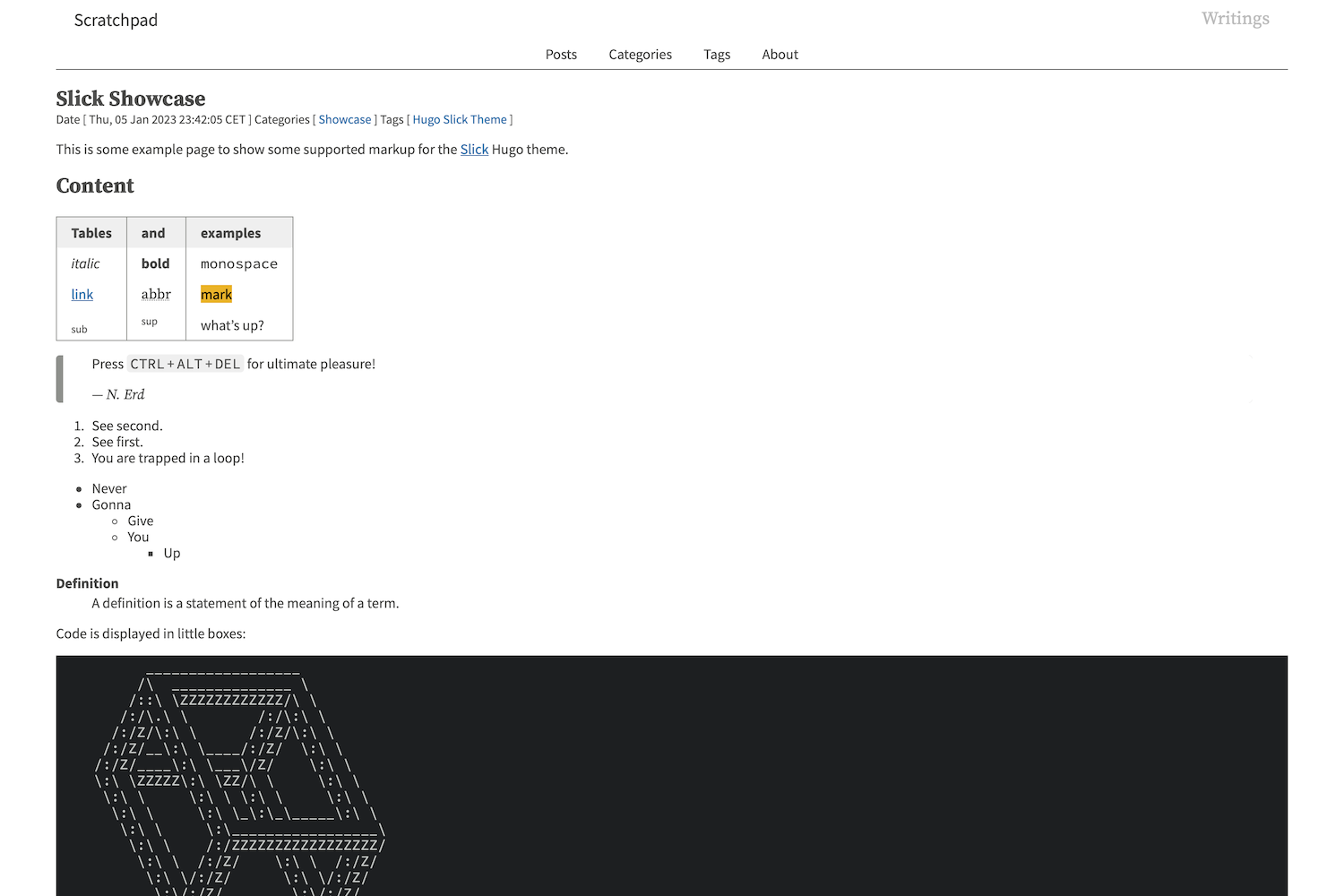
Centrarium is a Jekyll theme for building classy personal websites and blogs, offering customizable fonts and colors, cover images, and built-in Disqus comments.
What is Centrarium?
Centrarium is an open-source Jekyll theme created by Ben Centra. It consumes standard Jekyll content — posts placed in a posts/ directory, pages with front matter, and a _config.yml configuration file — and generates a static site with paginated blog posts, category/tag archives, and social sharing. The theme depends on Bourbon, Neat, Bitters, and Refills for its Sass architecture, uses Font Awesome for icons, HighlightJS for syntax highlighting, and Lightbox2 for full-screen photo viewing. It runs on any Jekyll installation, works with GitHub Pages when archive plugins are disabled, and is pre-configured for Stackbit deployment to Netlify.
Key Features
- Customizable typography and colors — Edit
$base-font-family,$heading-font-family,$base-font-size,$base-font-color,$action-color, and$highlight-colorin_sass/base/_variables.scssto rebrand the theme. - Cover images — Set a site-wide cover via the
coverkey in_config.ymlor per-post covers in front matter; the footer and page headers fall back to$highlight-colorwhen no image is set. - Pagination — Enabled by default with the jekyll-paginate-v2 generator; an
inter_post_navigationtoggle adds next/previous post links. - Category and tag archives — The jekyll-archives plugin generates archive pages at
/category/:name/and/tag/:name/, and a combined archive atposts.htmlsupports optional category descriptions. - Code syntax highlighting — HighlightJS highlights code blocks, with a configurable theme such as
monokai_sublimespecified viahighlightjs_themein_config.yml. - Disqus comments — Set
disqus_shortnamein_config.ymlto enable comments on posts; add adisqus_disabledflag in a post's front matter to turn them off for that post. - Google Analytics — Add your tracking ID via
ga_tracking_idin_config.yml; pageview tracking is injected into the footer of each page. - Social media integration — Configure social links with Font Awesome icons in the
socialsection of_config.yml, and enable per-post share buttons by settingshare: truefor a network.
Who is it for?
- Personal bloggers — Publish posts with cover images, pagination, and Disqus comments by dropping Markdown files into the
posts/directory. - Developers — Use Centrarium as a starter for a Jekyll site, tweaking the Sass variables and adding page-specific JavaScript through the
custom_jsfront-matter list. - Photographers — Display photo albums with Lightbox2 full-screen viewing and cover images on the homepage and posts.
- Content creators — Control how posts appear when shared by configuring Open Graph Protocol and Twitter Card metadata in
_config.yml.
What can you do with Centrarium?
- Launch a blog quickly — Write Markdown posts with syntax highlighting, automatic pagination, and Disqus comment threads.
- Organize posts by topic — Generate category and tag archive pages, and customize the combined archive with descriptions for each category.
- Track visitor behavior — Connect Google Analytics and use the custom page name tracking feature to see how specific pages perform.
- Deploy with a headless CMS — Use the included Stackbit integration to connect Forestry, NetlifyCMS, DatoCMS, or Contentful and deploy to Netlify.
How does Centrarium work?
Centrarium works like a standard Jekyll theme. You copy the _includes, _layouts, and _sass directories into your Jekyll project, replace index.html and add posts.html, then merge the _config.yml settings. After running bundle install to fetch jekyll, jekyll-archives, jekyll-sitemap, and jekyll-paginate, you build the site and Jekyll outputs the static HTML files.
Alternatives
- Mediator — A Jekyll theme by Dirk Fabisch that inspired Centrarium's design.
- Type Theme — A minimal Jekyll theme by Rohan Chandra, also cited as an inspiration for Centrarium.
FAQ
Can I use Centrarium with GitHub Pages?
Yes, Centrarium works with GitHub Pages, but the jekyll-archives plugin is not included in GitHub Pages' supported plugins. To use archive pages, build the site locally and push the compiled output, or disable the archive feature by removing the jekyll-archives section and gem from _config.yml.
How do I change the fonts and colors?
Edit the Sass variables in _sass/base/_variables.scss. The key variables are $base-font-family, $heading-font-family, $base-font-size, $base-font-color, $action-color, and $highlight-color. If you load a custom font, you must @import it before using it in these variables.
How do I enable Disqus comments?
Set disqus_shortname to your Disqus username in _config.yml. To disable comments on a specific post, add disqus_disabled to that post's front matter.
How do I add social sharing buttons?
In the social section of _config.yml, add an entry for each network with the service name, Font Awesome icon, username, URL, description, and set share: true to include that network in the share buttons on posts.
Is Centrarium free?
Yes, Centrarium is open source and released under the MIT license. You can use it for personal or commercial projects.