Template details
Astro Starter Kit: Blog
Official Astro blog starter with Markdown/MDX support, SEO, RSS, sitemap, and minimal styling for 100/100 Lighthouse scores.
About this template
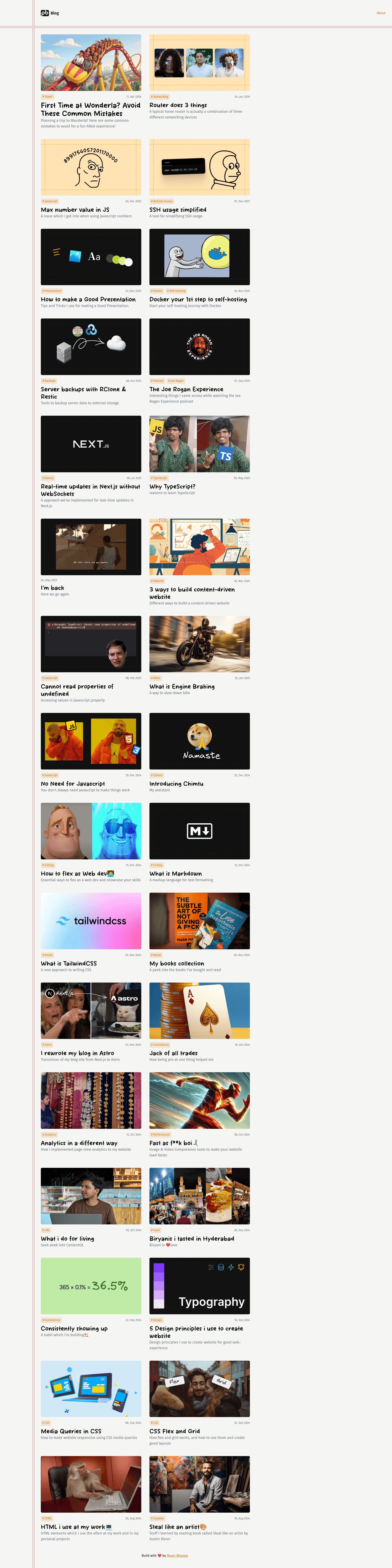
The Astro Starter Kit: Blog is the official blog starter template for the Astro framework, giving you a minimal, SEO-ready static blog that publishes Markdown and MDX posts through Astro's content collections.
What is the Astro Starter Kit: Blog?
The Astro Starter Kit: Blog is a scaffolding template maintained in the withastro/astro repository on GitHub that produces a complete blog site with the Astro framework. It takes Markdown and MDX files written in the src/content/blog/ directory as input and outputs a static site with RSS, sitemap, and OpenGraph metadata. The template is installed with the npm create astro@latest -- --template blog command and includes TypeScript configuration, an astro.config.mjs file, and folders for pages, layouts, components, and public assets.
What makes the Astro Starter Kit: Blog stand out?
- 100/100 Lighthouse performance — the starter's default configuration scores a perfect 100 across Lighthouse performance audits without extra tuning.
- SEO-friendly output — canonical URLs and OpenGraph data are included so shared links render rich previews on social platforms.
- Sitemap support — a sitemap is generated automatically for search engine crawling.
- RSS Feed support — an RSS feed is built from published posts out of the box.
- Markdown & MDX support — posts are authored as Markdown or MDX in
src/content/blog/; MDX posts can embed interactive components. - Content collections with schemas — the
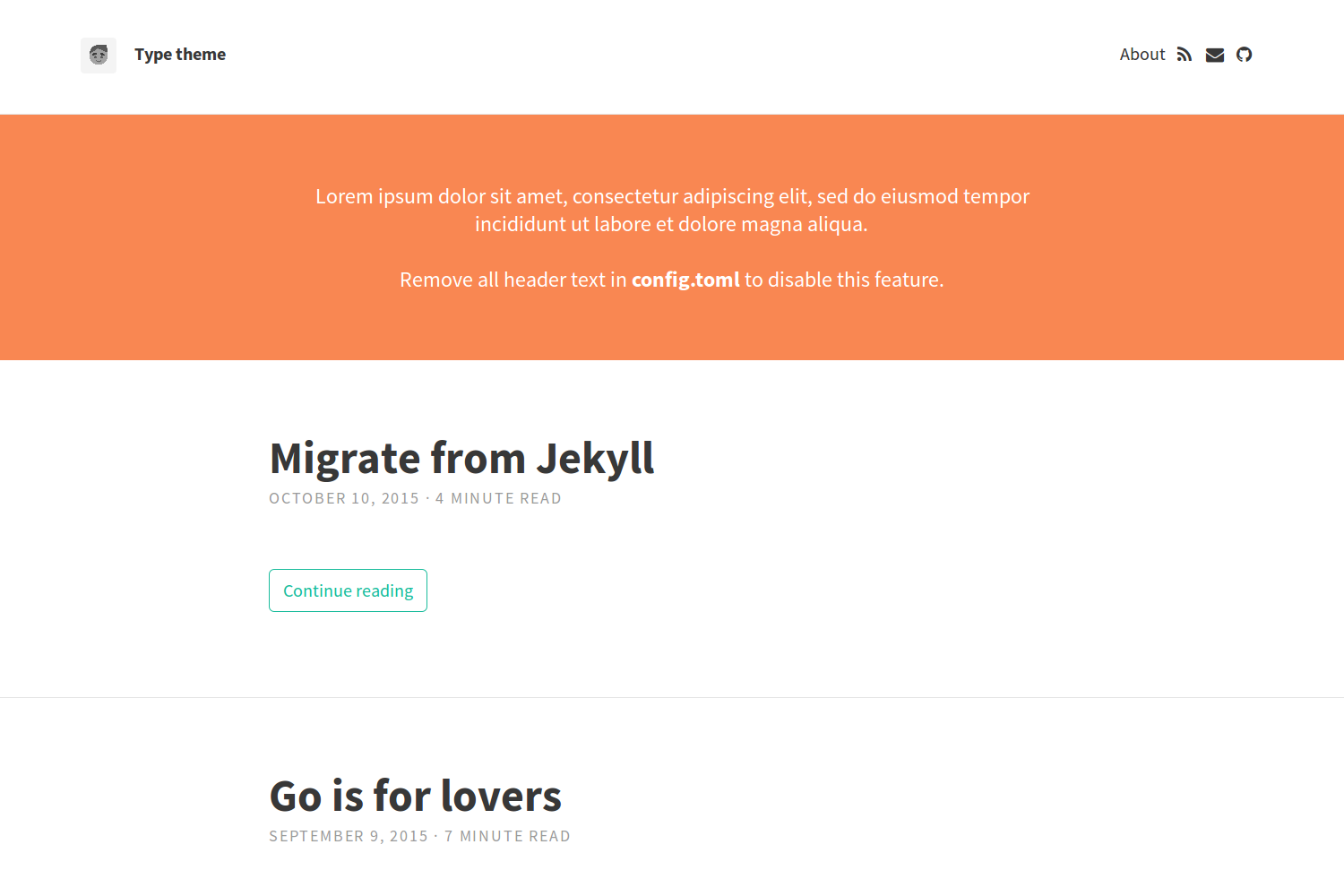
src/content/directory stores related Markdown and MDX documents;getCollection()retrieves posts and an optional frontmatter schema type-checks metadata. - Minimal, replaceable styling — the default look is deliberately bare and based on Bear Blog, so you are expected to write your own CSS rather than fight a prepackaged design system.
- Framework-agnostic components —
src/components/is the conventional place for Astro, React, Vue, Svelte, or Preact components, so the starter works with whichever UI framework you prefer.
The starter ships without a CSS framework or UI library, leaving styling and component choices to the user; configuration lives in astro.config.mjs, and TypeScript options sit in tsconfig.json.
Who is the Astro Starter Kit: Blog for?
- Developers starting a personal blog — scaffold a project in one command, then write posts as Markdown files without wiring up routing or feeds.
- Frontend developers learning Astro — the project is small enough to read end to end and shows how routes, layouts, content collections, and the build pipeline fit together.
- Technical writers publishing MDX — embed Astro or React components inside articles to build interactive, docs-style content.
- Bloggers migrating from other static site generators — use this starter as a reference for how Astro handles content, RSS, sitemaps, and preview builds.
What can you do with the Astro Starter Kit: Blog?
- Personal bloggers: publish Markdown posts in
src/content/blog/and get a static site with automatic RSS, sitemap, and SEO metadata. - Technical writers: write MDX posts that mix prose with interactive Astro or React components for documentation-style articles.
- Frontend learners: run
npm run devand inspect a working Astro project to see howsrc/pages/maps file names to routes and howsrc/content/powers typed content. - Self-hosted site owners: build the project into
./dist/and host the static output anywhere without a server runtime.
How does the Astro Starter Kit: Blog work?
The template follows a linear workflow. First, run npm create astro@latest -- --template blog to scaffold a project. Second, run npm run dev to start a local dev server at localhost:4321 and open the site in a browser. Third, add Markdown or MDX files to src/content/blog/, querying them with getCollection() where needed. Finally, run npm run build to output a static site to ./dist/, and npm run preview to check the production build locally before deploying.
Alternatives
- Bear Blog — the minimalist, hosted blogging platform whose design this theme is based on; it runs as a service rather than a static-site build.
FAQ
Is the Astro Starter Kit: Blog free?
Yes. The starter lives in the open-source withastro/astro GitHub repository and is installed through the free npm create astro CLI, so the template itself has no license fee or paid tier.
How do I add a new blog post?
Create a Markdown or MDX file inside src/content/blog/. Each file becomes a route based on its file name, and posts can be retrieved with getCollection(). An optional schema type-checks the frontmatter of each post.
Does the template support RSS and sitemaps?
Yes, both features ship out of the box. RSS Feed support and Sitemap support are listed in the starter's feature set, next to canonical URLs and OpenGraph data for SEO. You do not need to install separate plugins to get feeds or sitemaps.
What commands do I need to know?
npm run dev starts the local dev server at localhost:4321, npm run build compiles the production site into ./dist/, and npm run preview serves that build locally. The Astro CLI is available through npm run astro for commands like astro add and astro check.
What is this theme based on?
The default styling is based on Bear Blog by HermanMartinus. The Astro team built this official starter on top of that minimalist design, adding content collections, RSS, sitemap, and SEO handling.