Template details
Hexo Theme MiHoYo
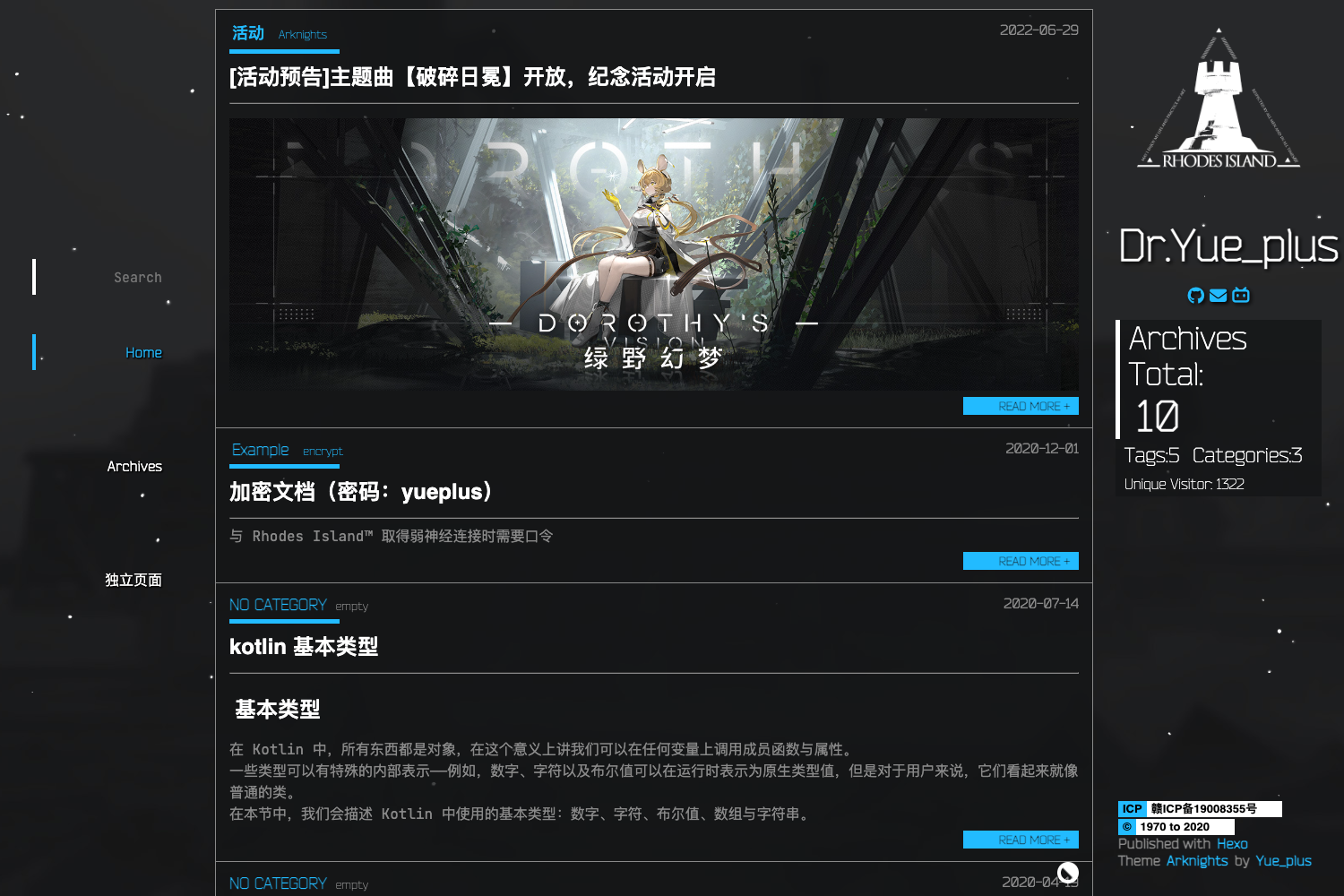
A MiHoYo-styled anime Hexo blog theme with Valine comment integration and a configurable navigation bar.
About this template
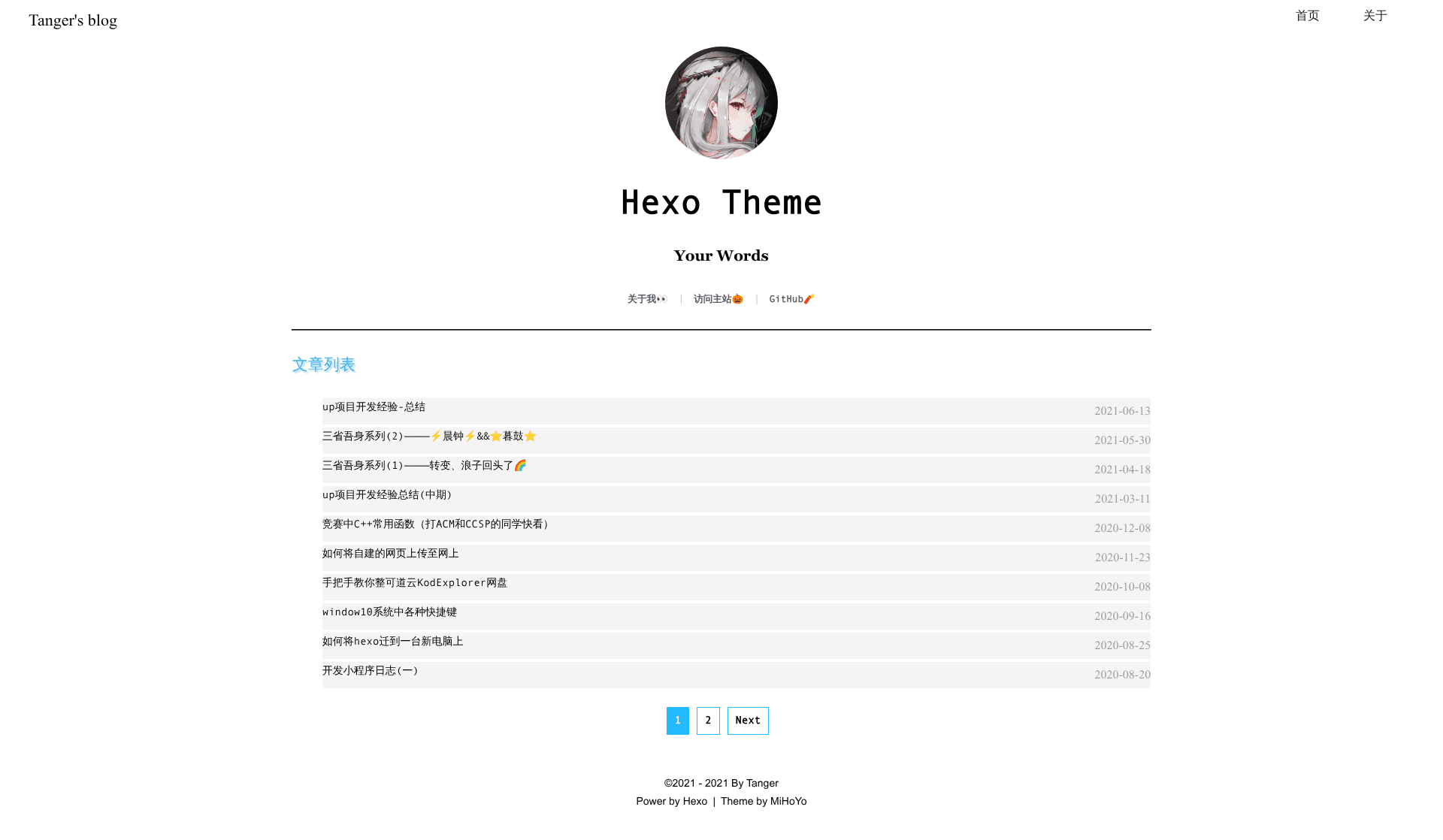
hexo-theme-MiHoYo is an open-source Hexo blog theme, in the Blog category, that restyles a personal Hexo site around the anime/二次元 look of MiHoYo's official web pages.
What is hexo-theme-MiHoYo?
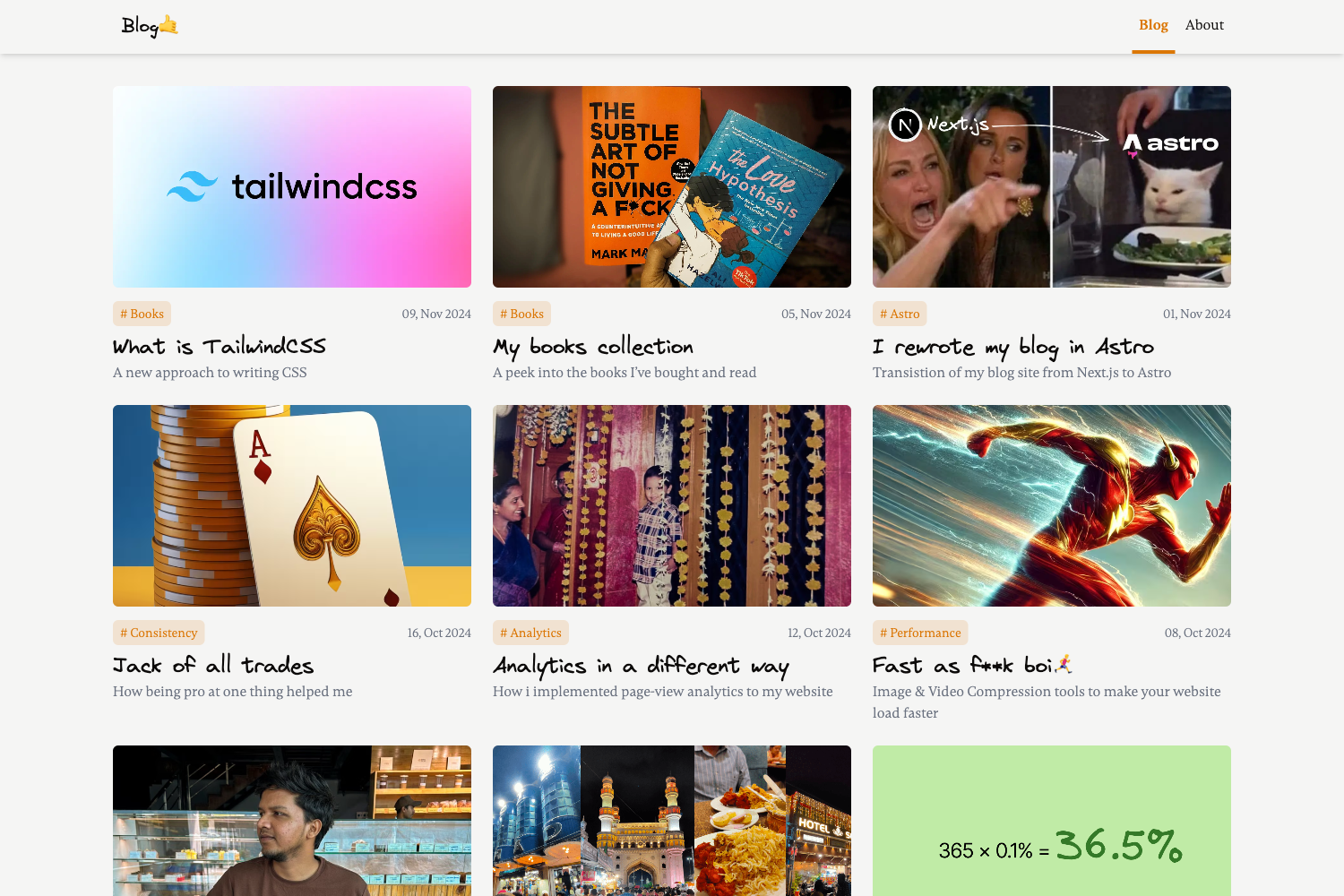
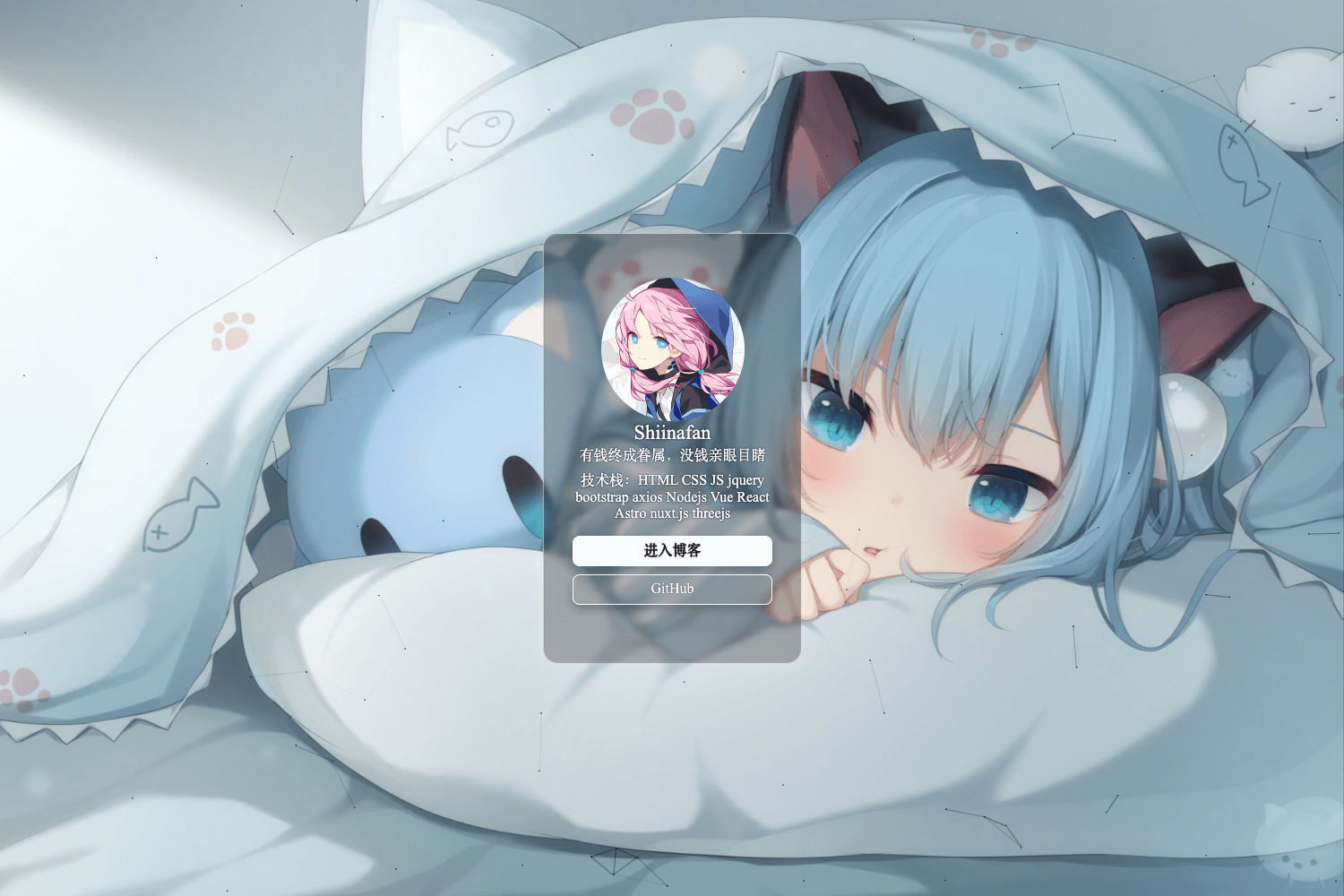
hexo-theme-MiHoYo is a Hexo theme developed by Tanger and Yue_plus that mimics the visual style of MiHoYo's official sites to give readers an anime-styled experience. It takes standard Hexo markdown posts with front-matter (title, date, tags, category) as input and renders them through EJS templates into blog pages with a top navigation bar, an info card, and MiHoYo-inspired aesthetics. The first release contains only three page types, and a live preview runs at mihoyo.tanger.ltd. The project currently has 47 stars on GitHub.
Key Features
The first release of hexo-theme-MiHoYo offers the following concrete features.
- MiHoYo anime styling — The theme targets the look of MiHoYo's official pages so that MiHoYo game fans feel a familiar, distinctly anime/二次元 atmosphere on a personal blog.
- Valine comment integration — Built-in Valine support: set the app_id and app_key values in the theme _config.yml to activate comments, and enable email notifications via Valine-Admin.
- Custom top navigation — The menu block in the theme config defines right-side navbar entries as name: link pairs, plus an author name and a left-side menuname link that points to the blog home page.
- Configurable info bar — Site description, comma-separated SEO keywords, blog avatar image URL, logo title, and a slogan can all be edited in the theme _config.yml.
- EJS template engine — Pages are built with EJS templates (the project links the EJS Chinese documentation for contributors), and Stylus is listed among the repository topics.
- Two-step switching — After cloning the repo into the themes folder, change theme: hexo-theme-MiHoYo in the root _config.yml, then run hexo g and hexo s to preview at localhost:4000.
- Planned roadmap — The author lists mobile adaptation, a background image, and improved info-card effects as the next features to build.
Who is it for?
hexo-theme-MiHoYo fits bloggers and developers who work with Hexo and like the anime look of MiHoYo's official pages.
- MiHoYo game fans — Bloggers who want their Hexo blog to carry the same anime/二次元 visual language as MiHoYo's official pages.
- Existing Hexo users — Anyone already running Hexo who wants a theme switch; migration is a git clone, one theme line in the root config, and a rebuild.
- Hexo theme developers — Developers who want a first-version EJS-based theme to study or extend, with the author inviting Issues and Pull Requests on GitHub.
What can you do with it?
With hexo-theme-MiHoYo you can publish a MiHoYo-styled personal blog and adapt it through the theme's config file and community channels.
- Anime-style personal blogs: Stand up a personal blog and set the theme to hexo-theme-MiHoYo to get a MiHoYo-styled layout with customizable home, about, and post pages.
- SEO-friendly site metadata: Set the description and keywords fields in the info bar section to control how search engines summarize the blog.
- Fan community sites: Use the theme for a MiHoYo fan project or community blog, and join the author's QQ group (808985048) to share code or feedback — the author also displays user blogs that leave a message in the GitHub issues.
How does it work?
Installation follows three steps documented on the project page: first, git clone the repository into the themes directory of the Hexo site; second, change the theme line in the root _config.yml to hexo-theme-MiHoYo; third, run hexo g to generate and hexo s to serve the site, then open localhost:4000 in a browser to preview.
FAQ
How do I install hexo-theme-MiHoYo?
Run git clone with either the SSH or HTTPS URL inside the themes folder of your Hexo site, set theme: hexo-theme-MiHoYo in the root _config.yml (not the theme config), then run hexo g followed by hexo s and open localhost:4000 to preview.
Does this theme support comments?
Yes. The theme integrates Valine. Edit the theme _config.yml and fill in the app_id and app_key fields under the valine option, following the Valine quick-start guide; email notifications can be added through the Valine-Admin project.
How do I customize the top navigation?
Edit the menu block in the theme _config.yml. Each line follows a name: link format, where the label appears in the top navigation bar and the value is the destination URL; the author field changes the displayed author name, and menuname controls the left-side home link.
Is the theme mobile-ready?
Not yet in the first release. The theme is presented with a PC-side preview and a mobile GIF preview, and adapting the layout for mobile devices is explicitly listed on the author's roadmap for the next version.