Template details
Astro + Starwind UI Blog Template
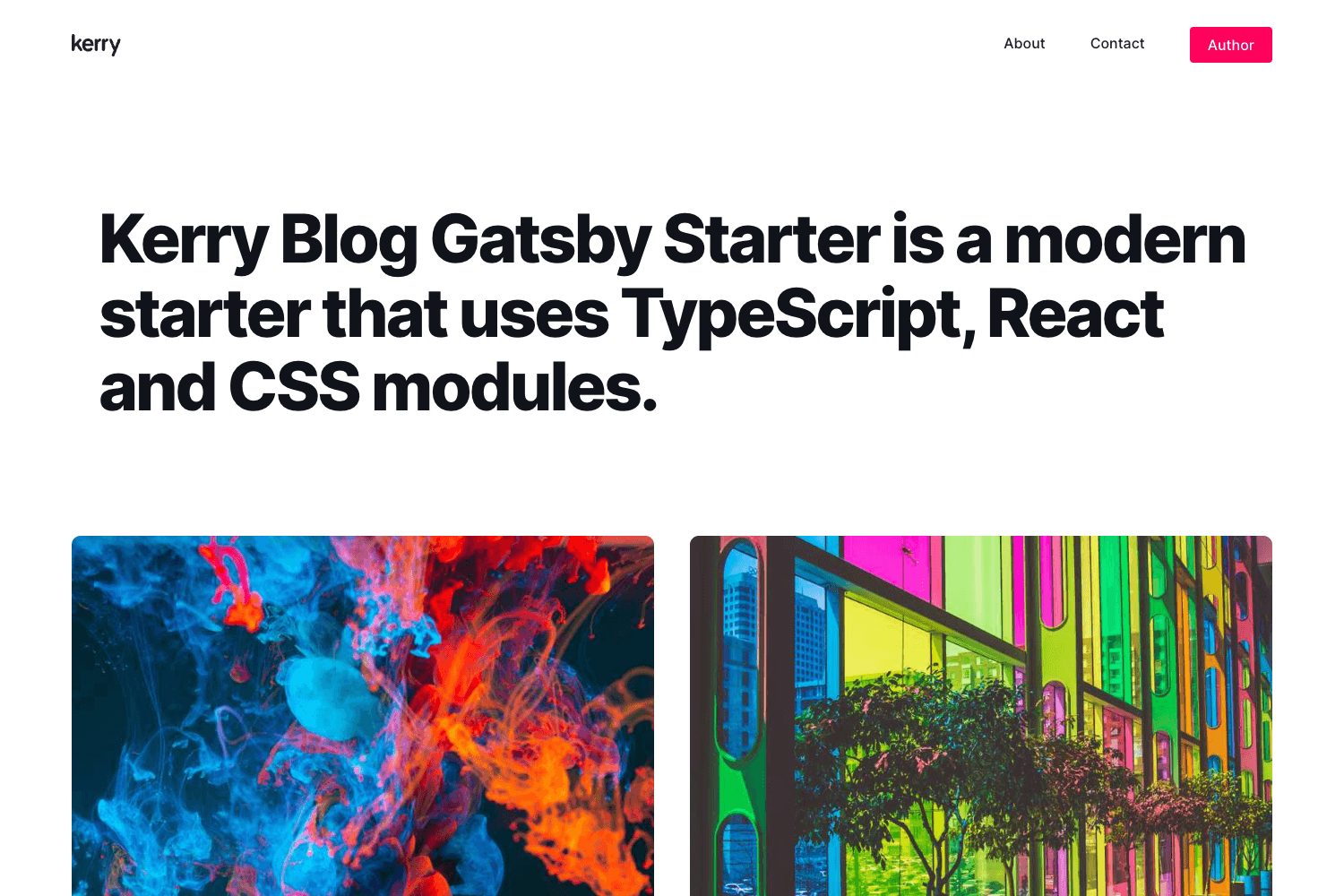
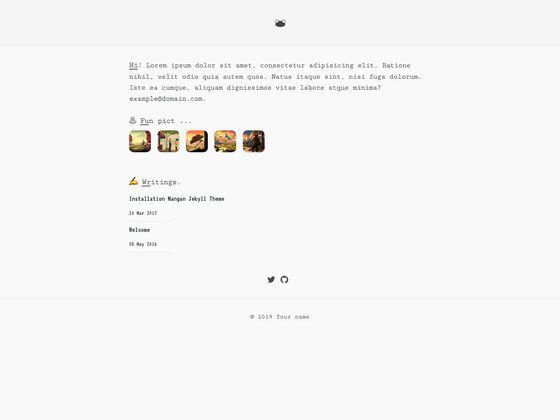
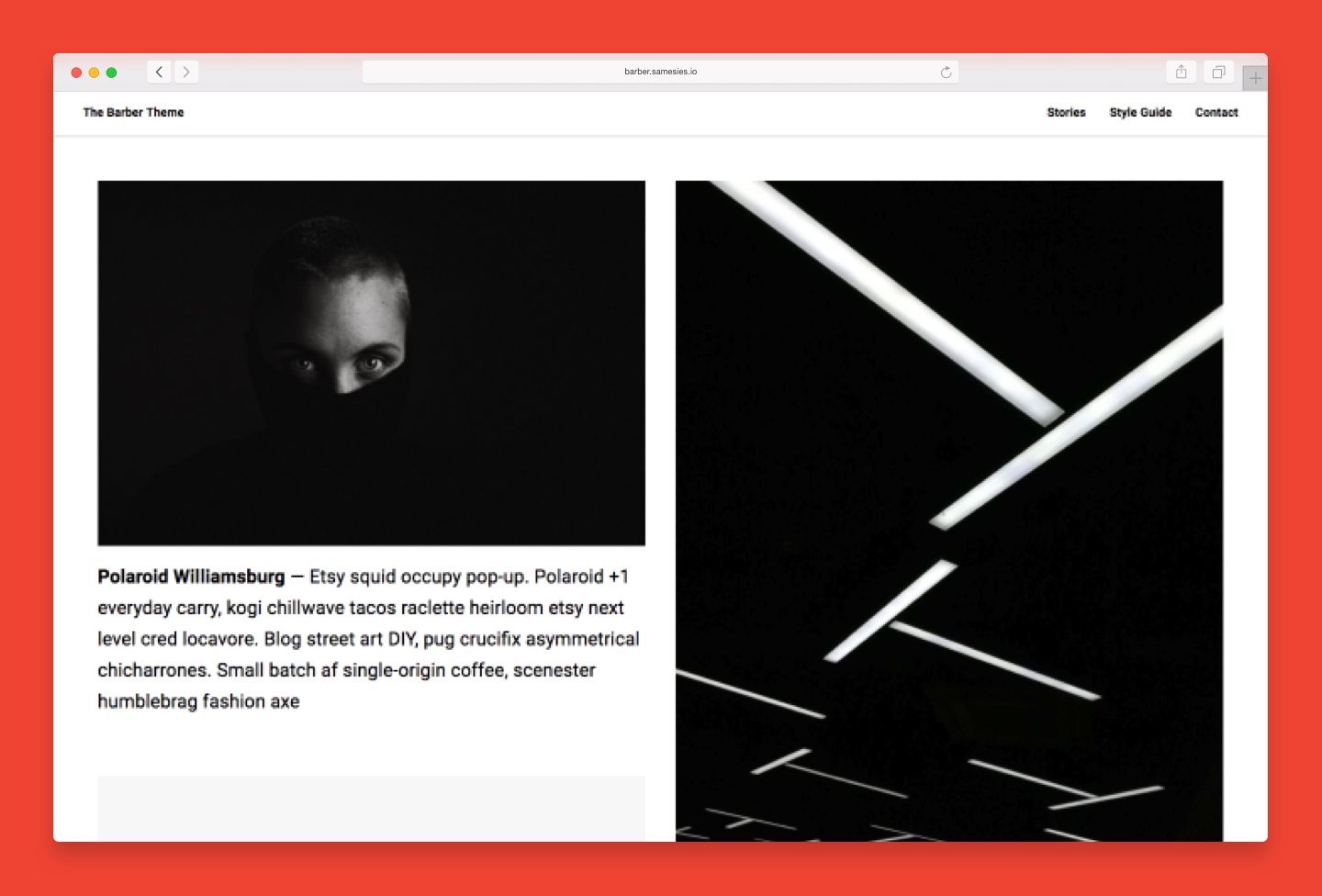
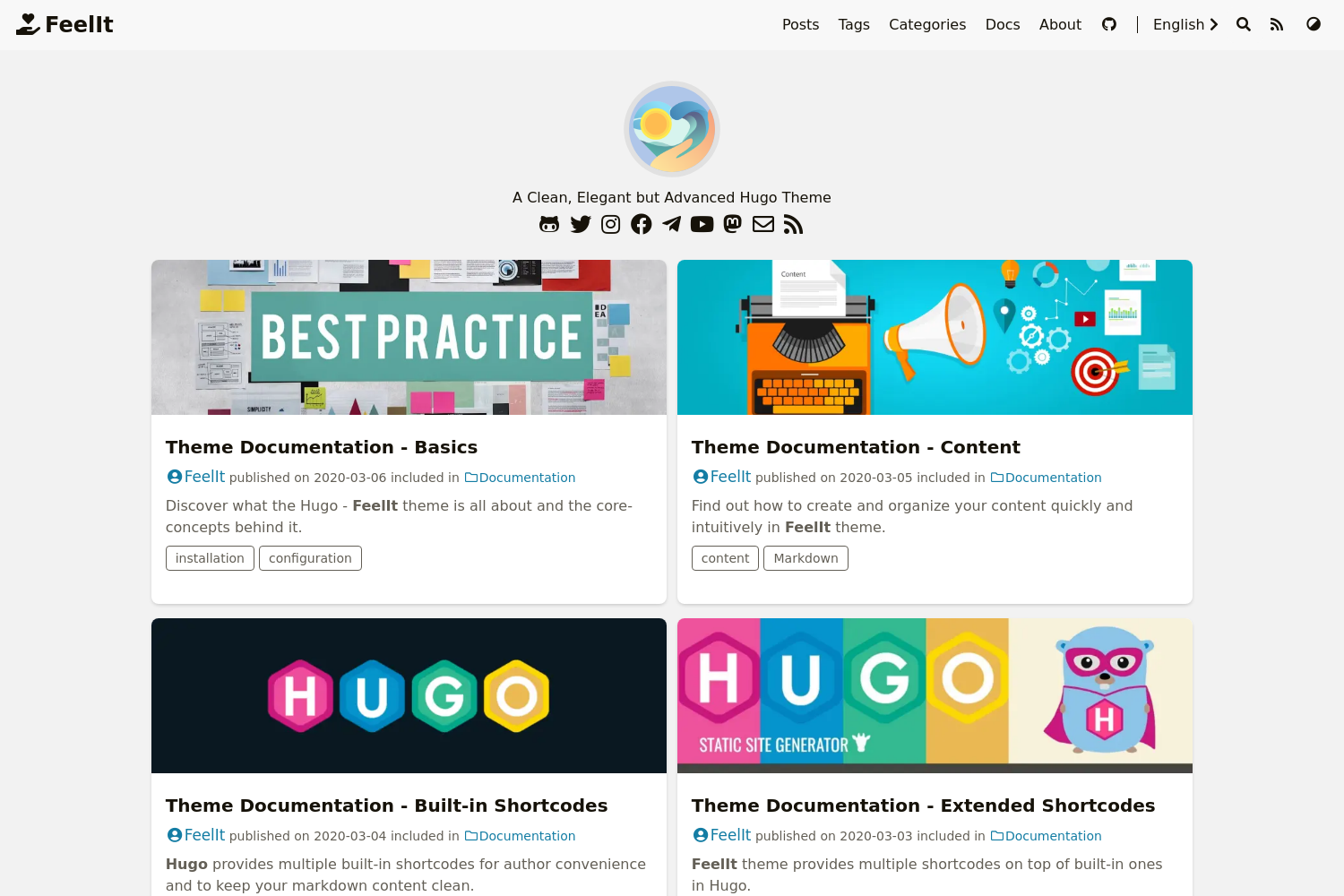
Free Astro blog with Tailwind CSS v4 and Starwind UI theming, Markdown/MDX content, SEO, and portfolio sections.
About this template
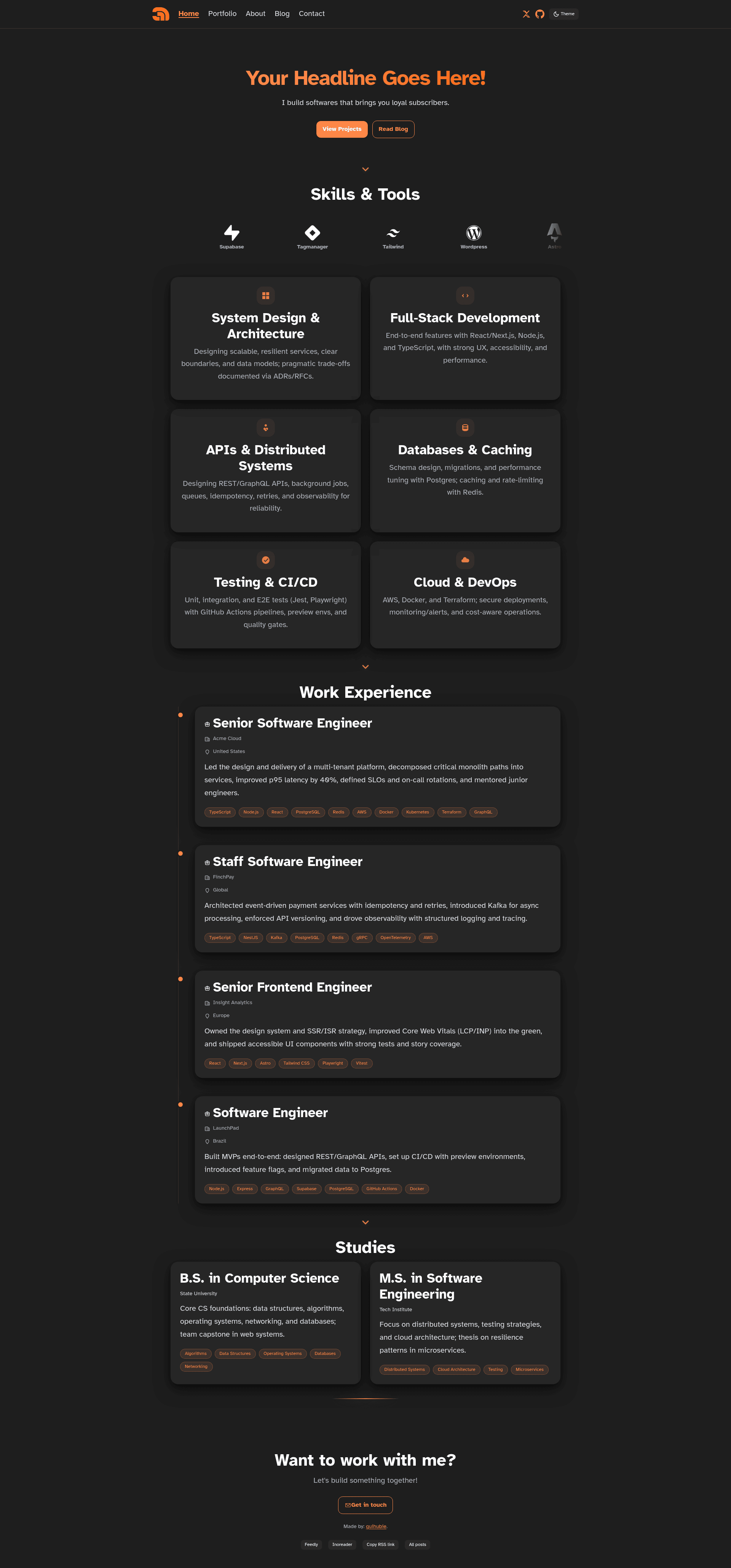
Astro + Starwind UI Blog Template is a free, MIT-licensed Astro starter that combines Tailwind CSS v4 with Starwind UI design tokens to build a themed personal blog and portfolio site with Markdown/MDX content collections.
What is the Astro + Starwind UI Blog Template?
It is a production-ready static site generator template built on Astro. It takes Markdown and MDX files in src/content/blog and structured TypeScript data files (skills, work, studies, projects, logos) as input, and outputs a fully static website with blog, portfolio, about, and a demo page. The template is authored by the developer behind guihubie.com and demoed at free-astro-template.netlify.app.
What makes the Astro + Starwind UI Blog Template stand out?
- Tailwind CSS v4 + Starwind UI theming — styling is configurable through CSS variables in styles/tokens.css, styles/themes/dark.css, and styles/utilities.css, with utilities like .card-surface and animations like carousel-scroll.
- Dark mode with CSS variables — apply .dark or [data-theme="dark"] on a root element; the home page defaults to dark mode.
- Data-driven sections — skills, work experience, studies, projects, and logos are centralized in src/data TypeScript files, making content updates easy.
- Reusable UI components — Badge, Button, Timeline, Carousel, ArrowSeparator, and GlowLineSeparator are included in src/components/ui.
- Markdown & MDX blog — content collections support frontmatter with title, description, pubDate, updatedDate, heroImage, tags (many-to-many), category, and author; reading time is auto-estimated.
- Complete SEO — canonical URLs, OpenGraph/Twitter cards, JSON-LD (Article, Breadcrumbs, Organization), sitemap via @astrojs/sitemap, and robots.txt.
- RSS feeds — global /rss.xml plus per-tag and per-category feeds with link autodiscovery on pages.
- GitHub Pages workflow — a ready-to-copy deploy.yml action builds and deploys to GitHub Pages.
Who should use the Astro + Starwind UI Blog Template?
- Developers wanting a free, fast Astro blog with a portfolio section — clone the repo, run npm install, and start editing data files.
- Bloggers who prefer writing in Markdown/MDX and want SEO and RSS built in without extra setup.
- Freelancers and creatives building a personal brand site — showcase skills, work experience, studies, and client logos via the Carousel component.
- Designers who want to reskin a site using CSS variables and dark-theme overrides instead of component-scoped styles.
What can you do with the Astro + Starwind UI Blog Template?
- Personal blogging: write posts in src/content/blog and get automatic author, tag, and category pages, RSS feeds, reading-time estimates, and share buttons (X, Hacker News, LinkedIn, Reddit).
- Portfolio showcase: populate src/data/work.ts, skills.ts, studies.ts, and projects.ts to render timeline, card, and carousel sections with minimal markup.
- Dark-mode theming: adjust tokens.css and themes/dark.css to change colors, shadows, and surfaces site-wide; the .card-surface utility provides a dark translucent card look.
How does the template work?
The template uses Astro's content collections. Blog posts are added as .md or .mdx files with defined frontmatter. Structured data lives in src/data TypeScript files; logos dropped into src/assets/logos are auto-globbed by src/data/logos.ts, which normalizes file names and removes the '-logo' suffix. Building produces a static dist folder that can be deployed to any static host.
Pricing
Free — the template is released under the MIT license and can be used, modified, and redistributed freely.
FAQ
Is this template free?
Yes, it is open-source and MIT-licensed, so you can use, modify, and redistribute it at no cost.
What do I need to run it?
Node.js 18+ (or 20+ recommended) and npm (or pnpm/yarn). Run npm install, then npm run dev for development.
How do I add a new blog post?
Create a Markdown or MDX file in src/content/blog/ with frontmatter that includes title, description, pubDate, and optional updatedDate, heroImage, tags, category, and author.
How do I deploy it?
Run npm run build to generate a static site in dist/. It can be hosted on Netlify, Vercel, Cloudflare Pages, or GitHub Pages; an included GitHub Actions workflow automates GitHub Pages deployment.
Does the template include analytics?
No, it ships without analytics by default. You can add GA4 by placing the snippet in src/components/BaseHead.astro, optionally guarded with import.meta.env.PROD.