Template details
Mangan
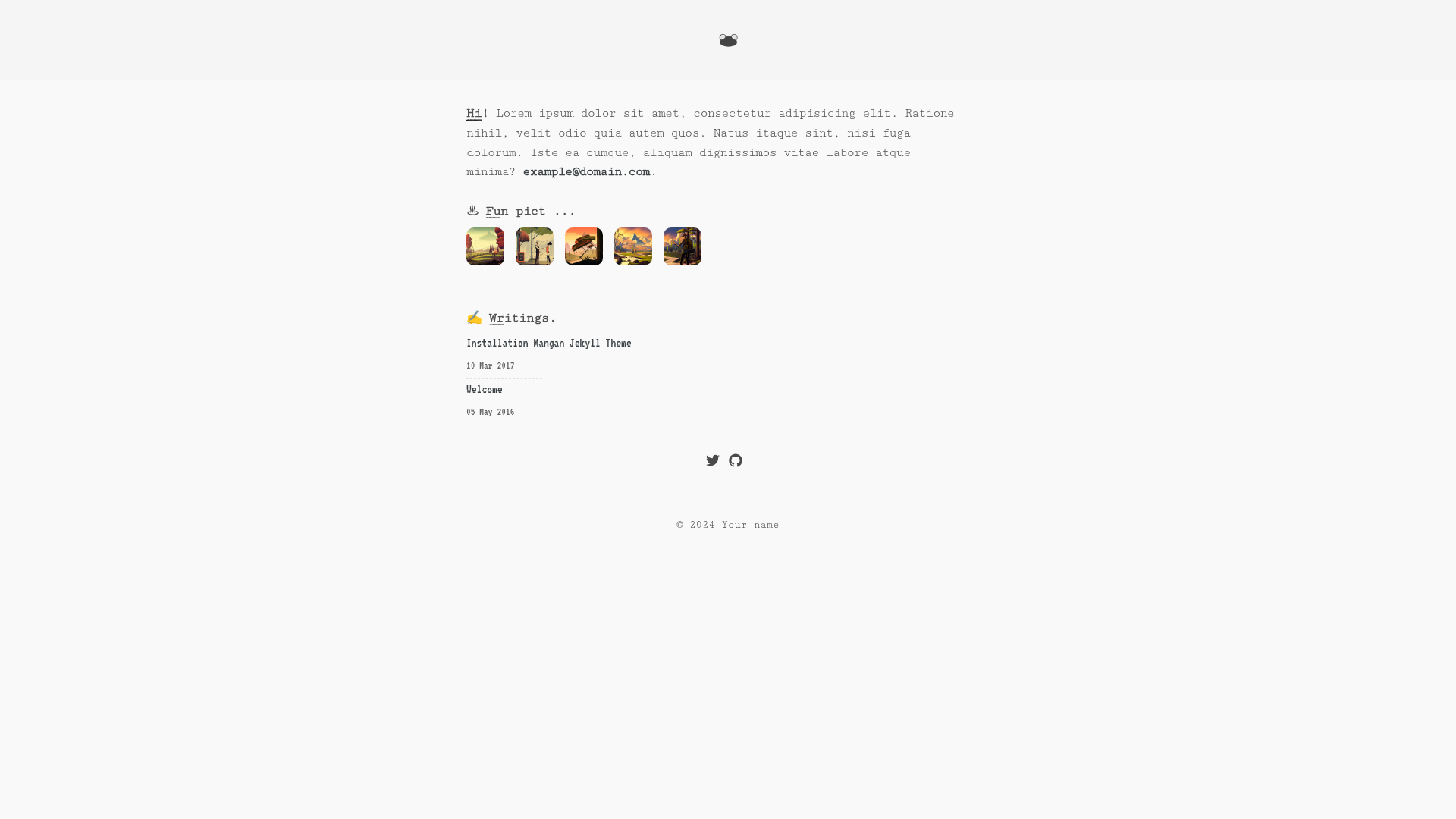
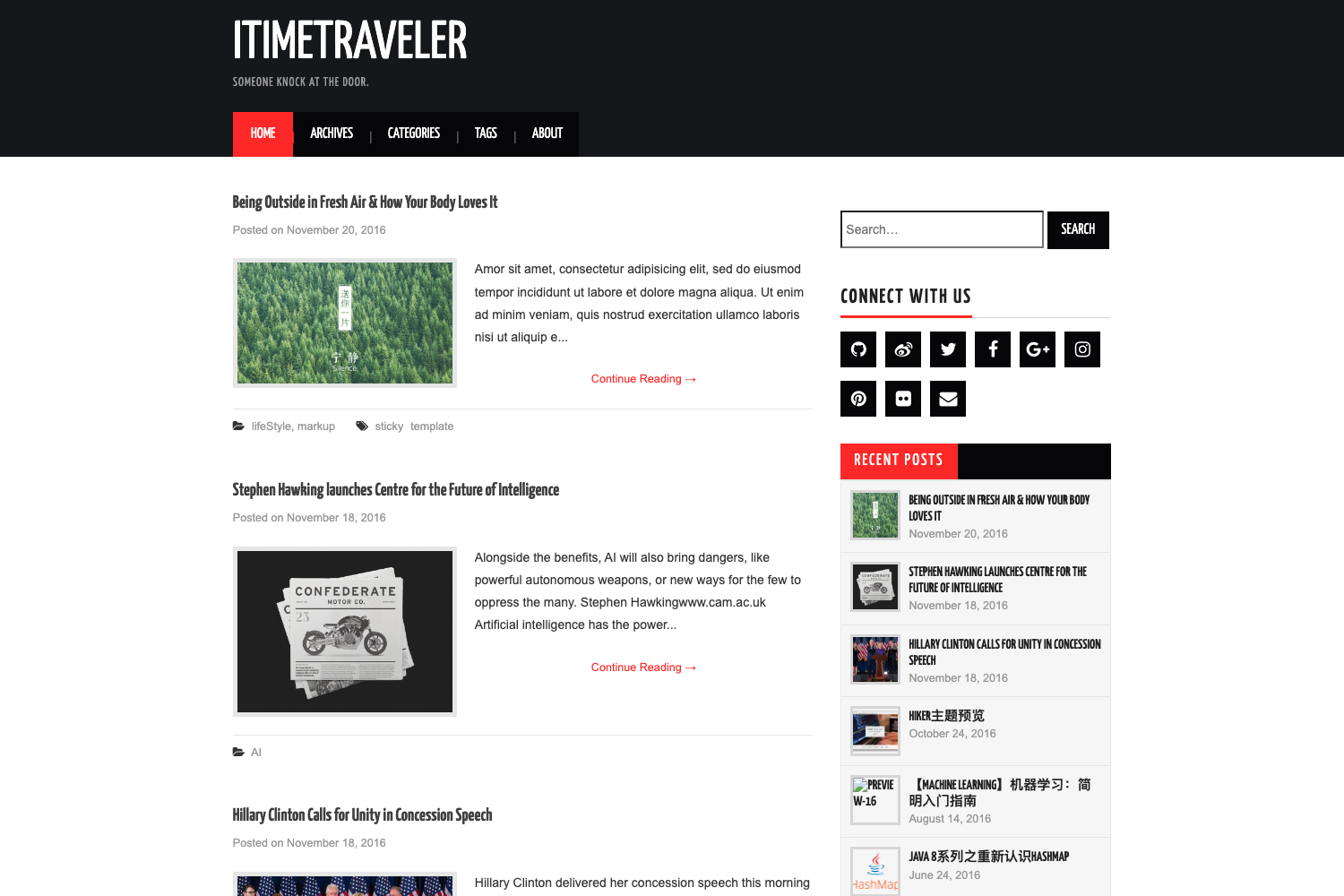
Geek-themed Jekyll blog template with emoji support, pagination, SEO, Instagram view, and MIT license.
About this template
Mangan is a free, MIT-licensed Jekyll theme for building fast, geek-styled personal websites and blogs, with built-in emoji support, pagination, SEO, and an Instagram-style photo view.
What is Mangan?
Mangan is a Jekyll theme created by Diki Ananta and released under the MIT license. It turns Jekyll blog content (posts and pages written in Markdown) into a static website, and it is designed to be deployed on GitHub Pages or any Jekyll-compatible host. The theme requires Ruby 3.3 or higher, RubyGems, and a Unix-like operating system such as Linux, macOS, or another Unix environment.
Key Features
- Fast static output — Mangan generates plain HTML files with no database or server-side processing, so pages should load quickly on any host.
- Emoji support — via the
jemojigem, so you can use emoji shortcodes in your Markdown posts. - Geek theme design — a terminal-inspired visual style that suits developer portfolios and tech blogs.
- Instagram view — a dedicated layout for displaying photos in a grid similar to Instagram.
- Pagination — uses the
jekyll-paginategem to split blog posts across multiple pages. - SEO friendly — includes the
jekyll-sitemapgem to generate a sitemap and built-in meta tags for search engines. - URI support — custom permalink and URL structures are configurable through Jekyll's URI features.
Who should use Mangan?
- Developers and tech bloggers who want a fast, no-frills personal blog that they can publish to GitHub Pages for free.
- Photo hobbyists who want an Instagram-like portfolio page alongside their regular posts.
- Jekyll users who are comfortable with the command line and want a ready-made theme they can customize by editing files.
What can you do with Mangan?
- Launch a personal site: fork the repository, rename it to your GitHub Pages username, clone it, run
jekyll buildandjekyll serveto preview locally, then push to publish. - Create a photo portfolio: use the Instagram view layout to display your images in a clean grid.
- Blog with emoji: write Markdown posts with emoji shortcodes and have them rendered by jemoji.
- Improve SEO: rely on the included sitemap and metadata to help search engines discover your content.
How does Mangan work?
The setup flow is documented in the repository: fork the repository and rename it to your GitHub Pages site name, clone it to your computer, install the Jekyll gems with gem install jekyll jekyll-paginate jekyll-sitemap jemoji, then run jekyll build to generate the static site and jekyll serve to preview it locally. After checking that it works, commit and push the files to GitHub to deploy.
Pros and cons
- Pros: free and open source under MIT; requires no paid hosting if you use GitHub Pages; includes pagination and sitemap generation; easy to fork and customize.
- Cons (real trade-offs): requires Ruby 3.3+ on your local machine; no built-in admin interface — you edit files and use Git; fewer bundled widgets than larger themes (based on the README's short feature list).
Pricing
Mangan is free. It is distributed under the MIT license, so you can use, modify, and redistribute it with few restrictions.
FAQ
Is Mangan free?
Yes, Mangan is free and open source. The repository carries an MIT license, so there is no cost to download, use, or modify the theme.
What are the system requirements for Mangan?
You need Ruby 3.3 or newer, RubyGems, Git, and a Unix-like operating system (Linux, macOS, or other Unix). Windows is not listed among the supported environments.
Does Mangan support emoji?
Yes. The theme works with the jemoji gem, which lets you use emoji shortcodes in Markdown content. You install it with gem install ... jemoji.
How do I deploy Mangan to GitHub Pages?
Fork the repository and rename it to your GitHub Pages name, clone it, build with jekyll build, test with jekyll serve, then commit and push. GitHub Pages will serve the static site from the repository.
Can I use Mangan for a photo portfolio?
Yes, Mangan includes an "Instagram view" feature, which presents photos in a grid layout suitable for portfolios.