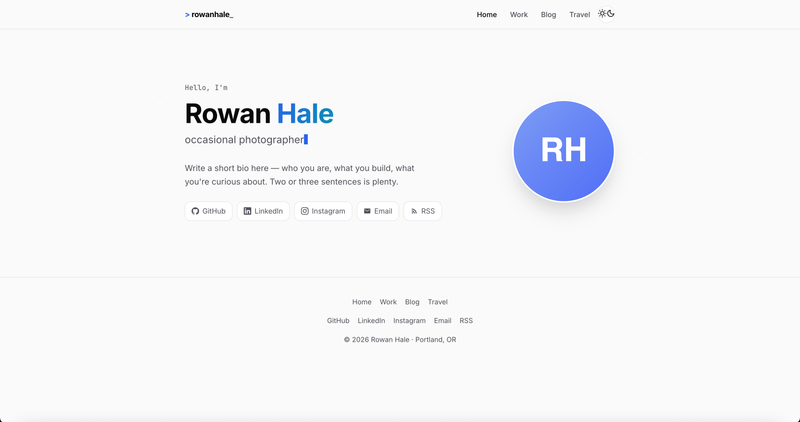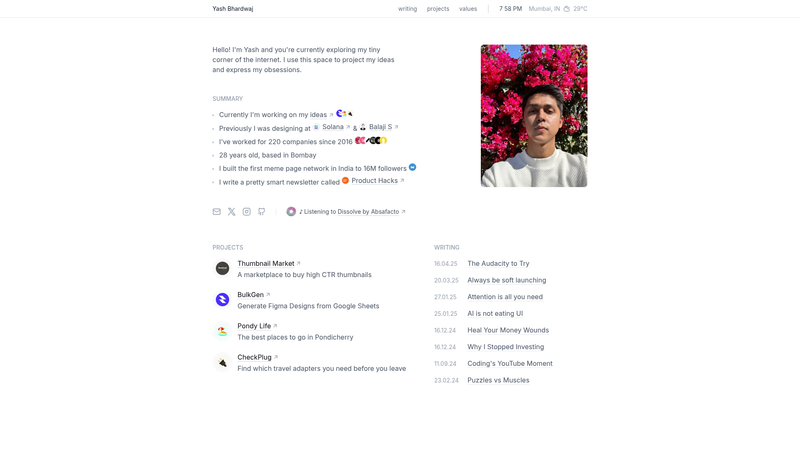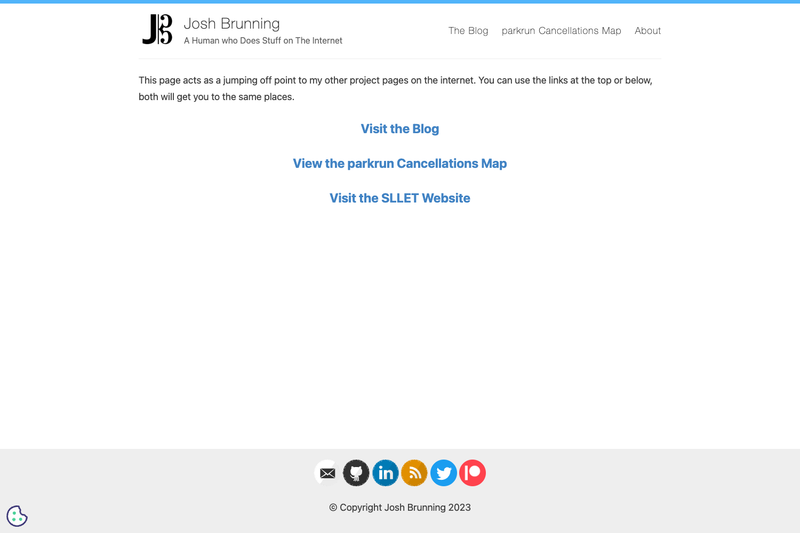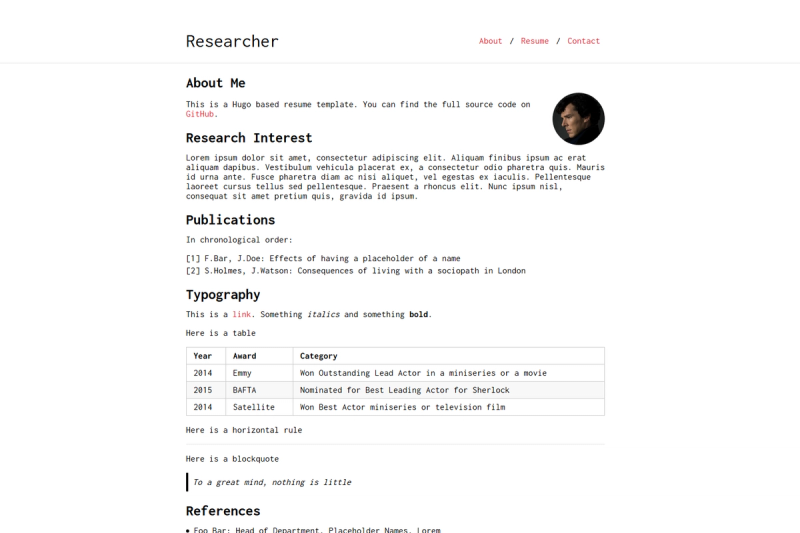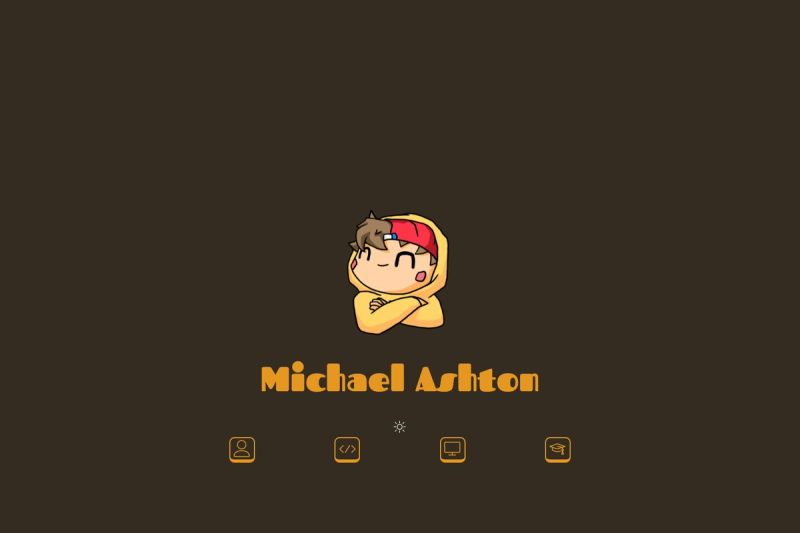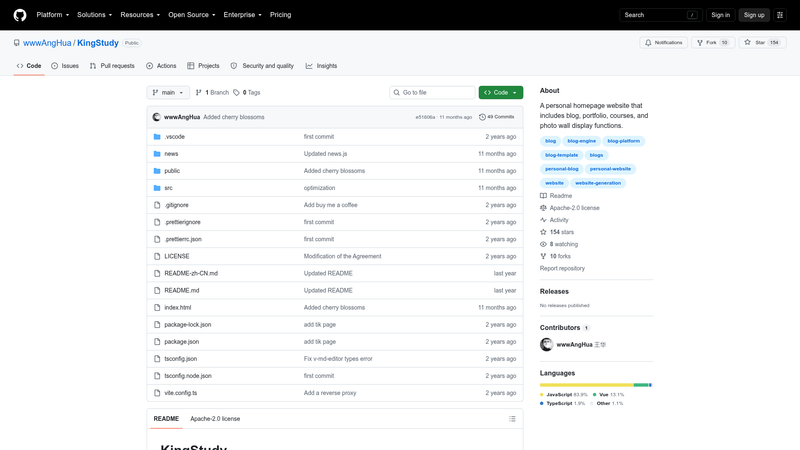
KingStudy is a serverless personal homepage template built with Vue 3 that combines a blog, project portfolio, course listing, and photo wall into one deployable website backed by T1 Backend Cloud.
What is KingStudy?
KingStudy is a Vue 3 + Vite 5 + TypeScript single-page application that runs on static hosting with no dedicated server, using T1 Backend Cloud's serverless database and cloud functions for all dynamic data. It outputs a fully functional personal website with four content modules: blog archives, project showcases, course lists, and a photo wall. The project is maintained by GitHub user wwwanghua, and a live preview is available at https://kingstudy.vip/.
Key Features
- Serverless architecture — All dynamic data (blog posts, projects, courses, photos) is stored in MongoDB through T1 Backend Cloud, so the front-end can be hosted on any static server or CDN with no backend to maintain.
- Vue 3 + Vite 5 + TypeScript stack — Built on the Vue 3 composition API with Vite 5 for fast development and builds, and TypeScript for type safety.
- Element Plus UI — Uses the Element Plus component library for a polished, ready-to-use interface.
- Four content modules — Includes a blog system, project display, course listing, and photo wall, all configured through T1 Backend Cloud collections (archives, projects, courses, photos).
- AI writing assistant — Ships with an
ai_writecloud function that connects to Moonshot AI (Kimi AI) to auto-generate blog posts from a title in Markdown. - Cloud function examples — Provides ready-made cloud functions for music playback (random NetEase Cloud Music), post sharing, post editing, and AI writing, with signature verification and password checks.
- Nginx pseudo-static config — Includes a ready-to-use
try_filessnippet for SPA routing on Nginx.
Who is it for?
- Developers who want a personal blog or portfolio without running their own backend — they can configure the
.env, deploy the static build, and manage content via T1 Backend Cloud. - Students or educators who need a clean course listing page alongside study notes — they can add courses to the
coursescollection. - Photographers who want a photo wall to showcase their shots — photos are added to the
photoscollection with location and preview fields. - Content creators who want AI-assisted writing — the built-in Kimi AI integration can draft articles from just a title.
What can you do with KingStudy?
- Publish blog posts: Add a document to the
archivescollection (title, preview, tag, description, content, views) or use the in-site/archives/addpage to create posts. - Showcase projects: Add projects with a title, preview image, tags, description, and URL to the
projectscollection to build a portfolio section. - Build a course directory: Populate the
coursescollection with course previews, titles, tags, URLs, and descriptions to display a course list. - Create a photo wall: Upload photos with location and title to the
photoscollection to display a visual gallery.
How does KingStudy work?
After cloning the repository, you run npm install, then create a .env file with your T1 Backend Cloud application ID, API key, secret key, and service domain. Cloud functions named music, share, edit, and ai_write must be created in the T1 console to handle random song playback, post submission, post editing, and AI article generation, respectively. Local development runs with npm run dev, and a static single-page build is produced with npm run build for Nginx hosting.
Pros and cons
- No server maintenance — T1 Backend Cloud handles authentication, database, and cloud functions.
- Modern frontend tooling — Vite 5 provides near-instant dev server startup and optimized production builds.
- Included AI writing — a cloud function template for Moonshot AI removes the need to build an integration from scratch.
- Requires a third-party account — you must register at T1 Backend Cloud to provision the database and cloud functions.
- Default admin password is hard-coded — the
shareandeditcloud functions check the token against MD5 of "123456", so you should change that in your own deployment.
FAQ
Does KingStudy require a server?
No. KingStudy is a statically-hosted SPA that relies on T1 Backend Cloud for serverless data storage and cloud functions. You can deploy the built files to any static host such as Nginx, and optionally set up the provided Nginx try_files rule for client-side routing.
What tech stack does KingStudy use?
The project uses Vue 3, Vite 5, TypeScript, Element Plus, and MongoDB (via T1 Backend Cloud). The cloud functions are written in JavaScript and run on T1 Backend Cloud's serverless runtime.
How do I publish a blog post?
Add a document to the archives collection in T1 Backend Cloud with fields like title, preview, tag, description, content, and views, or use the built-in /archives/add page. The post becomes visible on the site immediately.
Can I use KingStudy without T1 Backend Cloud?
No, the template's data layer, authentication, and cloud functions are tied to T1 Backend Cloud. Every dynamic feature—blog, projects, courses, photos, and AI writing—depends on collections and functions created in that service.
How do I change the admin password for share and edit functions?
The password is checked by comparing a token parameter to the MD5 hash of "123456" in the share and edit cloud function code. Edit those functions to use a different password, then deploy them in the T1 Backend Cloud console.