Template details
Awesome Resume
Curated resume phrases, work experience examples, and cover letter templates for software engineers in English and Chinese.
About this template
Awesome Resume is a public GitHub repository that compiles professional resume phrases, work experience bullet points, and cover letter templates for software engineers, in both English and Chinese.
What is Awesome Resume?
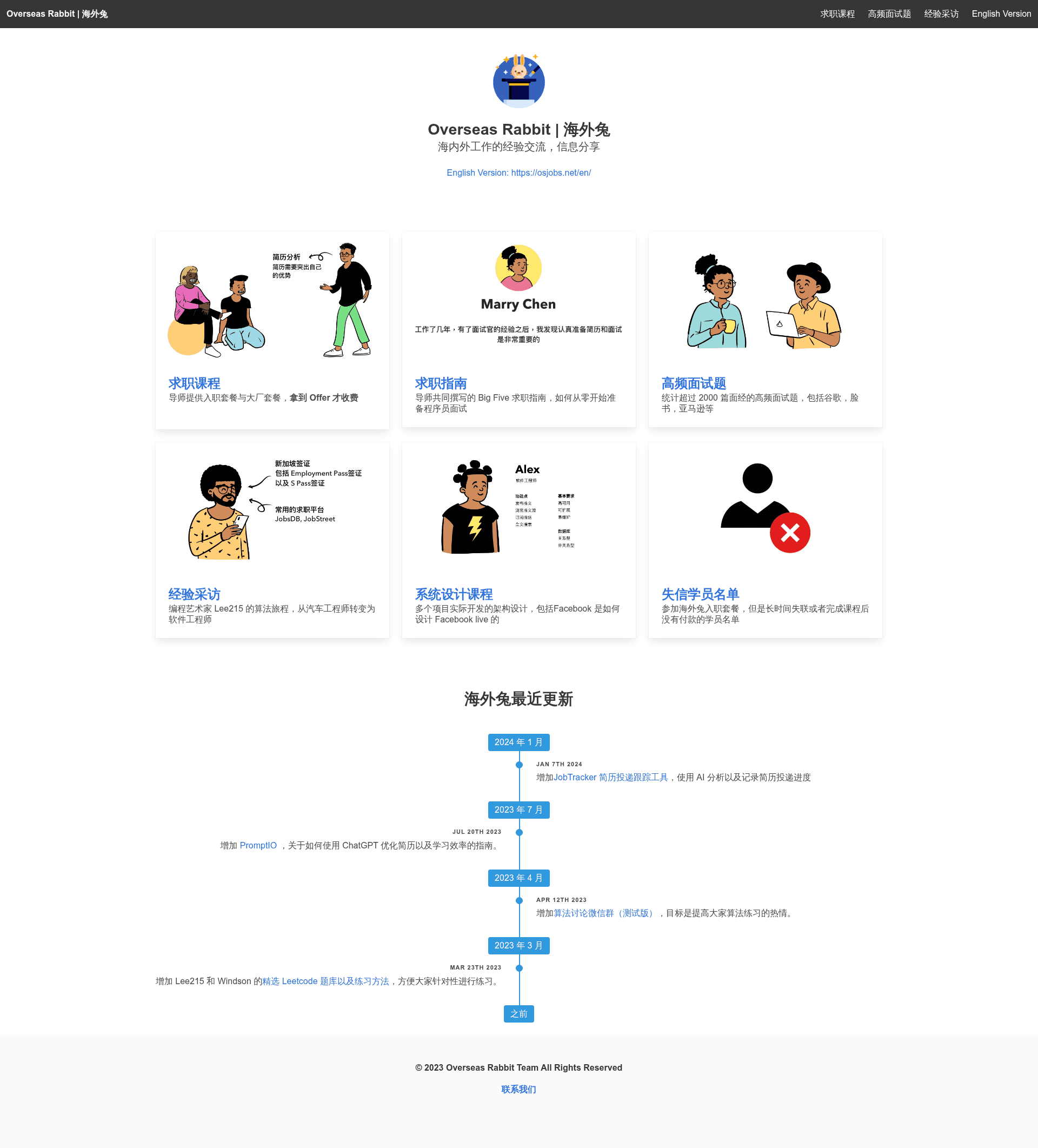
Awesome Resume is a public GitHub repository (resumejob/awesome-resume) that collects copy-paste-ready resume sentences for programmers. It is not an application or generator; it is a static reference list of phrasing examples organized by resume section and experience level. The project is maintained by resumejob and has over 7,300 stars. The README also cross-links to related resources: a free project course, an algorithm interview sprint, and a high-frequency interview question collection hosted on osjobs.net.
Key Features
- Bilingual phrase library — English and Chinese sections cover summary, work experience, project experience, referral, and cover letter; each contains multiple ready-to-adapt sentences.
- Experience-level split — Separate "Experienced" and "New Grad" summary examples account for applicants with 5 to 10 years versus fresh graduates.
- Role-specific content — Examples are grouped by backend (Java, Go, Python, PHP, MySQL, Redis), frontend (React, Vue, Angular, HTML/CSS), and mobile (iOS, Android, Swift) with metrics such as QPS, latency reductions, and user counts embedded.
- Cover letter templates — Half a dozen sample cover letters for software engineer and programmer analyst roles, ranging from concise to detailed, with placeholders for company and role names.
- Referral blurbs — Short recommendation paragraphs that a colleague or professor can adapt when referring a candidate.
- Resume checklist — A practical to-do list: list experience in reverse chronological order, verify contact info and LinkedIn, run a grammar checker such as Grammarly, export to a one-page PDF, and name the file "Name_Position.pdf".
- Chinese project experience examples — Backend and frontend/mobile project phrases include concrete improvements such as cutting query time from 1200ms to 40ms and reducing server count by 30%.
Who is it for?
- Software engineers preparing an English resume — Use the English summary and work experience phrases to draft bullet points that match their own accomplishments.
- New graduates with limited work history — The New Grad summary examples and project descriptions help frame academic projects and internships as professional experience.
- Chinese-speaking developers writing Chinese resumes — The Chinese sections provide native-sounding phrases for summary and project experience sections.
- Job seekers needing cover letters — The cover letter section offers multiple structural templates that can be personalized for a specific company and role.
What can you do with it?
- Experienced engineers: Pick a summary sentence that names their years of experience, primary stack, and one quantified achievement, then paste it into the top of their resume.
- New grads: Adapt the New Grad examples that describe university projects and awards to highlight their own capstone work.
- Backend developers: Use the backend-specific project phrases, such as Redis caching improving inquiry speed by 70% or Nginx load balancing 30,000 concurrent requests, as models for writing their own impact-driven bullets.
- Referrers: Copy and adjust the referral blurbs to write a LinkedIn recommendation or an internal referral note.
FAQ
Is Awesome Resume free to use?
Yes, Awesome Resume is publicly hosted on GitHub. You can browse it without an account, and no payment or premium tier is mentioned anywhere on the repository page.
Which languages are covered?
The content is fully bilingual. The English section includes Summary, Work Experience, Referral, and Cover Letter; the Chinese section includes 简介 (summary) and 项目经验 (project experience).
Does it include examples for specific programming languages?
Yes. The phrases reference many tech stacks, including Java, Go, Python, PHP, Ruby on Rails, Swift, Kotlin, React, Vue, Angular, and more. Some bullets name specific tools and metrics relevant to each stack.
What file format does the checklist recommend for a final resume?
The checklist advises exporting the resume as a PDF, keeping it to one page, and naming the file in the format Name_Position.pdf.