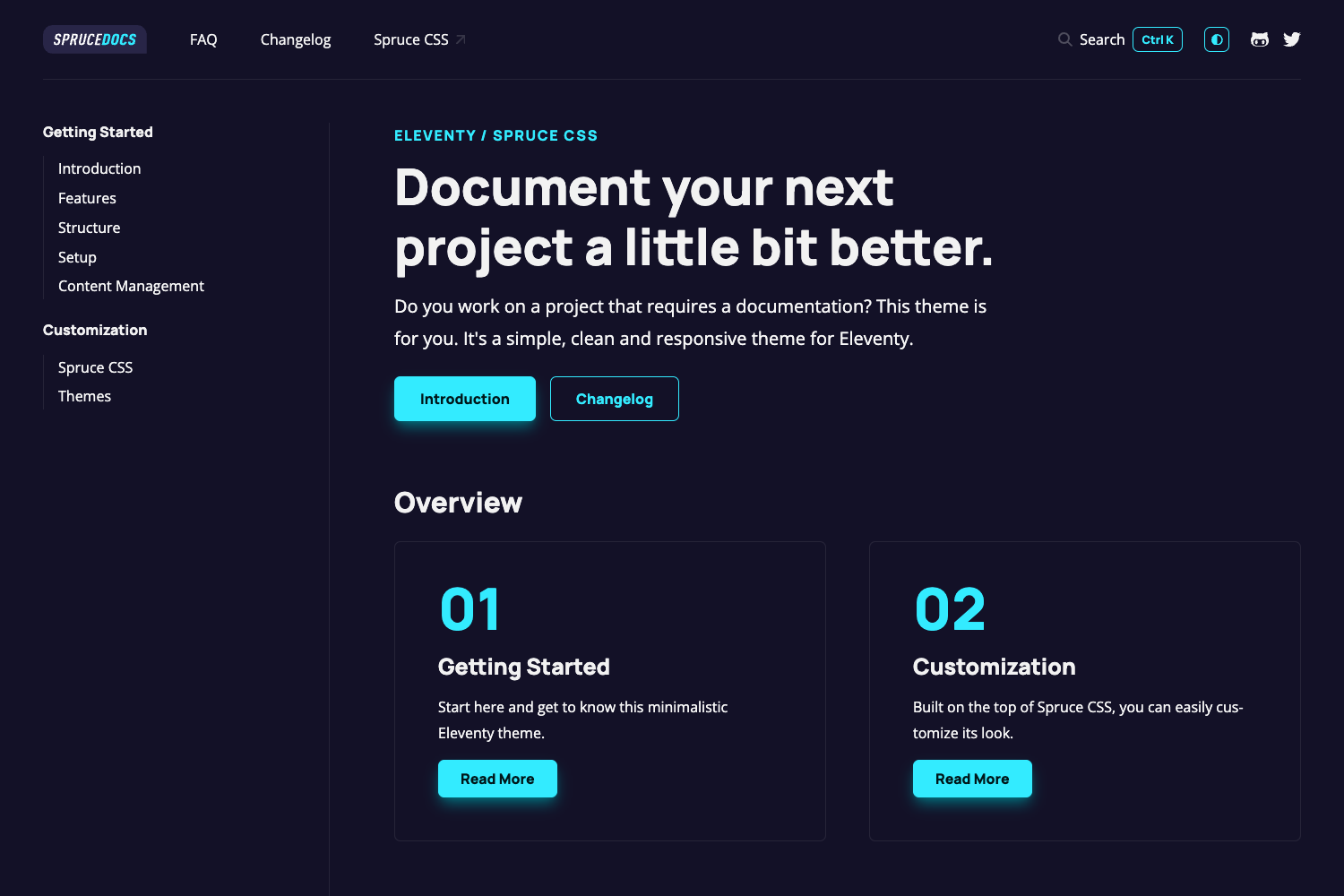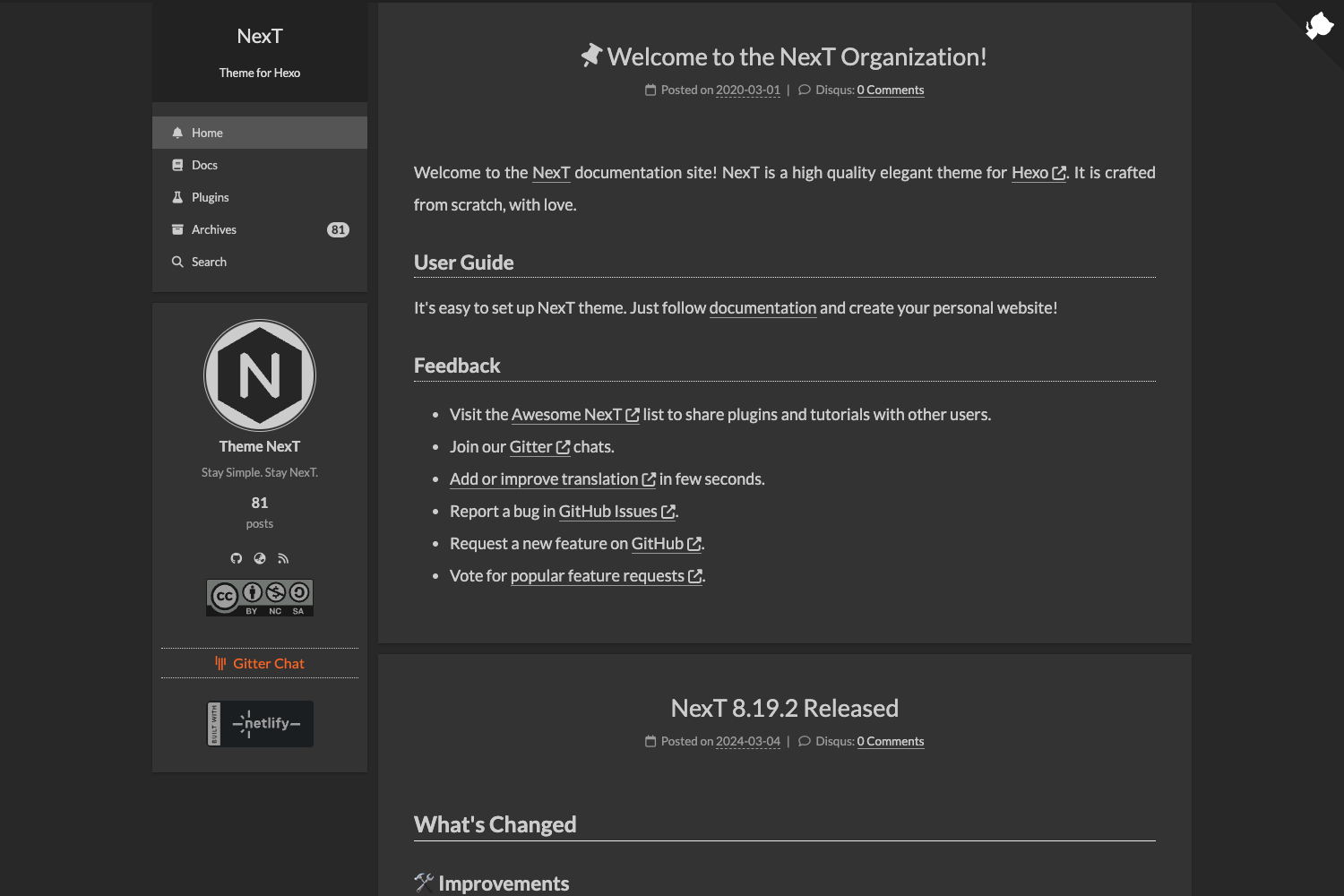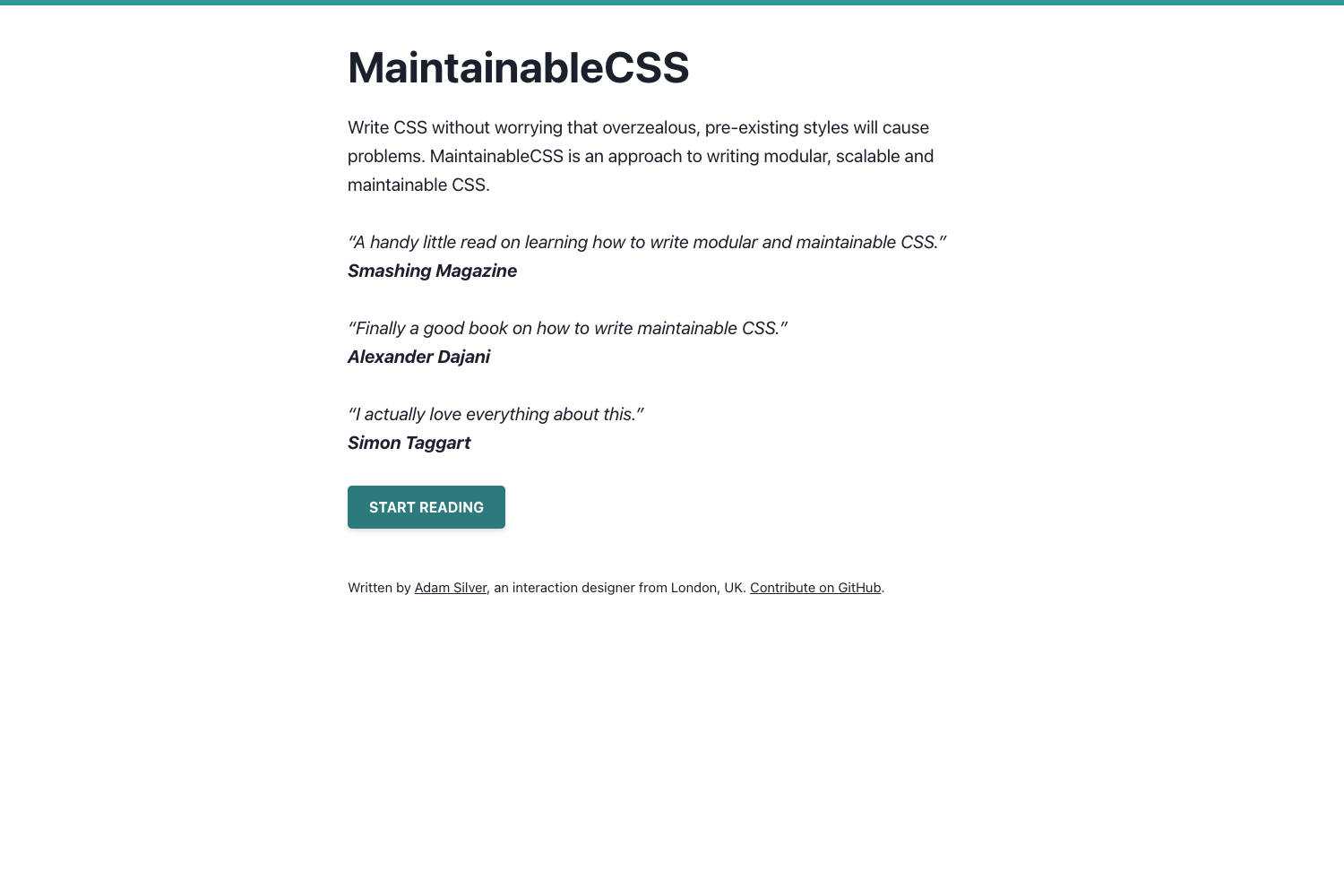
Template details
Docnado
Rapid documentation tool that turns Markdown files into HTML, PDF, and static sites.
About this template
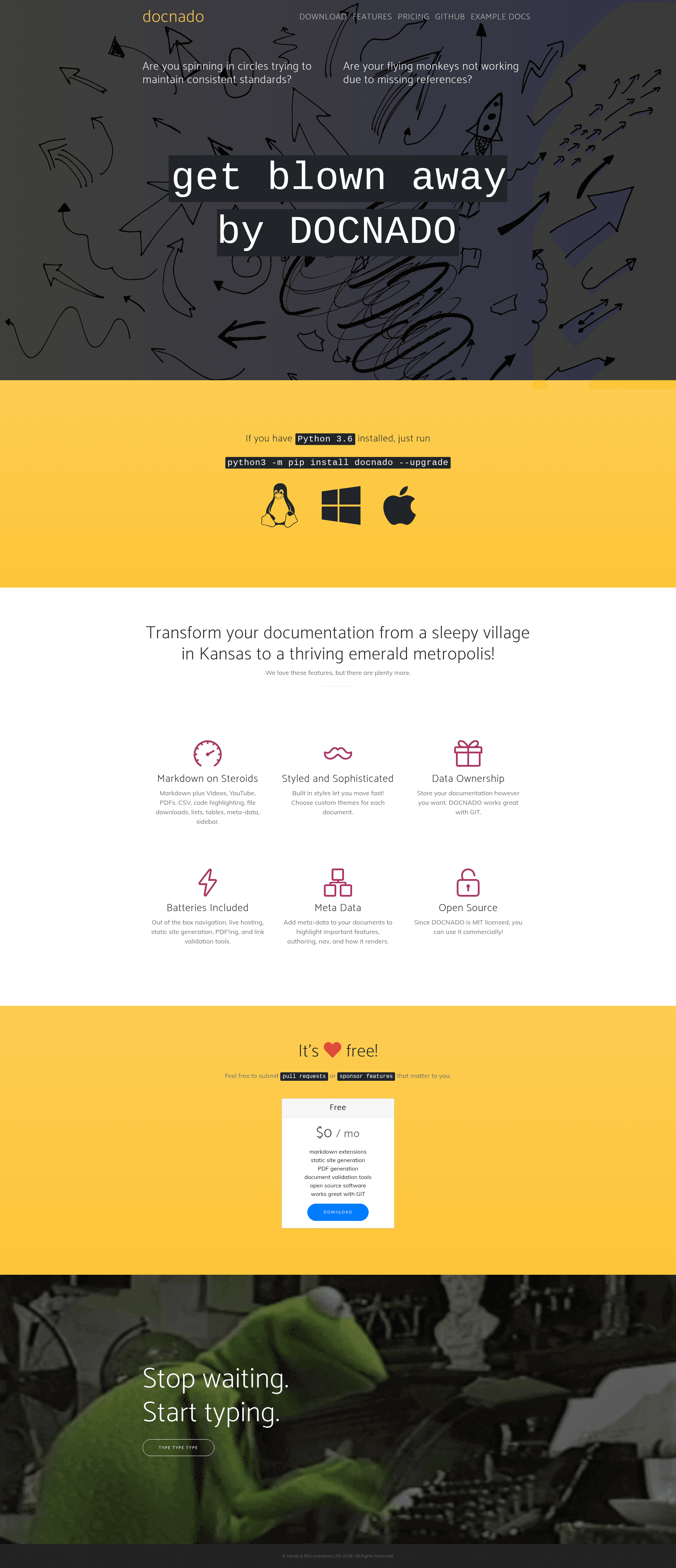
Docnado is a Python-based rapid documentation tool that renders Markdown files into HTML pages, PDF documents, and static sites. It runs as a Flask development server on localhost and can freeze content into a set of static HTML files. The tool accepts Markdown documents with optional metadata and produces navigable documentation with an auto-generated sidebar. It is distributed via PyPI under the name docnado.
What is Docnado?
Docnado is an open-source documentation generator that converts Markdown into multiple output formats. It takes a directory of Markdown files (ending in lowercase .md) and outputs them as styled HTML on a local server, as PDF files through the HTML server, or as a static HTML site. The tool is built on Flask and uses an adapted Markdown syntax that supports media embeds, tables, code highlighting, and file download blocks. It is maintained as a PyPI package and includes command-line utilities for checking link integrity and finding orphaned assets.
Key Features
- Multi-format output — Renders Markdown to HTML on a localhost server, generates PDF files via the HTML server, and creates a static set of HTML files for hosting anywhere.
- Extended Markdown support — Handles images, videos, YouTube links, CSV tables, code highlighting, file download blocks, lists, and tables within an adapted Markdown syntax.
- Document-level metadata — Each
.mdfile can define metadata and select its own presentation template, allowing per-document styling. - Auto-generated sidebar — Docnado builds an index sidebar automatically from the document structure.
- Broken link detection — The
--find-broken-linksoption scans generated HTML for external broken links. - Orphan file detection — The
--find-orphansoption identifies media assets not referenced by any generated HTML. - Custom templates and styles — Users can create custom templates and SCSS-based styles, with
docnado --newcopying sample style and docs into the working directory. - Environment variable configuration — Key paths and flags are controlled via variables such as
DN_DOCS_DIR,DN_STYLE_DIR,DN_WKHTMLTOPDF, andDN_FLASK_DEBUG.
Who is Docnado for?
- Technical writers — Write documentation in Markdown, then publish to a local server, PDF, or static host.
- Open-source maintainers — Create project docs quickly with the default template and customize later.
- Small teams — Keep documentation in a version-controlled Markdown repository and generate HTML for intranet or external release.
- Developers — Use command-line options like
--htmland--pdfto integrate documentation generation into build pipelines.
What can you do with Docnado?
- Documentation site builders: Generate a static HTML documentation site from a folder of Markdown files using
docnado --html. - PDF document generators: Produce a PDF for each Markdown file via the HTML server by running
docnado --pdf(note that static resources are not pulled through in PDF mode). - Content auditors: Run
--find-orphansto locate unused images and--find-broken-linksto catch dead external references in the generated site.
How does Docnado work?
Install with python -m pip install docnado --upgrade, create a docs folder with a home.md file, and run docnado to start a server on localhost:5000. Use command-line options to freeze the site to HTML, generate PDFs, limit navigation trees, or control host and port. Configuration is managed through environment variables that default to sensible locations like docs and style.
Pros and cons
- Pros: Free and open source; supports HTML, PDF, and static site outputs; includes link and orphan checking; allows per-document template selection.
- Cons: PDF generation requires WkHTMLtoPDF binary; PDF output does not include static resource files; the default template is not yet responsive (responsive design is on the roadmap); no built-in test suite or CI steps yet.
Alternatives
- MkDocs — a static site generator geared toward Markdown project documentation.
- Sphinx — a documentation generator that defaults to reStructuredText and is popular for Python projects.
FAQ
How do I install Docnado?
Run python -m pip install docnado --upgrade. Then create a docs directory with a Markdown file and execute docnado to start the local server.
Does Docnado support PDF output?
Yes. Run docnado --pdf to generate a set of PDF files for each .md file via the HTML server. You need to set the DN_WKHTMLTOPDF environment variable or have the wkhtmltopdf_0.12.5.exe binary in the working directory.
Can Docnado detect broken links?
Yes. The --find-broken-links option scans the generated HTML for external broken links and reports them. The --find-orphans option similarly finds media files not referenced by any generated HTML.
How do I use custom templates?
Run docnado --new to copy sample style templates and documentation into the working directory, then edit them. Each document can select its template via metadata at the top of the file.
Is Docnado free?
Docnado is an open-source tool distributed on PyPI, so it is free to use and modify.