Template details
NexT Docs
The official documentation for the NexT Hexo theme, covering schemes, installation, and usage.
About this template
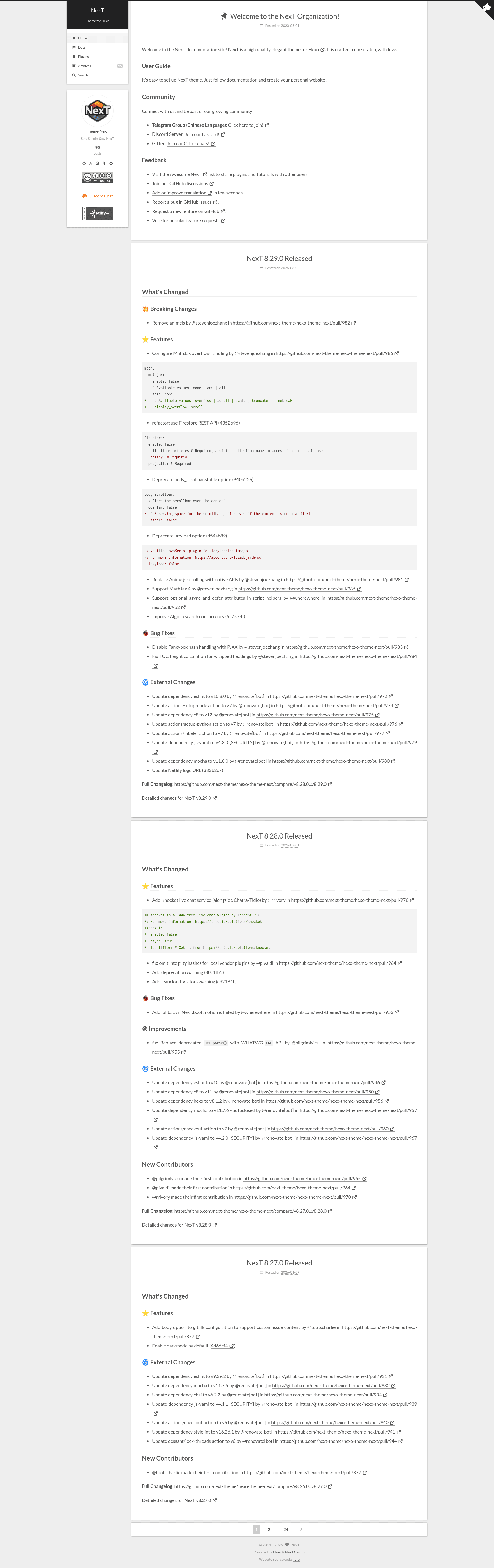
NexT Docs is the official documentation website for the NexT Hexo theme, a high-quality elegant theme crafted from scratch for the Hexo static site generator. It serves as a knowledge base for installing, configuring, and customizing NexT, and it includes live previews of the four built-in schemes: Muse, Mist, Pisces, and Gemini. The documentation itself is a Hexo site, hosted on GitHub under the next-theme/theme-next-docs repository, and is generated with the Hexo static site generator.
What is NexT Docs?
NexT Docs is the official documentation for the NexT Hexo theme, a static site template designed for Hexo blogs. It provides installation instructions, scheme previews, and versioned documentation, all built with Hexo and hosted on GitHub. The docs take the form of a repository that users can clone, generate locally, and serve as a reference.
Key Features
- Four scheme previews — The docs showcase the Muse, Mist, Pisces, and Gemini schemes, with Gemini set as the default, and provide live demo links for each.
- Getting started guide — A step-by-step installation walkthrough: clone the docs repo, run npm install, generate the site with npx hexo generate, and serve it locally with npx hexo server.
- Versioned documentation — Users can check out older versions of the docs (for example, v8.0.0) via git checkout to access documentation matching their NexT version.
- Open-source license — The documentation is released under the Creative Commons Attribution-NonCommercial-ShareAlike 4.0 (CC BY-NC-SA 4.0) license.
- Built on Hexo — The docs run on the same static site generator that NexT themes, making it easy for Hexo users to relate to the workflow.
- Community-maintained — Hosted on GitHub, the docs repository is part of the next-theme organization, which also maintains the NexT theme itself.
Who is it for?
- Hexo bloggers — To learn how to install and configure the NexT theme and select a scheme for their personal blog.
- Theme developers — To reference the documentation when customizing NexT or contributing back to the project.
- Site maintainers — To set up a local copy of the docs and verify content changes before deploying.
What can you do with it?
- Choose a scheme: Preview the Muse, Mist, Pisces, and Gemini designs to decide which look fits your blog before installing.
- Install NexT: Follow the getting started steps to clone, generate, and serve the documentation site locally as a learning environment.
- Access older docs: Use git checkout to pin the docs to a specific release like v8.0.0, so the instructions always match your theme version.
How does it work?
The documentation is a Hexo static site. To run it locally, clone the theme-next-docs repository, install dependencies with npm install, generate the HTML with npx hexo generate, and preview it with npx hexo server. Older versions are available by checking out a git tag such as v8.0.0.
FAQ
Is NexT Docs free to use?
The documentation is licensed under CC BY-NC-SA 4.0, meaning it is free to share and adapt for non-commercial purposes with attribution. The NexT theme itself is an open-source project available on GitHub.
How do I choose between the four schemes?
The docs provide live demo pages for Muse, Mist, Pisces, and Gemini. Gemini is the default scheme. You can visit each preview link to see the design, then configure your own NexT site accordingly.
How do I run the documentation locally?
Run git clone https://github.com/next-theme/theme-next-docs, cd theme-next-docs, npm install, npx hexo generate, and npx hexo server. This builds and serves the docs on your local machine.
Can I view docs for older NexT versions?
Yes. Use git checkout v8.0.0 (or another release tag) inside the cloned theme-next-docs repo, then run npm install and npx hexo clean to generate the older documentation.