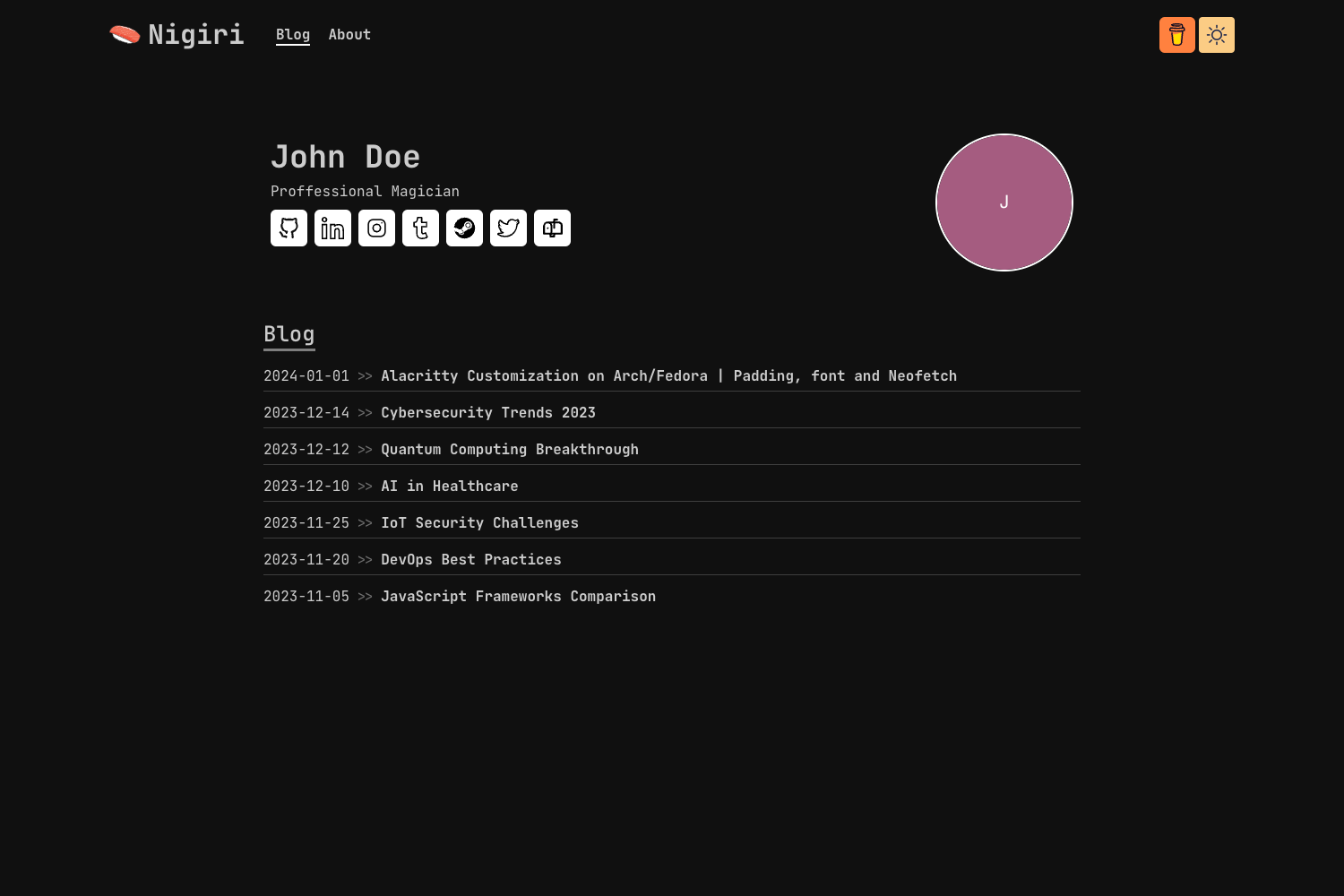
Template details
Berg Hugo Theme
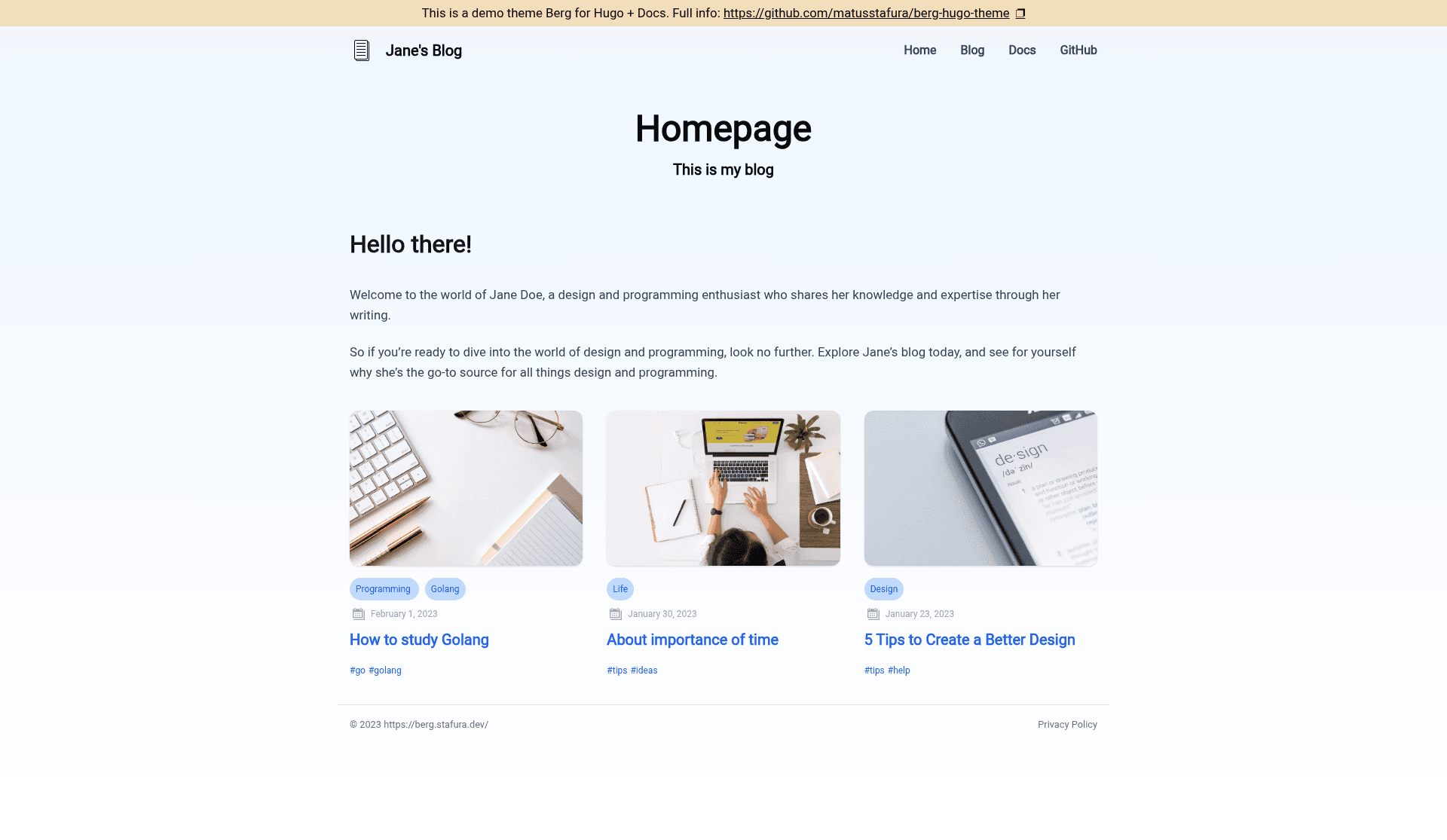
A clean, responsive Hugo blog theme with dark mode, pagination, and social sharing.
About this template
Berg is a responsive blog theme for Hugo, the Go-based static site generator, styled with Tailwind CSS and released under the MIT license.
What is Berg Hugo Theme?
Berg Hugo Theme is a static-site blog theme that transforms standard Hugo content written in Markdown into a responsive blog with built-in dark mode, pagination, breadcrumbs, and social sharing. It lives in the GitHub repository matusstafura/berg-hugo-theme and requires only Hugo to build. The theme is open source, so you can host your blog anywhere that serves static files.
Key Features
- Responsive layout — pages adapt to phone, tablet, and desktop viewports without requiring a separate mobile theme.
- Dark mode — visitors can switch to a dark color scheme, and the toggle persists across sessions.
- Pagination — blog post listings are split across pages automatically, so long archives stay navigable.
- Google Tag Manager — add your GTM container ID and the theme injects the necessary tracking scripts.
- Breadcrumbs — hierarchical navigation trails appear on posts and pages, helping readers orient themselves.
- Social sharing — share buttons let visitors post article links to their social networks.
- Meta verification — supports site verification meta tags for search engines and third-party services.
- OpenGraph and TwitterCard support — generates social metadata for rich link previews on Facebook, Twitter, and similar platforms.
Who is it for?
Berg suits individual bloggers who want a fast, no-frills static site with modern styling. Hugo developers can use it as a clean base for a custom blog, adding their own shortcodes and layouts. Technical writers who publish documentation or release notes can rely on its breadcrumbs and pagination to keep content organized. Since it is open source, anyone who needs a fully self-hosted blog can run it without a CMS or database.
What can you do with Berg Hugo Theme?
- Personal bloggers: publish Markdown posts and get a paginated, responsive blog with dark mode out of the box.
- Developers: add Google Tag Manager, meta verification, and social metadata to a Hugo site by editing configuration values rather than template code.
- Content-heavy sites: use breadcrumbs and pagination to structure large archives, making long lists of articles easier to browse.
How does Berg Hugo Theme work?
Start by creating a new Hugo site, then add the theme as a git submodule and set the theme name in your Hugo configuration file. After that, run the Hugo development server to preview the blog locally or build the static files for deployment. The repository includes an exampleSite folder that you can run directly to explore the theme, and full documentation is available at https://berg.stafura.dev/docs.
FAQ
Is Berg Hugo Theme free?
Yes, the theme is open source and released under the MIT license, so you can use it for personal and commercial projects without paying a license fee.
Does Berg support dark mode?
Yes, dark mode is a built-in feature. Readers can toggle between light and dark appearances, making the blog comfortable to use in different lighting conditions.
Can I add analytics to my Hugo blog?
Berg includes Google Tag Manager support. You place your container ID in the theme's configuration and the tracking code is included in the generated pages.
What do I need to run Berg?
You need Hugo installed on your machine. The theme itself has no other runtime dependencies beyond the Hugo binary, and the default styling is built with Tailwind CSS.