Template details
Voyager
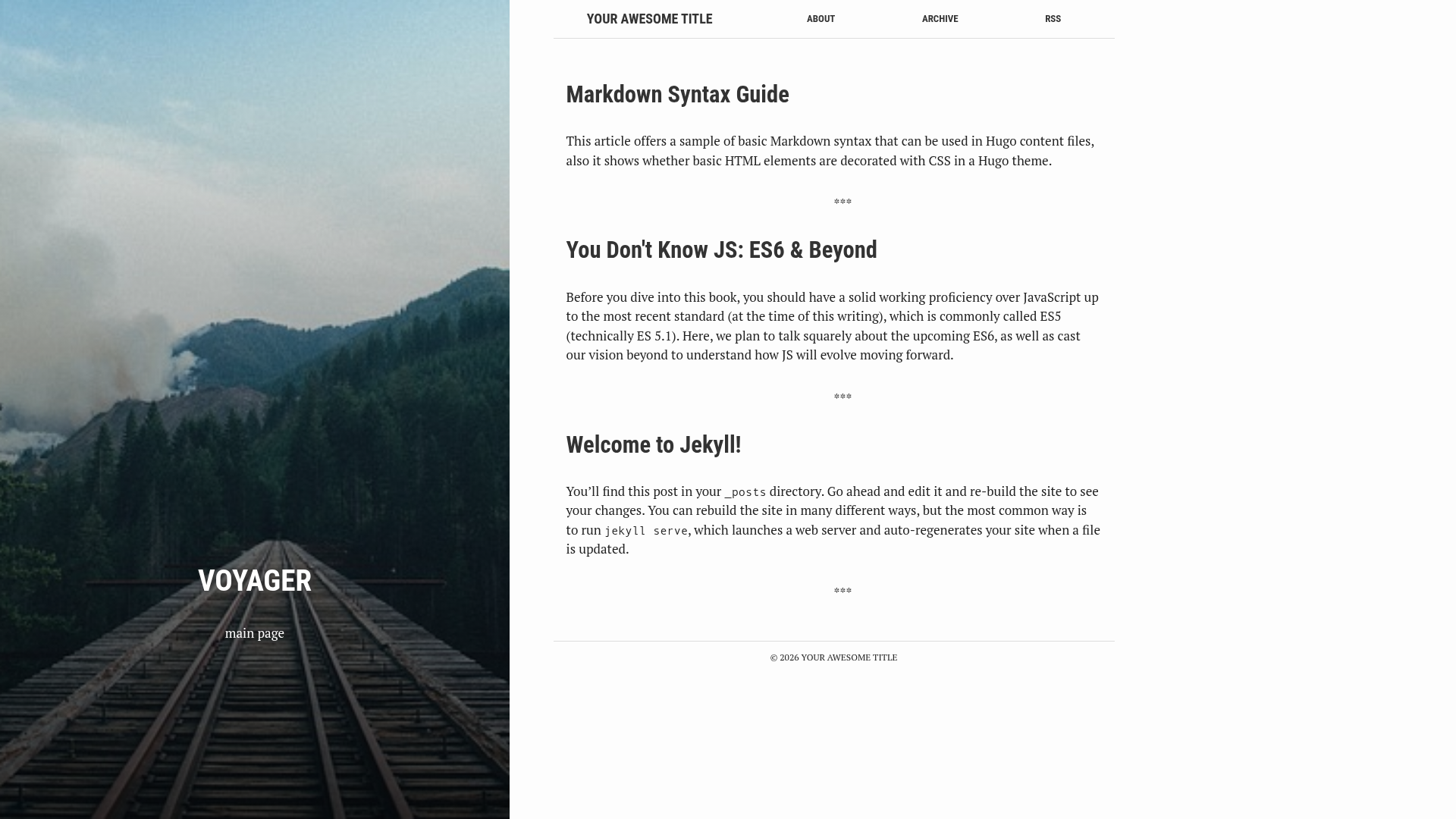
A Jekyll theme for blogs and portfolios with compressed HTML, tag-based archives, and front matter–controlled pages.
About this template
Voyager is a Jekyll theme for building blog and portfolio sites, built with the Jekyll static site generator and engineered to compress all HTML output at build time via a _layouts/compress.html layout. The theme is published as a GitHub repository under the name redvi/voyager, its description reading "Just another jekyll theme," and it powers the demo at http://redvi.github.io/voyager.
What is Voyager?
Voyager is a Jekyll theme for publishing blogs, with a focus on simple front matter configuration and a production build that produces compressed HTML. It runs on the Jekyll static site generator and uses Liquid templates; the repository lists 48 GitHub stars and the topic jekyll. The theme provides layouts for posts, pages, and an archive, and it expects authors to work directly in Markdown files with YAML front matter.
Key Features
- HTML compression — All HTML files are compressed using the
_layouts/compress.htmllayout, reducing output size without any configuration. - Rich post front matter — Posts can define a background image (
bg), browser tab title (crawlertitle), searchable summary, date, tags, custom slug, author, and category in YAML. - Background images — The
bgfield accepts a path to an image; default backgrounds are stored inassets/images. - Menu pages via
activeflag — Pages with anactivekey in their front matter automatically appear in the site menu. - Tag-based archive — The Archive page groups posts by tag, and each post is limited to exactly one tag to keep the listing clean.
- Relative path support — Images can be referenced with the
site.imagesobject and therelative_urlfilter when the blog runs in a subdirectory. - Production environment flag —
JEKYLL_ENV=production jekyll buildproduces the final, optimized output for deployment.
Who should use Voyager?
- Personal bloggers — Write posts with custom backgrounds, slugs, and summaries, and let readers browse content through the tag archive.
- Jekyll developers — Start a static site from a minimal, code-first theme with compressed output and an explicit production build step.
- Portfolio owners — Build a simple single-page or few-page site using pages flagged with
activeto populate the navigation menu.
What can you do with Voyager?
- Publish a tag-filtered blog: The archive page lets visitors see posts grouped by a single tag, such as
front-endorjekyll, straight from generated HTML. - Separate display and browser titles: Set a post's
titlefor the page content and a differentcrawlertitlefor the browser tab, and add asummaryfor listing pages. - Host under a subpath: Use relative image URLs with the
relative_urlfilter so images resolve correctly when the site is deployed to a folder likeexample.com/blog.
How does Voyager work?
Create a post by adding a Markdown file with the layout: post front matter fields listed above, including a bg image path and a single tag. For pages, use layout: page and add an active value to include them in the site menu. Build the site with JEKYLL_ENV=production jekyll build to produce the final compressed HTML.
FAQ
Is Voyager free?
Voyager is an open-source Jekyll theme published on GitHub with 48 stars; the repository metadata does not mention a price or commercial license, so it is presumably free to use, though you should verify the license in the repository.
What is the single-tag rule for posts?
Voyager's Archive page sorts posts by tags, and the theme imposes a limit of one tag per post. The documentation shows a good example with tags : ['front-end'] and a bad example with two tags, ['front-end', 'jekyll'], so multi-tag posts are not supported.
Can Voyager host a blog in a subdirectory?
Yes. The theme supports relative paths for images through the site.images object and the relative_url filter, which is useful when the blog is not served from the root of a domain.