Template details
Bits 0f C0de
Personal Blog site build with Next.js and Tailwind CSS.
About this template
Bits 0f C0de is an open-source personal blog template built with Next.js and Tailwind CSS that turns Markdown files into a styled blog website and deploys to Vercel. Created by developer Soumyajit (referenced by the author's blog link and Buy Me a Coffee account), this template powers the live site at soumyajitblogs.vercel.app and is designed for developers who want a minimal, fast blog without building from scratch.
What is Bits 0f C0de?
Bits 0f C0de is a blog template repository that provides a complete Next.js application pre-configured with Tailwind CSS for styling and a Markdown-based content pipeline. It takes Markdown files placed in the _content folder as input and outputs a fully rendered blog website with support for dark mode. The project is open source on GitHub and can be deployed to Vercel directly from the repository.
What makes Bits 0f C0de stand out?
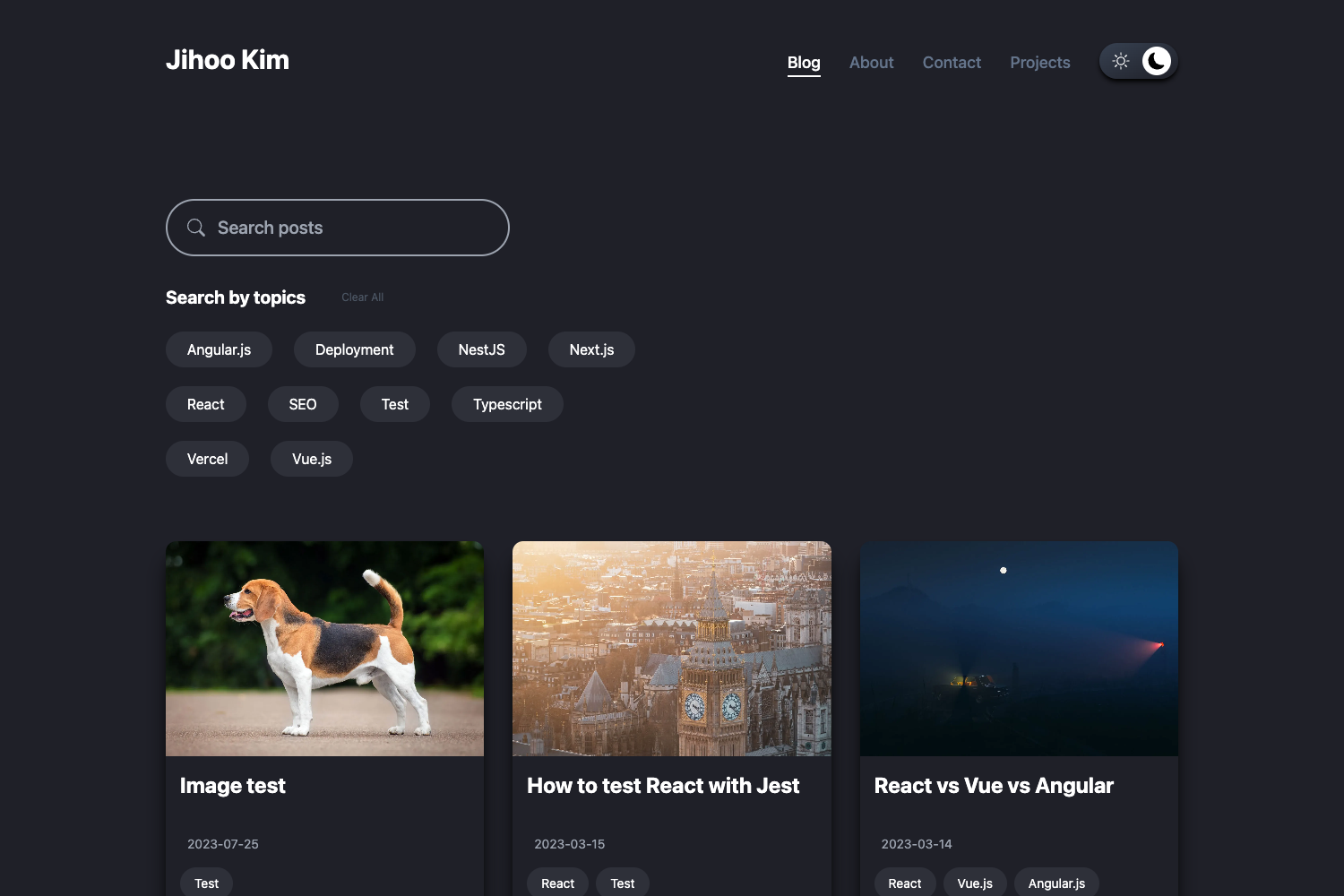
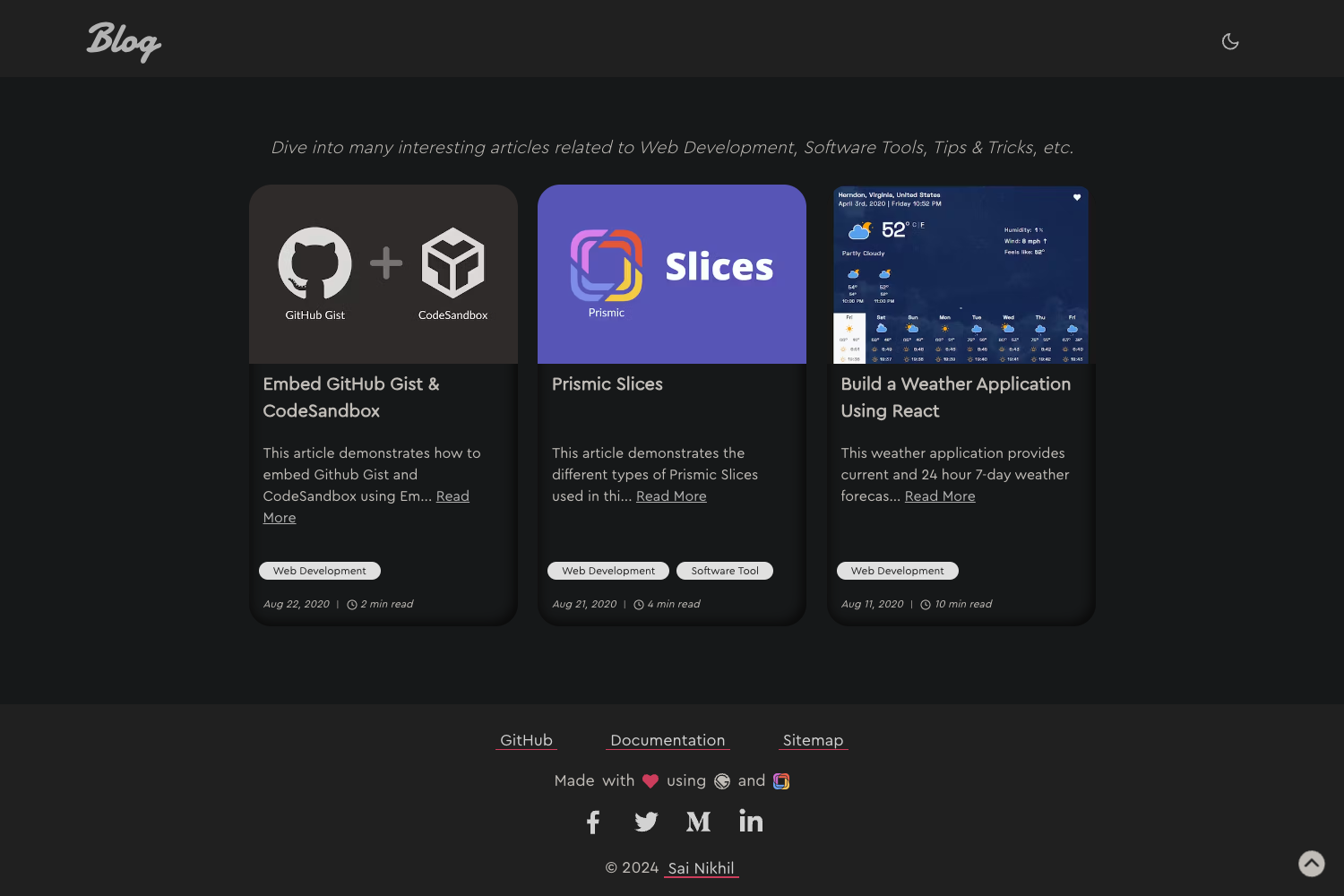
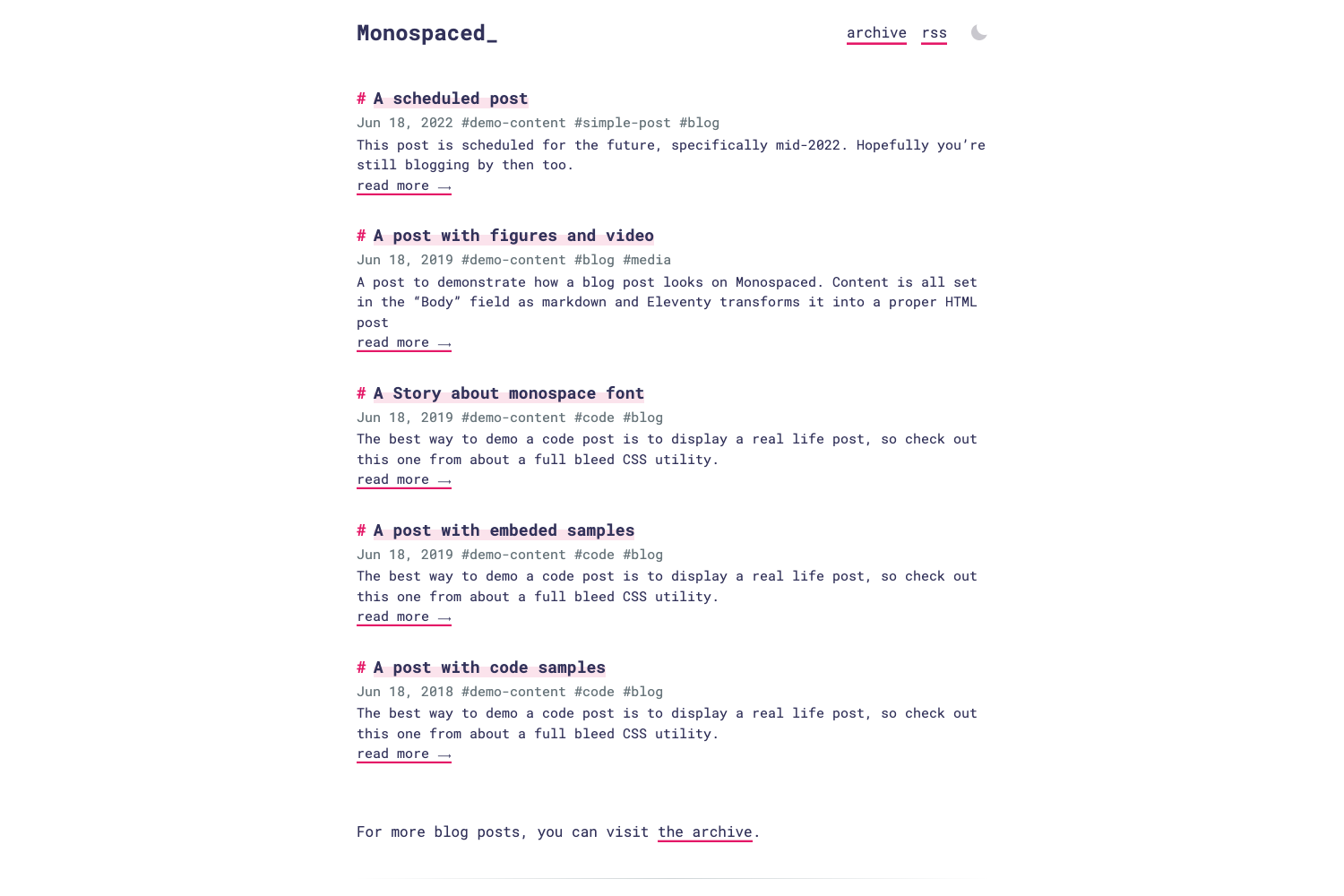
- Dark Mode Support — A built-in toggle lets readers switch between light and dark themes without any additional setup.
- Markdown Support — Blog posts are authored in Markdown, making content creation simple and focused on writing.
- Tailwind CSS Styling — The entire UI is styled with Tailwind CSS, making it straightforward to customize colors, spacing, and typography.
- Next.js Framework — Built on the Next.js React framework, it provides server-side rendering, fast page loads, and a straightforward development workflow.
- Easy Customization — The README states it is "easy to customize and write posts of your own," with a simple
_contentfolder structure for adding new Markdown files. - Vercel Deployment — The template is ready to deploy to Vercel, with the live demo hosted at soumyajitblogs.vercel.app.
Who should use Bits 0f C0de?
Bits 0f C0de is aimed at developers and technical writers who want a clean personal blog with minimal configuration.
- Developers — Use it to set up a personal blog for sharing coding tutorials, project updates, and technical experiences without designing a site from scratch.
- Technical writers — Write posts in Markdown and publish through the built-in content pipeline, ideal for hosting documentation or long-form articles.
- Open-source enthusiasts — Use it as a learning resource to see how a real-world Next.js and Tailwind CSS blog is structured, with the source code freely available on GitHub.
Use cases
- Personal developer blog: Share coding insights and project retrospectives with a built-in dark mode and clean Tailwind-styled typography.
- Markdown-based writing portfolio: Write all articles as Markdown files in the
_contentfolder, making version control and content management straightforward with Git. - Learning Next.js and Tailwind: Study a working example of a server-rendered blog, including the file structure and deployment configuration for Vercel.
How does Bits 0f C0de work?
After cloning the repository, you install dependencies with npm install and start the development server with npm run dev, which serves the site at http://localhost:3000. To add a new post, you create a Markdown file inside the _content folder using the format the template expects, and the site automatically picks it up. Production builds are handled by Next.js, and the project deploys cleanly to Vercel.
Pricing
Bits 0f C0de is free and open source. The repository is publicly available on GitHub, and the author accepts optional support through Buy Me a Coffee.
Alternatives
- Tailwind Nextjs Starter Blog — a popular open-source blog template also built with Next.js and Tailwind CSS.
- Nextra — a Next.js-based static site generator focused on documentation and content-heavy sites.
FAQ
Is Bits 0f C0de free?
Yes, Bits 0f C0de is free and open source. You can clone the repository from GitHub, modify it, and use it for personal or commercial projects. The author also provides an optional Buy Me a Coffee page if you wish to support development.
What do I need to run it locally?
You need Node.js and Git installed on your machine. After that, clone the repository, run npm install, then npm run dev, and open http://localhost:3000 in your browser to see the site.
How do I add a new blog post?
Create a Markdown file inside the _content folder of the repository. The README notes that each file must follow a specified format (the template's existing posts serve as examples), and the site renders the content automatically.
Does Bits 0f C0de support dark mode?
Yes, dark mode is a built-in feature. The template includes a dark mode toggle that switches the site between light and dark themes, which is especially useful for developers reading technical content at night.
Can I customize the design?
Yes. Because the styling is built on Tailwind CSS, you can modify the theme configuration to change colors, fonts, and other design tokens. The README explicitly describes the template as easy to customize.