Template details
Notion Blog with Next.js 13
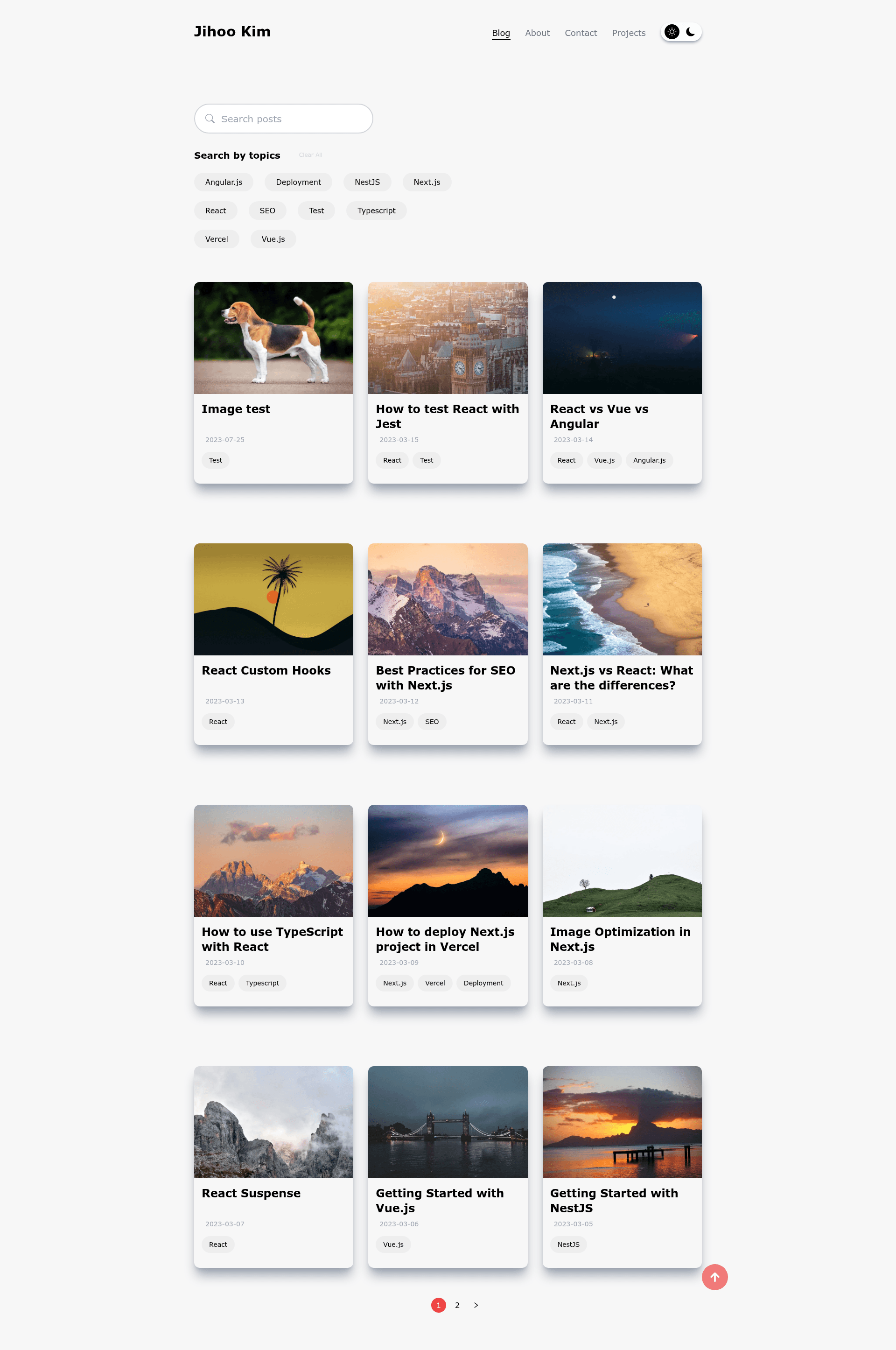
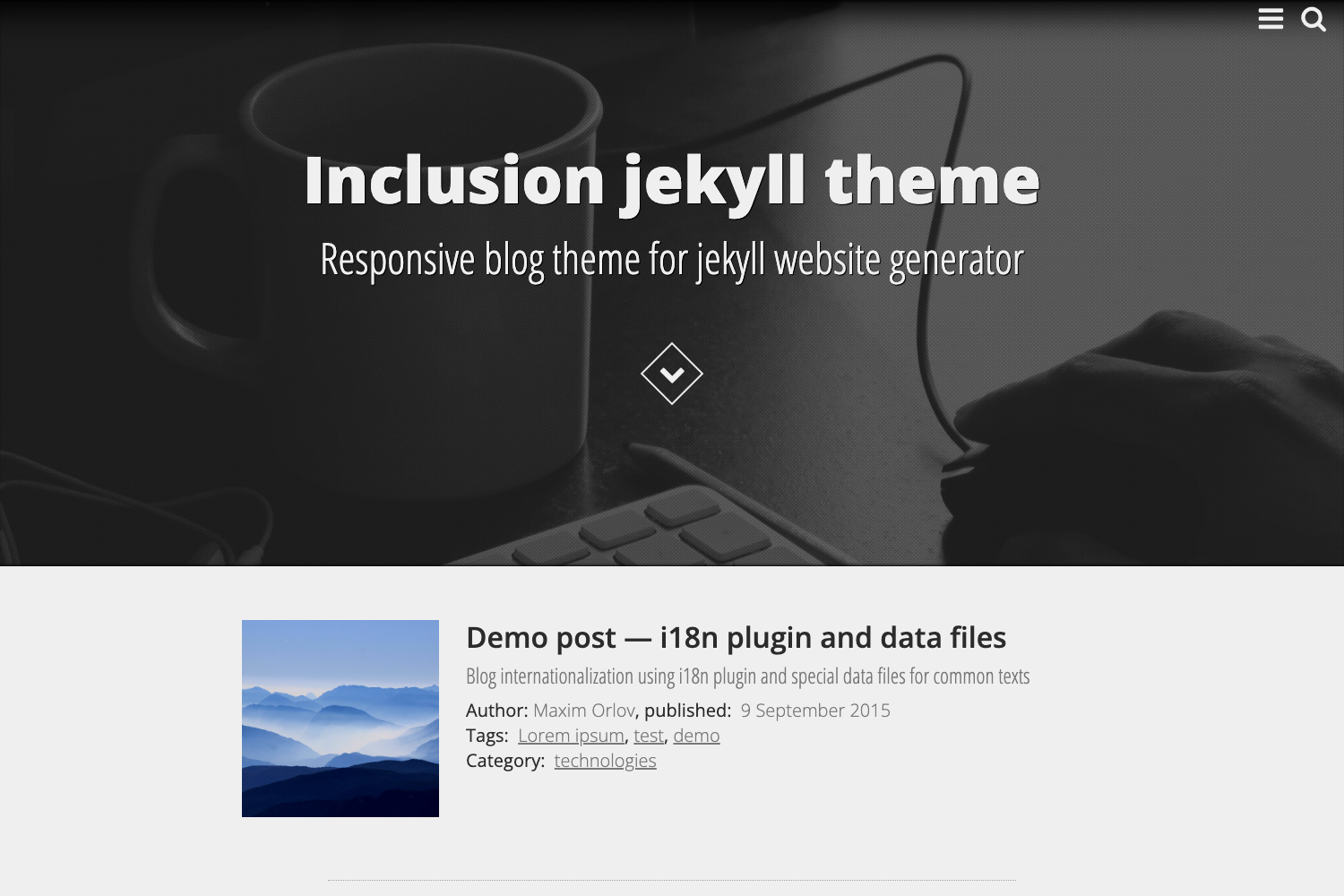
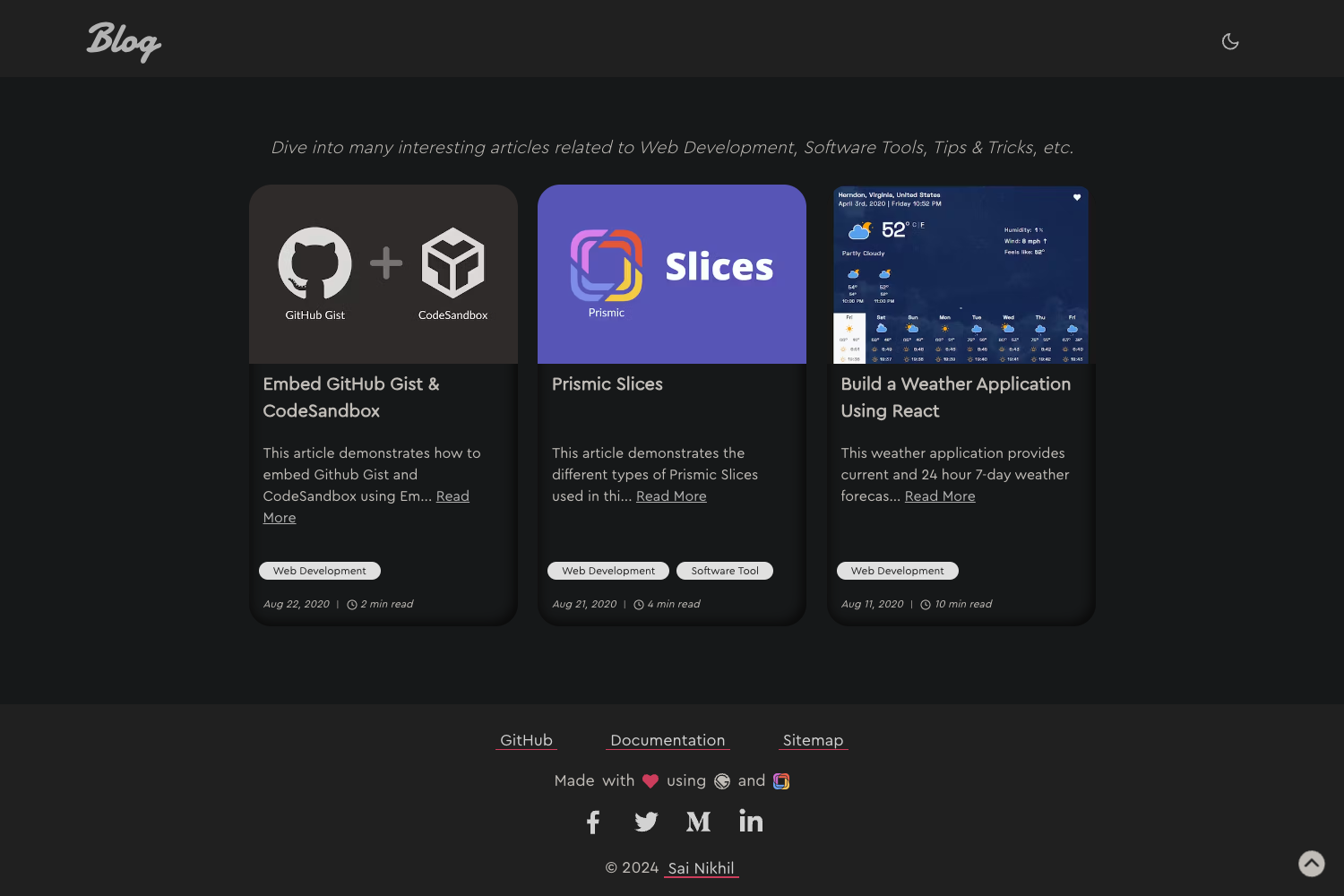
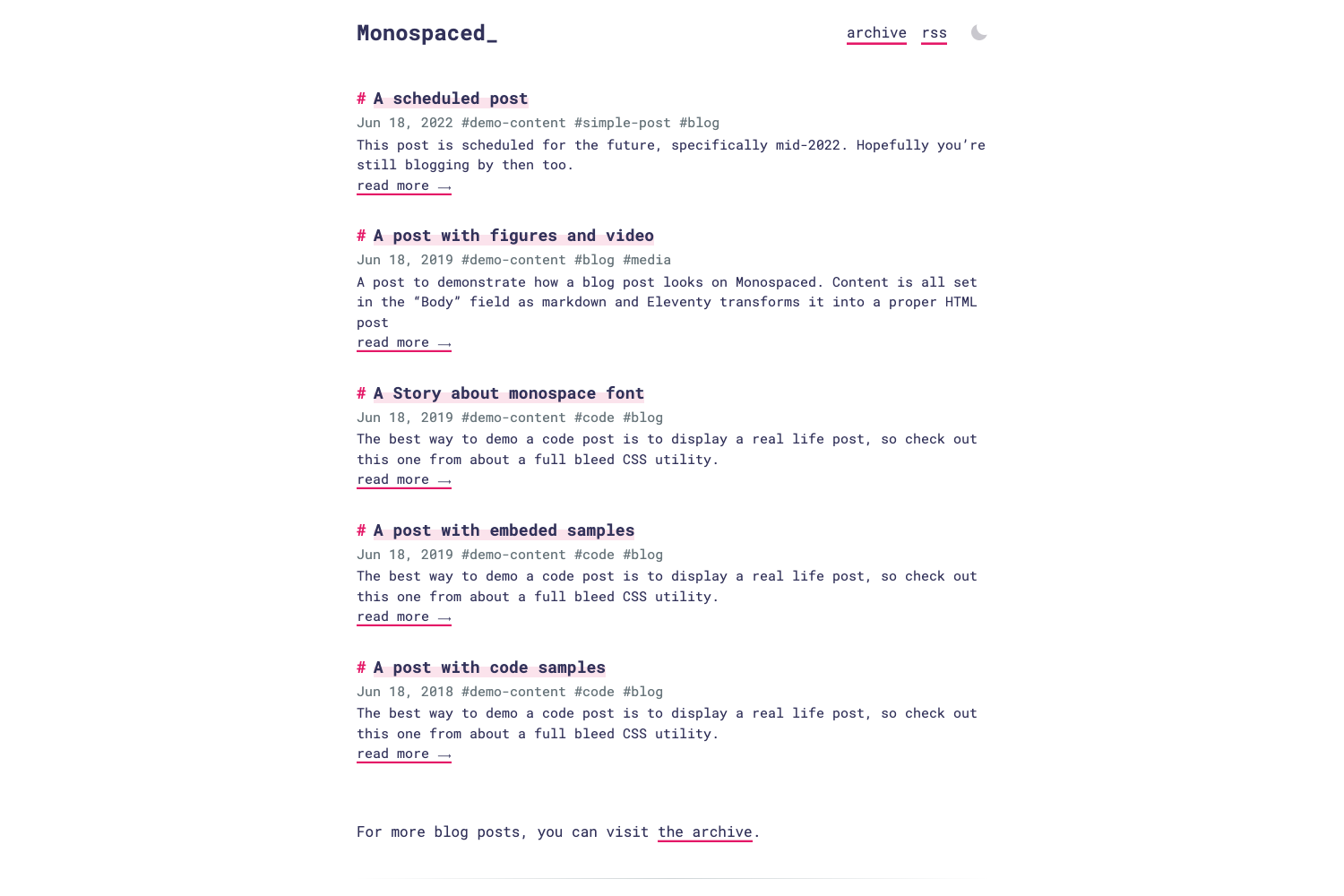
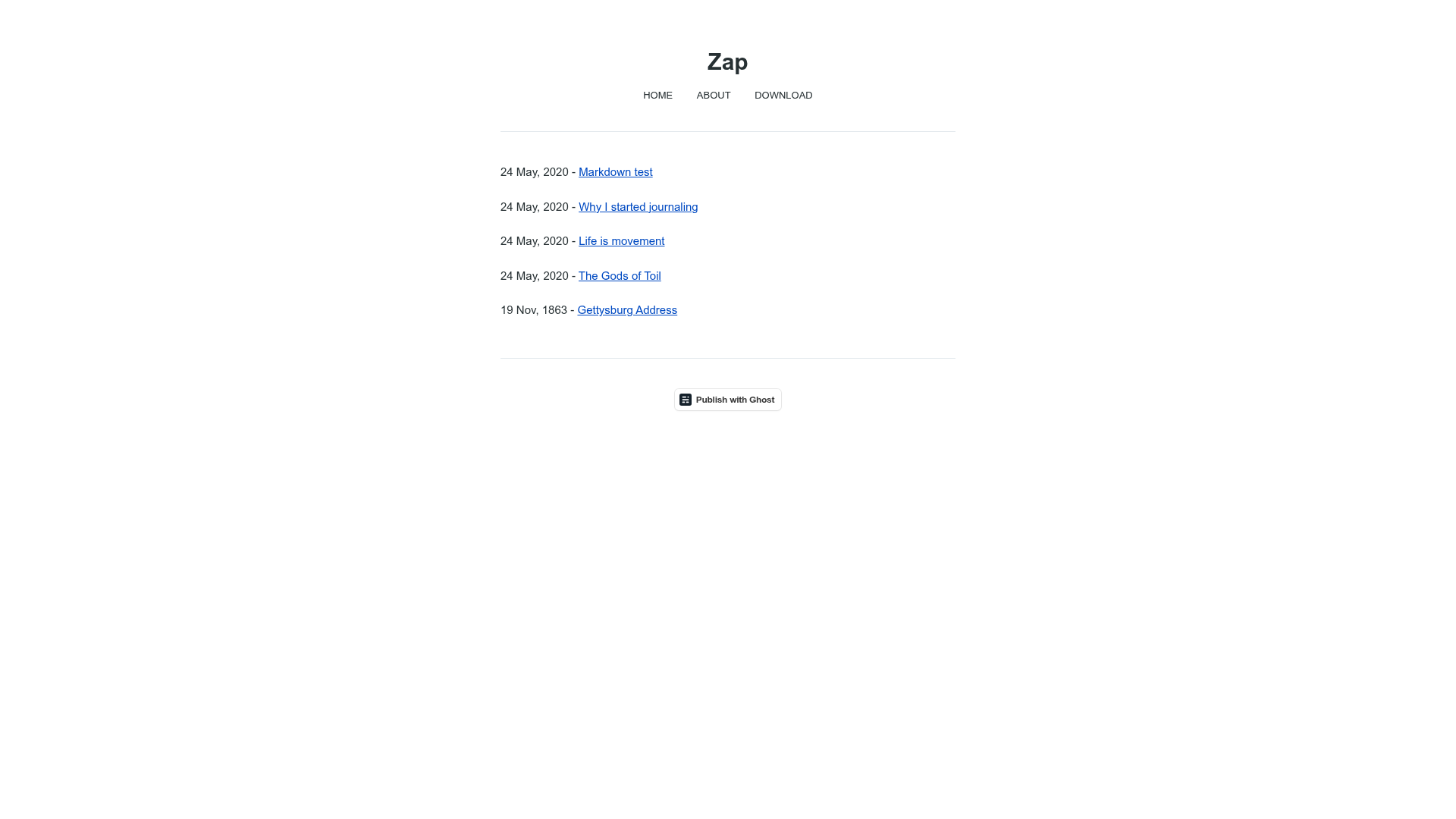
Next.js 13 blog template that uses Notion as CMS, with search, category filters, dark mode, and sitemap.
About this template
Notion Blog with Next.js 13
Notion Blog with Next.js 13 is a blog template that turns a Notion database into a fully rendered blog site using Next.js 13's stable App Router.
What is Notion Blog with Next.js 13?
Notion Blog with Next.js 13 is a blog template hosted on GitHub that uses Notion as its content management system. You write and publish posts in a Notion database, make the database public, and the template fetches those pages and renders them as a blog with its own URL structure. The template runs on Next.js 13.4+ (App Router) and can be deployed to Vercel using four environment variables. It uses react-notion-x to render Notion pages and notion-client, an unofficial Notion API that the author describes as faster than the official one.
Key Features
- Notion as CMS — Create posts in a Notion database; the template syncs them to the blog with no separate admin panel.
- Search posts by name — Users can search the blog by post title from a client-side search box.
- Filter by categories — Posts are organized by categories defined in Notion and can be filtered on the blog list page.
- Related posts — Each post page displays links to related posts, helping readers discover more content.
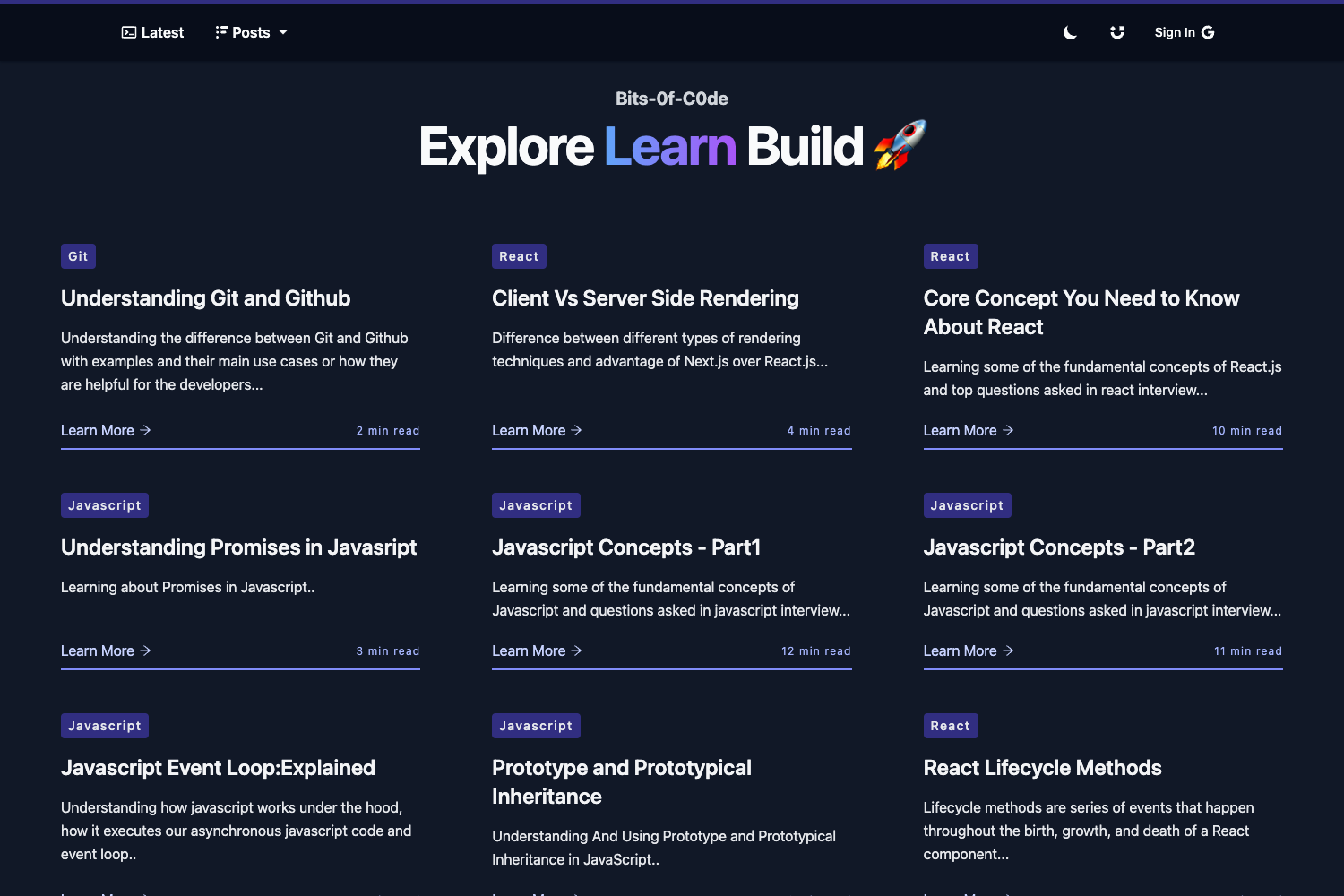
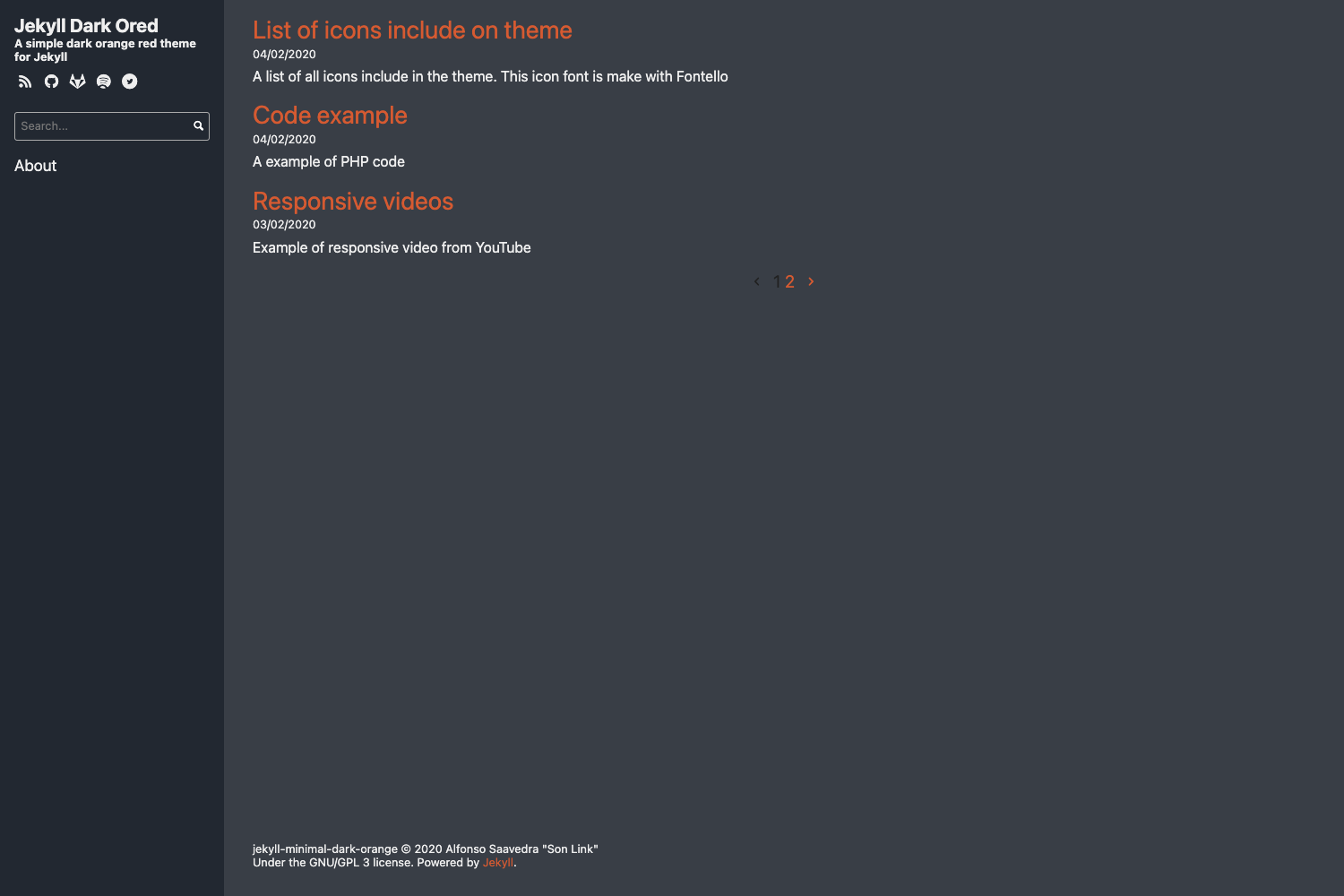
- Dark mode — The template includes both light and dark themes; light mode for code blocks is listed as a TODO.
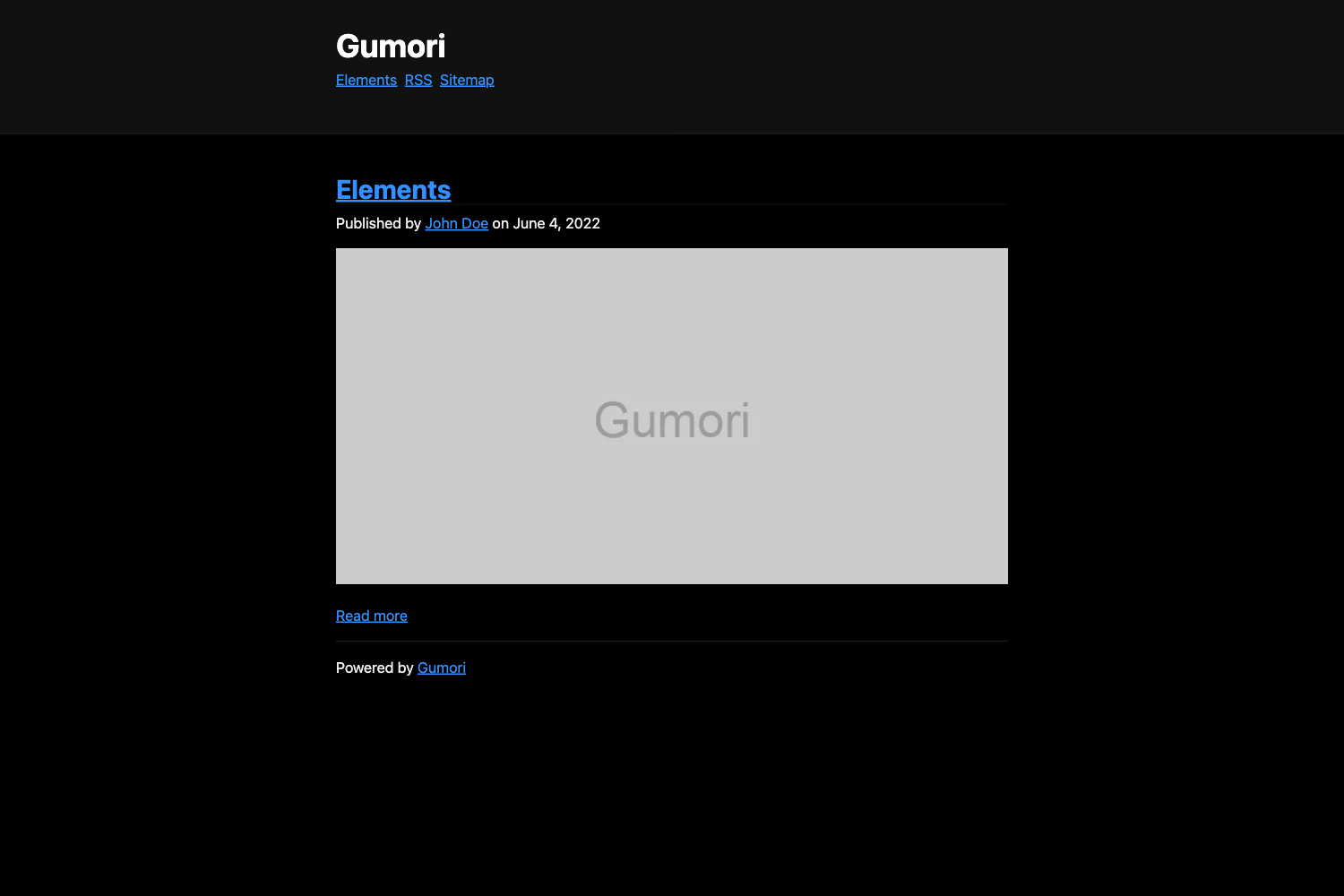
- Responsive design — Screenshots in the README show the blog and post pages at desktop, tablet, and mobile widths.
- Sitemap generation — The template automatically produces a sitemap for search engine discovery.
Who is it for?
- Developers who write on Notion — If you already keep your writing in Notion, this template removes the need to move content to a static site generator.
- Next.js developers — The project demonstrates the App Router with dynamic routes, metadata, and environment variables, making it a useful reference or starting point.
- Bloggers who want to deploy quickly — With four environment variables, you can deploy to Vercel without managing a separate CMS or database.
What can you do with it?
- Publish a personal blog — Write in Notion and share posts publicly on a custom domain or a Vercel subdomain.
- Build a documentation site — Structure the Notion database with tutorial-style posts and categories, and reuse the search and filtering features for documentation.
- Experiment with the unofficial Notion API — Use
notion-clientto explore a faster alternative to the official API for read-only content fetching.
How does it work?
- Duplicate the provided Notion blog template into your own Notion workspace and make the page public.
- Copy the database ID from the page URL and the auth token from your browser cookies — both become environment variables.
- Set
NOTION_DATABASE_ID,NOTION_AUTH_TOKEN,SITE_URL, and your ownAPI_KEY. - Run locally or deploy to Vercel; posts then appear on the blog automatically.
Pros and cons
Pros:
- Simple architecture: Notion is the only content source, so there's no database to maintain.
- Uses the stable App Router in Next.js 13.4, aligning with current Next.js practices.
- Deployment to Vercel is straightforward with documented environment variables.
Cons:
- Code block light mode is not yet implemented (listed as a TODO in the README).
- The setup requires manually extracting your Notion auth token from cookies, which can be unintuitive.
FAQ
How do I set up the Notion database?
Duplicate the official Notion blog template linked in the README into your own workspace. Make the page public by sharing it with "Anyone with the link". Then copy the database ID from the URL and your auth token from the browser's cookie storage.
What environment variables are required?
You need four variables: NOTION_DATABASE_ID (the database ID from step 3 of the setup), NOTION_AUTH_TOKEN (the auth token from step 4), SITE_URL (your site URL, such as http://localhost:3000 locally), and API_KEY (a password you choose for the route handler).
Does the template support dark mode?
Yes, the README lists dark mode as a feature. Light mode for code blocks, however, is still on the TODO list, so code blocks may stay dark even in the light theme.
Can I deploy to Vercel?
Yes, the README includes a link to Vercel and the demo site is hosted on Vercel. You'll need to set the four environment variables in your project's Vercel dashboard.
What is react-notion-x?
React-notion-x is the renderer package used by this template to display Notion pages. It converts Notion blocks into React components, enabling the blog to render posts created in Notion with formatting intact.