Template details
Gatsby Prismic Blog Starter
Open-source Gatsby blog starter with Prismic headless CMS, slices, PWA, and SEO.
About this template
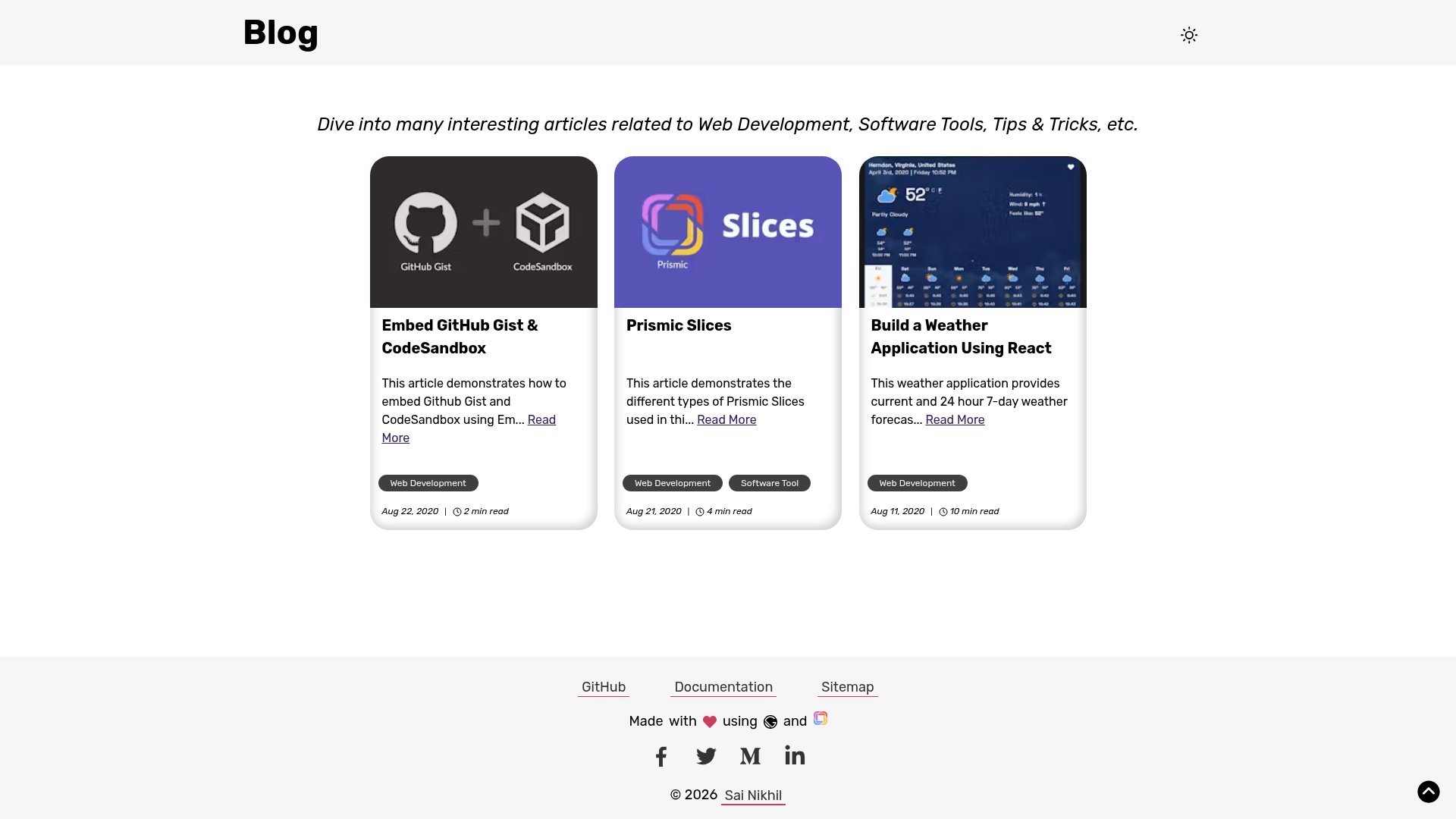
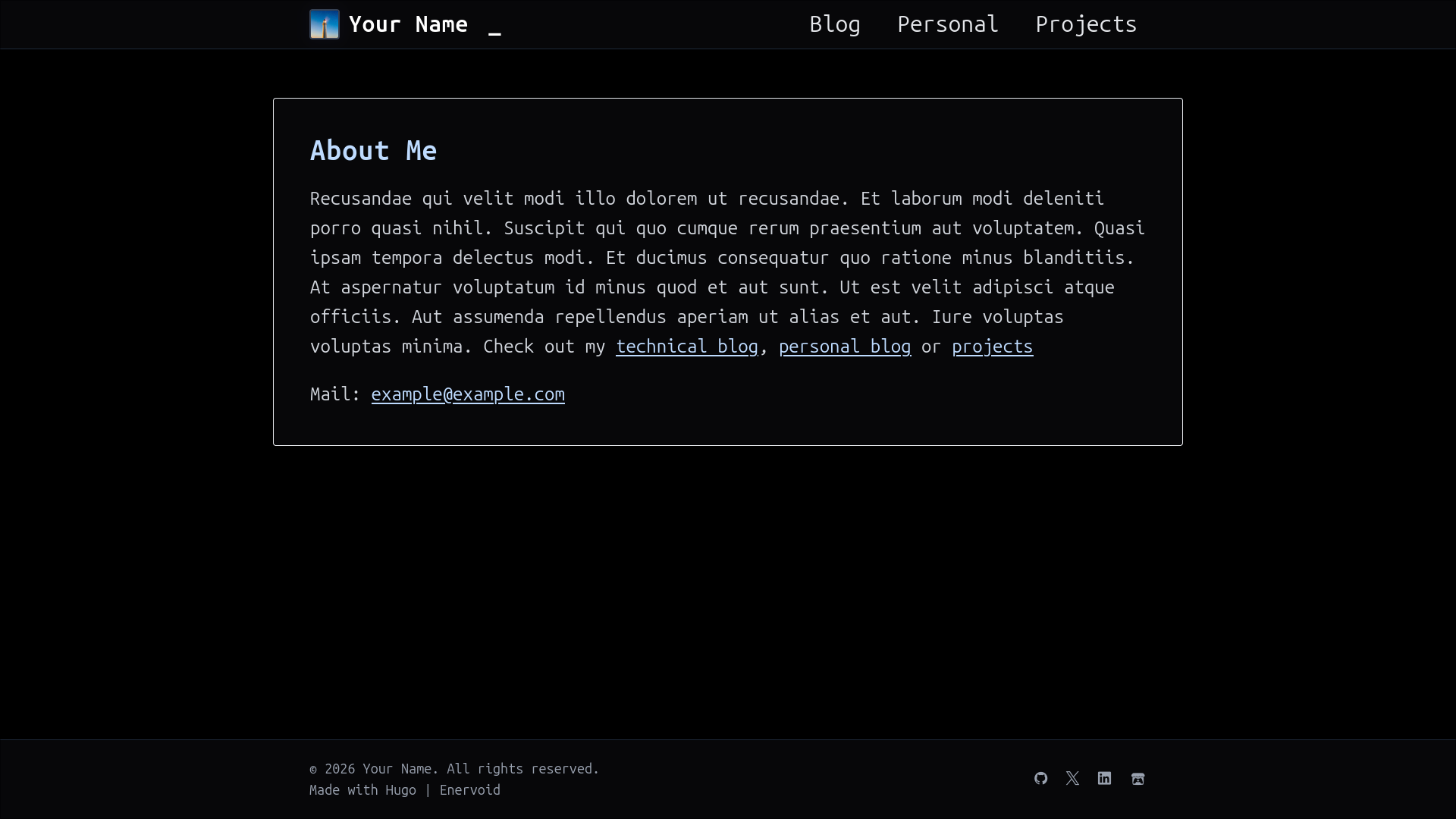
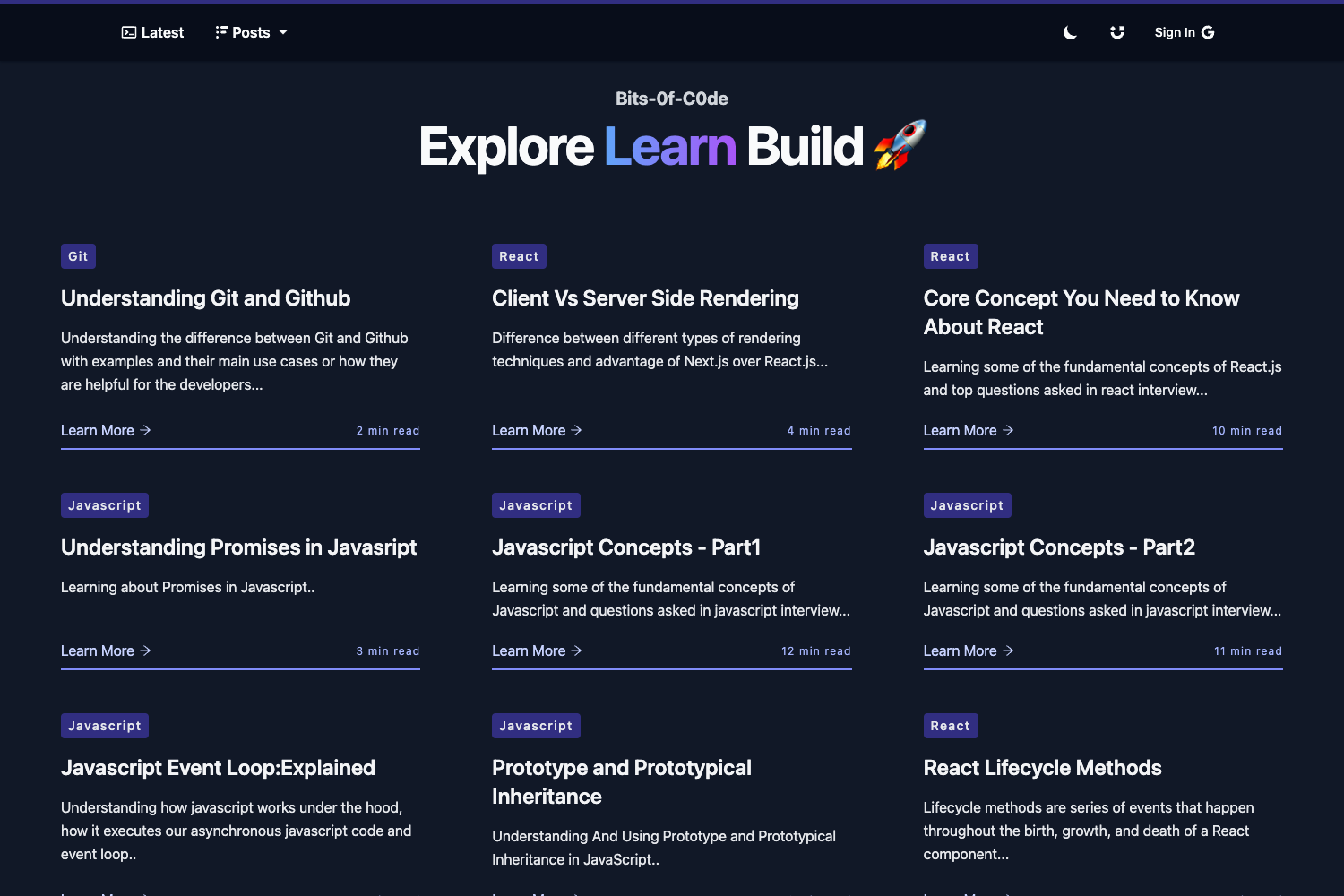
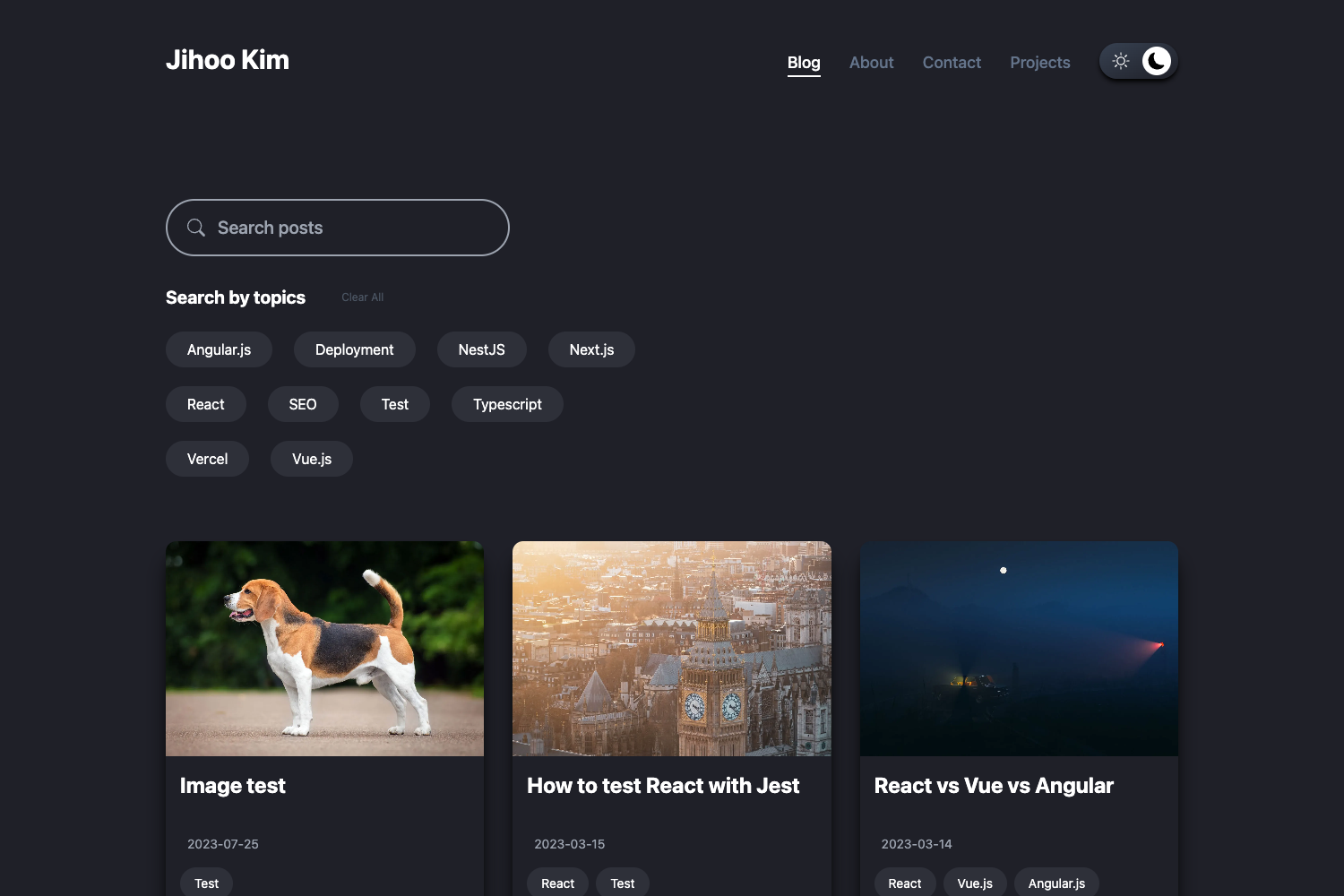
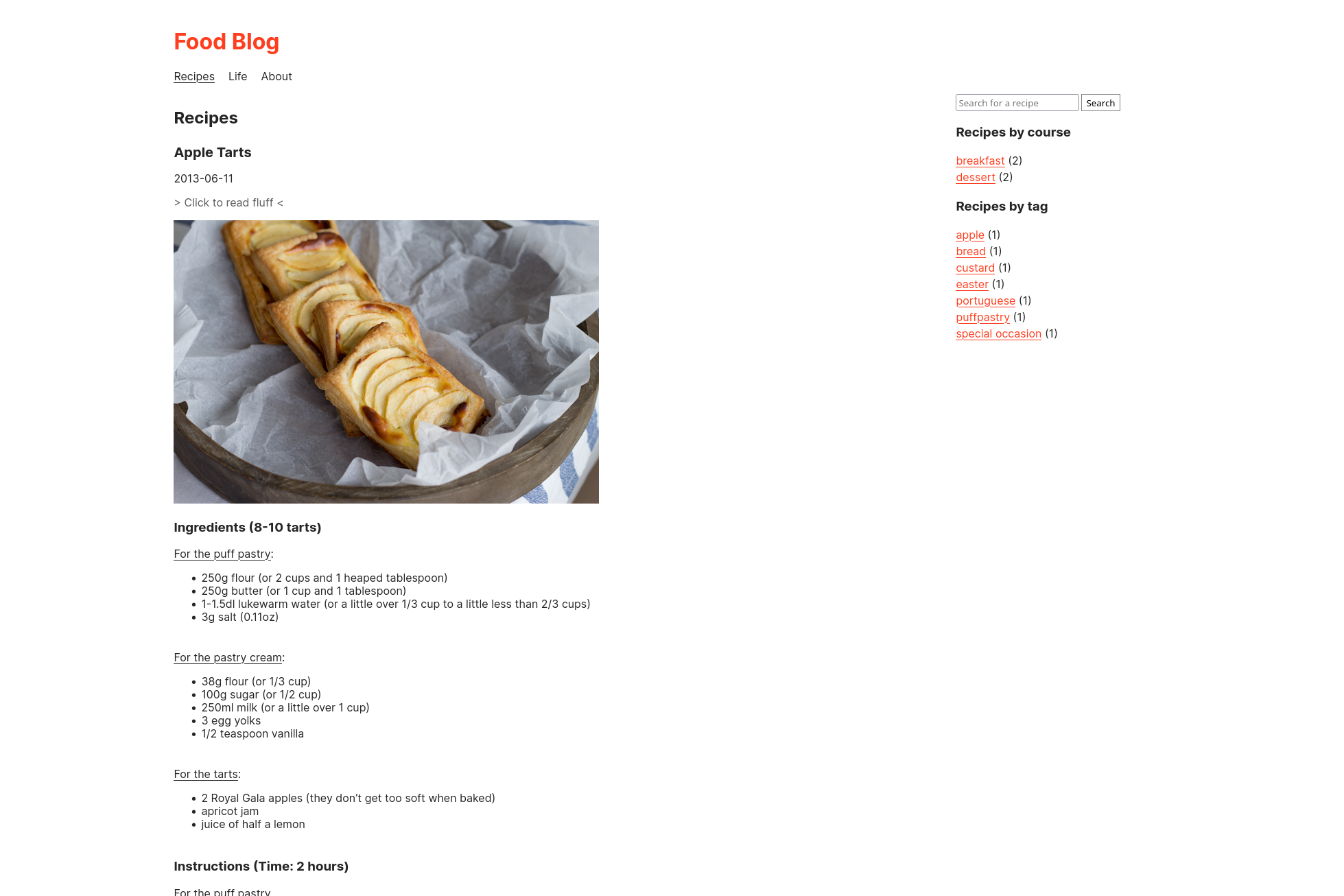
Gatsby Prismic Blog Starter is an open-source (MIT) blog starter template built with Gatsby that uses Prismic as a headless CMS for managing articles, authors, categories, and tags. It ships with Prismic slices for rich blog content, responsive images, SEO, PWA support, DISQUS comments, and Google Analytics integration.
What is the Gatsby Prismic Blog Starter?
This starter, created by iamsainikhil, takes a Prismic repository (with custom types for Article, Author, and Category) plus a .env file containing your Prismic repository name and permanent access token, and produces a static blog built by Gatsby. The site includes article pages with a slice-based content model, author pages, category pages, and a homepage, all styled with Theme UI and SCSS. Live demos are available at gatsby-prismic-blog-starter.vercel.app and blog.iamsainikhil.com.
Key Features
- Prismic slices — Articles can be composed from six slice types: Content (rich text/quote), Alert (info, success, warning, danger), Image (banner or gallery), Embed (YouTube, Vimeo, GitHub Gist, CodePen, etc.), Meta Information (link previews from heymeta.com), and Code (with PrismJS highlighting and a copy-to-clipboard button).
- Headless CMS integration — Uses gatsby-source-prismic and requires a Prismic API endpoint and permanent access token; custom types are defined by pasting the JSON schemas in src/schemas into Prismic's JSON editor.
- Theme UI styling — The look is configured in gatsby-plugin-theme-ui/theme.js using Theme UI tokens, with additional SCSS files under src/styles and Emotion-based CSS-in-JS.
- Responsive images — gatsby-plugin-image provides traced SVG loading, lazy-loading, WebP and AVIF output, and Prismic Imgix transformations for every image slice.
- SEO and social metadata — Includes an XML sitemap, OpenGraph tags, Twitter tags, and favicons via gatsby-plugin-react-helmet; a custom site image at src/images/site_image.png sets the social share thumbnail.
- PWA and offline support — gatsby-plugin-manifest generates a web app manifest and gatsby-plugin-offline makes the site work with poor network connections.
- Comments and analytics — DISQUS comments via gatsby-plugin-disqus and Google Analytics/GA4 via gatsby-plugin-google-gtag, both configured from environment variables.
Who is it for?
- Bloggers and content creators — Write and manage posts in Prismic's rich text editor, then add slices for code, embeds, quotes, and alerts without writing React code.
- Gatsby developers — Use the starter as a reference for integrating gatsby-source-prismic, GraphQL fragments, Theme UI, and gatsby-plugin-image in a real-world project.
- Tech blogs and docs sites — The Code slice and inline code highlighting make it suited to tutorial-style articles with code samples.
What can you do with it?
- Developers: scaffold a complete blog with
gatsby newand deploy it to Vercel or Netlify using the one-click deploy buttons included in the README. - Content editors: categorize articles via relationship fields to Tags and Categories and reorder Slice content in the Prismic editor.
- Site owners: customize metadata, manifest options, fonts, and tracking in gatsby-config.js without touching templates.
How does the starter work?
After creating a Prismic account and project, grab a permanent access token from API & Security settings, create the Article, Author, and Category repeatable custom types by pasting the JSON schemas provided in src/schemas, then write a .env file with GATSBY_PRISMIC_REPOSITORY_NAME, PRISMIC_ACCESS_TOKEN, and GATSBY_DISQUS_NAME. Run gatsby new, npm install, and npm run start to develop at localhost:8000. The README notes a known issue where the develop process can get stuck at onPostBootstrap; killing and restarting the process fixes it.
Pricing
Free. The starter is released under the MIT license, and all source code is available on GitHub.
Alternatives
- gatsby-starter-default — the Gatsby base starter from which this template originally started.
- LekoArts/gatsby-starter-prismic — another Gatsby + Prismic starter recommended in the README for building a customizable full website.
FAQ
Is the Gatsby Prismic Blog Starter free?
Yes, it is open-source under the MIT license. There are no paid tiers for the template itself; you only pay for hosting if you choose a paid platform.
What do I need before using the starter?
You need a Prismic account with a project, a permanent access token, and the three repeatable custom types (Article, Author, Category) created by pasting the JSON schemas from the src/schemas directory. A DISQUS shortname is also required for comments.
Does the starter support comments?
Yes, DISQUS comments are integrated through gatsby-plugin-disqus. You add your project shortname as GATSBY_DISQUS_NAME in the .env file, and comment threads appear on article pages.
What image formats and optimizations are included?
The starter uses gatsby-plugin-image with traced SVG loading and lazy-loading. Images are delivered as WebP and AVIF when supported, processed through Prismic's Imgix transformations.
Can I customize the fonts and theme?
Yes. Fonts (Rubik, Fira Code, Inter) are loaded via typeface packages in gatsby-browser.js and can be removed or replaced. The Theme UI theme lives in gatsby-plugin-theme-ui/theme.js, where you can change colors, typography, and layout tokens.