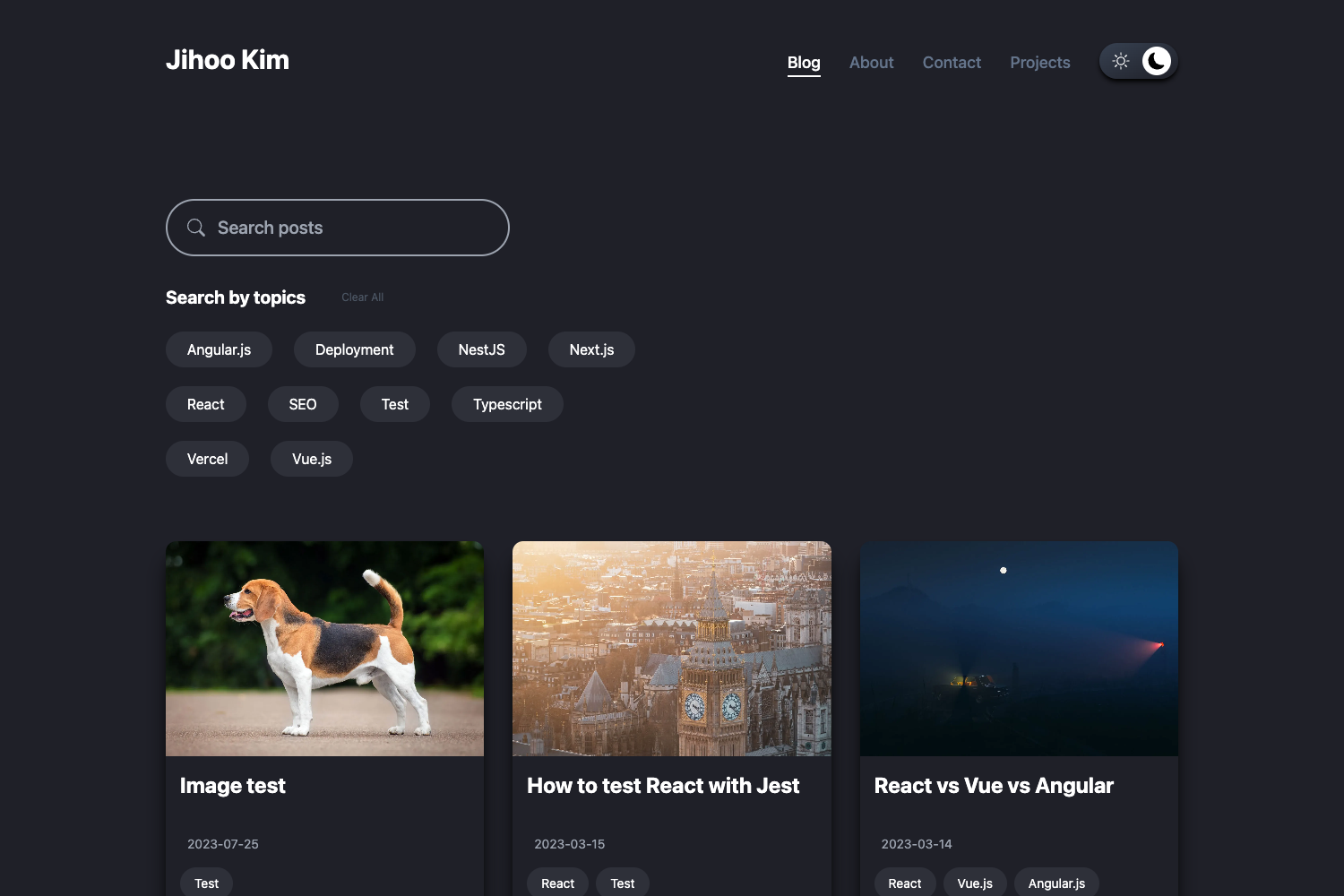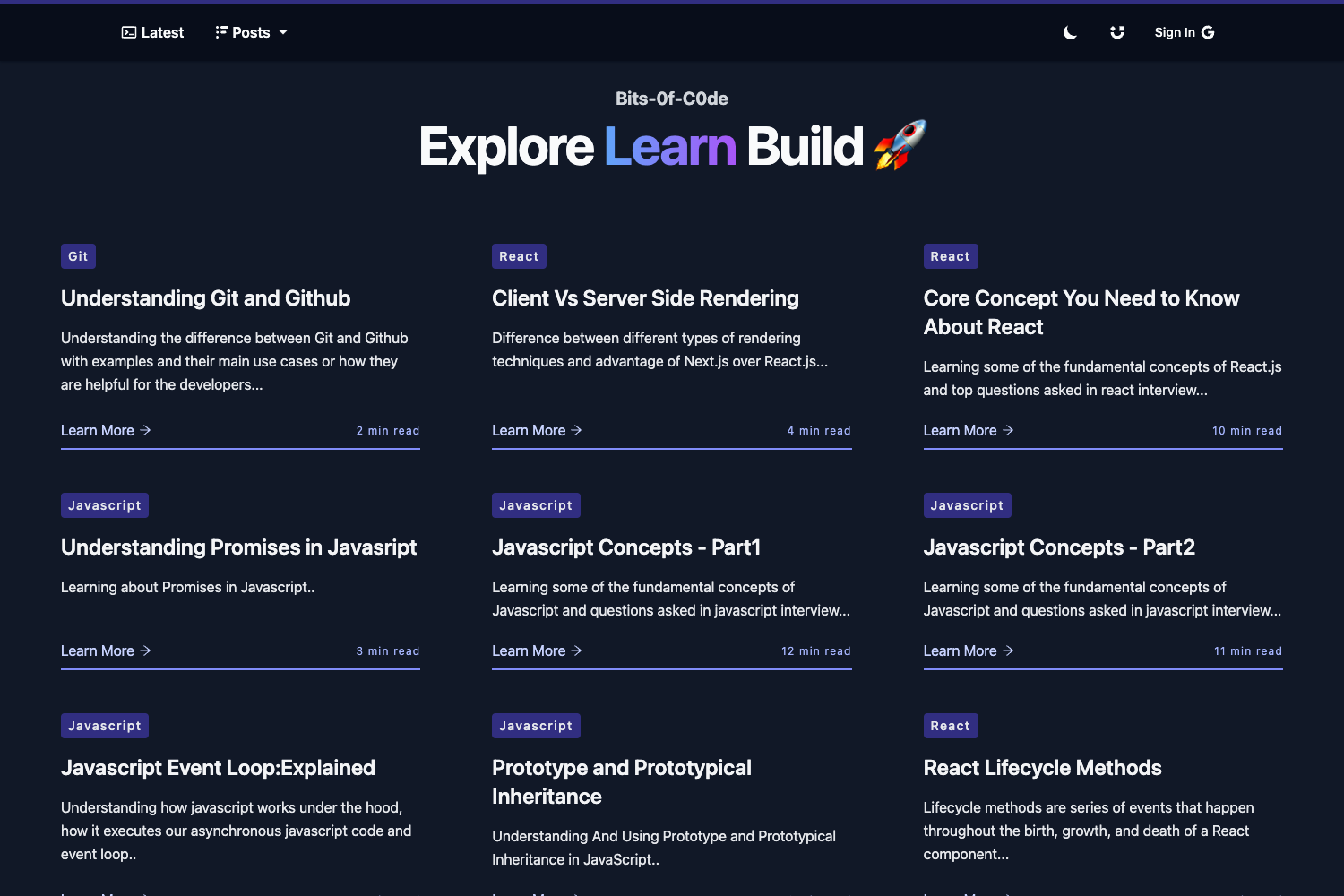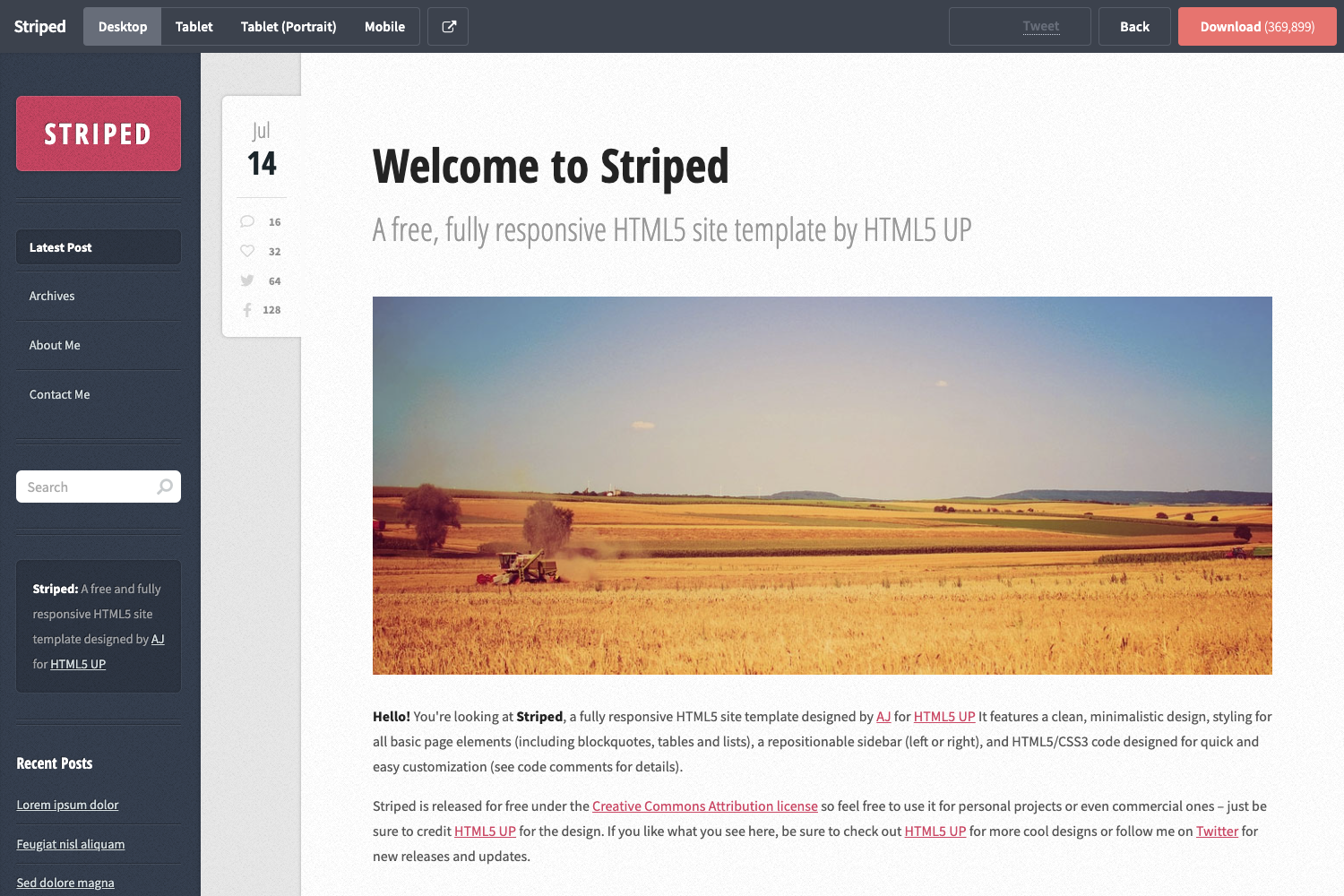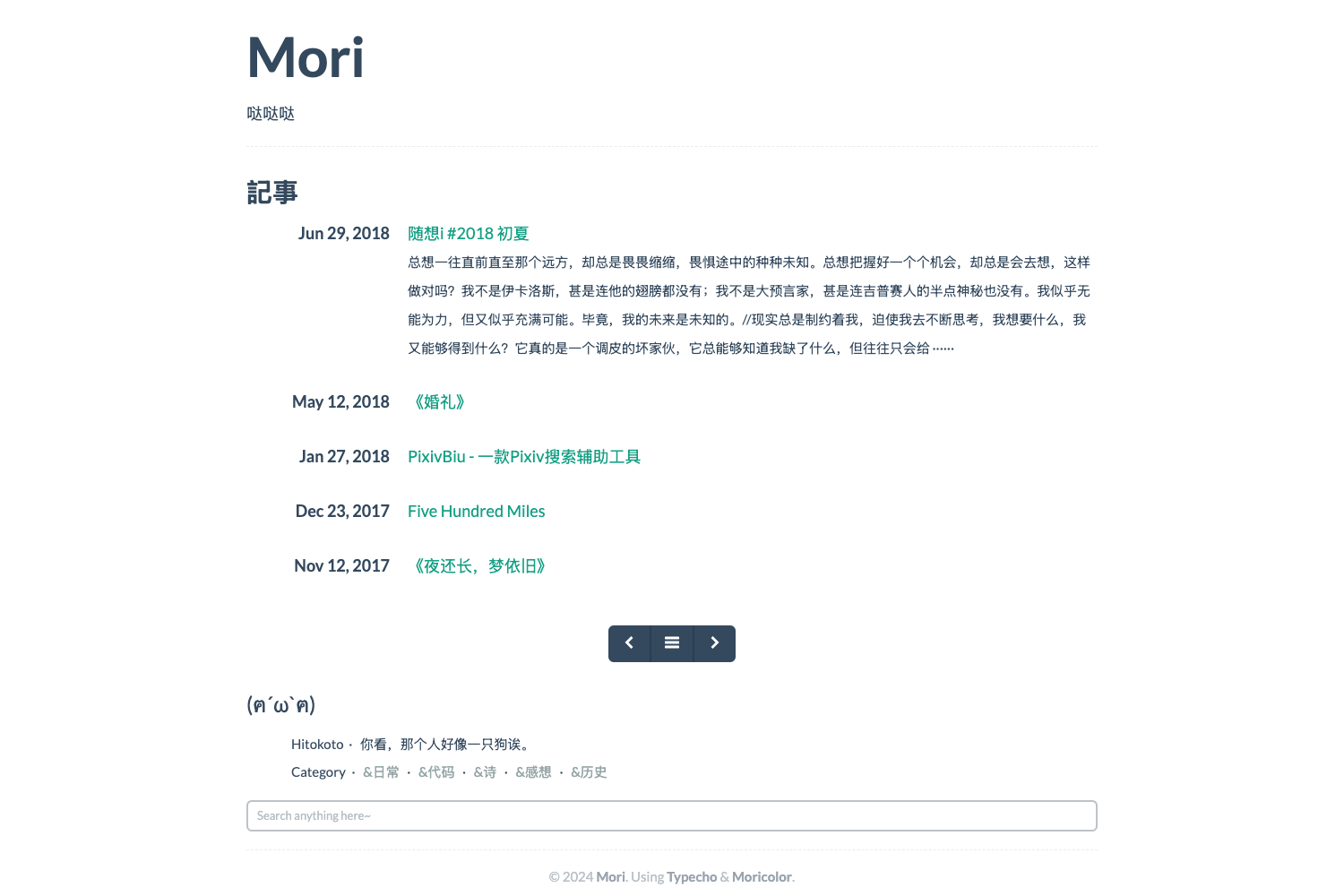
Template details
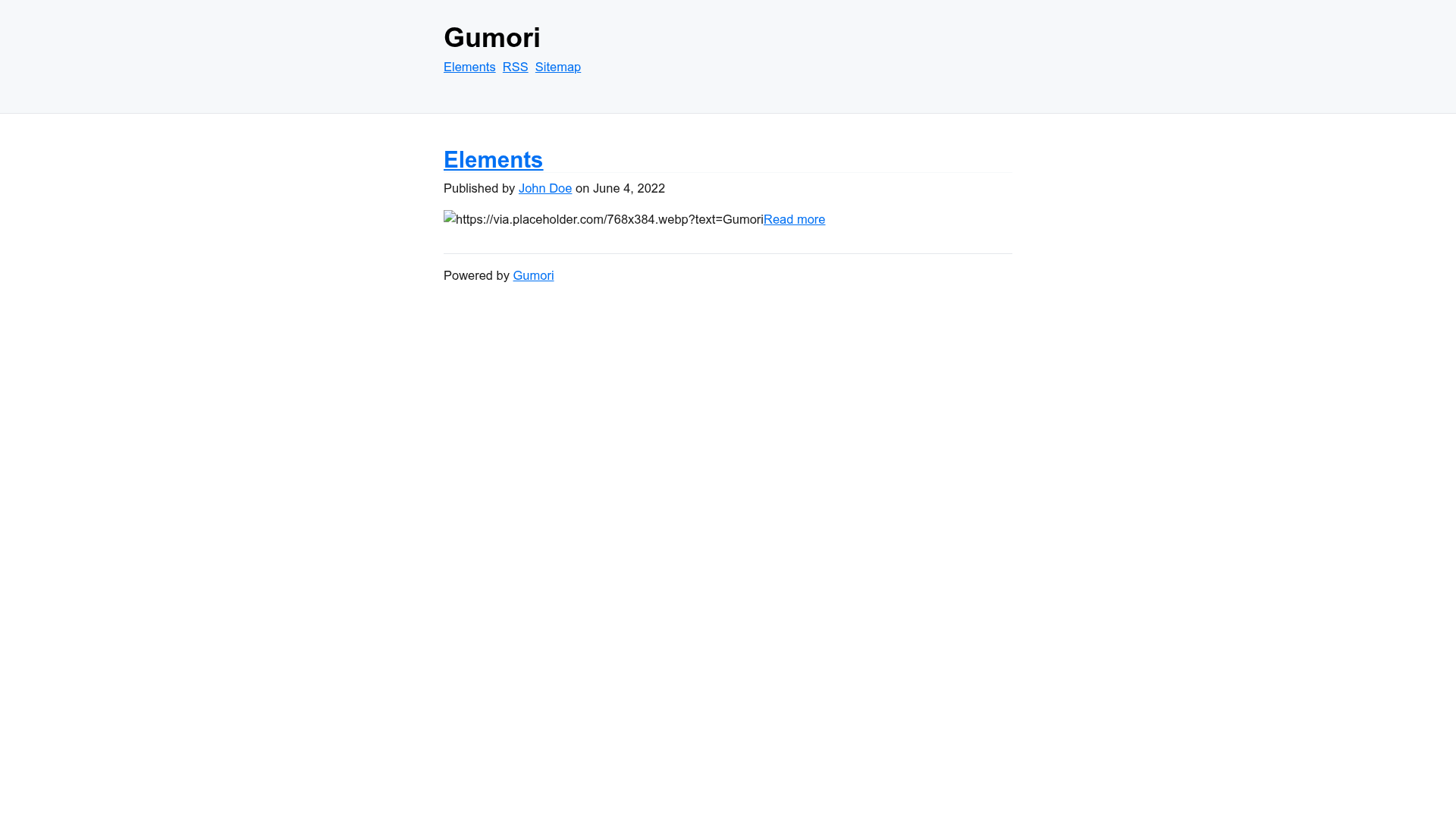
Gumori
Minimal Stylesheets, IndieWeb-Compatible Astro Blog Starter.
About this template
Gumori is a minimal, IndieWeb-compatible Astro blog starter that ships with bare-bones styles so you can design your own blog from scratch. Created by the GitHub user importantimport and labeled beta (β), it is part of the FFF (Feed, Frontmatter, Framework) ecosystem, as indicated by its FFF badge link. The starter is distributed under the WTFPL license, meaning it is free to use, modify, and redistribute.
What is Gumori?
Gumori is an Astro-based blog starter that takes Markdown files placed in the gumori directory and produces a static blog. Each .md file becomes a route based on its filename, and static assets like images can be stored alongside the content. The project includes a src/gumori.ts configuration file, a gumori/elements.md example page, and a package.json. It is designed to be IndieWeb-compatible, helping you own your content and interactions on your own domain.
What makes Gumori stand out?
- Minimal stylesheets — Gumori only includes CSS needed for rehype-pretty-code, so there is no prebuilt theme you have to override.
- Classless CSS default — new.css is imported by default, but any classless CSS library from the classless-css list can replace it.
- IndieWeb compatibility — The starter is built for the IndieWeb, with support for multiple authors already checked off in the project's TODO list.
- Markdown-driven routes — Drop
.mdfiles into thegumorifolder; each becomes a route automatically. - One-command setup — Scaffold a new project with
npx degit importantimport/gumori my-blog, then install withpnpm i. - StackBlitz support — A one-click StackBlitz setup lets you try the starter in your browser.
- Building block for variations — The official "Gumori You" variation shows how to fork and add features; it brings Material Design 3 to the same base.
Who should use Gumori?
Developers who want to hand-craft their blog's visual design will appreciate the lack of imposed styling. IndieWeb advocates can use it to launch a personal site that follows IndieWeb principles. Writers comfortable with Markdown and the command line can set up a fast, static blog in minutes. Astro learners can study a minimal yet complete project structure with a small configuration surface.
Use cases
- Personal blogging: Author posts as
.mdfiles in thegumoridirectory, then build a static site withpnpm build. - Custom visual identity: Replace the default new.css with your own CSS or another classless library to create a unique design.
- Multi-author blogs: Use the built-in multiple-authors support to publish posts from several people.
- IndieWeb presence: Establish a self-owned, IndieWeb-compatible site without relying on a centralized platform.
How does Gumori work?
Run npx degit importantimport/gumori my-blog to create a new project, then install dependencies with pnpm i. Start the dev server with pnpm dev at localhost:3000. Add Markdown files to the gumori folder, and your pages appear at routes matching the filenames. Build the production site to ./dist/ with pnpm build.
FAQ
Is Gumori free?
Yes, Gumori is free and open source. It is released under the WTFPL (Do What The Fuck You Want To Public License) version 2, which grants permission to use, modify, and redistribute the work without warranty.
Does Gumori support multiple authors?
Yes. The "Multiple Authors" item in the project's TODO list is checked, so multiple author support is implemented in the starter.
Does Gumori support tags?
Not yet. "Tags" appears as an unchecked item on the TODO list, so tags are a planned feature rather than an available one.
Does Gumori generate a JSON Feed?
No. JSON Feed is listed as an open TODO item, referencing the withastro/rfcs discussion, so it is not yet part of the template.
Where do I put my content?
Place .md files in the gumori directory at the project root. Each file is exposed as a route based on its filename, and static assets (including images) can be placed in the same folder.