Template details
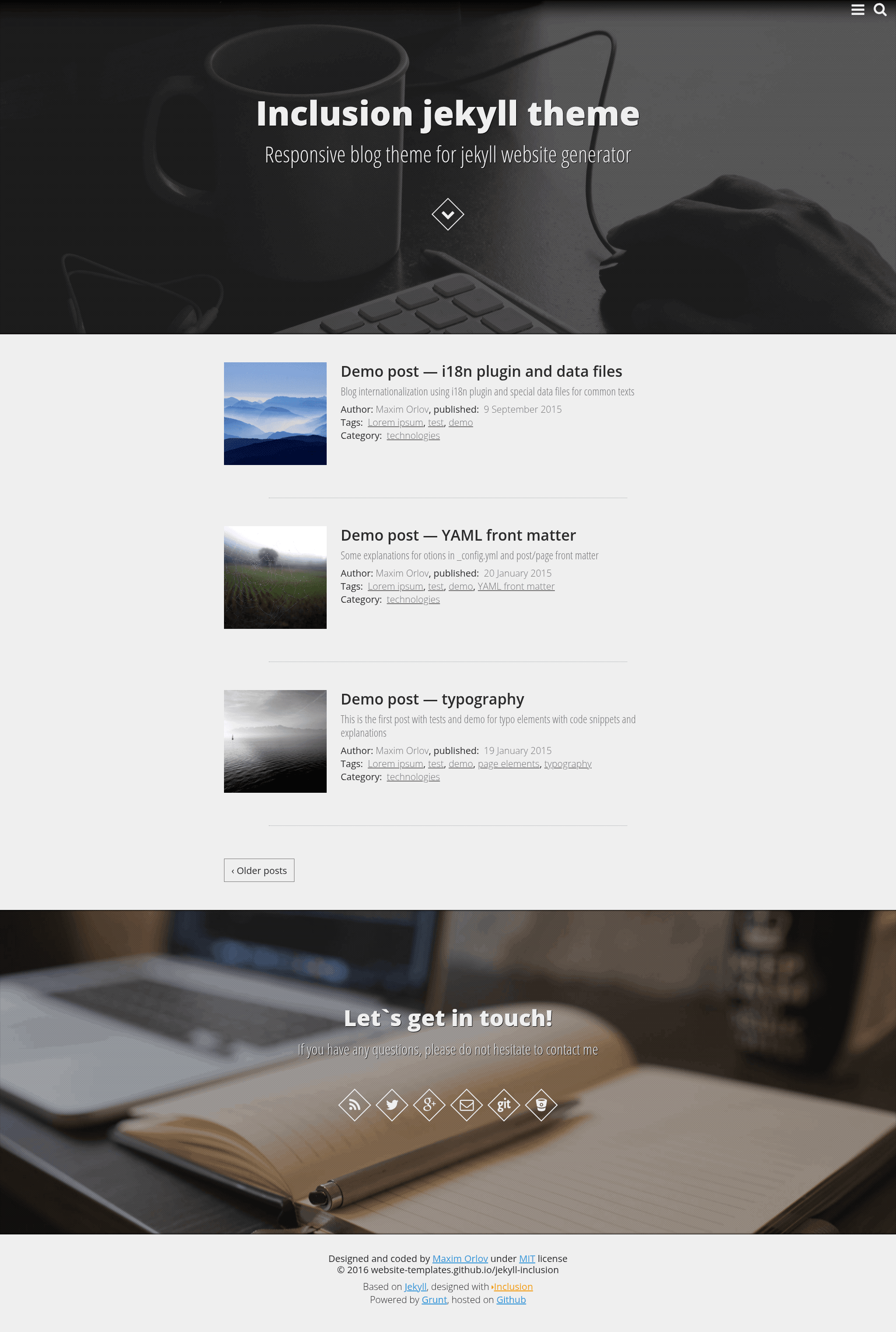
Jekyll Inclusion
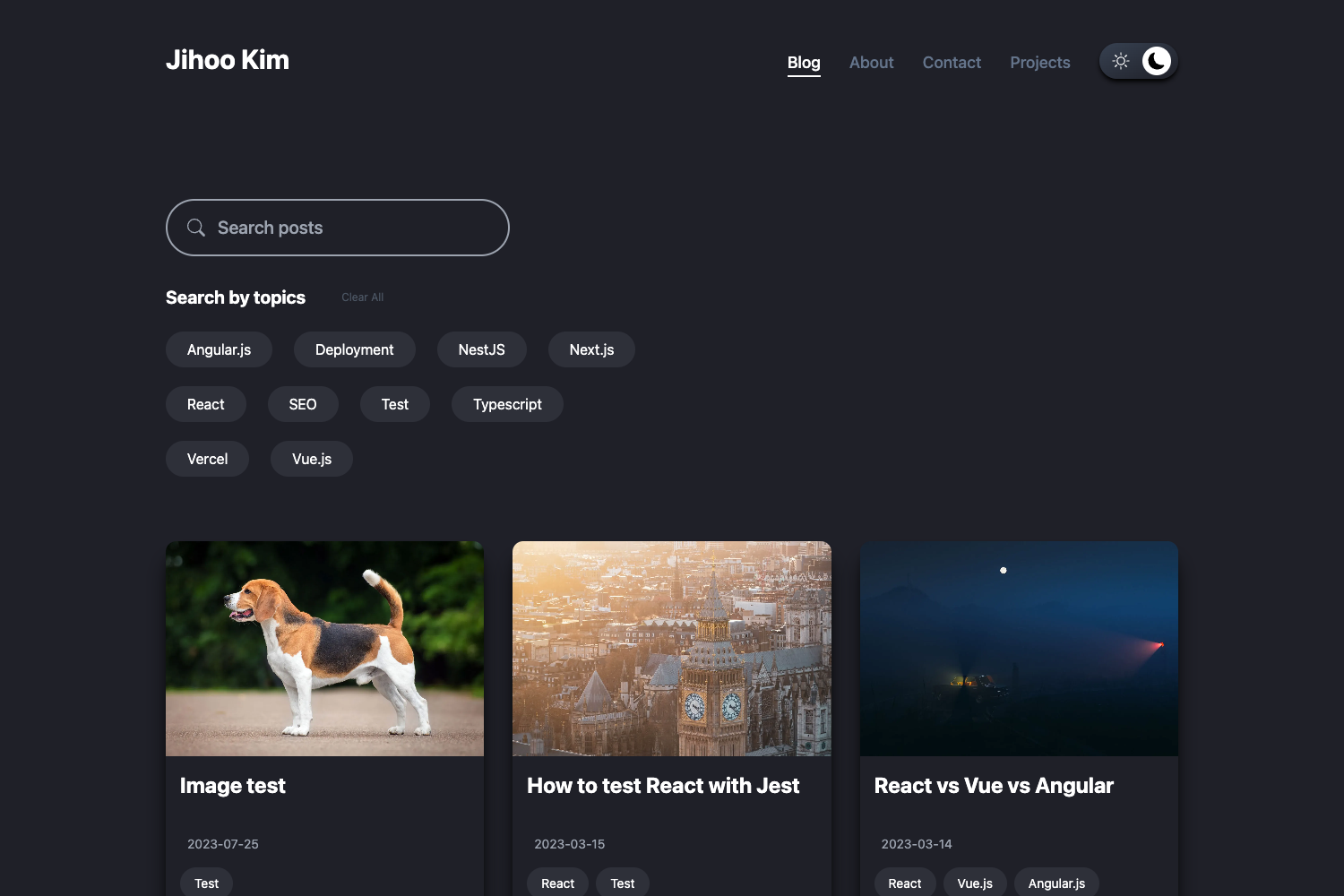
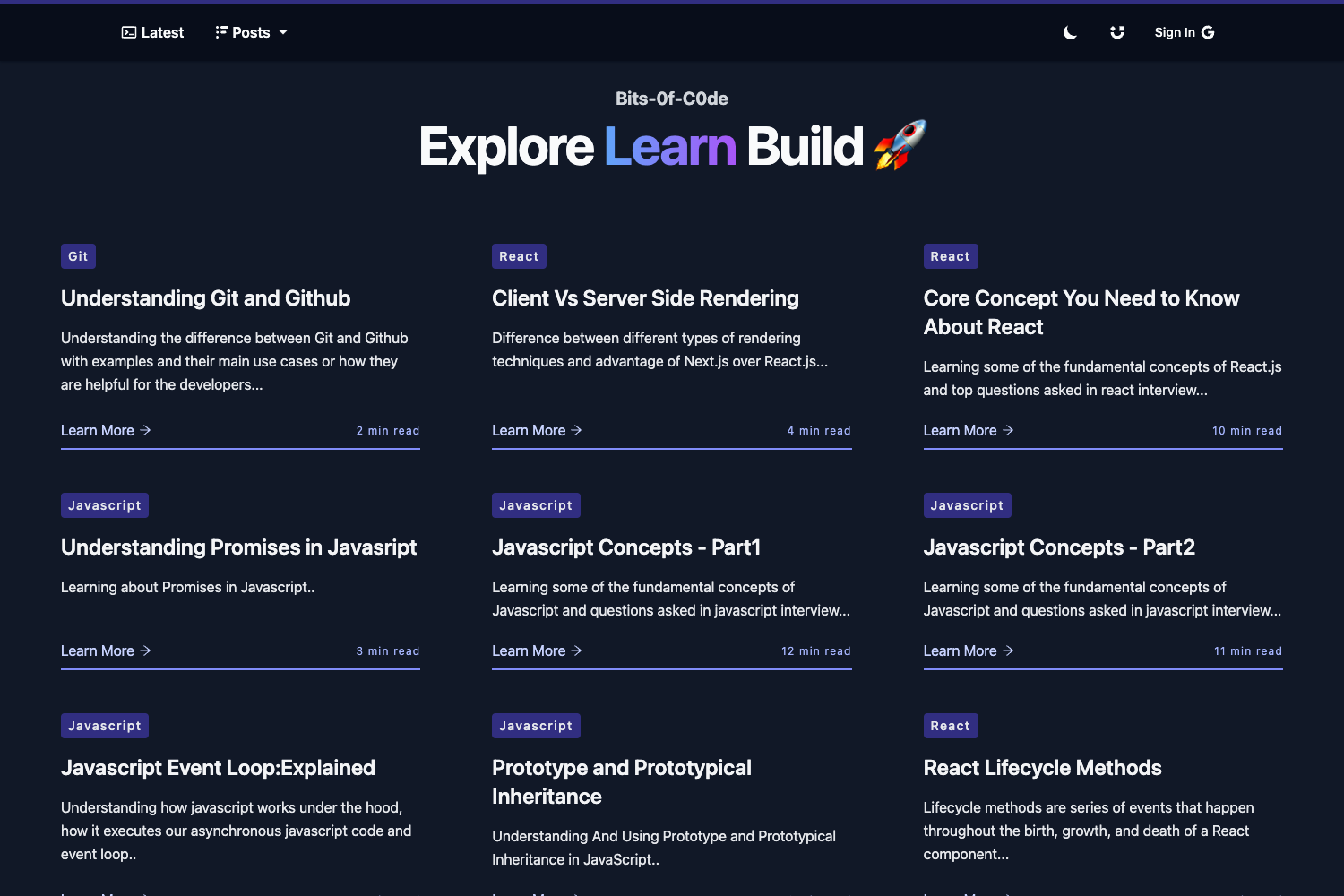
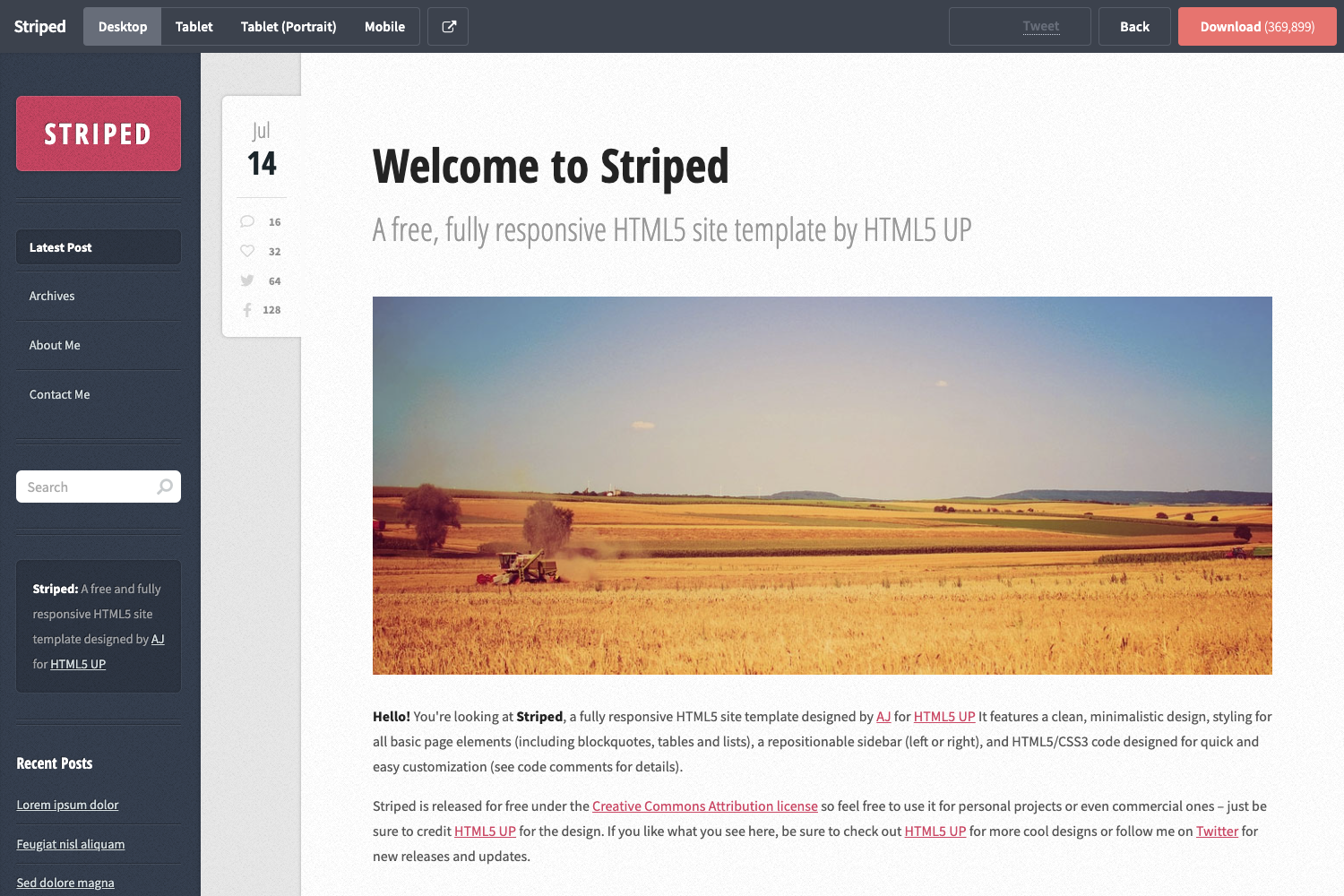
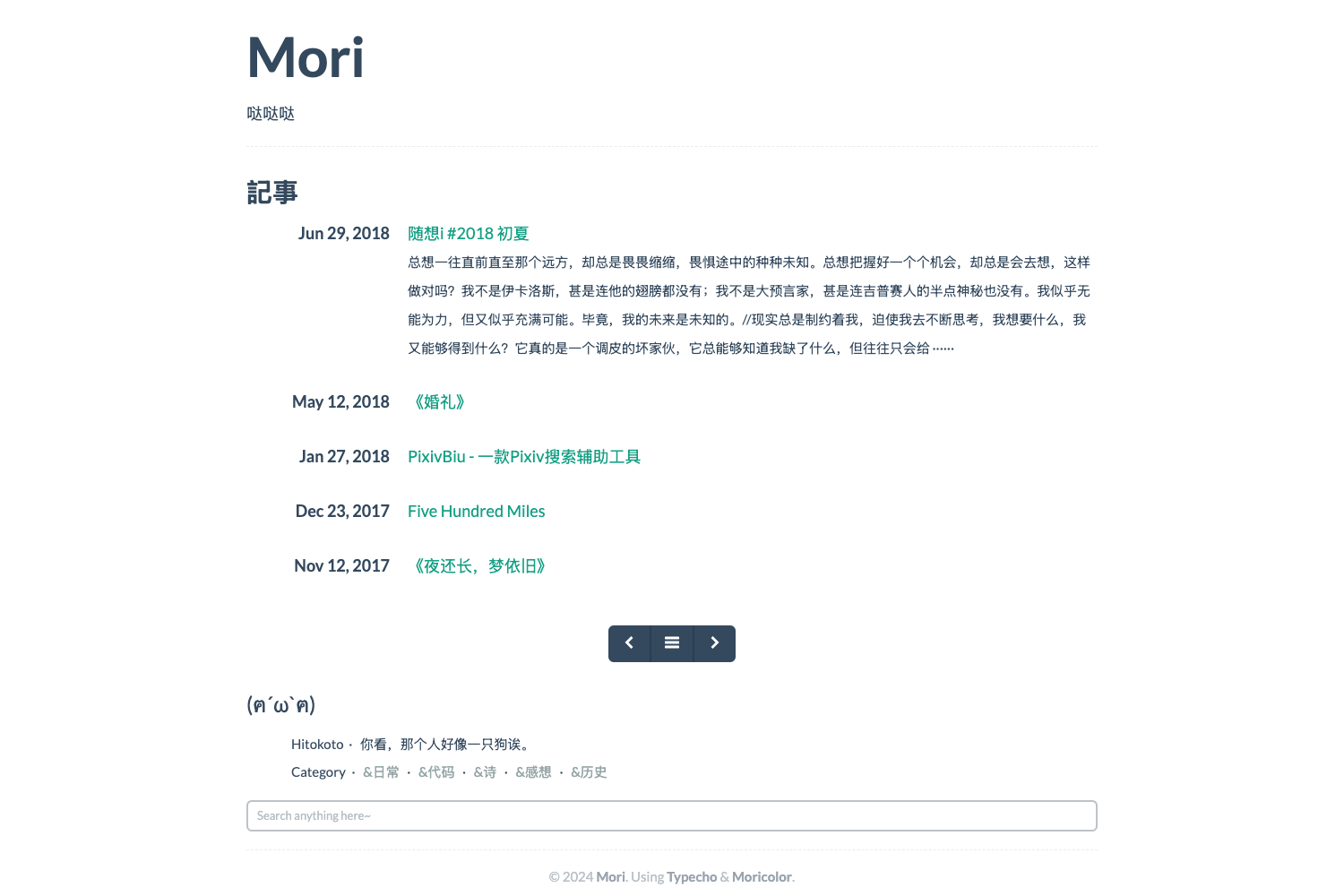
Grunt powered Jekyll blog theme based on Inclusion framework (Sass, Jade, Coffee)
About this template
Jekyll Inclusion is a Grunt-powered Jekyll blog theme built on the Inclusion framework that compiles Sass, Jade, and CoffeeScript source files into a static blog, with a two-branch development workflow.
What is Jekyll Inclusion?
Jekyll Inclusion is an open-source Jekyll blog theme that uses Grunt as its build tool. It takes source files written in Sass, Jade (now Pug), and CoffeeScript in a dev directory, processes them through a series of Grunt tasks, and outputs a fully generated static website in the publ directory. The theme runs on Jekyll with Ruby, and its build pipeline also requires Node.js, Grunt, Bower, and Python with pip. The repository is maintained as part of the website-templates GitHub organization and is licensed under the MIT license.
Key Features
- Grunt build pipeline — Nine predefined Grunt tasks (start, dev, build, rebuild, theme, template, publish, deploy, server) automate bower installation, CoffeeScript compilation, Sass compilation, Jade templating, image minification, CSS/JS minification, and HTML minification.
- Data-driven navigation — The theme reads a _data/nav.yml file to generate navigation menus, including support for nested menus, and each page can be flagged to appear in the menu.
- Two-branch structure — The repository includes a master branch for development and a gh-pages branch for the deployed site, with a Rakefile-based deploy task to push generated content to gh-pages.
- Post creation script — A bash script, post.sh, creates a new markdown post with a predefined draft layout and automatically creates a matching image folder under _publ/img/posts.
- Browser support — Compatible with IE8 and above, Firefox, Chrome, Opera, Yandex.browser, and Safari.
- Build tools and preprocessing — Uses CoffeeScript, Sass, and Jade (Pug) with separate source directories for helpers, vendor code, and blocks/mixins, plus a devtools folder.
- Jekyll plugins included — The build includes plugins for i18n filters, tag pages generator, tag and category pagination, and a strip-newlines plugin after for loops.
- Asset optimization — The build task runs imagemin for image minification, autoprefixer for vendor CSS prefixes, csso for stylesheet minification, uglify for JavaScript minification, and htmlmin for HTML minification.
Who is it for?
Jekyll Inclusion targets developers and bloggers who want a customizable Jekyll blog with a modern front-end build pipeline. Front-end developers can use its Grunt tasks and source directories (coffee, sass, jade) to develop with preprocessors. Bloggers who need a fast static site can use the post.sh script to create new posts and organize images. Developers deploying to GitHub Pages can use the two-branch master/gh-pages workflow and the deploy task to publish automatically.
What can you do with Jekyll Inclusion?
- Bloggers: Create new posts with the post.sh script and preview them on a local BrowserSync dev server.
- Front-end developers: Customize the theme's Sass stylesheets, Jade templates, and CoffeeScript files, then rebuild with grunt rebuild to regenerate the entire site.
- Teams or maintainers: Use the theme task to iterate only on styles and scripts while watching files, or use the template task to edit only the Jade templates.
- GitHub Pages users: Deploy the generated site to the gh-pages branch by running grunt deploy, which uses the Rakefile to push the project.
How does Jekyll Inclusion work?
The theme starts from a dev folder containing source CoffeeScript, Sass, Jade templates, images, fonts, and helper files. Running Grunt tasks compiles these sources, copies vendor and helper assets, runs Jekyll to generate the site, then minifies images, CSS, and JavaScript, and outputs the final static site to the publ folder. The workflow is split into focused tasks so you can run only the part you need — dev for a watch server, build for a production build, or publish for copying posts and pages.
Pricing
Jekyll Inclusion is free and open source, distributed under the MIT license.
Alternatives
- Clean Blog Jekyll theme, a Jekyll theme that the project credits as an influence.
FAQ
Is Jekyll Inclusion free?
Yes, Jekyll Inclusion is an open-source theme released under the MIT license, so it is free to use, modify, and distribute.
What are the requirements to run Jekyll Inclusion?
You need Ruby, Node.js, Grunt CLI installed globally, Bower, and Python with pip. The theme uses Grunt tasks and Bower to manage dependencies.
How do I create a new post?
Run bash post.sh your-post-name (or post.sh your-post-name) from the site root. The script creates a new markdown file in _publ/pages/_posts with a predefined draft layout and also creates a folder named your-post-name in _publ/img/posts for post images.
Does Jekyll Inclusion work on GitHub Pages?
Yes, the theme is designed with a master branch for development and a gh-pages branch for deployment. The grunt deploy task runs a Rakefile that pushes the generated site to gh-pages.
Which browsers are supported?
The theme states compatibility with IE8+, Firefox, Chrome, Opera, Yandex.browser, and Safari.