Template details
Bloomfolio
Astro portfolio template with DaisyUI featuring Keystatic CMS, 6 themes, blog, projects, and mobile navigation.
About this template
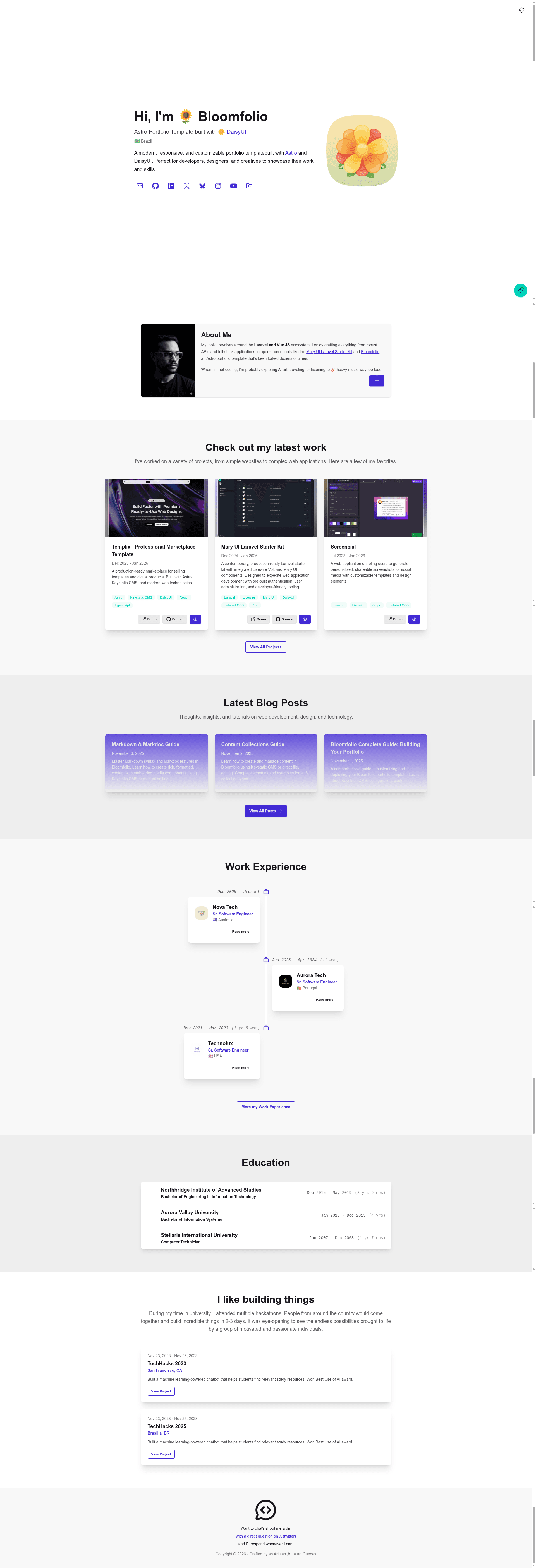
Bloomfolio is an open-source Astro portfolio template built with Tailwind CSS 4 and DaisyUI 5 that lets developers, designers, and creatives publish a personal site with blog, projects, work timeline, and hackathon sections managed through Keystatic CMS.
What is Bloomfolio?
Bloomfolio is a portfolio website template built on Astro 6, Tailwind CSS 4, DaisyUI 5, and TypeScript. It takes content from six Astro content collections — blog, projects, work, education, hackathons, and about — and renders a static site with six built-in themes: light, dark, synthwave, retro, valentine, and dim. The template was created by Lauro Guedes and is distributed under the MIT license. It ships with Keystatic 5.2, a Git-based headless CMS, for visual editing with live preview.
Key Features
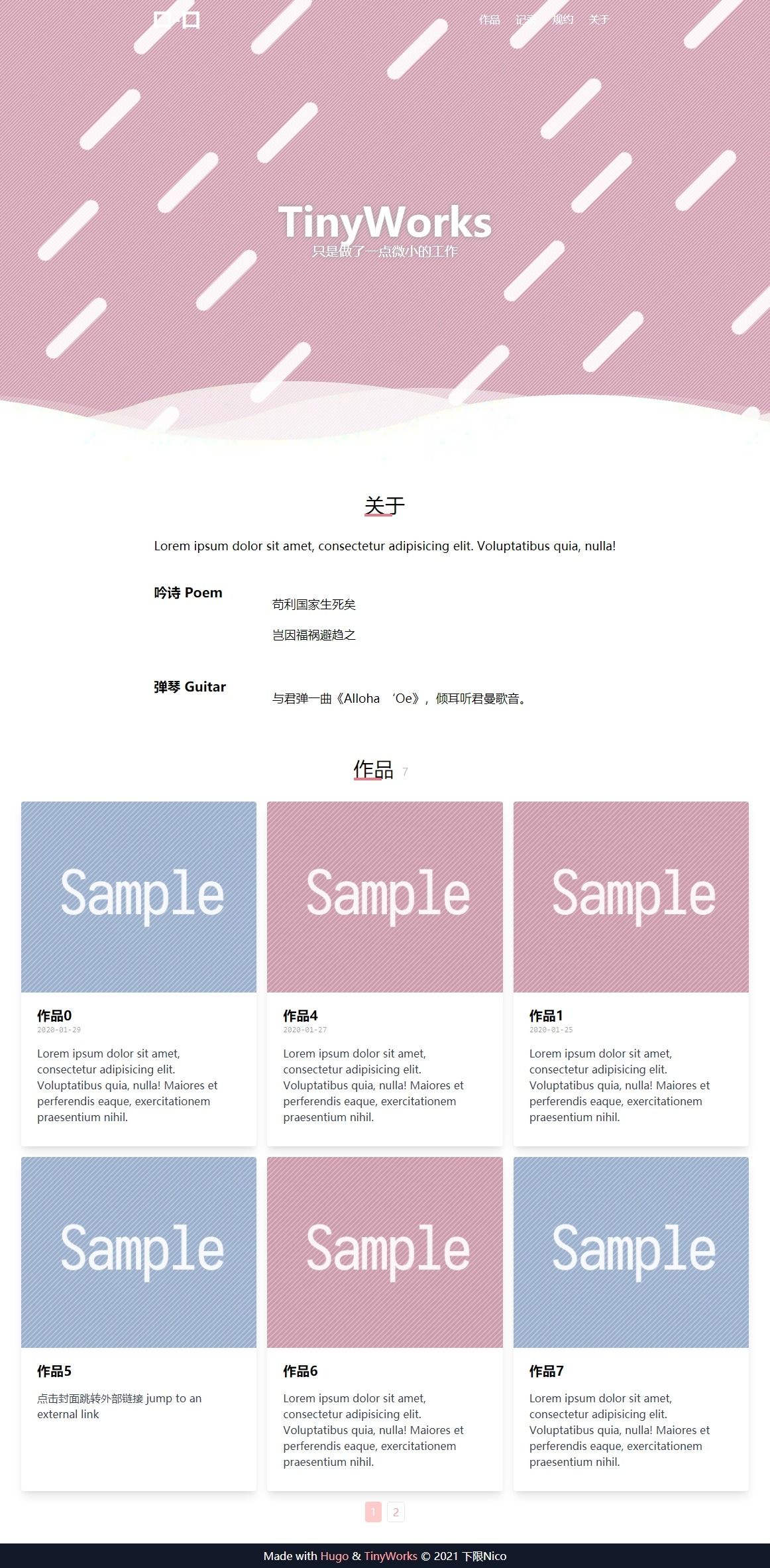
- 6 Built-in Themes — Light, dark, synthwave, retro, valentine, and dim themes, switchable via a dropdown selector or a simple light/dark toggle configured in General Settings.
- Keystatic CMS Integration — Manage all content through a visual editor at /keystatic, with content stored as files in src/content/ and optional GitHub sync mode for remote editing.
- 6 Content Collections — Blog, projects, work experience, education, hackathons, and about sections, each with TypeScript-validated schemas in src/content.config.ts.
- Three Projects Page Layouts — Grid (default), horizontal tabs, and sidebar menu layouts, configurable in General Settings.
- Rich Media Embeds — Spotify, YouTube, and Twitter components can be inserted into blog posts written in Markdoc (.mdoc) format.
- FAB Flower Menu and Mobile Dock — Expandable floating action button on desktop and a bottom navigation dock on mobile, with per-link displayOn controls (both, fab, dock).
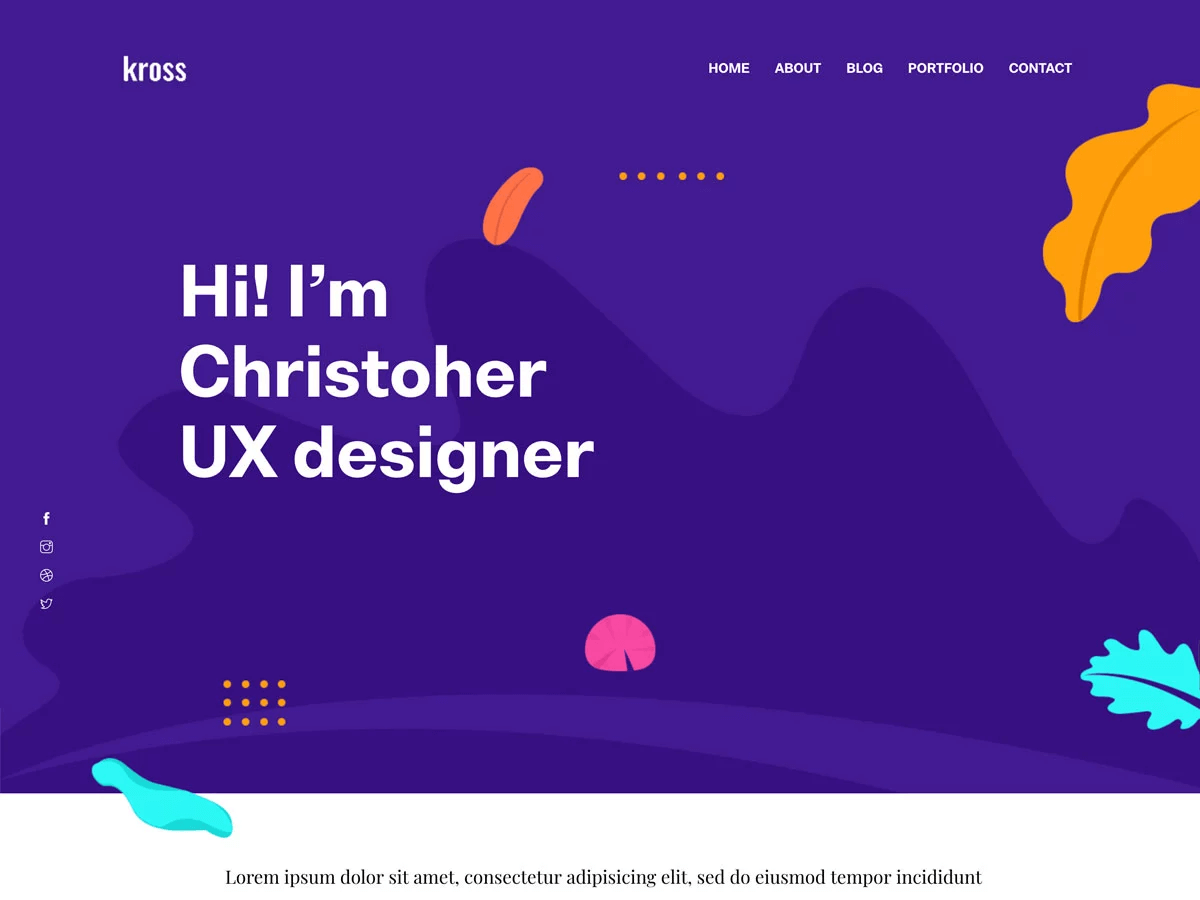
- Inline Links in Hero — Add clickable links inside the Hero title and description using a [link:URL]text[/link] syntax, parsed by src/utils/parseInlineLinks.ts.
- SEO and Accessibility — Meta tags, Open Graph support, semantic HTML, and responsive mobile-first layout built with DaisyUI components.
Who is it for?
- Frontend developers who want a TypeScript-based Astro starter with content collections and a CMS, so they can fork and customize rather than build from scratch.
- Designers and creatives who want a visual editing experience through Keystatic to maintain their portfolio without touching code.
- Job seekers and freelancers who need a personal site that showcases projects, work history, education, and hackathons with a professional timeline layout.
- Bloggers or indie hackers who want to publish posts with embedded Spotify, Twitter, or YouTube content using Markdoc.
What can you do with Bloomfolio?
- Developers: deploy a customizable portfolio site to Vercel, Netlify, or Cloudflare Pages in minutes by connecting the GitHub repository and running npm run build.
- Content creators: write blog posts in Markdown or Markdoc with rich media embeds, and organize projects by categories managed through Keystatic.
- Non-technical users: edit the site content through the Keystatic admin at /keystatic, with live preview and file-based storage, then commit changes via GitHub workflow.
- Designers: switch among six themes in the config and use DaisyUI components to restyle the site without writing CSS.
How does Bloomfolio work?
Install with Node.js 22.12.0+ using git clone and npm install, then run npm run dev to start the Astro dev server at localhost:4321. Content can be edited either through Keystatic at /keystatic or directly by editing files in src/content/, and a production build with npm run build outputs a static site to dist/.
Pricing
Bloomfolio is free and open source under the MIT license. You can clone, modify, and deploy it without payment.
FAQ
Is Bloomfolio free?
Yes, Bloomfolio is available under the MIT license, which means you can use, modify, and distribute it freely for personal or commercial projects. You only pay for hosting if you choose a paid platform like Vercel or Netlify.
How do I manage content in Bloomfolio?
You have two options: use the Keystatic CMS visual editor at http://localhost:4321/keystatic, or edit files directly in src/content/. Keystatic stores content as files in your repository and supports optional GitHub sync for editing from anywhere.
What are the system requirements?
Bloomfolio requires Node.js 22.12.0 or newer. You can install dependencies with npm, pnpm, or yarn. The project uses Astro 6.4 and @keystatic/astro 5.2, which officially supports Astro 6.
Can I add my own blog posts with videos?
Yes, blog posts can be written in Markdown (.md) or Markdoc (.mdoc). Rich media components (Spotify, YouTube, Twitter) are only available in blog posts and require the .mdoc extension; they are not yet available in other collections.