Template details
Jekyll Yōuyǎ theme
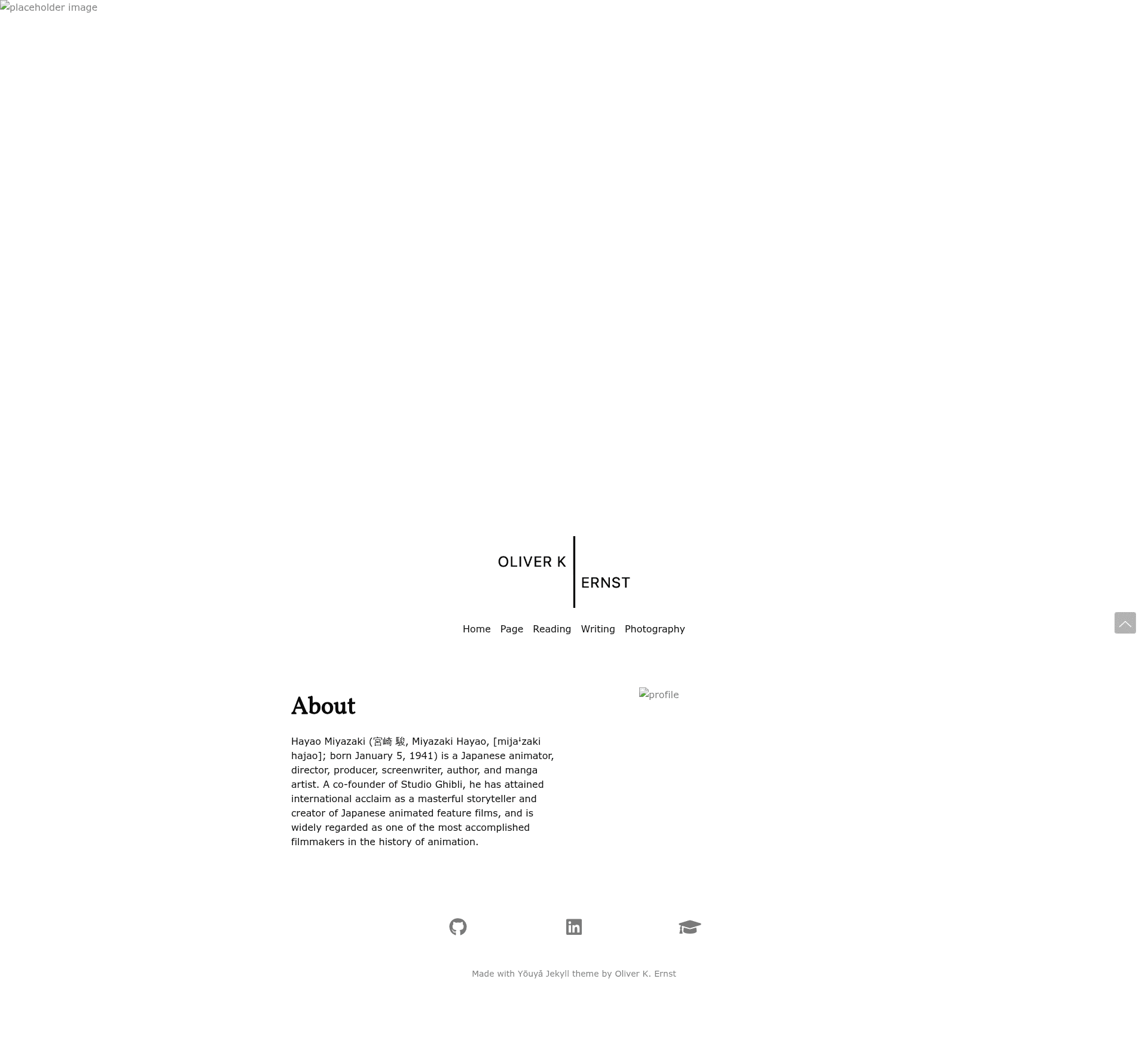
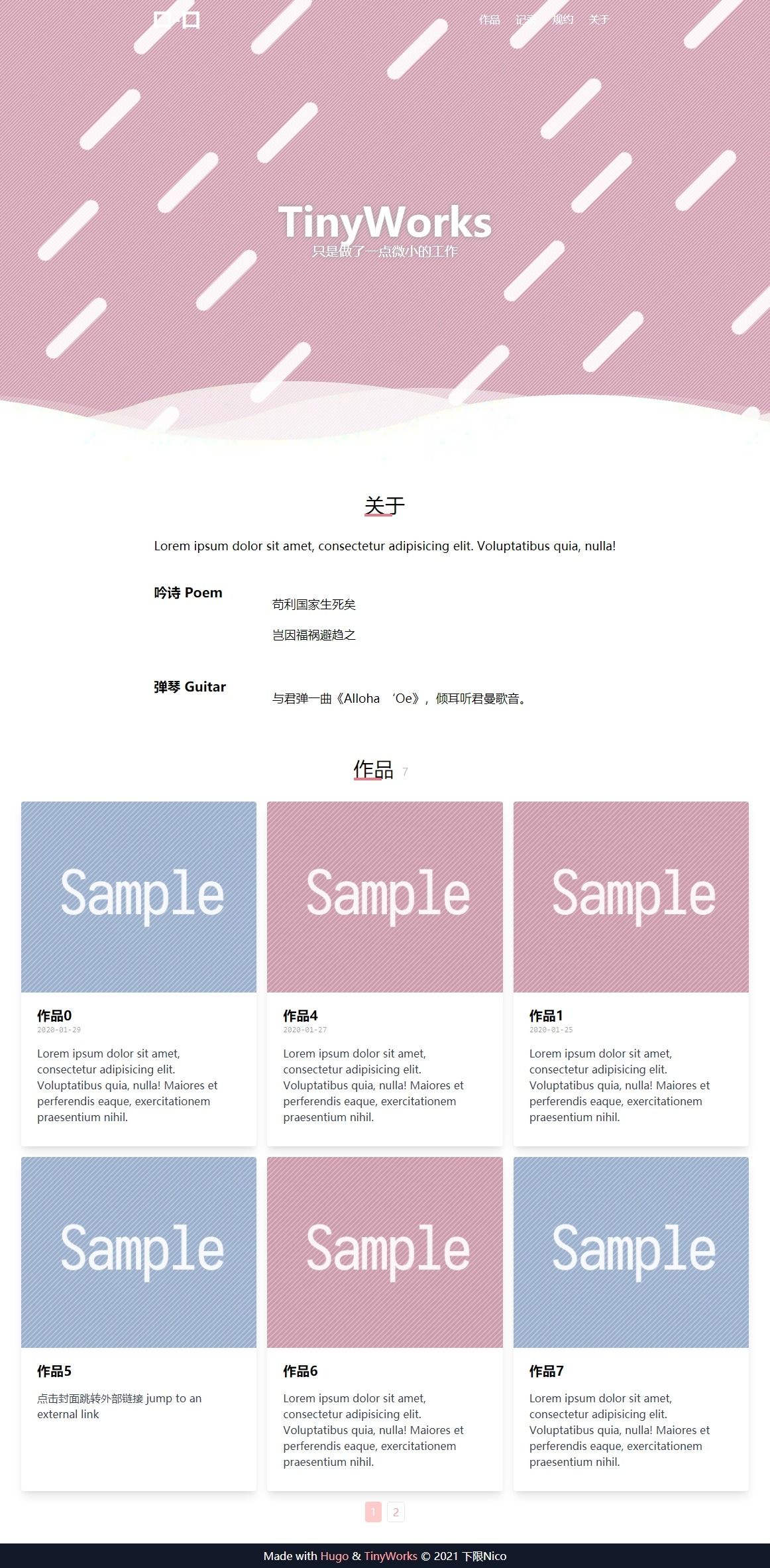
Yōuyǎ is an elegant Jekyll portfolio theme with profile sections for code, papers, projects, reading, writing, photography, and about.
About this template
Yōuyǎ is an elegant profile theme for Jekyll, purpose-built to turn a GitHub Pages or Jekyll static site into a personal portfolio page with sections for code, papers, projects, reading, writing, photography, and about.
What is the Jekyll Yōuyǎ theme?
Yōuyǎ is a Jekyll portfolio theme (the word means "elegant" in Chinese) maintained by smrfeld on GitHub. It takes a standard Jekyll site and, through _config.yml settings plus a set of reusable Liquid includes in the _include directory, outputs a profile site with custom navigation menus, random background images, social links, and multiple content sections. A live demo is available at https://smrfeld.github.io/jekyll-theme-youya.
You install it by adding the gem youya from the smrfeld/jekyll-theme-youya repository to your Gemfile, then setting theme: youya in _config.yml. The theme supports GitHub Pages workflows and is tested locally with bundle exec jekyll serve from the test directory.
What makes the Yōuyǎ theme stand out?
- Profile sections — The homepage includes dedicated blocks for code with GitHub links, academic papers with arXiv links and descriptions, projects with GitHub and arXiv links, a reading book list, writing/blog entries, photography, and an About section.
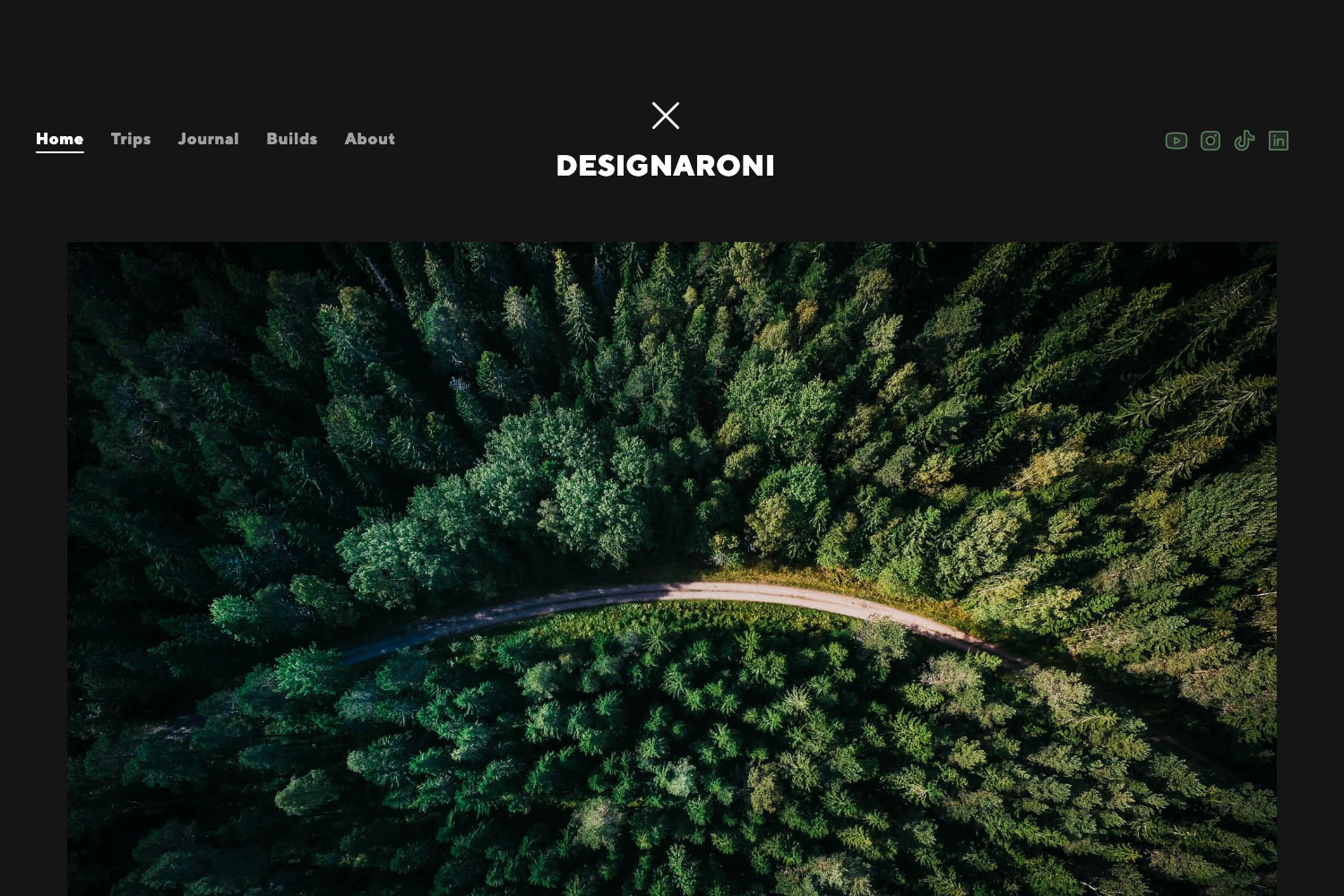
- Random background images — Backgrounds are loaded from a folder under
assets/img; setbackground_img_folderandno_background_imagesin_config.ymland the theme serves a random image from numbered JPEG files like0000.jpeg. - Dual logo and favicon support — Both black and white logo images are configured with
logo_blackandlogo_white, and a 32x32 pixelfavicon.pngis placed in the assets folder. - Custom navigation menu — The
menuconfig acceptstitle,local_url, orremote_urlentries, so links can point inside the site or to external pages. - Social links — Built-in fields for
github_url,linkedin_url, andgoogle_scholar_urldisplay icons in the profile. - Liquid-based layouts — Example layouts live in the
_layoutsdirectory, and the theme relies on Liquid tags documented at Shopify's Liquid reference, making it customizable for developers.
Who is the Yōuyǎ theme for?
- Academic researchers — Present papers with arXiv links, an About bio, and a reading list in one organized profile.
- Software developers — Showcase GitHub repositories and projects with direct source and preprint links.
- Writers and photographers — Combine a writing/blog section with a photography gallery and custom pages through the menu.
How do you install Yōuyǎ?
Add gem "youya", github: "smrfeld/jekyll-theme-youya", branch: "main" to your Gemfile, run bundle install, and set theme: youya in _config.yml. Then configure the required fields: url, background_img_folder, no_background_images, logo_black, logo_white, favicon, menu, about, about_img, and any social URLs you want to show.
FAQ
Does Yōuyǎ work with GitHub Pages?
Yes. The README includes a release step for GitHub Actions (bundle lock --add-platform x86_64-linux), and the theme is open to use with a standard Jekyll build served from the test folder. The live demo is hosted on GitHub Pages at smrfeld.github.io/jekyll-theme-youya.
What configuration is required?
Every site needs a url, a background image folder, a count of background images, both black and white logo files, a 32x32 favicon, a menu list, and About text plus an About image. Social URLs for GitHub, LinkedIn, and Google Scholar are optional but supported.
Can I add my own pages and layouts?
Yes. The README points to example files in the _layouts directory and the Liquid documentation from Shopify. Because the site is broken into reusable sections in _include, you can create custom layouts and page types that reuse the theme's components.