Template details
devb.io
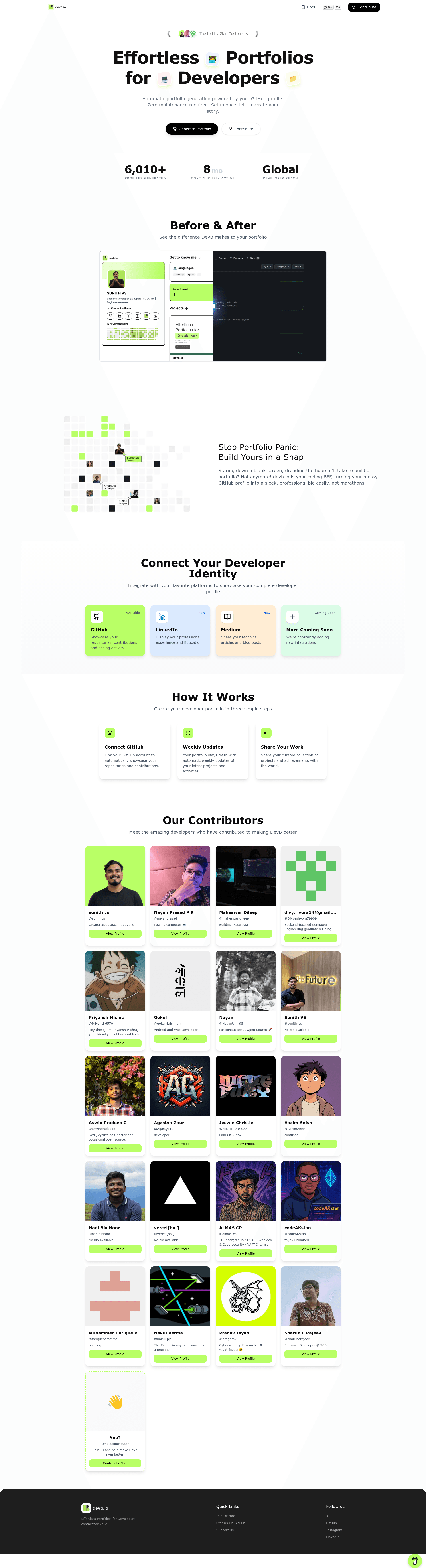
AI-powered portfolio generator that transforms GitHub activity into a dynamic, professional portfolio with zero maintenance.
About this template
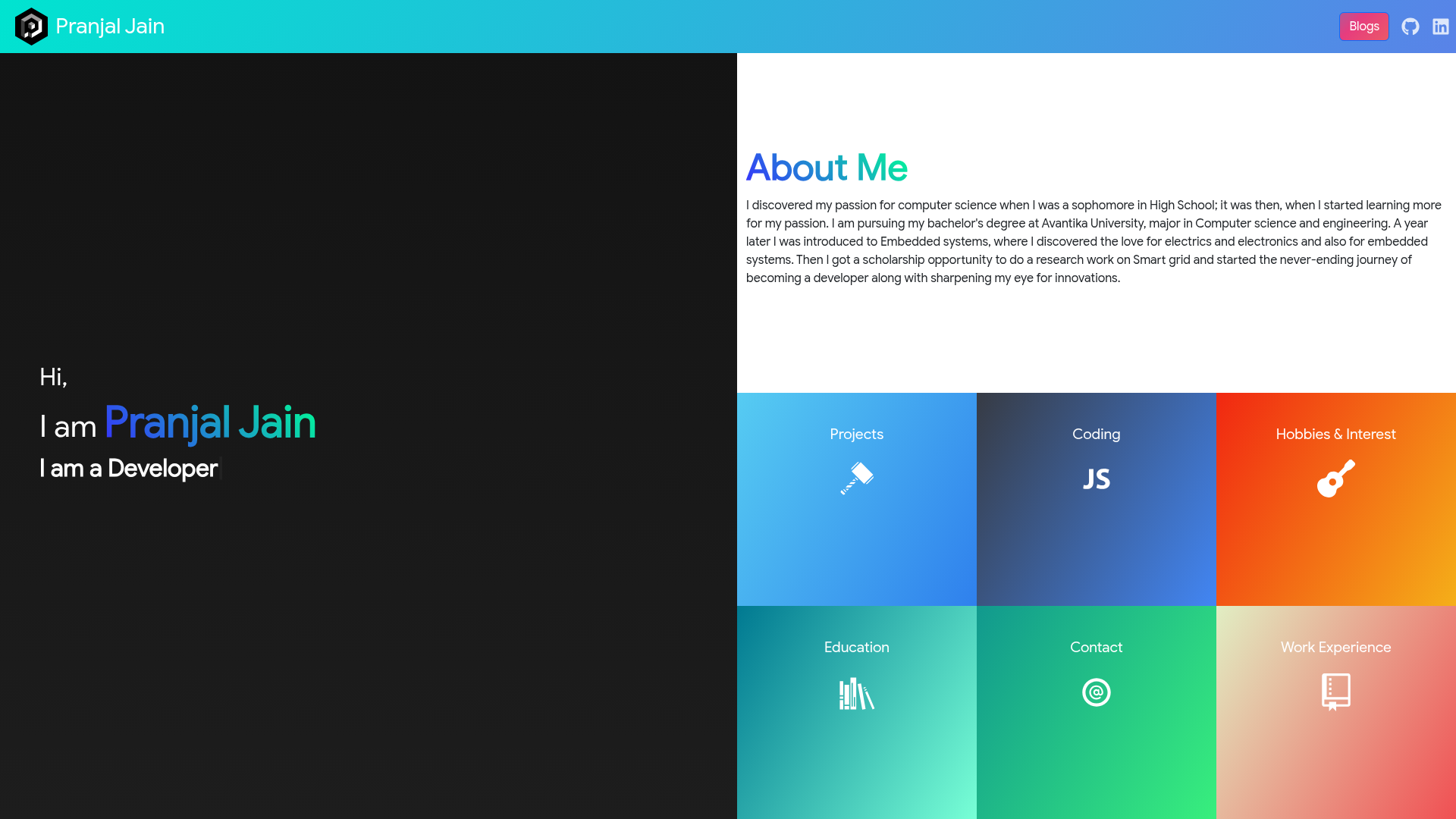
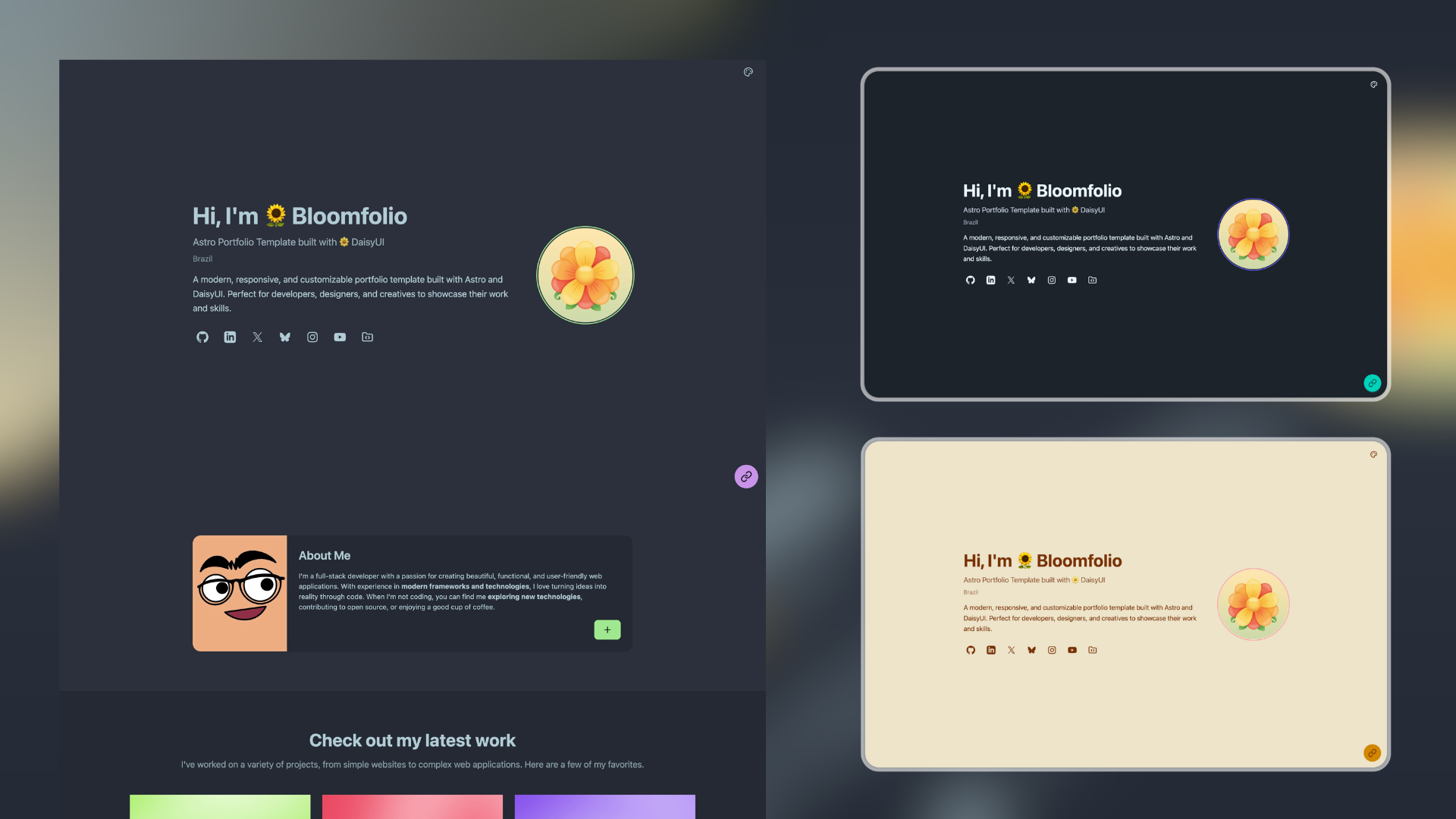
devb.io is an AI-powered developer portfolio generator that automatically builds and updates a professional portfolio website from your GitHub profile, so you never manually maintain your online presence.
What is devb.io?
devb.io is an open-source tool that takes your GitHub account as input and produces a polished, always-current developer portfolio website as output. It runs on a NextJS frontend with a FastAPI backend, uses Redis for caching, and calls Groq AI models for bio creation. The project is developed by sunithvs, licensed under MIT, and available on GitHub, with a live site at devb.io and a beta at beta.devb.io.
Key Features
devb.io bundles a set of automation features that eliminate the need for manual portfolio upkeep.
- One-click GitHub profile connection — Connect a GitHub account with a single action to pull profile data and start portfolio generation instantly.
- Automatic portfolio generation — Transform GitHub projects, repositories, and contributions into a structured portfolio without building any pages by hand.
- AI-powered bio creation — Leverage Groq's AI models to generate a professional biography directly from your GitHub profile information.
- Dynamic activity tracking — The portfolio reflects your latest GitHub activity automatically, so it stays current without manual updates.
- Zero maintenance — Set up the portfolio once and devb.io continues to refresh it, eliminating ongoing maintenance work.
- Built-in environment configuration — Supports multiple GitHub API tokens (comma-separated) to increase rate limits, configurable Groq API keys, custom API keys, debug mode, and caching toggles.
Who is it for?
The tool serves any developer who wants a professional presence built directly from their GitHub activity.
- Software developers — who want a professional portfolio without spending time on website design or upkeep.
- Job seekers — who need an always-updated representation of their coding activity to share with recruiters and hiring managers.
- Open-source contributors — whose GitHub contribution history is their strongest credential; devb.io turns that history into a visual portfolio.
- Freelancers — who need a simple way to showcase past GitHub projects to potential clients without manual curation.
What can you do with devb.io?
With devb.io, you can produce a live portfolio, keep it updated, and even self-host it.
- Connect and generate — Developers link their GitHub profile and immediately get a portfolio with an AI-crafted bio and project showcase.
- Stay current automatically — Job seekers keep their portfolio fresh as they push new code; activity updates flow in without any manual steps.
- Self-host and customize — Developers who prefer control can clone the repository, configure environment variables such as
API_TOKEN_GITHUB,GROQ_API_KEY,API_KEYS,DEBUG, andCACHE_ENABLED, then run the application locally withuvicorn main:app --reload.
How does devb.io work?
For end users, devb.io connects to GitHub and generates the portfolio automatically. For self-hosting, you clone the repository, install dependencies with pip install -r requirements.txt, set up a .env file from .env.example, and launch the FastAPI backend with uvicorn main:app --reload. The backend uses Redis for caching to improve performance and supports multiple GitHub tokens to avoid rate limits.
FAQ
Is devb.io open source?
Yes, devb.io is an open-source project on GitHub licensed under the MIT license. The repository is available at github.com/sunithvs/devb.io.
What technologies does devb.io use?
Frontend is built with NextJS, backend uses FastAPI with Python, Redis handles caching, and Groq provides the AI models for bio generation. The project also uses environment variables for GitHub API tokens and Groq API keys.
Do I need to update my portfolio manually?
No. One of devb.io's core features is dynamic activity tracking, which automatically reflects your latest GitHub activities. After the initial setup, the portfolio stays current without manual maintenance.
How do I run devb.io locally?
Clone the repository, run pip install -r requirements.txt, copy .env.example to .env, set your API keys (GitHub and Groq), and start the app with uvicorn main:app --reload.