Template details
Documents
Next.js + Tailwind CSS + TypeScript starter kit for building documentation sites, product manuals, and knowledge bases with MDX support.
About this template
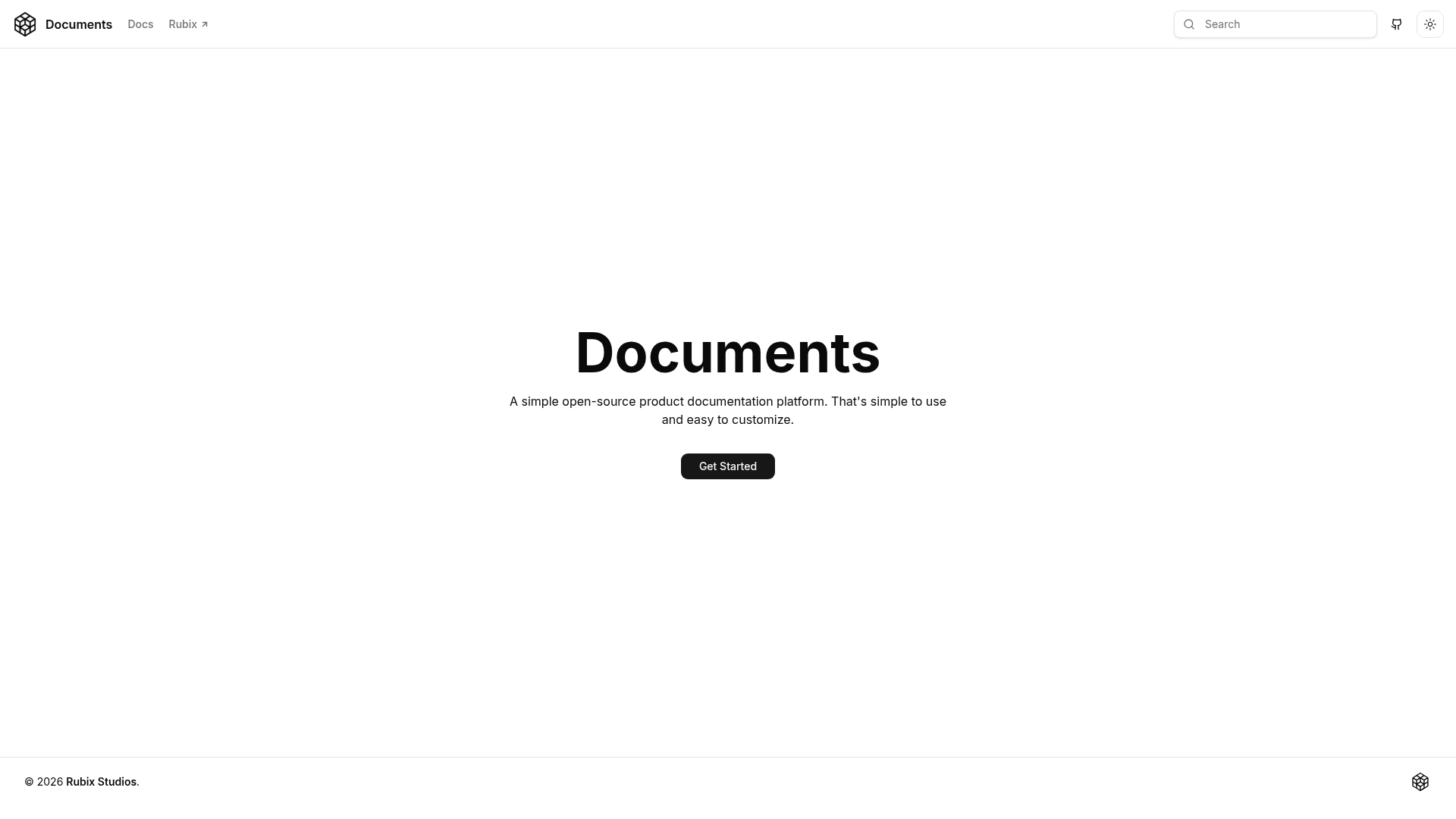
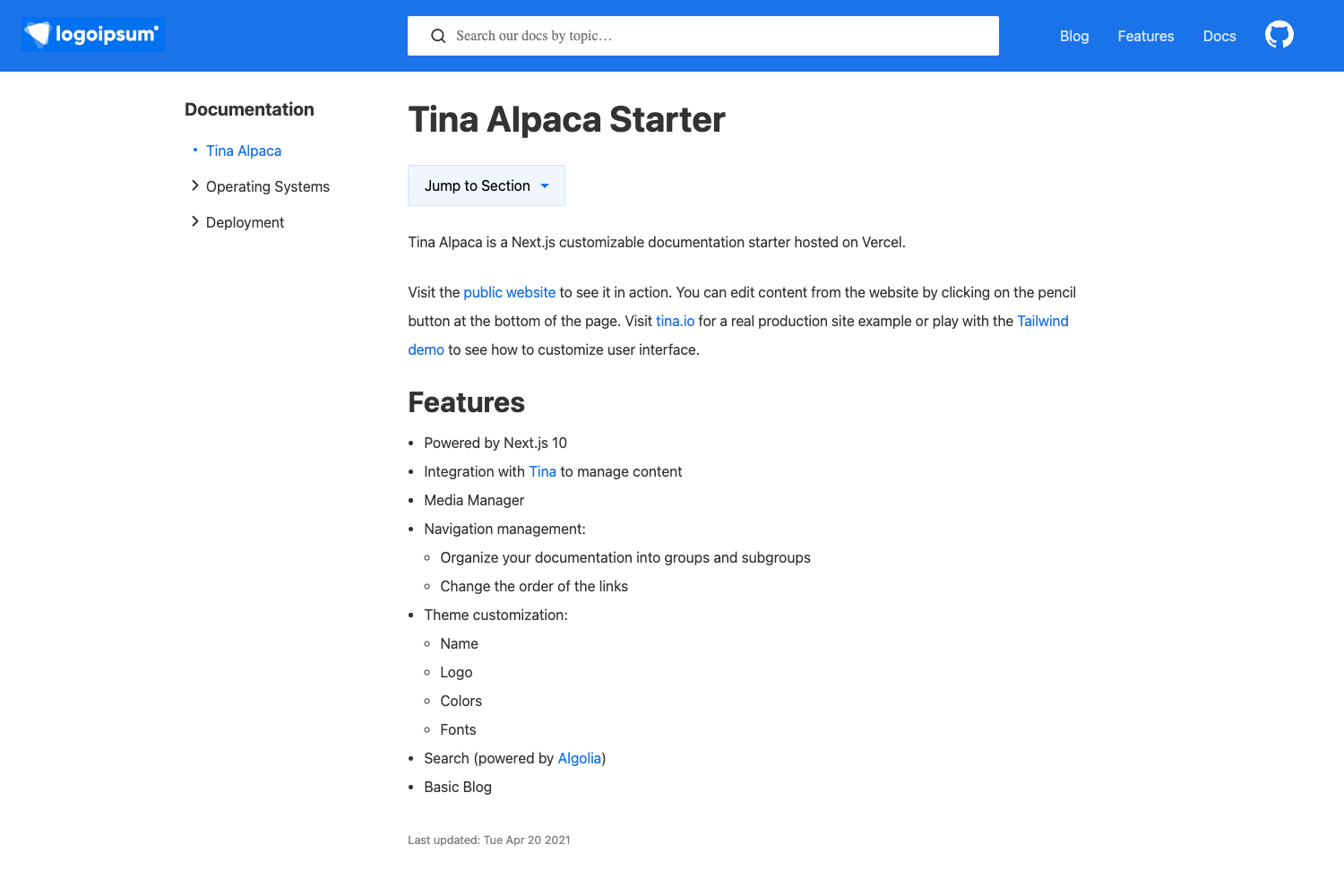
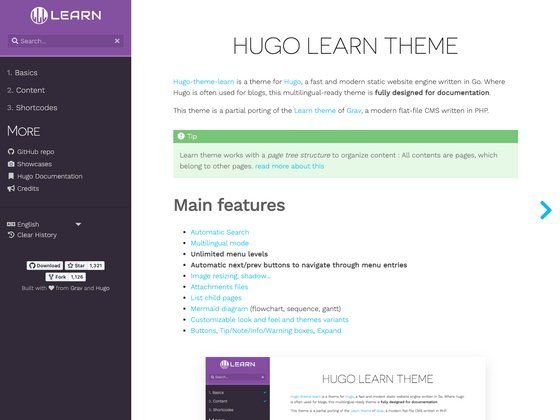
Documents is an open-source documentation starter kit built with Next.js, React, Tailwind CSS, and TypeScript that turns Markdown and MDX files into a searchable, dark-mode-ready documentation website.
What is Documents?
Documents is a documentation website starter kit that consumes Markdown and MDX files as content and produces a polished documentation site with sidebar navigation, fuzzy search, syntax highlighting, and automatic light/dark theme switching. It runs on Next.js and Node.js, can be deployed to Vercel with a one-click button, and is maintained by Vincent Vu of Rubix Studios. The project is MIT-licensed and its source is available at github.com/rubixvi/rubix-documents, with a live demo at rubix-documents.vercel.app.
What makes Documents stand out?
Documents includes a developer-focused feature set that works without a backend or CMS: you add MDX files and the site builds itself. The key capabilities are:
- Next.js + Tailwind stack — Built on Next.js with React, styled by Tailwind CSS, and written in TypeScript; uses pnpm for installation and can be deployed to Vercel automatically.
- MDX content — Write pages in Markdown with embedded React components; MDX files are the primary content format.
- Mermaid and LaTeX — Render Mermaid diagrams and LaTeX math natively in documentation pages.
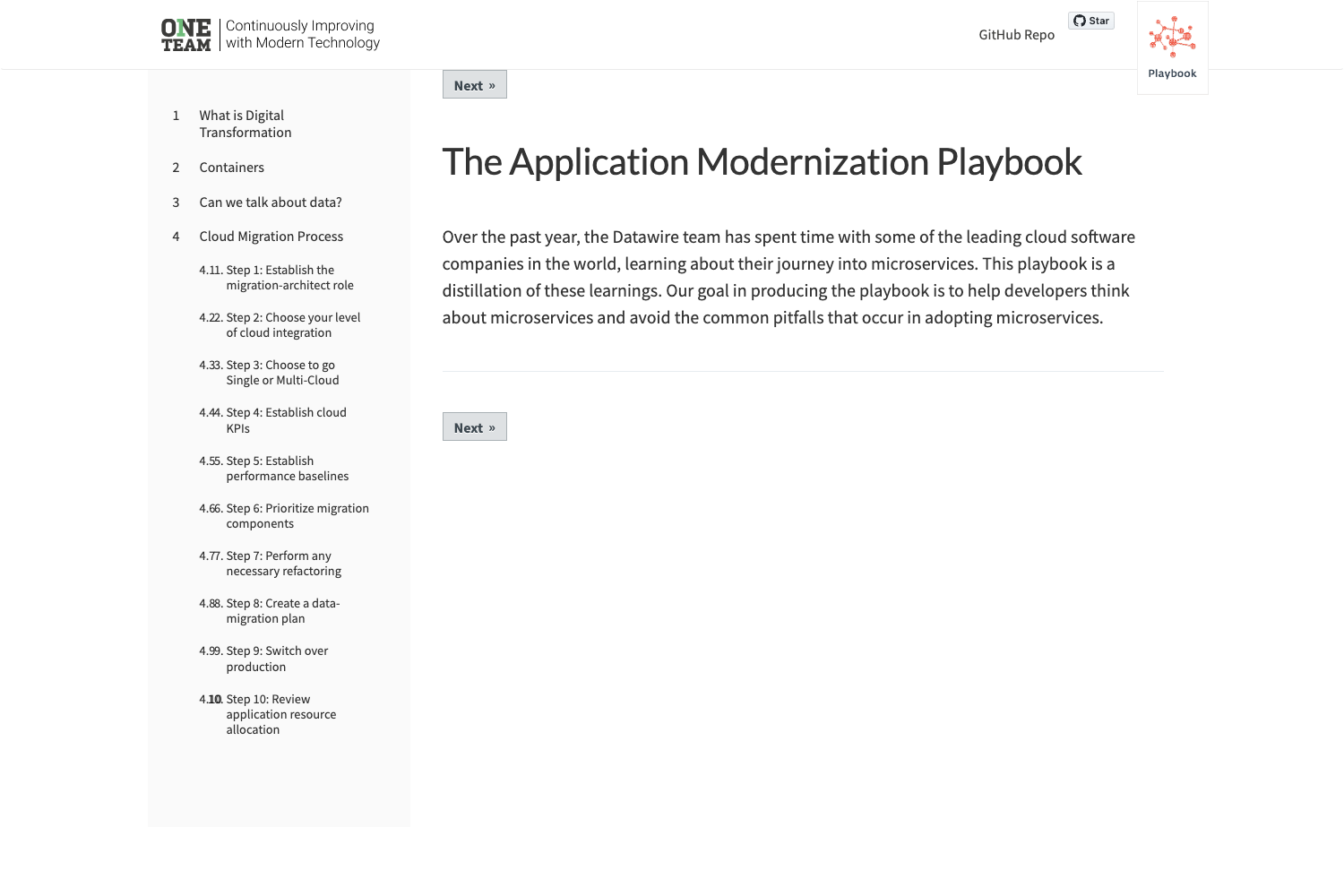
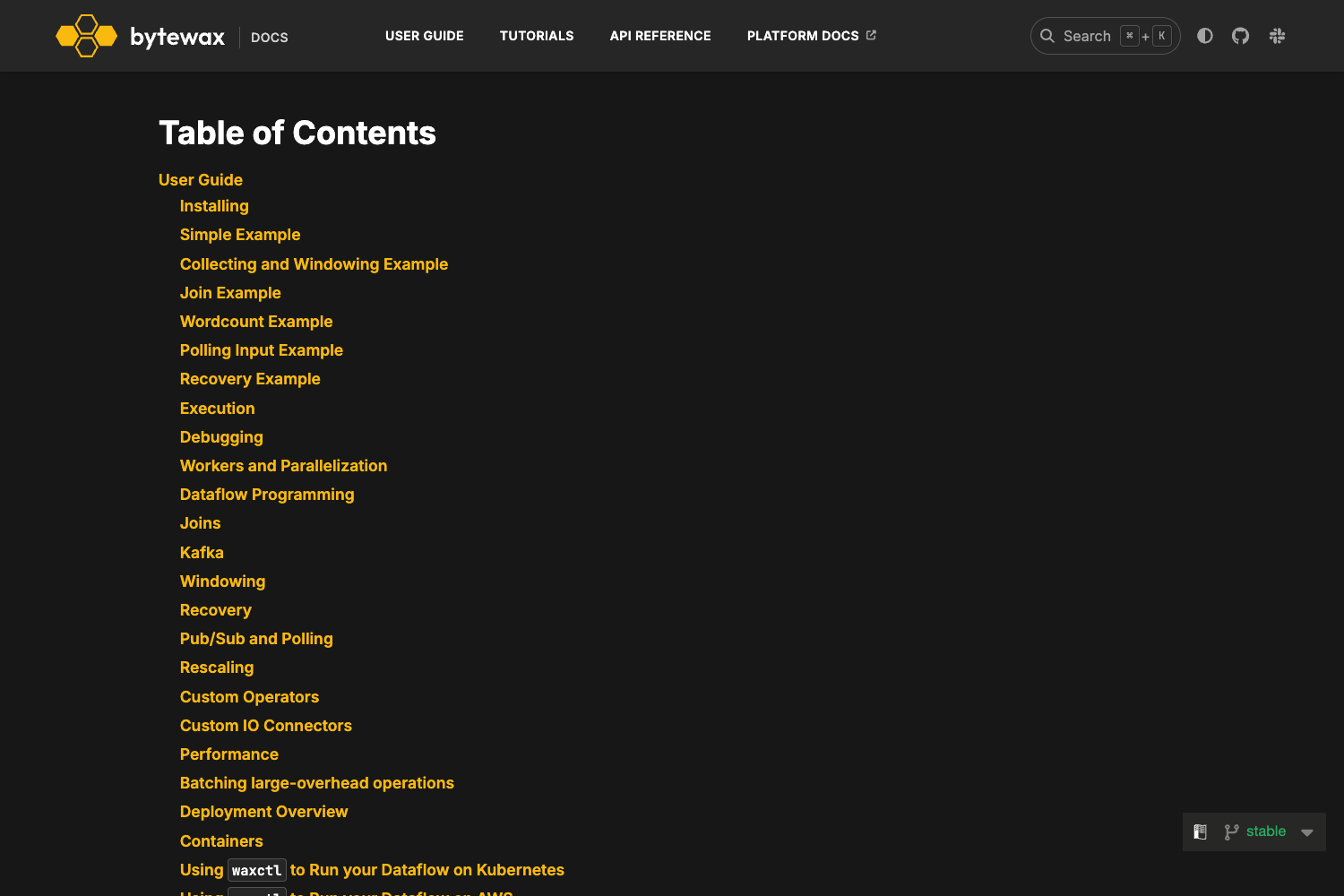
- Navigation & TOC — Multi-level sidebar navigation and auto-generated table of contents from page headings.
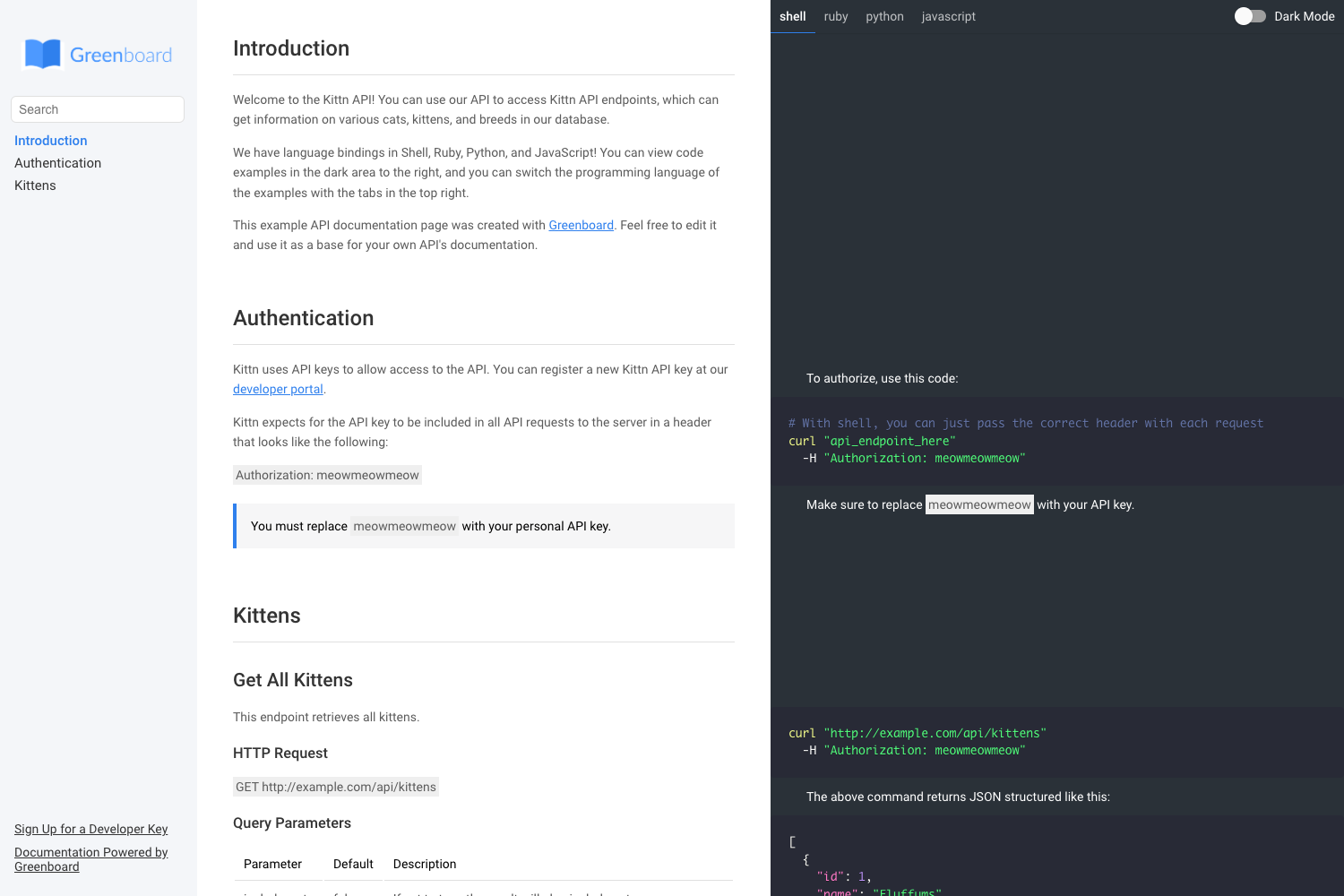
- Code snippet switcher — Present alternative code examples in tabbed panels with a one-click copy button.
- Enhanced code blocks — Syntax highlighting with theme support, optional titles, and line highlighting.
- Fuzzy search — Built-in search with approximate matching and highlighted search terms.
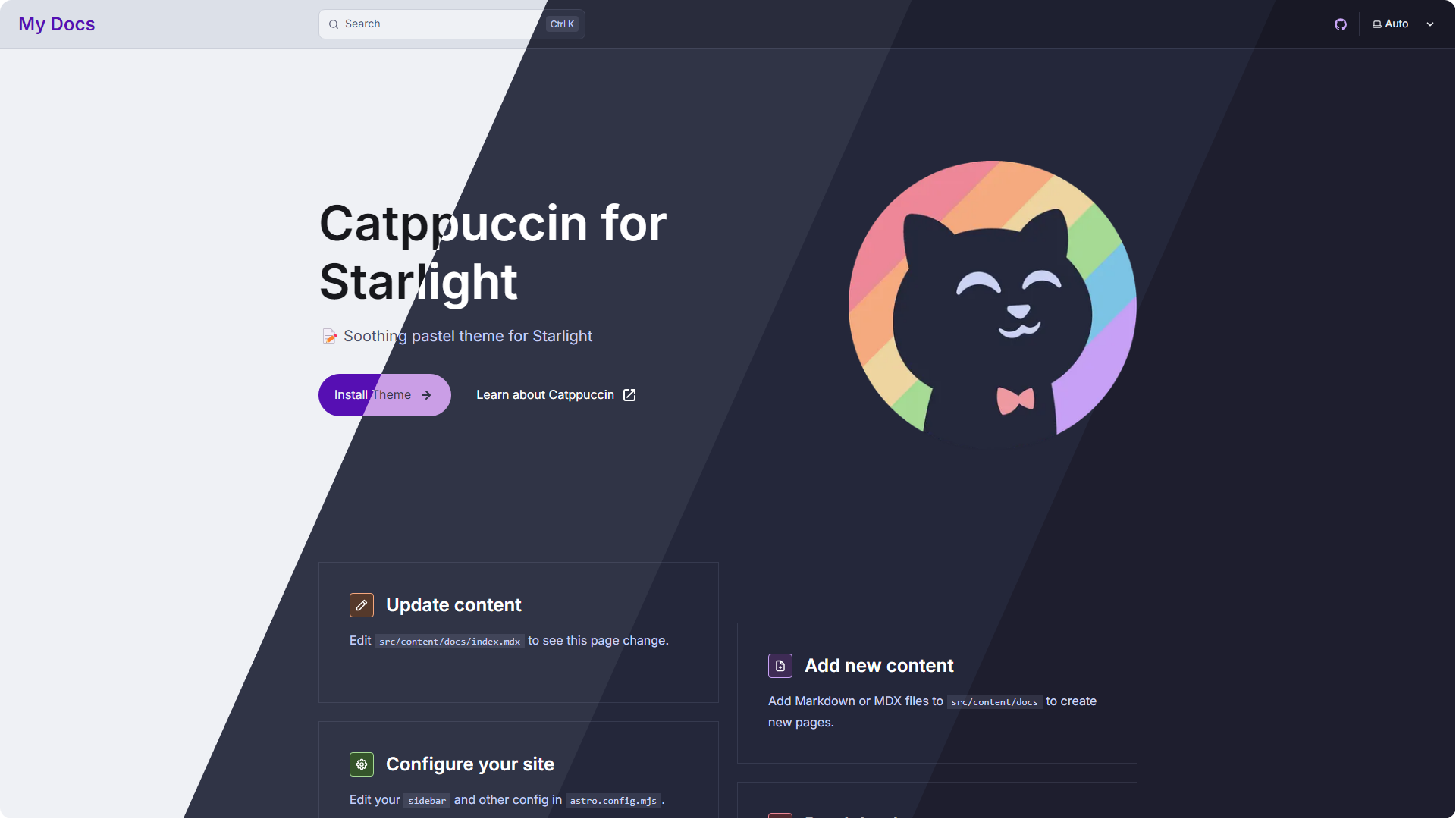
- Light/dark mode — Automatic color-scheme detection plus a manual toggle; demonstrations of both themes are in the demo.
Who is it for?
Documents is aimed at anyone who needs to publish structured, content-driven documentation from Markdown easily. The typical users are:
- Product teams — Ship user guides, API references, and release notes by dropping MDX files into the content directory.
- Technical writers — Publish multi-page manuals with consistent navigation, search, and syntax-highlighted code samples.
- Developers — Bootstrap an open-source project or internal tool's documentation without building a custom docs app.
- Businesses — Create internal knowledge bases and employee handbooks with private or public hosting.
What can you do with Documents?
- Launch a docs site — Convert existing Markdown files into a searchable documentation website with dark mode and syntax highlighting.
- Build a knowledge base — Organize internal guides and policies with multi-level navigation and fast fuzzy search.
- Publish technical manuals — Use the code switcher to show examples in multiple languages and Mermaid diagrams to illustrate workflows.
- Create an open-source project site — Deploy free on Vercel and edit content via GitHub workflows.
How does Documents work?
The setup process is command-line based. You clone the repository from GitHub, install dependencies with pnpm, run a content JSON generation script, and start the development server. The quick start sequence is:
git clone https://github.com/rubixvi/rubix-documents.gitcd rubix-documents && pnpm installpnpm generate-content-jsonpnpm run dev
To publish, run pnpm run build and pnpm run start, or deploy the repo directly to Vercel using the one-click button in the README.
Pricing
Documents is free and open source under the MIT license. There are no paid tiers, and you can use, modify, and redistribute the starter kit, including for commercial projects.
Alternatives
Shippers in the same category include Nextra, a documentation theme designed for Next.js, and Docusaurus, a React-based documentation site generator. Both are open source and support MDX content.
FAQ
Is Documents free to use?
Yes. The project is released under the MIT license, so it is free for personal and commercial use without restrictions.
What tech stack does Documents use?
Documents uses Next.js with React, Tailwind CSS for styling, and TypeScript for type safety. Content is written in Markdown or MDX, and diagrams can be created with Mermaid.js.
Does Documents support dark mode?
Yes. The starter kit includes a light/dark mode with automatic detection of the user's system preference and a manual toggle. The demo includes screenshots of both themes.
Can I deploy Documents to Vercel?
Yes. The README includes a one-click Deploy with Vercel button that clones the repository and sets up a new project. It can also be deployed to any Node.js host.
Does Documents have built-in search?
Yes. It includes fuzzy search with term highlighting, so users can find content across documentation pages without an external search service.