Template details
Greenboard
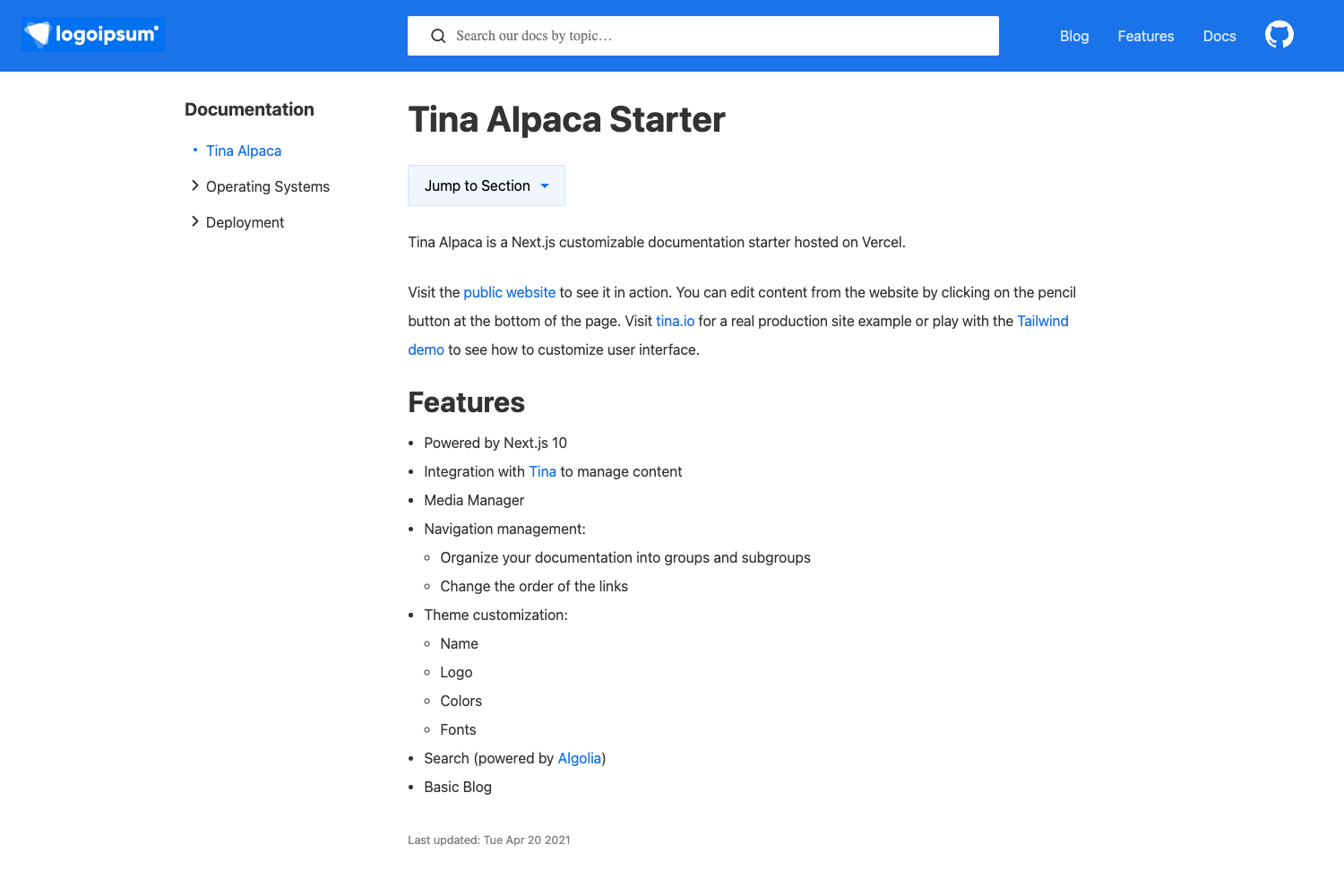
Gatsby theme for generating static API documentation from Markdown.
About this template
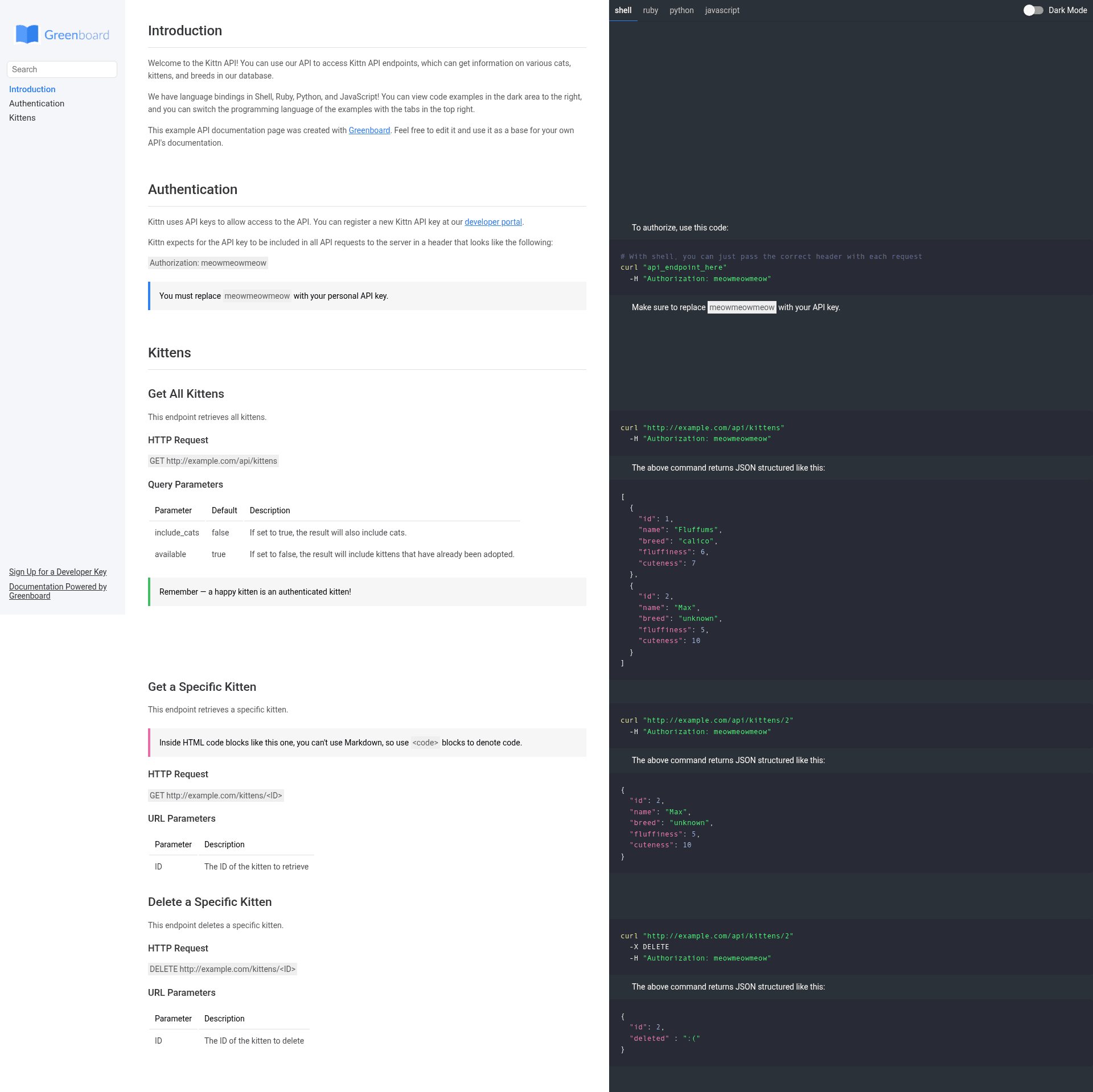
Greenboard is an open-source Gatsby theme for generating static API documentation sites from a single Markdown file.
What is Greenboard?
Greenboard is a Gatsby theme that consumes a Markdown file at data/index.html.md and produces a static documentation website. It runs on Gatsby, so the output is a set of pre-rendered HTML files that can be deployed to any static host. The theme follows the same document structure as Slate docs, which makes it a direct alternative for teams already using Slate's Markdown format. The project is published on npm as gatsby-greenboard and was created by shamin.
Key Features
- Markdown to static site — Write your API docs in a single
data/index.html.mdfile and Greenboard builds the entire static site from it. - Dark Mode — The template includes dark mode support out of the box.
- Slate-compatible structure — Because it uses Slate's document structure, existing Slate content can be reused without rewriting.
- Gatsby and React ecosystem — Inherits Gatsby's build pipeline and React's component model, enabling deep customization.
- Fully customizable — Fork the repository to modify the theme's React components and styling to match your brand.
- Path prefix support — You can deploy the docs to a non-root path like
/docsby addingpathPrefixto your Gatsby config. - Example included — The repository contains an example site under
example/that you can run locally withyarn workspace example develop.
Who is it for?
- API developers — Use Greenboard to publish clean API reference documentation quickly from Markdown without designing a site from scratch.
- Open-source maintainers — Maintainers who want a lightweight docs site that can be built and deployed with Gatsby's tooling.
- Teams using Slate — Teams already writing docs in Slate's Markdown format can switch to Greenboard and keep the same content structure.
What can you do with Greenboard?
- Create API docs from Markdown — Write your documentation in
data/index.html.mdand runyarn gatsby developto preview it locally. - Customize the theme — Fork the repo, clone it, and edit the React components to change navigation, layout, and branding.
- Deploy anywhere — Build with
yarn gatsby buildand serve the resulting static files on GitHub Pages, Netlify, or any other static host.
How does Greenboard work?
- Install dependencies with
yarn add gatsby react react-domand addgatsby-greenboardas a plugin ingatsby-config.js. - Create your API documentation at
data/index.html.md. - Run
yarn gatsby developfor development oryarn gatsby buildto generate production files.
FAQ
Does Greenboard require Gatsby knowledge?
Greenboard is a Gatsby theme, so basic usage only requires running Gatsby commands. Deep customization, such as changing components or styling, requires familiarity with Gatsby and React.
Can I deploy Greenboard to a sub-path?
Yes. Add pathPrefix: "/docs" to your gatsby-config.js before building. Gatsby will output the site so it works under that sub-path, which is useful for project documentation hosted on GitHub Pages.
Is Greenboard free?
The Greenboard source code is public on GitHub and the npm package is installable without a license fee. You can use it for your own documentation and modify it for your needs.
Where can I get help?
The README lists an email address (shamin616@gmail.com) for support questions. You can also open issues on the GitHub repository.