Template details
Tina Starter Alpaca
NextJS Documentation starter powered by TinaCMS
About this template
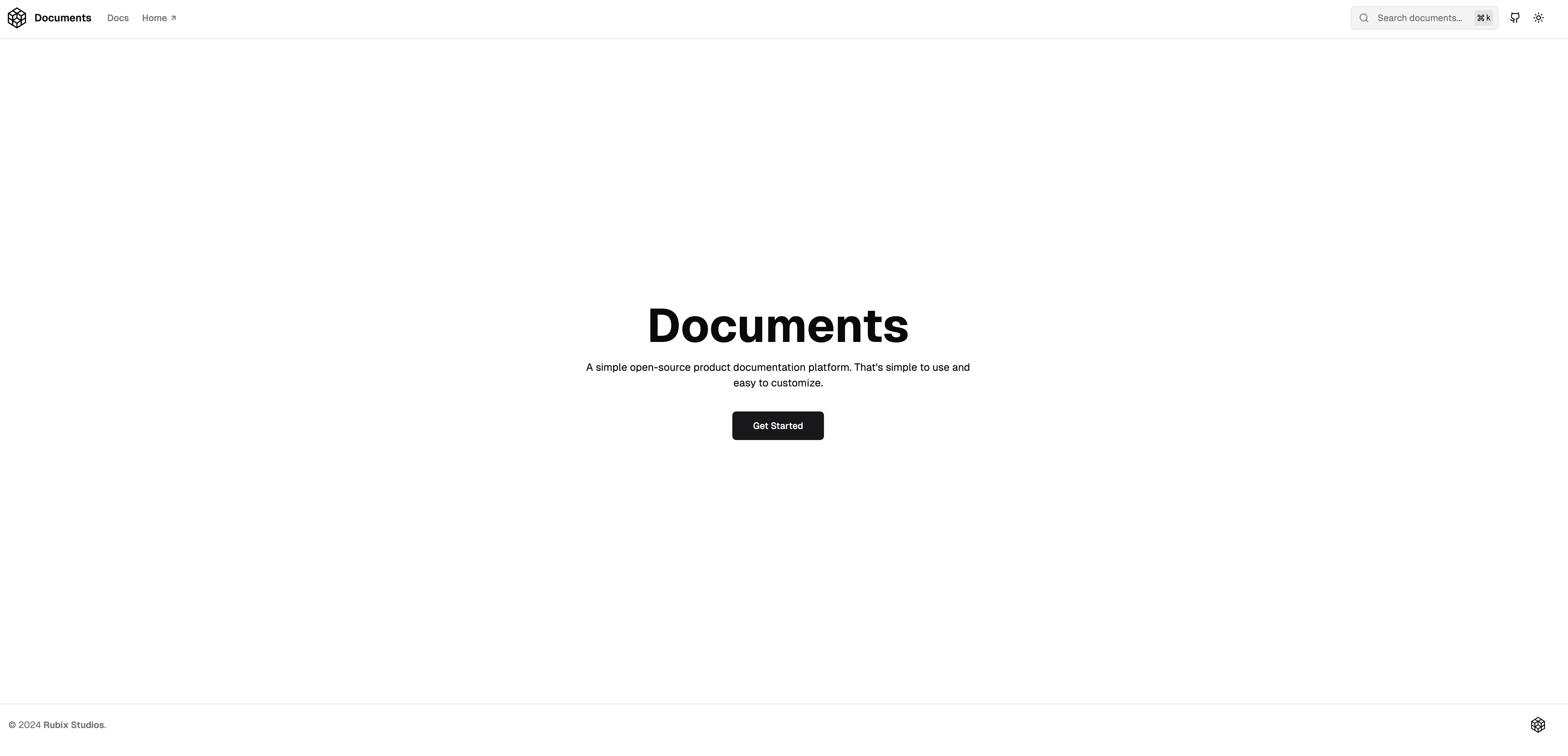
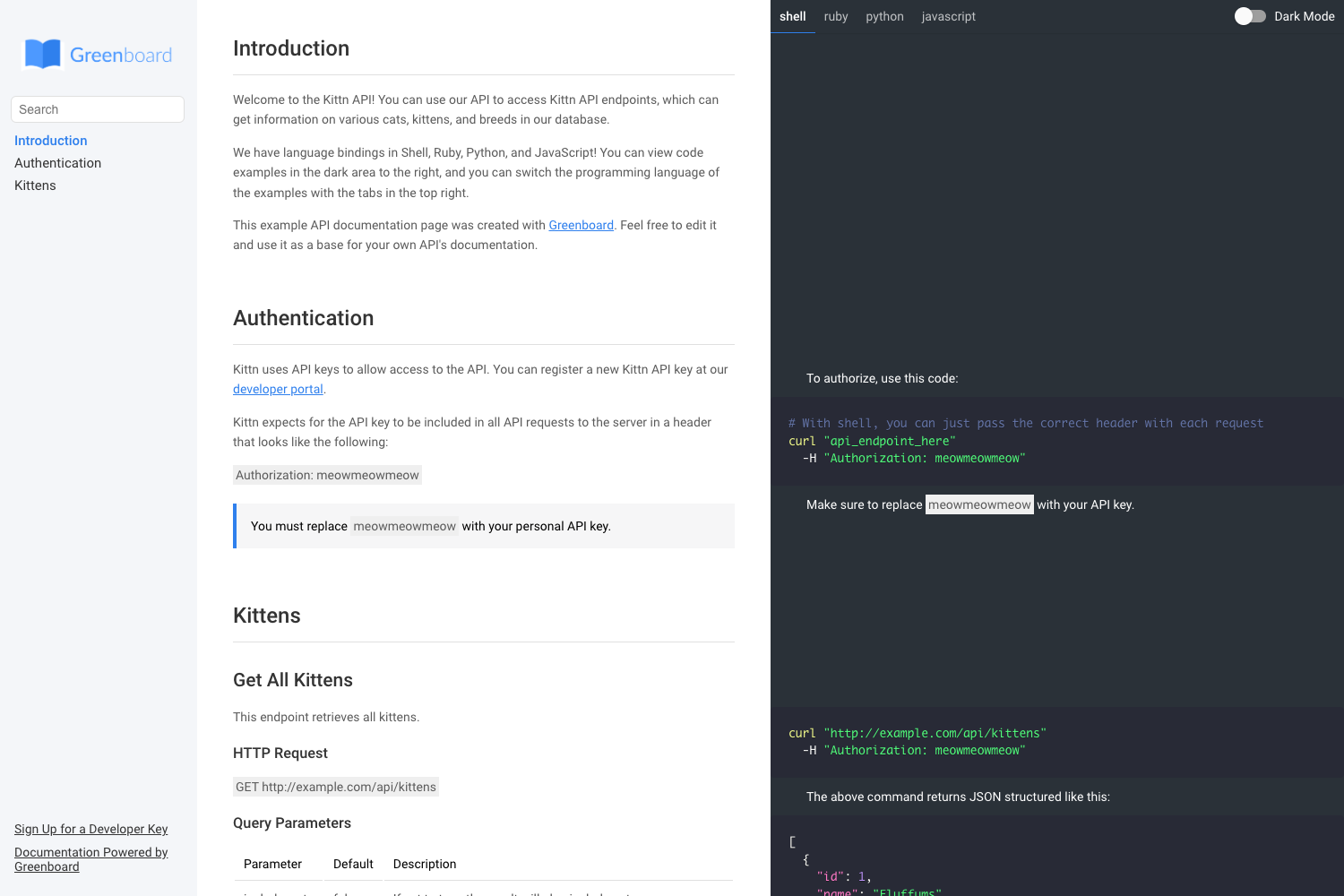
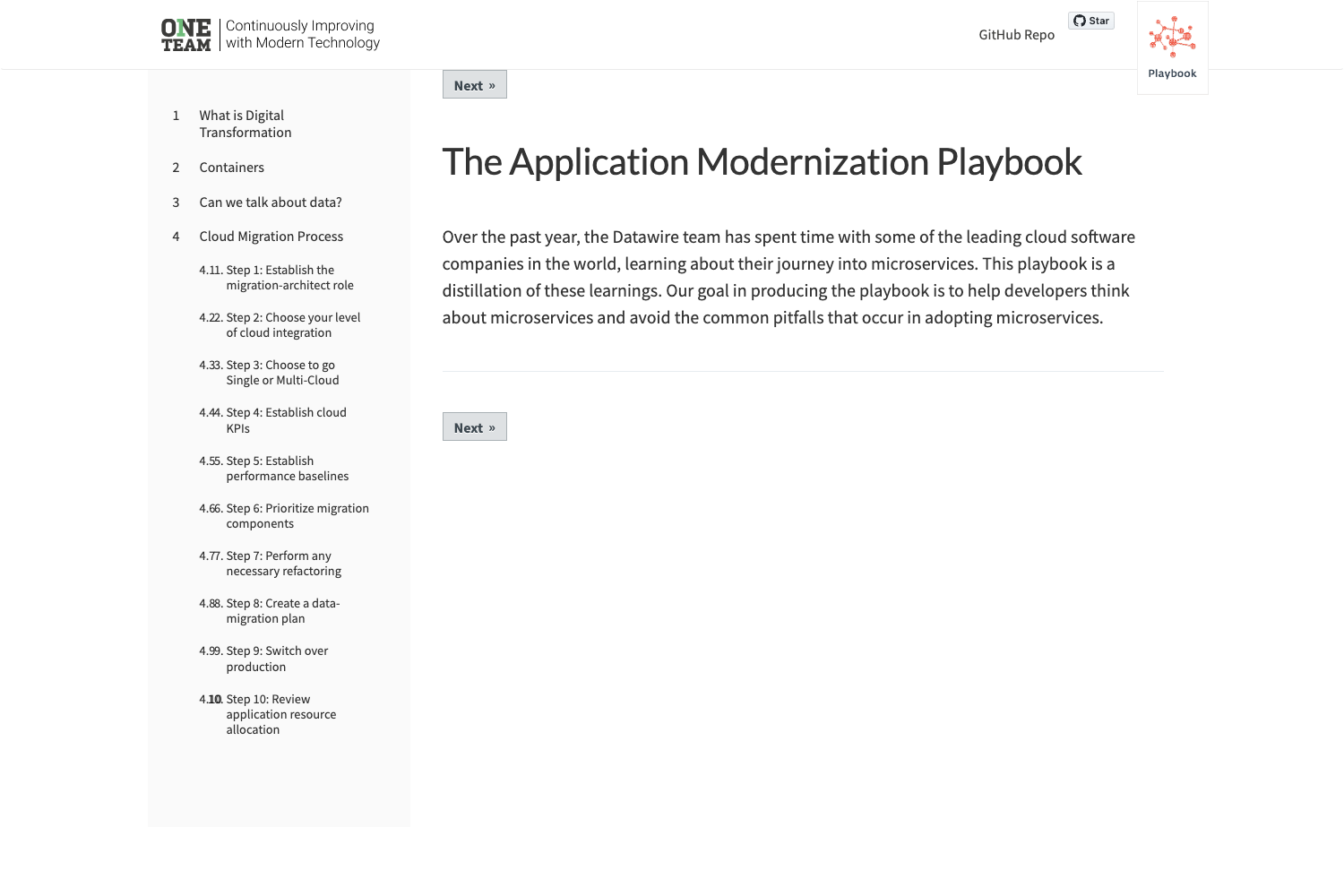
Tina Starter Alpaca is a documentation website starter built on Next.js and TinaCMS that gives you a Git-based editing workflow for your docs.
What is Tina Starter Alpaca?
Tina Starter Alpaca is a starter template for building documentation sites. It runs on Next.js, uses SCSS for styling, and integrates TinaCMS — a Git-backed headless CMS — so content editors can edit pages directly on the site. The template takes your Markdown/MDX content and produces a customizable documentation site with navigation, theming, search, and feedback collection. It is maintained by the TinaCMS team and available on GitHub.
Key Features
- TinaCMS editing — full integration lets you edit and add documentation pages directly from the site UI; changes are committed to your Git repository.
- Customizable navigation — organize documentation into groups and subgroups, and change the order of nav items.
- Theme customization — change colors, fonts, and titles without touching code.
- GitHub Open Authoring — visitors can submit content changes that become GitHub issues or pull requests, with OAuth setup documented.
- Feedback form on every page — visitors submit feedback that posts to GitHub issues (using your GitHub access token) or to a custom endpoint like Formspree via a
FEEDBACK_ENDPOINTenvironment variable. - Algolia search — optional site search; run
yarn create-indicesto index content and configure searchable attributes in the Algolia dashboard. - Vercel deployment — one-click deploy button is provided; requires setting up a GitHub OAuth app with your Vercel URL.
- Local development — run
yarn install && yarn devornpm install && npm run devto start on localhost:3000.
Who is it for?
- Documentation teams who want a modern docs site with an editing UI for non-technical contributors.
- Open-source projects that accept community documentation contributions through GitHub Open Authoring.
- Developers building a product site who want to use Git as the content backend and deploy to Vercel.
- Startups that need a docs site quickly and want to collect feedback directly from readers into GitHub issues.
What can you do with it?
- Publish a documentation site — get a production-ready Next.js site with sidebar navigation and page routing out of the box.
- Let visitors edit pages — enable GitHub Open Authoring so anyone can propose edits through GitHub.
- Collect feedback per page — the form at the bottom of each page sends feedback to GitHub issues or a custom endpoint.
- Add search to your docs — integrate Algolia and run the provided
create-indicesscript.
How does it work?
Start by cloning the repo, setting up a GitHub OAuth App, and adding the required environment variables (GitHub client ID/secret, signing key, repo name, base branch). Then install dependencies with npm or yarn and run the dev server. For search, add Algolia keys and run yarn create-indices. For feedback, add a GitHub personal access token and repository name, or set a custom feedback endpoint.
FAQ
Is Tina Starter Alpaca free?
Yes, the template is open source on GitHub with an MIT-style license (implied by the repo). You only pay for any third‑party services you choose, like Algolia search or a feedback endpoint.
How do I set up Algolia search?
Create an Algolia account, add the three environment variables (Algolia app ID, API key, admin key) to your .env file, run yarn create-indices, then configure searchable attributes and custom ranking in the Algolia dashboard.
How does the feedback form work?
By default, feedback submitted from any documentation page is posted to GitHub issues in the repository you specify. You configure it with username, access token, and repo name environment variables. Alternatively, set FEEDBACK_ENDPOINT to send feedback to another service like Formspree.
Can I deploy this to Vercel?
Yes, the repository includes a Deploy with Vercel button. Before deploying, create a GitHub OAuth app with your Vercel URL and set the required environment variables (repo full name, GitHub client ID, client secret, signing key).
What is the base branch for content changes?
The template defaults to master as the base branch for new changes and forks, but you can override it with the BASE_BRANCH environment variable.