Template details
Casper
A classic theme for Ghost
About this template
Casper is a classic, open-source theme for the Ghost publishing platform, originally the default theme, built with Handlebars templates and PostCSS.
What is Casper?
Casper is a classic, open-source theme for the Ghost publishing platform, originally serving as the default theme for every new Ghost site. It takes Ghost's structured content — posts, pages, tags, and authors — and renders it into a clean, typography-focused blog layout using the Handlebars templating language. The theme is developed and maintained by the Ghost Foundation and is currently on its latest development version, with the default theme role having been passed to Source.
Key Features
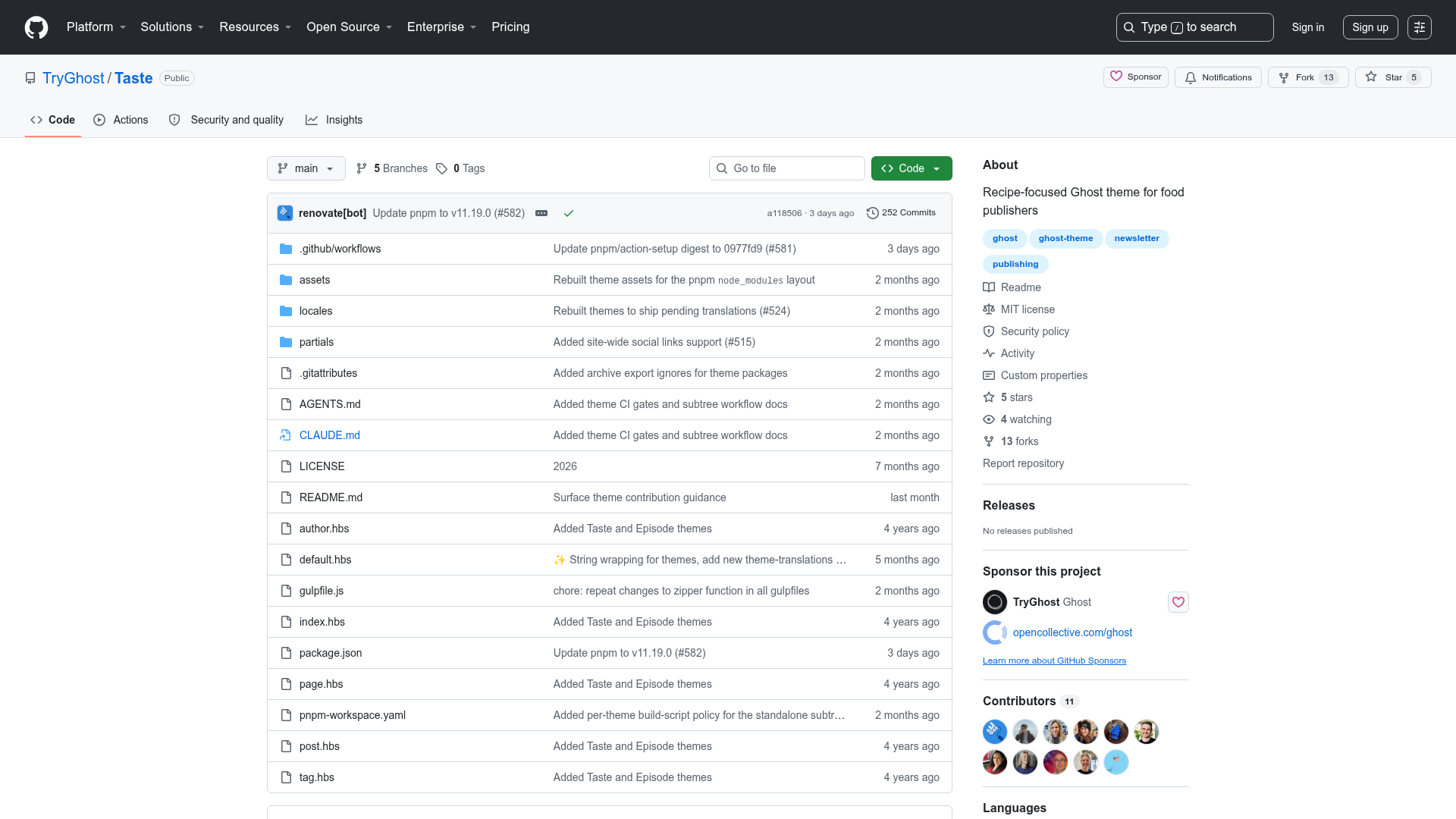
- Handlebars templates — Built on Ghost's templating system, with main files like
default.hbs,index.hbs,post.hbs,page.hbs,tag.hbs, andauthor.hbs. - Custom slug-based templates — You can create one-off layouts by adding the page slug, e.g.,
page-about.hbsfor an/about/page ortag-news.hbsfor a tag archive. - PostCSS processing — Styles are compiled with Gulp/PostCSS, including Autoprefixer for automatic browser prefixes and the Color Mod function for advanced color manipulation.
- Inline SVG icons — Icons are stored as Handlebars partials in
/partials/iconsand can be included with a simple helper. - Translation-ready — Built with theme translations support; see the Ghost Themes repository for how to add or edit translations.
- MIT licensed — Free to use and modify, copyright 2013-2026 Ghost Foundation.
Who is it for?
- Bloggers and publishers — Use Casper to set up a clean, readable blog on Ghost without designing from scratch.
- Ghost theme developers — Use Casper as a learning resource or starting point; the code contains extensive comments and demonstrates every core Handlebars helper.
- Magazine-style sites — The topic metadata lists magazine and publishing, and the layout supports tag and author archives natively.
What can you do with it?
- Start a new Ghost blog — Install the theme and publish posts immediately with a polished default look.
- Create custom page templates — Add a
page-about.hbsortag-news.hbsto give specific sections a unique layout. - Build your own Ghost theme — Use Casper's well-commented codebase as a foundation to learn and extend.
How does Casper work?
For development, clone the repo, run pnpm install, then pnpm dev to compile CSS from /assets/css to /assets/built automatically. The zip Gulp task packages the theme into a dist zip file you can upload to a Ghost site. Versioning is handled with pnpm version, then pnpm ship to draft a release.
Pros and cons
- Pros: Free, open-source, actively maintained by Ghost Foundation, uses modern CSS tooling, and has a large reference implementation for Ghost themes.
- Cons: Requires Node, pnpm, and Gulp for local development; no longer the default theme (replaced by Source).
Pricing
Casper is free and open-source under the MIT license.
Alternatives
- Source — the current default Ghost theme from TryGhost; focuses on a modern, flexible layout.
FAQ
Is Casper free?
Yes, Casper is open-source and released under the MIT license, so you can use and modify it at no cost.
How do I install Casper?
You can grab the latest release from the releases page or clone the repository and zip it using pnpm zip. Then upload the zip file in Ghost's theme settings.
Does Casper support custom templates?
Yes, you can create custom templates by adding the slug to a template file name, such as page-about.hbs for an /about/ page or tag-news.hbs for a tag archive.