Template details
Chainbase Dashboard Boilerplate
Next.js boilerplate for building a dashboard using the Chainbase API.
About this template
Chainbase Dashboard Boilerplate is a Next.js starter project for building a dashboard backed by the Chainbase API, bootstrapped with create-next-app and set up for Vercel deployment. Its repository metadata describes the project as 'Build your dashboard using chainbase api' and lists topics including blockchain, web3, and nextjs-boilerplate.
What is the Chainbase Dashboard Boilerplate?
The Chainbase Dashboard Boilerplate is a minimal Next.js application template generated with create-next-app, intended as a starting point for dashboards that consume the Chainbase API. It uses the App Router (the editable file is app/page.tsx) and includes next/font to automatically optimize and load the Inter font. The project has no pre-built dashboard components; instead, developers replace the default page with their own data views.
Key Features
- Next.js with App Router — The project is built on Next.js and uses the app/ directory structure, with app/page.tsx as the entry point for editing.
- Create Next App bootstrap — Standard project layout generated by create-next-app, including a package.json with dev, build, and start scripts.
- next/font Inter integration — Uses next/font to automatically optimize and load the Inter Google Font, reducing layout shift and improving performance.
- Multiple package managers — Commands support npm, yarn, and pnpm for running the development server (npm run dev, yarn dev, pnpm dev).
- Hot reload development — The page auto-updates when you modify app/page.tsx in development mode.
- Vercel deployment — The readme links to the Vercel platform for one-click deployment, with a dedicated deployment documentation page.
- Chainbase API focus — The project's stated purpose is building a dashboard using the Chainbase API, a Web3 data service.
Who is it for?
Web3 developers who want a minimal dashboard scaffold wired for Chainbase data. Also useful for Next.js developers looking for a quick boilerplate to experiment with API-driven dashboards. Because it is a standard create-next-app project, it is suitable for developers who prefer to start from the official baseline and add their own dependencies.
What can you do with it?
- Blockchain developers: Build a dashboard that queries Chainbase API endpoints and visualizes on-chain metrics like token balances or transaction volume.
- Web3 entrepreneurs: Prototype a data dashboard for a dApp or analytics product and deploy it quickly to Vercel.
- Next.js learners: Use the boilerplate to practice building data-fetching pages with the App Router and server components.
How does the boilerplate work?
First, install dependencies with npm install (or yarn/pnpm equivalents). Then run npm run dev to start the development server at http://localhost:3000. The main file to edit is app/page.tsx, which hot-reloads on save. When ready, deploy by pushing the repository to Vercel and importing it via the platform.
FAQ
Does this boilerplate include a ready-made dashboard UI?
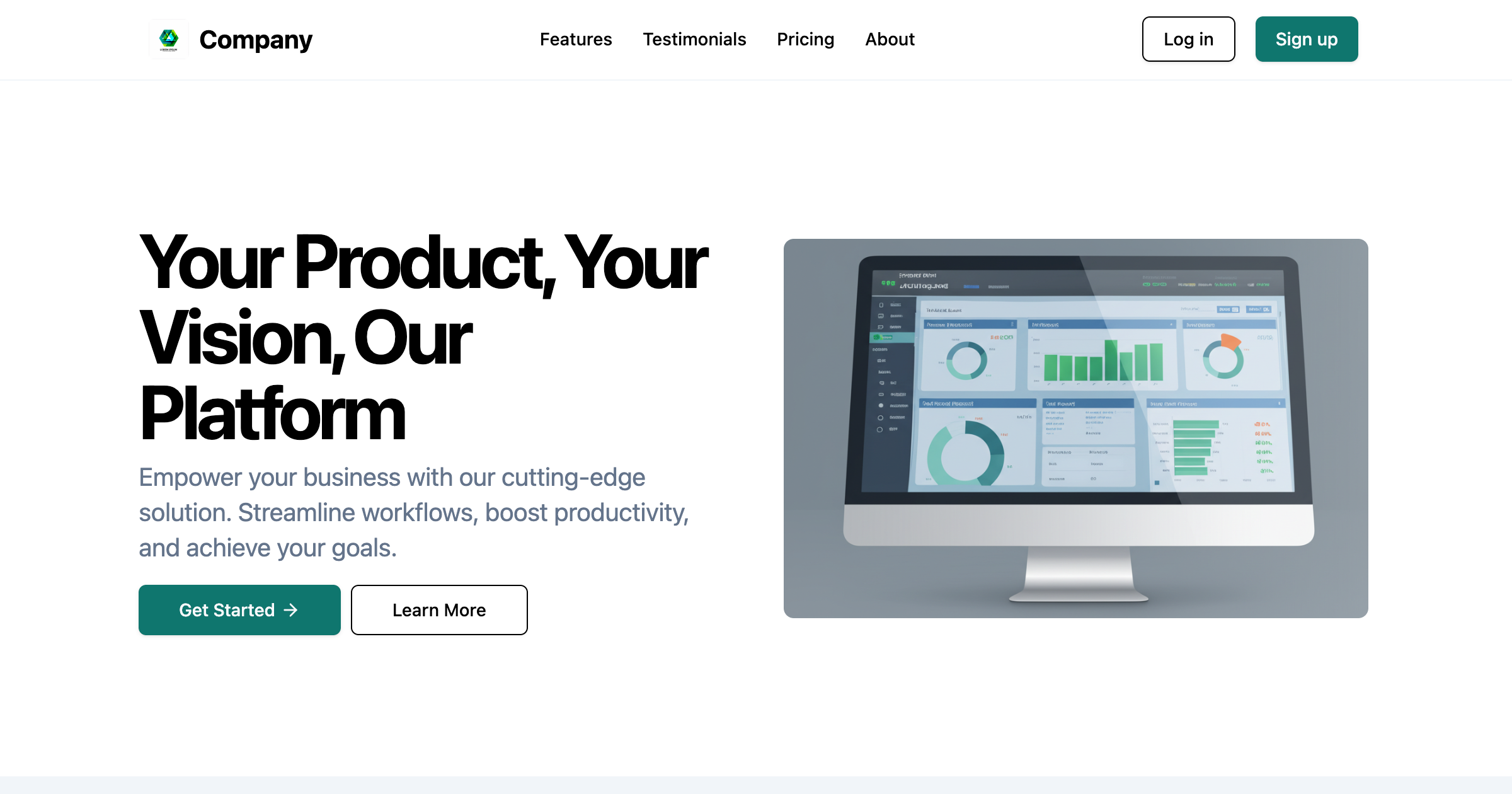
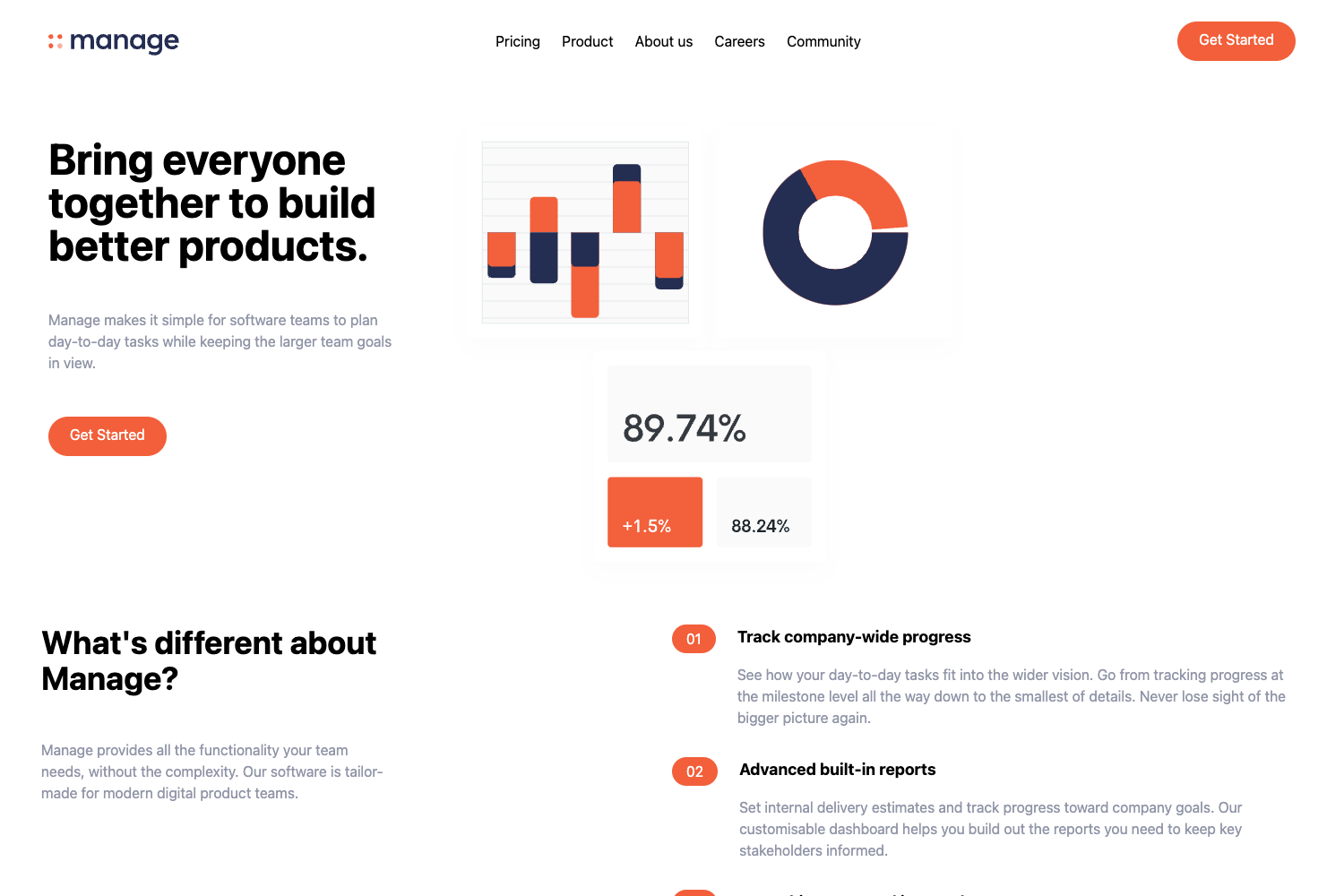
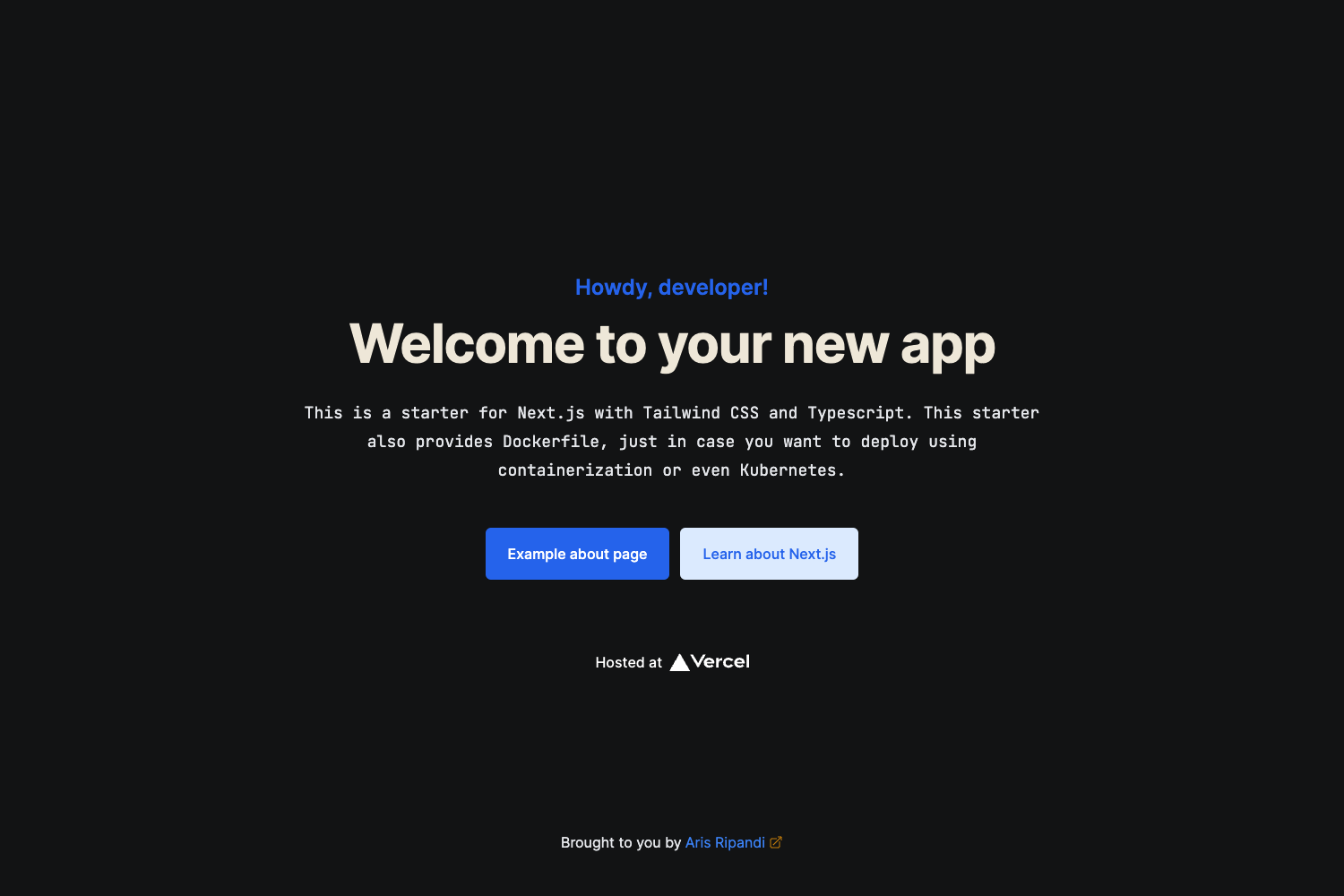
No. It is a default create-next-app starter, so the page is a generic welcome screen. You must build the dashboard interface yourself by editing app/page.tsx and adding components, charts, and API calls.
What is the Chainbase API?
According to the repository's description, the project is intended to help build a dashboard using the Chainbase API. Chainbase is a blockchain data infrastructure service, but this README does not include API keys, endpoints, or examples.
How do I deploy this project?
The easiest path is to connect the GitHub repository to Vercel. The README points to the Vercel deployment documentation for details. You can also run a standard Next.js build and host it elsewhere.
Which package managers are supported?
The README lists npm, yarn, and pnpm. Development server commands are npm run dev, yarn dev, and pnpm dev, respectively.