Template details
Next.js Supabase Stripe Boilerplate
A fullstack SaaS boilerplate using Next.js, Supabase for authentication, and Stripe for payments.
About this template
Next.js Supabase Stripe Boilerplate is a free, open-source SaaS starter that combines Next.js, TypeScript, Tailwind CSS, Supabase authentication, and Stripe card payments into one fullstack template.
What is Next.js Supabase Stripe Boilerplate?
This boilerplate is a fullstack starter template for SaaS applications. It takes a GitHub repository with configuration files and prebuilt code and produces a running web app with authentication and payments. It is built on Next.js, uses Supabase for database and authentication, and integrates Stripe for card payments. The project is maintained by salmandotweb and is distributed under the MIT License. At the time of metadata collection, the repository had 102 GitHub stars.
Key Features
- Authentication — Uses Supabase Auth to handle sign-ups, logins, and session management, with protected routes in Next.js restricting access to authenticated users.
- Row-level security — The included database.sql file defines RLS policies on Supabase tables so users can only access their own data.
- Card payments — Stripe integration accepts card payments. The setup requires both publishable and secret keys plus a webhook secret.
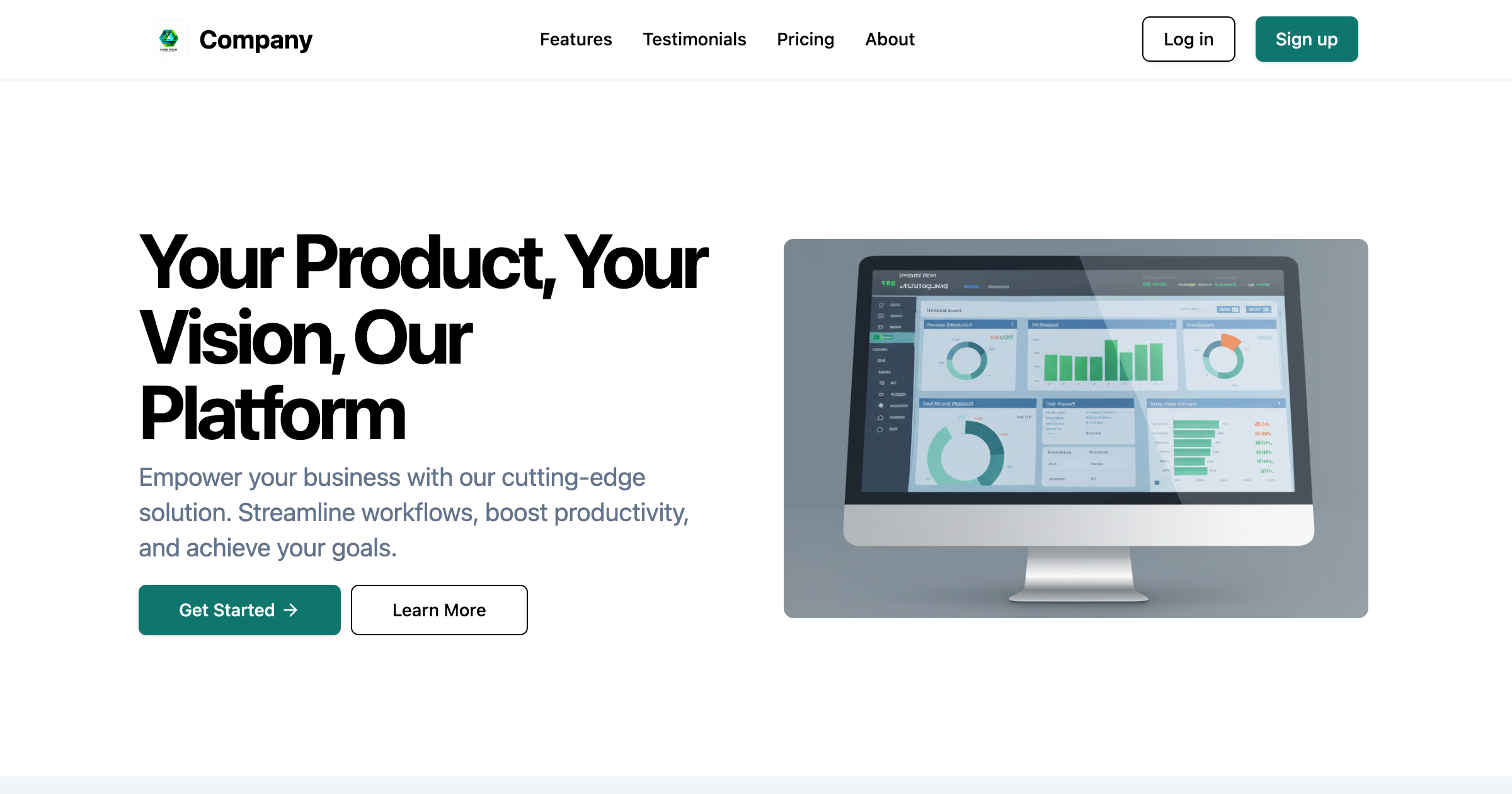
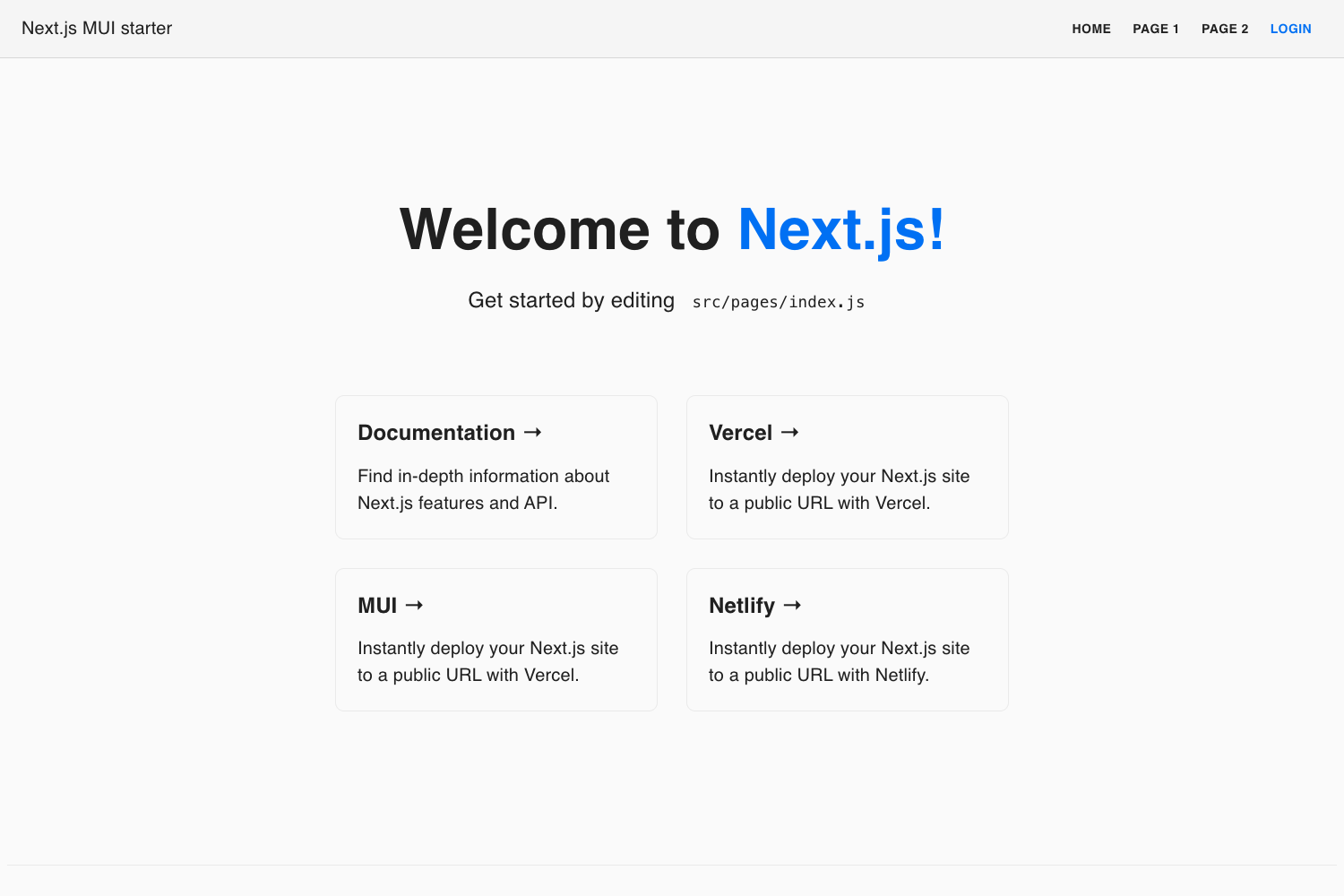
- Landing page — The template ships with a ready-made landing page as the public-facing entry point of the product.
- Protected routes — Next.js route guards make certain pages available only after authentication, keeping account and payment views secure.
- Environment configuration — All secrets and API keys are set via a .env file with clear variable names for Supabase and Stripe.
Who is it for?
- SaaS founders — Use the boilerplate to launch a new product with authentication and billing already wired up instead of building these systems from scratch.
- Fullstack developers — Study the codebase to see how Next.js, Supabase, and Stripe interact, including server-side environment variables and database setup.
- Freelancers and agencies — Adapt the template for client projects that need a quick, paid MVP with a custom landing page.
What can you do with it?
- Launch an MVP: Clone the repo, add your Supabase and Stripe keys, run the database script, and have a working app with auth and payments in under an hour.
- Build a subscription product: Use the Stripe card payment integration as the foundation for recurring billing, then extend it with your own pricing tiers.
- Create a branded landing page: Replace the included landing page content and Tailwind styles to match your product while keeping the authentication flow intact.
How does it work?
The README documents four setup steps: clone the repository, install packages with npm i, create a .env file with the Supabase and Stripe keys, and run database.sql to add the required tables. Then npm run dev starts the development server. The project includes a single command table listing dev as the available npm script.
FAQ
Is the boilerplate free to use?
Yes. The repository is licensed under the MIT License, so you can use, modify, and distribute it without paying licensing fees.
Does it include a subscription billing system?
The template handles one-time card payments via Stripe. It does not explicitly describe plan management in the README, so recurring subscriptions would need to be added on top of the existing Stripe setup.
What environment variables do I need?
You need NEXT_PUBLIC_SUPABASE_URL, NEXT_PUBLIC_SUPABASE_ANON_KEY, SUPABASE_SERVICE_ROLE_KEY, NEXT_PUBLIC_STRIPE_PUBLISHABLE_KEY, STRIPE_SECRET_KEY, and STRIPE_WEBHOOK_SECRET.
Can I use a different database?
Supabase is the intended database provider, and the database.sql file is written specifically for Supabase's PostgreSQL backend with row-level security. Swapping databases would require rewriting that script.