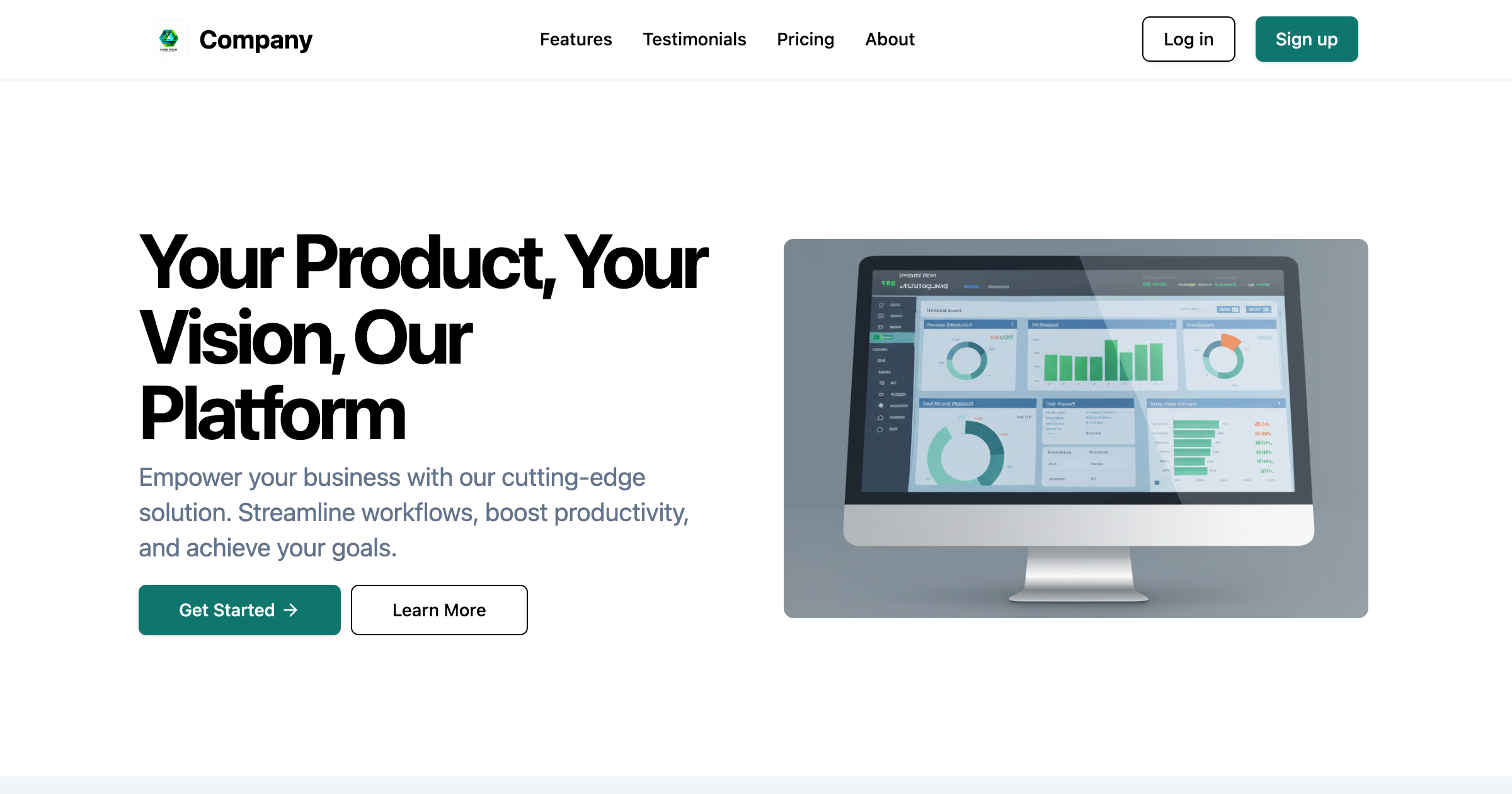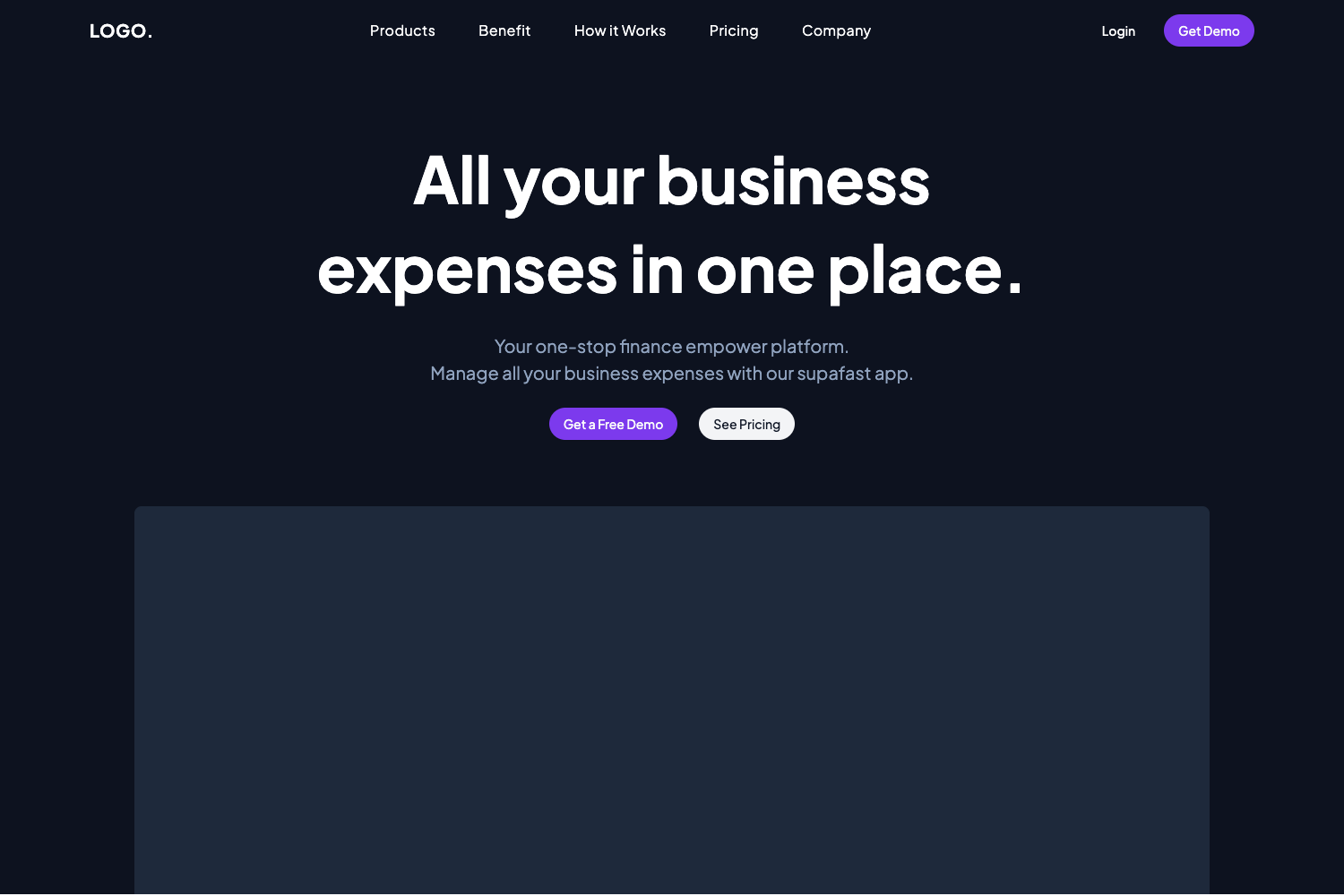
Template details
Manage Landing Page
A responsive landing page template built with Next.js and Tailwind CSS.
About this template
Manage Landing Page is a free, open-source landing page template built with Next.js, Tailwind CSS, and TypeScript that serves as a responsive marketing page for any product or service.
What is Manage Landing Page?
Manage Landing Page is a starter project for a single-page marketing website created by Samuel Pokam and published on GitHub under the MIT License. It takes no content input out of the box; developers clone the repository, edit the components and content, and run the app to produce a fully responsive landing page. The project runs on Node.js via npm, with commands for development, building, and production deployment.
Key Features
- Responsive design — The layout uses responsive CSS so the page adapts to mobile, tablet, and desktop screen sizes without separate code paths.
- Next.js framework — Built on Next.js to gain server-side rendering, static site generation, and a simplified development experience.
- Tailwind CSS utility styling — All styles are written with Tailwind CSS utility classes, letting you customize the look by editing class names in the markup.
- TypeScript static type checking — Written in TypeScript, which catches type errors at build time and improves editor autocompletion.
- MIT License — The project is free to use, modify, and distribute, including in commercial projects.
Who is it for?
- Developers who need a clean landing page for a side project or client and are comfortable editing Next.js and Tailwind code.
- Startup founders who want a modern, responsive marketing page to describe their product before building out a full site.
- Learners who want a minimal, working example of a Next.js + Tailwind + TypeScript project to study or extend.
What can you do with it?
- Product launches: publish a single-page site to announce a new service, app, or feature with a call to action.
- Company marketing pages: use it as a foundation for a business landing page, then add your own copy, images, and links.
- Personal portfolios: adapt the layout to create a personal introduction page with your own content.
How does it work?
The README describes a standard Next.js workflow. Clone the repository from GitHub, run npm install to install dependencies, then npm run dev to start a local development server at localhost:3000. To deploy, run npm run build and then npm start to serve the production build.
FAQ
Is Manage Landing Page free?
Yes, the project is open source under the MIT License, so you can use, modify, and distribute it freely, including in commercial projects. See the LICENSE file in the repository for terms.
What tech stack does this landing page use?
It uses Next.js as the React framework, Tailwind CSS for styling, and TypeScript for type safety. The package manager is npm, with scripts for development, building, and production.
How do I run the landing page locally?
Clone the repository, run npm install, then npm run dev and open http://localhost:3000 in your browser. The development server provides hot reloading.
How do I deploy the landing page?
Run npm run build to compile a production bundle, then npm start to run the production server. You can host it on any Node.js-compatible platform.