Template details
Next Start
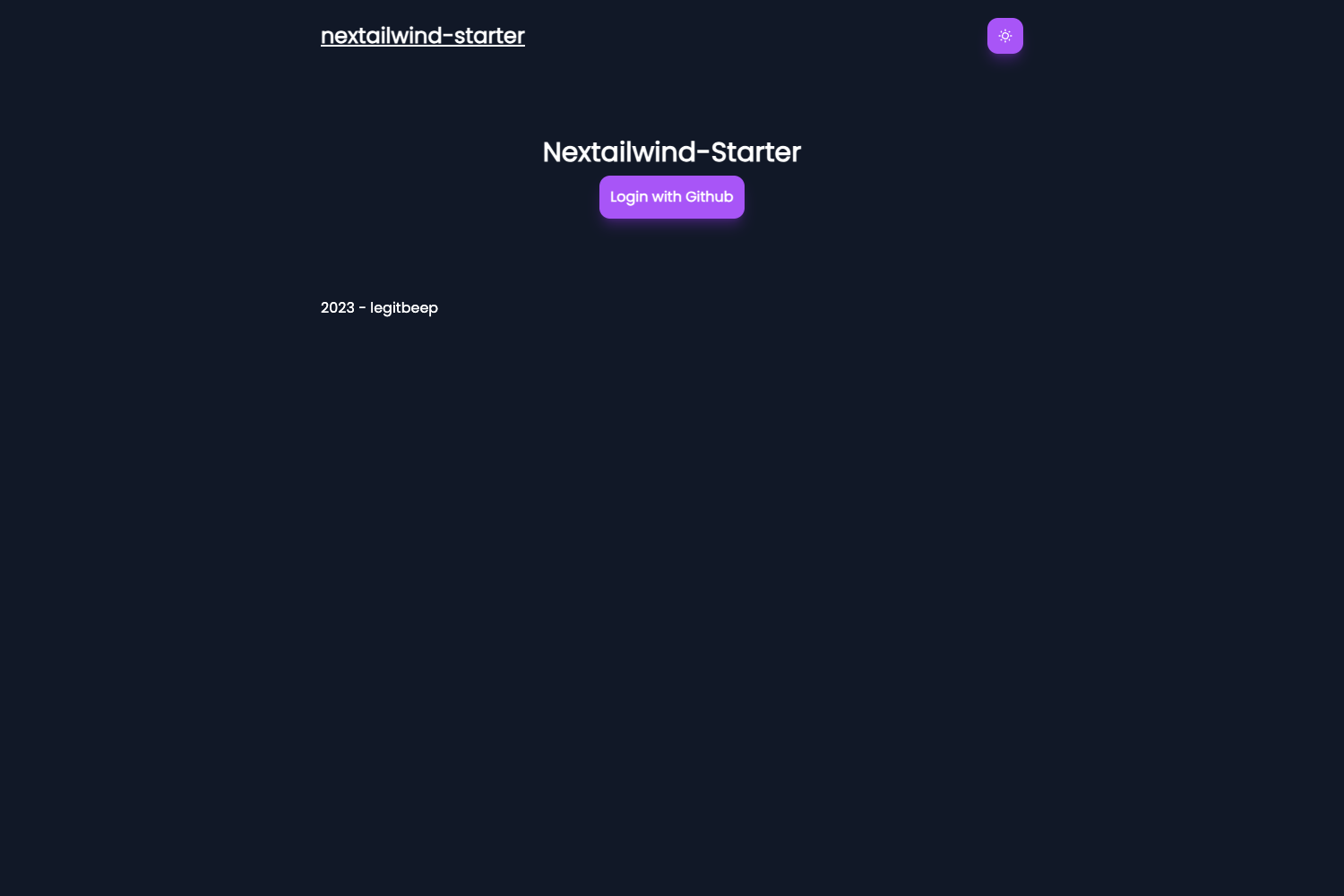
A minimal Next.js starter with Tailwind CSS v4 and TypeScript, deployable to Vercel or Cloudflare Workers via OpenNext.
About this template
Next Start is a bare-bones Next.js starter template that combines Tailwind CSS v4 with TypeScript and adds optional OpenNext support for deploying to Cloudflare Workers. Created by GitHub user riipandi under the MIT license, this boilerplate gives you a minimal, production-ready foundation for modern web applications.
What is Next Start?
Next Start is a minimal Next.js starter template that pairs Tailwind CSS v4 with TypeScript out of the box. It takes a clean Next.js project scaffold and produces an app shell with Biome-based linting and formatting, plus documented commands for npm, yarn, and pnpm. The template is maintained on GitHub at riipandi/next-start and can be deployed to Vercel or, when OpenNext is enabled, to Cloudflare Workers as a faster hosting alternative.
Key Features
- Tailwind CSS v4 integration — The latest Tailwind CSS version is preconfigured, so utility classes work immediately without extra setup.
- TypeScript by default — Type checking is built into the project for safer, more maintainable code.
- Biome for linting and formatting — Biome replaces the usual ESLint/Prettier combo, configured in biome.json, with an optional VSCode plugin for auto-formatting on save.
- OpenNext Cloudflare Workers support — An optional feature that lets you run the Next.js app on Cloudflare Workers instead of Vercel.
- One-click deployment buttons — The README includes deploy buttons for Vercel and Cloudflare Workers, so you can publish a fork directly.
- Multi-package-manager commands — Install, dev, build, and start commands are documented for npm, yarn, and pnpm, with the app served at http://localhost:3000.
- Monorepo configuration guide — Vercel settings for a monorepo layout, including Root Directory and Ignored Build Step, are explained.
- MIT licensed — The template is open source with no usage restrictions, and contributions are welcome.
Who is it for?
- Next.js developers who want a minimal starting point without boilerplate bloat; they get Tailwind v4 and TypeScript configured instantly.
- Cloudflare Workers users who want to host Next.js at the edge; OpenNext integration and deployment steps are included.
- Monorepo maintainers who deploy with Vercel and need guidance for apps placed under apps/web; the README documents the required settings.
- Open source contributors who want a simple, extensible template to fork and build upon.
What can you do with Next Start?
- Start a new project quickly: Scaffold with
pnpm dlx tiged riipandi/next-start myapp-nameor viacreate-next-appusing the GitHub example URL. - Deploy to Cloudflare Workers: Enable OpenNext, set NODE_VERSION to 20.19.1 or greater, and use the Cloudflare deploy button.
- Set up Vercel auto-deployments: Fork the repository and connect it to Vercel so pushes to master trigger production builds.
- Build and run locally: Run the build command, then start the production server at http://localhost:3000 with your preferred package manager.
How does Next Start work?
The quick start flow is documented in the README: scaffold the project, install dependencies, then run the dev server with hot reload. For production, you generate a build and launch it with the start command. Optional deployment paths cover Vercel's one-click clone and Cloudflare's Workers, with environment variable requirements spelled out.
FAQ
Is Next Start free?
Yes. Next Start is licensed under the MIT license, so it is free to use, modify, and redistribute. No paid tiers or licensing fees are mentioned in the repository.
Does Next Start use Tailwind CSS v4?
Yes, the template is explicitly built with Tailwind CSS v4, and TypeScript is included for type checking across the project.
Can I deploy Next Start to Cloudflare Workers?
Yes. By enabling the OpenNext feature, you can deploy to Cloudflare Workers. The README says to add NODE_VERSION set to 20.19.1 or greater in environment variables, and includes a dedicated deploy button.
How do I install Next Start?
Use pnpm dlx tiged riipandi/next-start myapp-name or the create-next-app command with the GitHub example URL, then run the install and dev commands for your chosen package manager.
Does Next Start include linting and formatting?
Yes, Biome is configured for both formatting and linting in biome.json. The README recommends the VSCode Biome plugin to enable auto-formatting on save and get type checking and autocomplete in the editor.