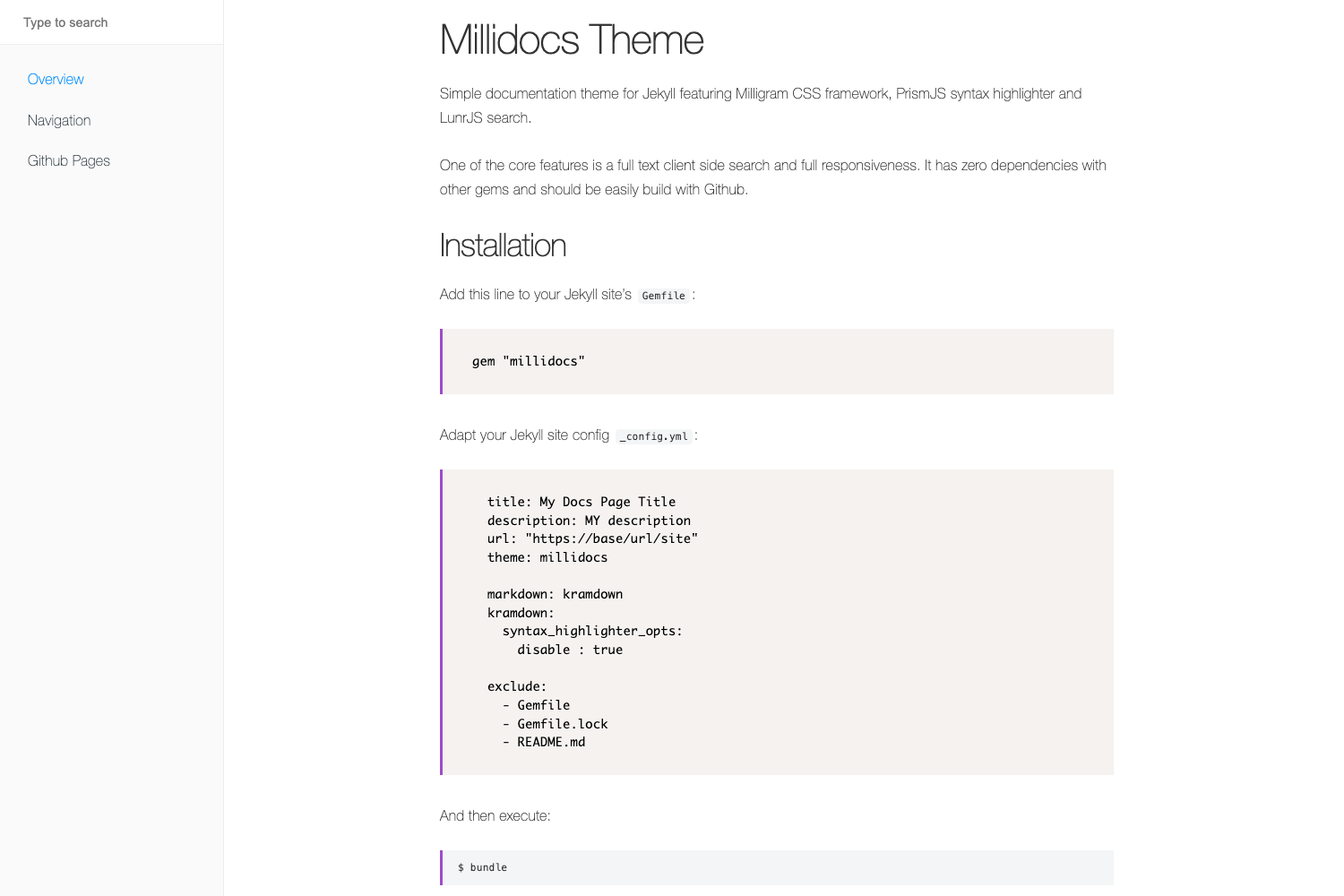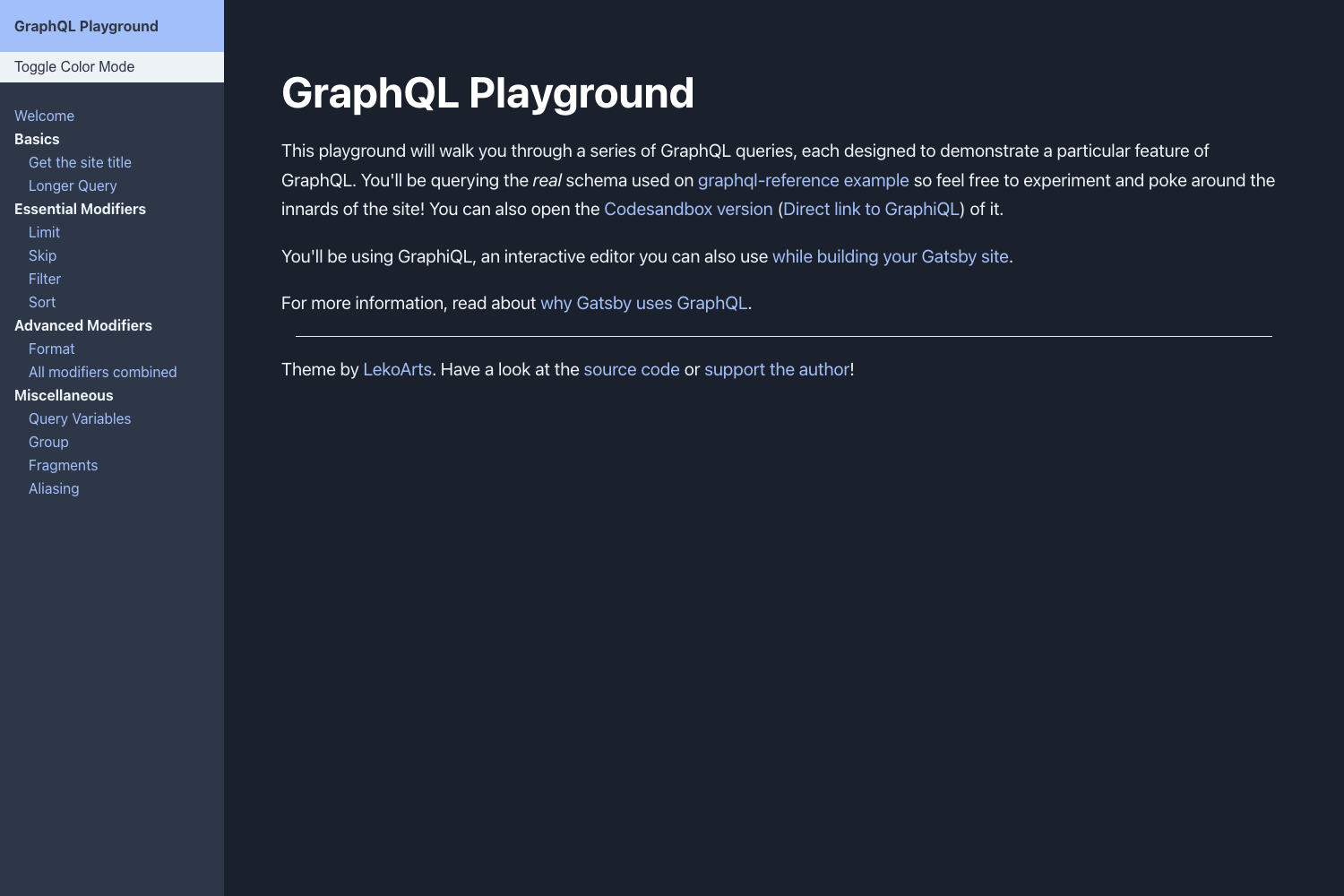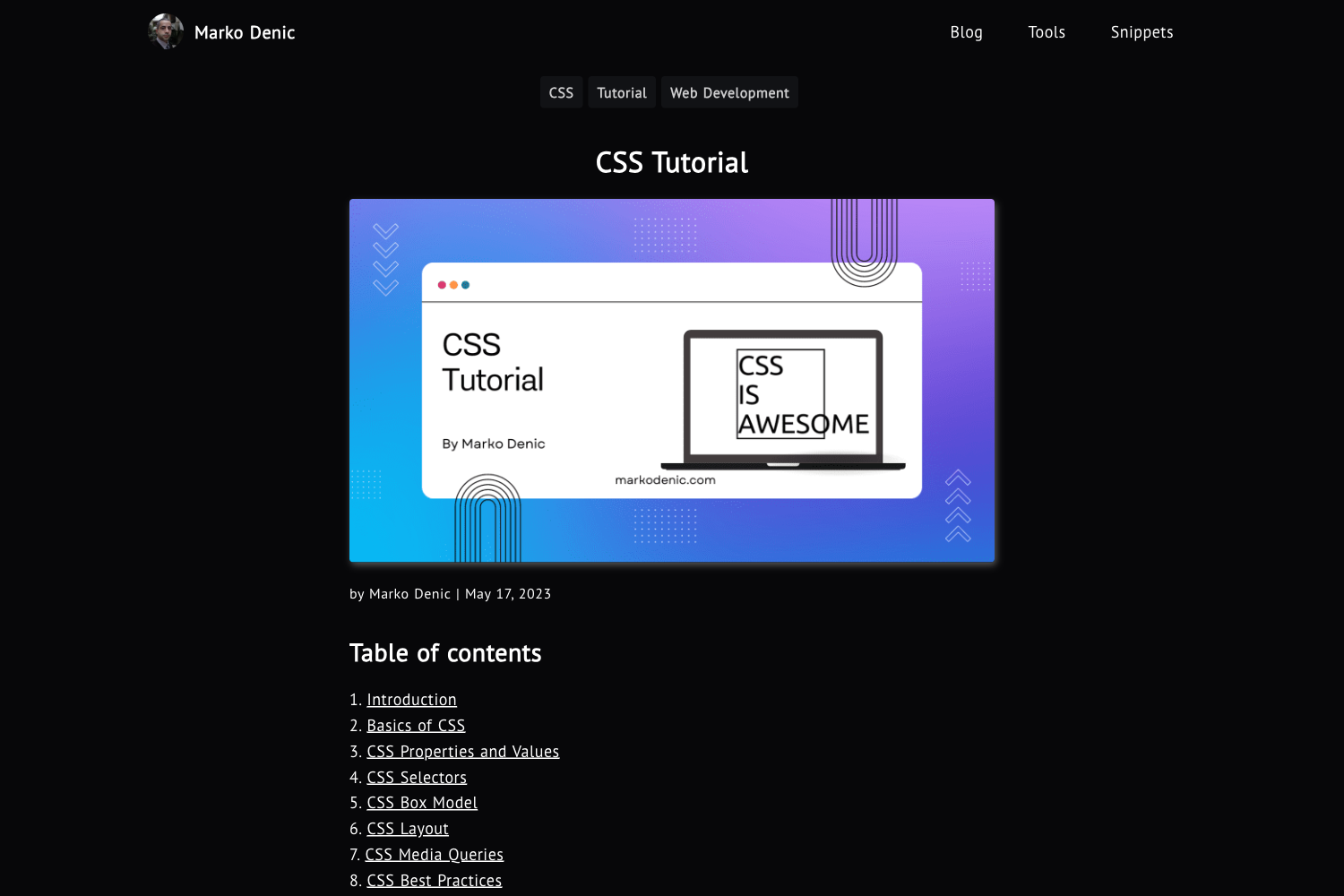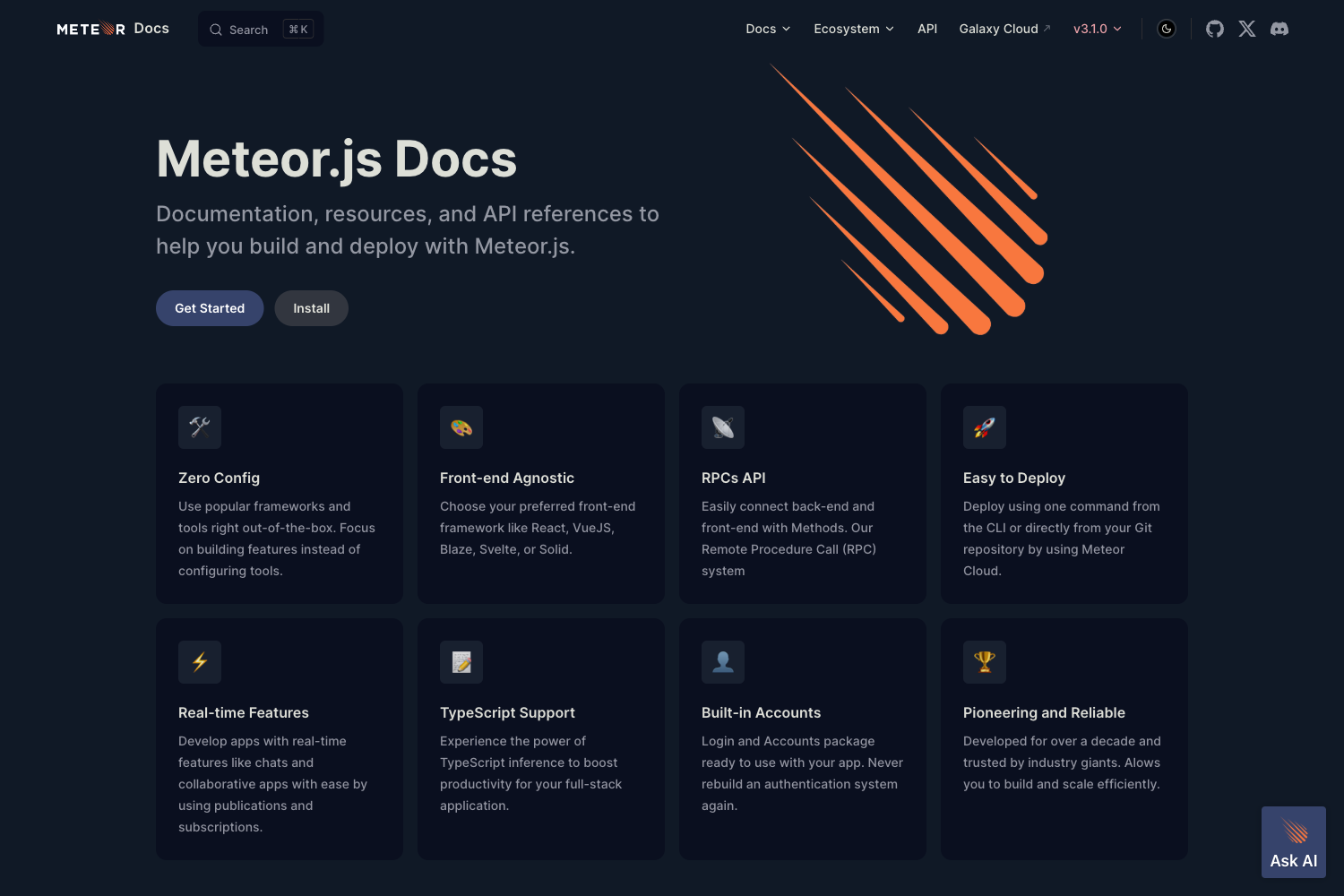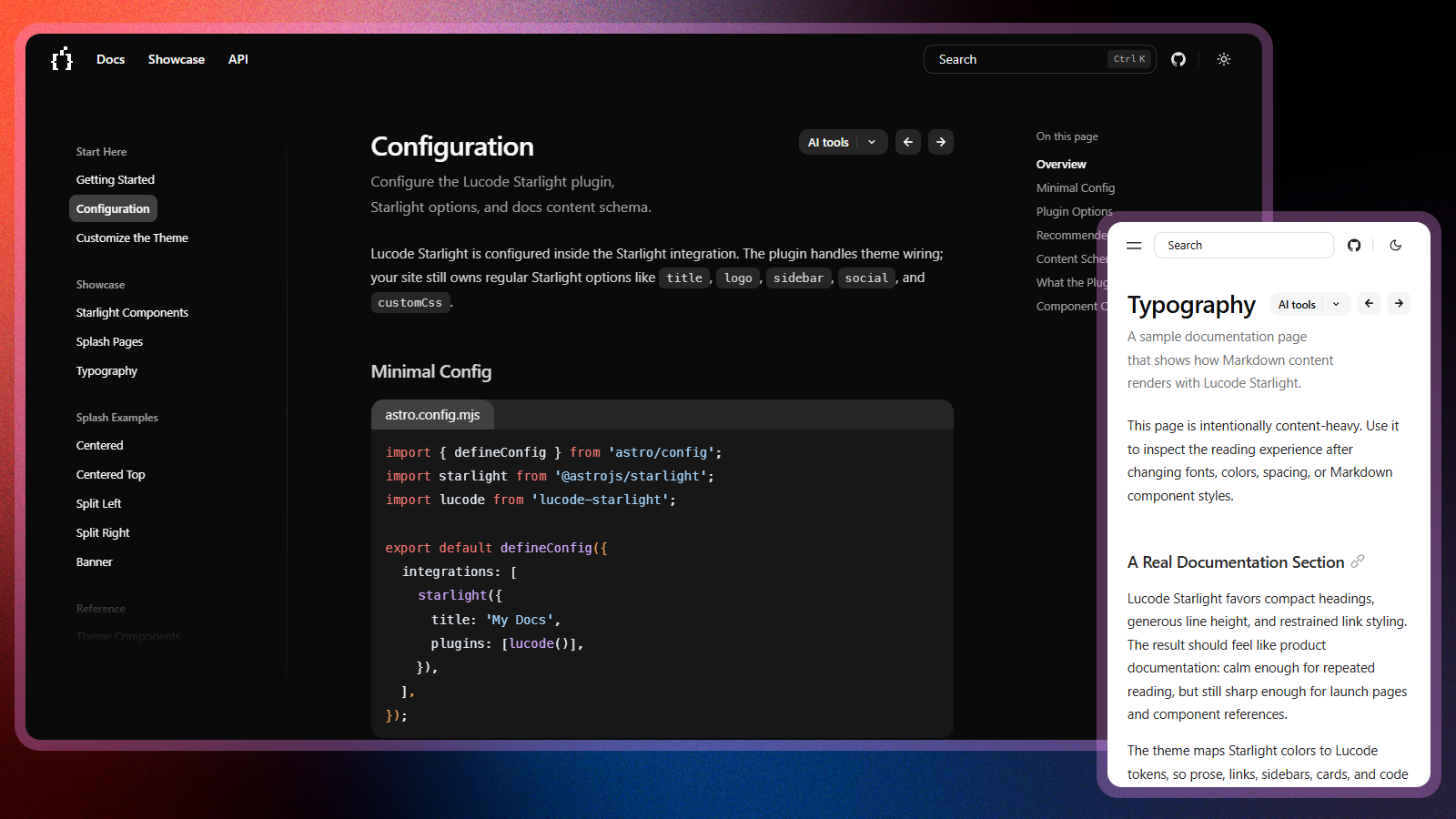
Template details
Cinder
A clean, responsive MkDocs static documentation site generator theme.
About this template
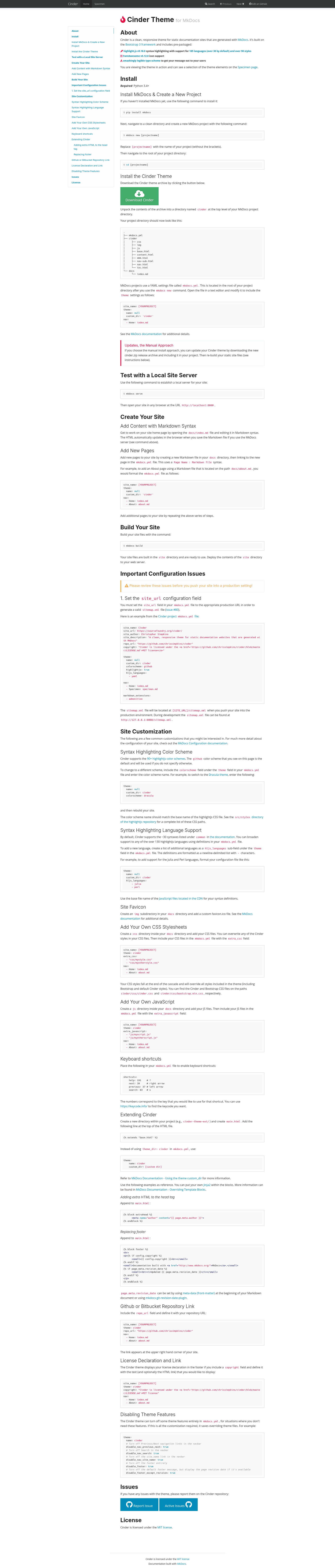
Cinder is a clean, responsive theme for MkDocs, a static site generator for documentation, that turns Markdown files into a polished HTML documentation website.
What is Cinder?
Cinder is a theme for MkDocs, a Python-based static site generator for documentation. It takes Markdown documentation content written in the MkDocs structure and renders it as a static HTML site with a clean, responsive design. The theme is published under the SourceFoundry project and has a live demo and documentation at sourcefoundry.org/cinder. Its repository metadata describes it as "a clean, responsive MkDocs theme" and it currently holds 223 stars.
What makes Cinder stand out?
- Clean design — Cinder's visual style emphasizes simple typography and generous whitespace, making long-form documentation comfortable to read.
- Responsive behaviour — the theme is built to adapt to mobile, tablet, and desktop screens, so documentation stays usable across devices.
- MkDocs-native workflow — Cinder plugs directly into MkDocs, which means you write in Markdown and generate your site with the standard MkDocs build process rather than setting up a separate frontend toolchain.
- Static HTML output — the build produces a folder of static HTML files that can be hosted on GitHub Pages, Netlify, or any basic web server without server-side dependencies.
- Public demo — the project provides a working demo and written documentation at sourcefoundry.org/cinder so you can review the look and installation steps before committing.
Who should use Cinder?
- Project maintainers — publish a clean, responsive documentation site for open-source software without designing or maintaining a custom theme.
- Technical writers — write documentation in Markdown and have it rendered consistently by Cinder, with no need to touch HTML or CSS for normal content updates.
- Development teams — stand up a documentation site quickly using MkDocs' standard project layout and Cinder's ready-made styling, then deploy the static output to existing hosting.
What can you do with Cinder?
- Document software projects: create guides, API references, and tutorials in Markdown, then build a static documentation site styled by Cinder.
- Publish to static hosting: the generated HTML files can be uploaded to any static host or CDN, including GitHub Pages, Netlify, or a traditional web server.
- Evaluate via the live demo: visit sourcefoundry.org/cinder to interact with a deployed Cinder site and access instructions for installation and configuration.
How does Cinder work?
Cinder follows the standard MkDocs theme workflow. After installing the theme and setting it as your theme in the MkDocs configuration file, you write documentation in Markdown files under a docs directory. Running the MkDocs build command generates the static HTML output. The official Cinder documentation at sourcefoundry.org/cinder includes a demo and detailed setup guidance for the theme.
FAQ
What is Cinder?
Cinder is a clean and responsive theme for MkDocs, a static site generator for documentation. It consumes Markdown files written in the MkDocs format and outputs static HTML documentation. The project page describes it as "a clean, responsive MkDocs static documentation site generator theme."
Where can I try Cinder?
A live demo and documentation are hosted at sourcefoundry.org/cinder. The site shows the theme in action and includes material to help you install Cinder and generate your own documentation site.
Does Cinder generate static sites?
Yes. Because Cinder is a theme for MkDocs, its output is static HTML generated from Markdown source files. There is no database or server-side rendering in the final site, so it can be hosted anywhere static files are served.