Template details
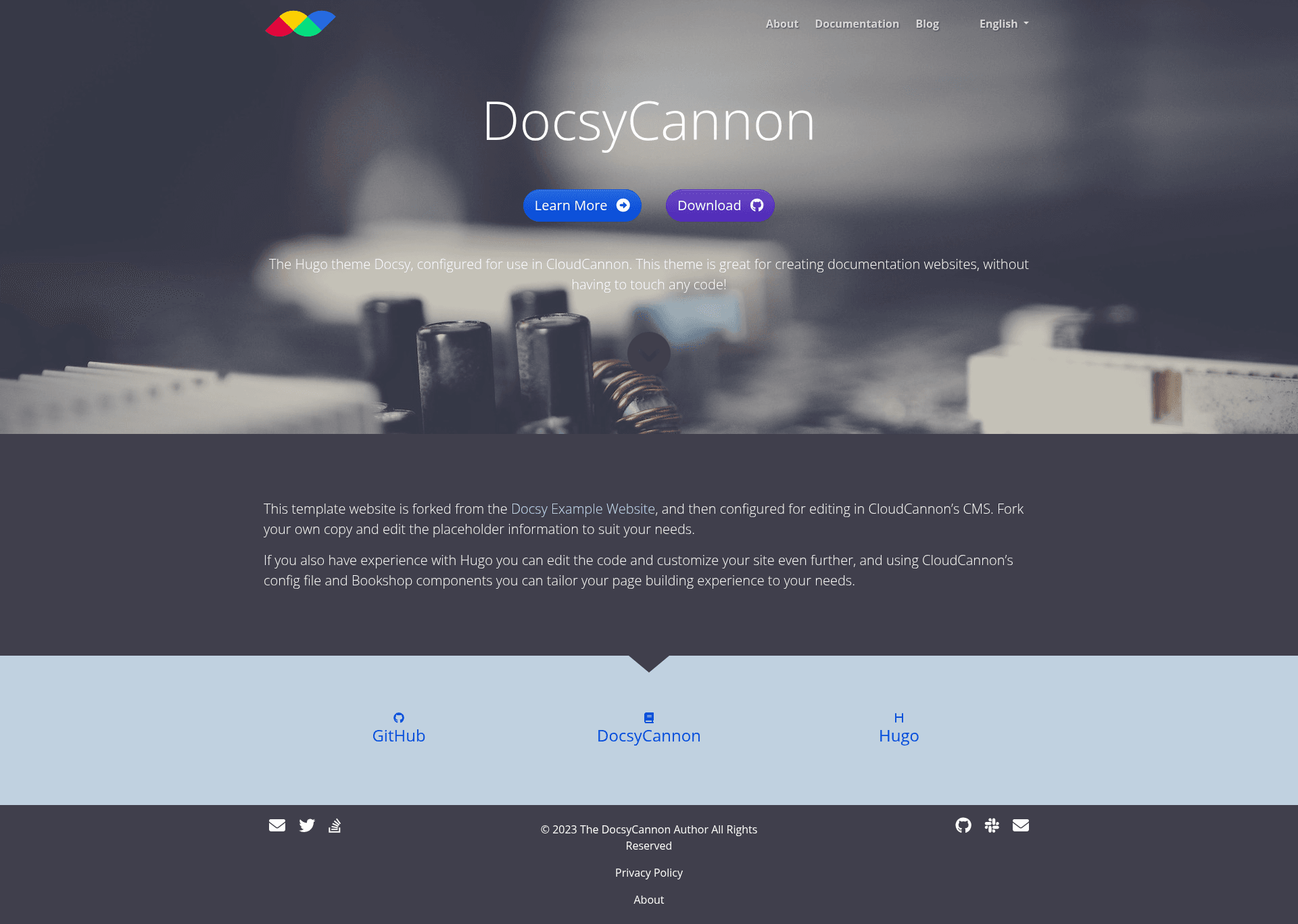
DocsyCannon
Hugo documentation template with Docsy theme, CloudCannon CMS editing, Pagefind search, and blog.
About this template
DocsyCannon is a Hugo-based template for technical documentation websites that combines the Docsy theme with CloudCannon's CMS for visual content editing. Used as a starting point, it provides pre-built pages, styled components, and search, so teams can focus on writing documentation rather than setting up the site skeleton.
What is DocsyCannon?
DocsyCannon is a template project for building technical documentation sites with the Docsy Hugo theme (developed by Google) and CloudCannon's CMS. It takes your Markdown-based documentation content as input and produces a static website with sidebar navigation, taxonomy support, a blog, and built-in search. The template is distributed as a GitHub repository that you can fork or use as a template, and it is designed to be edited either locally with Hugo or through the CloudCannon cloud CMS.
Key Features
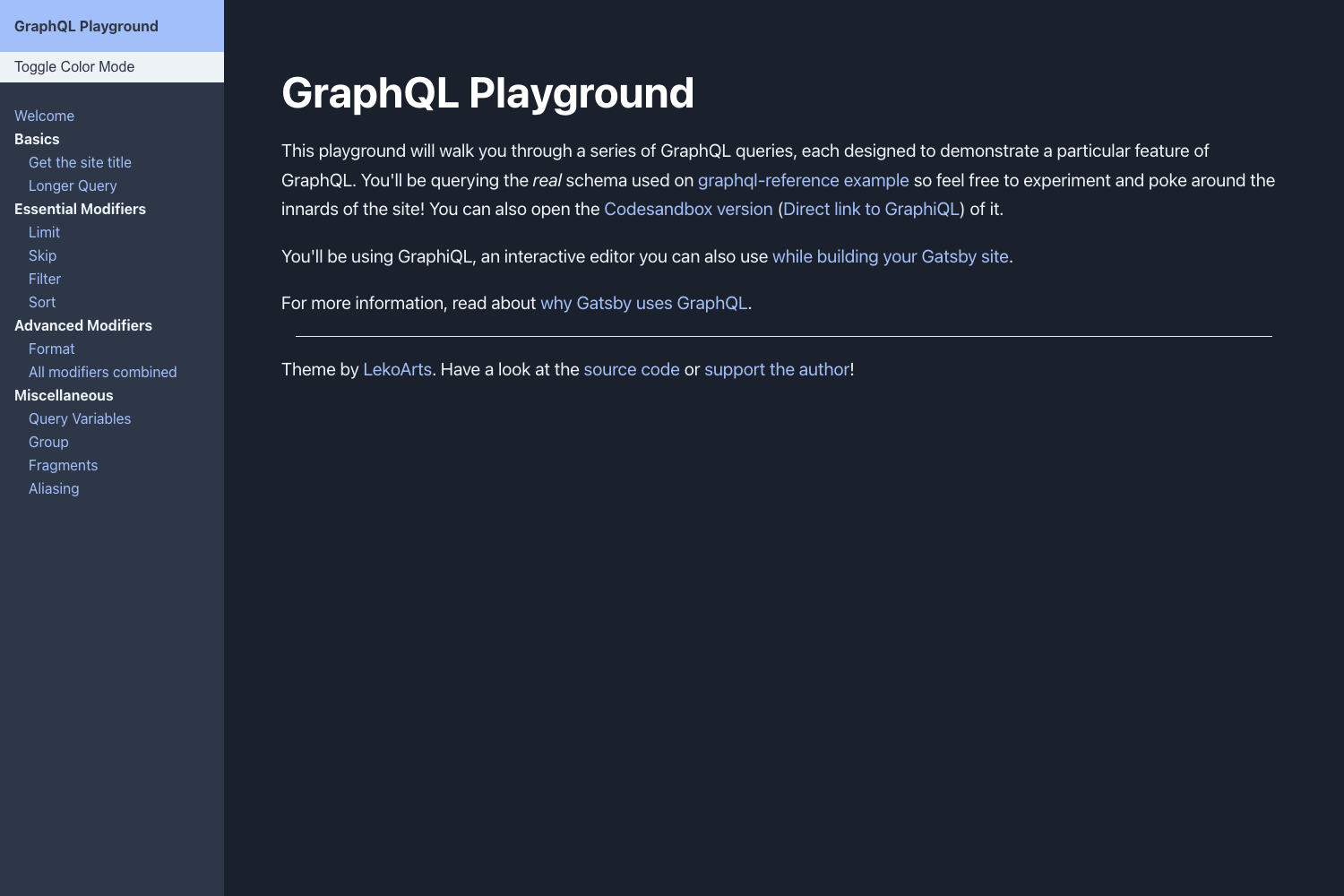
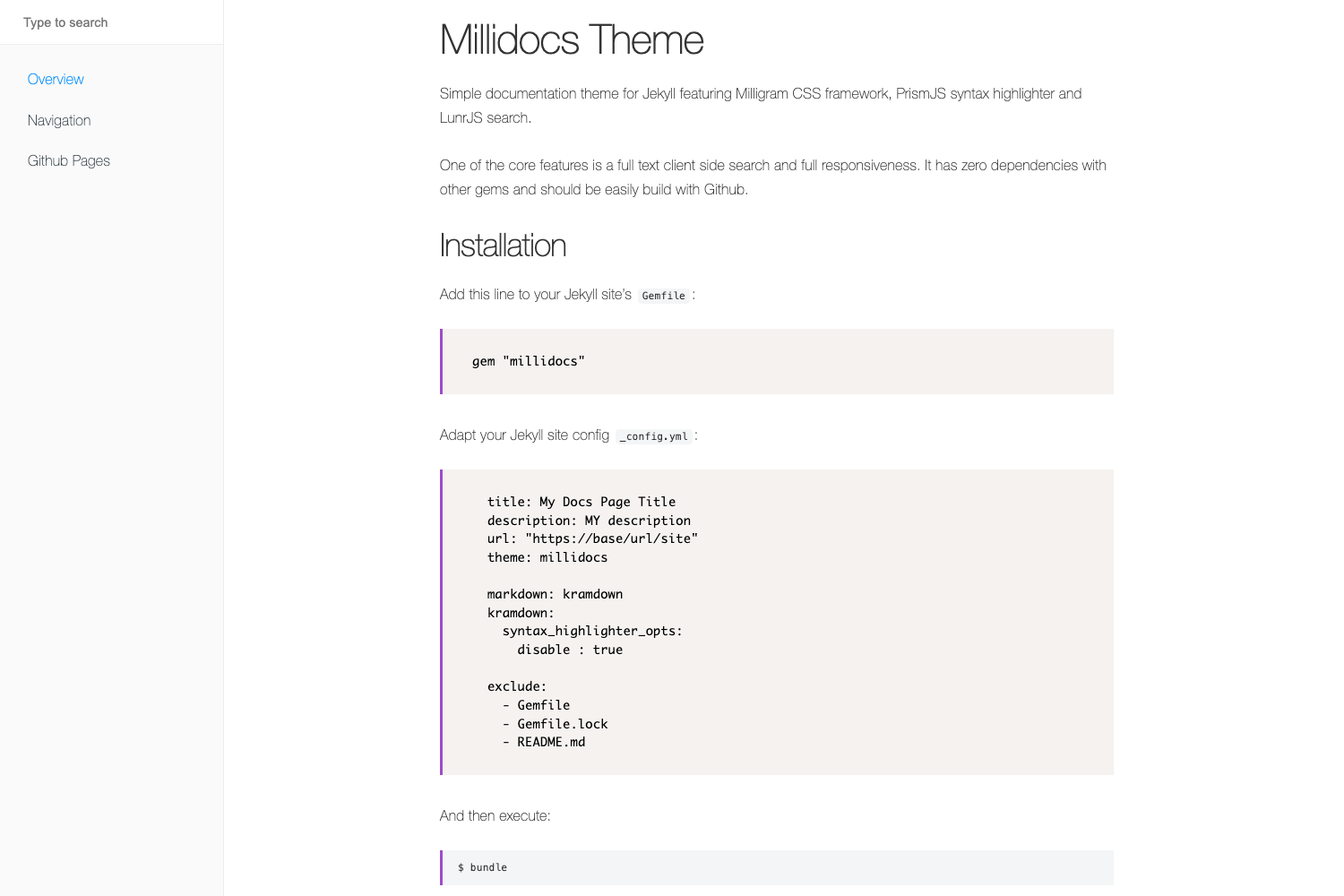
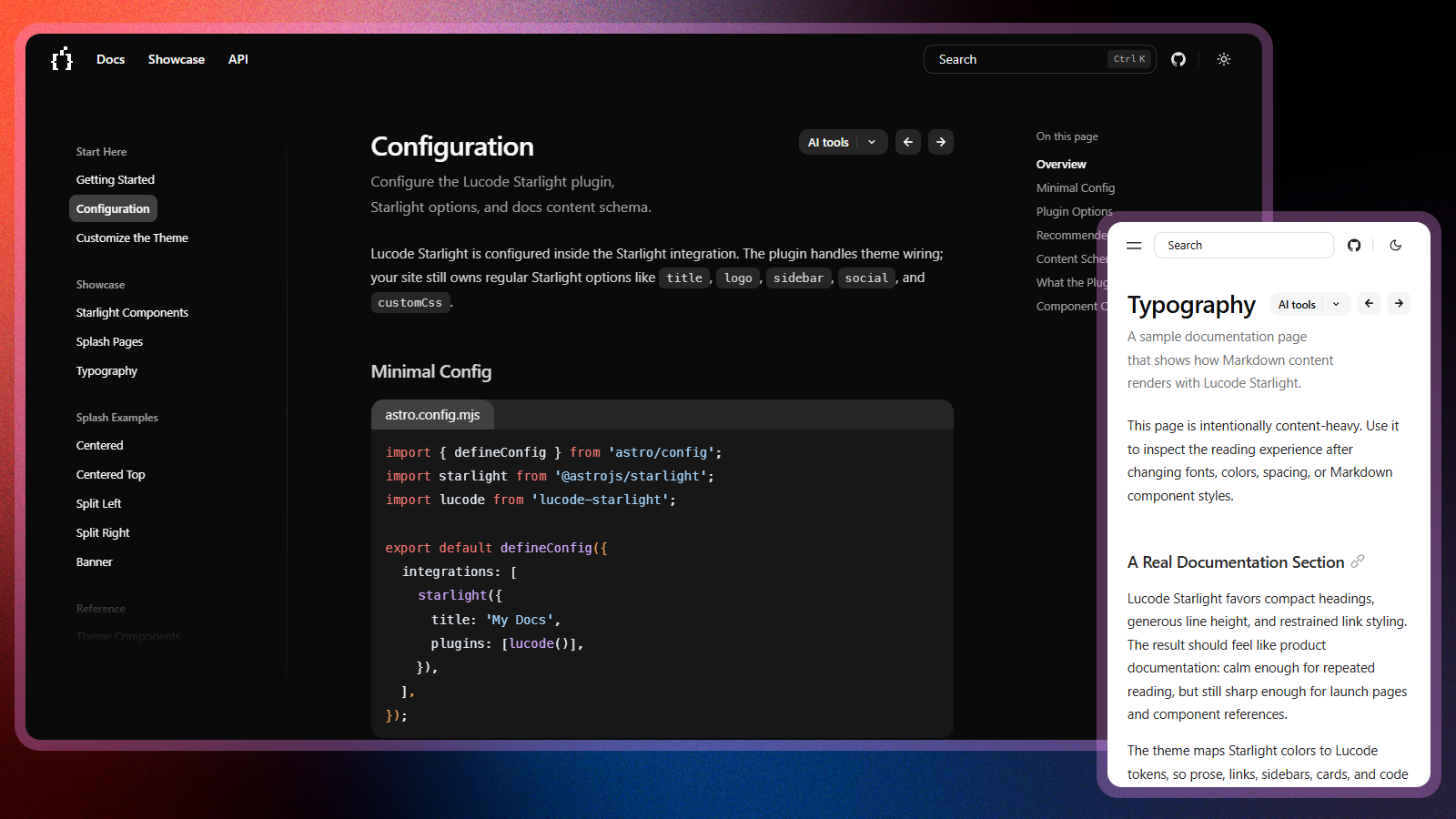
- Pre-built Pages and Components — The template ships ready-to-use page layouts and styled components so new documentation sites start with a consistent design.
- Built-in Search with Pagefind — Search is pre-configured using Pagefind, a static search tool, so visitors can search the documentation without a third-party search service.
- Docs with Sidebar Navigation and Taxonomies — The Docsy theme's navigation sidebar and taxonomy support (categories, tags) are wired up to organize technical content.
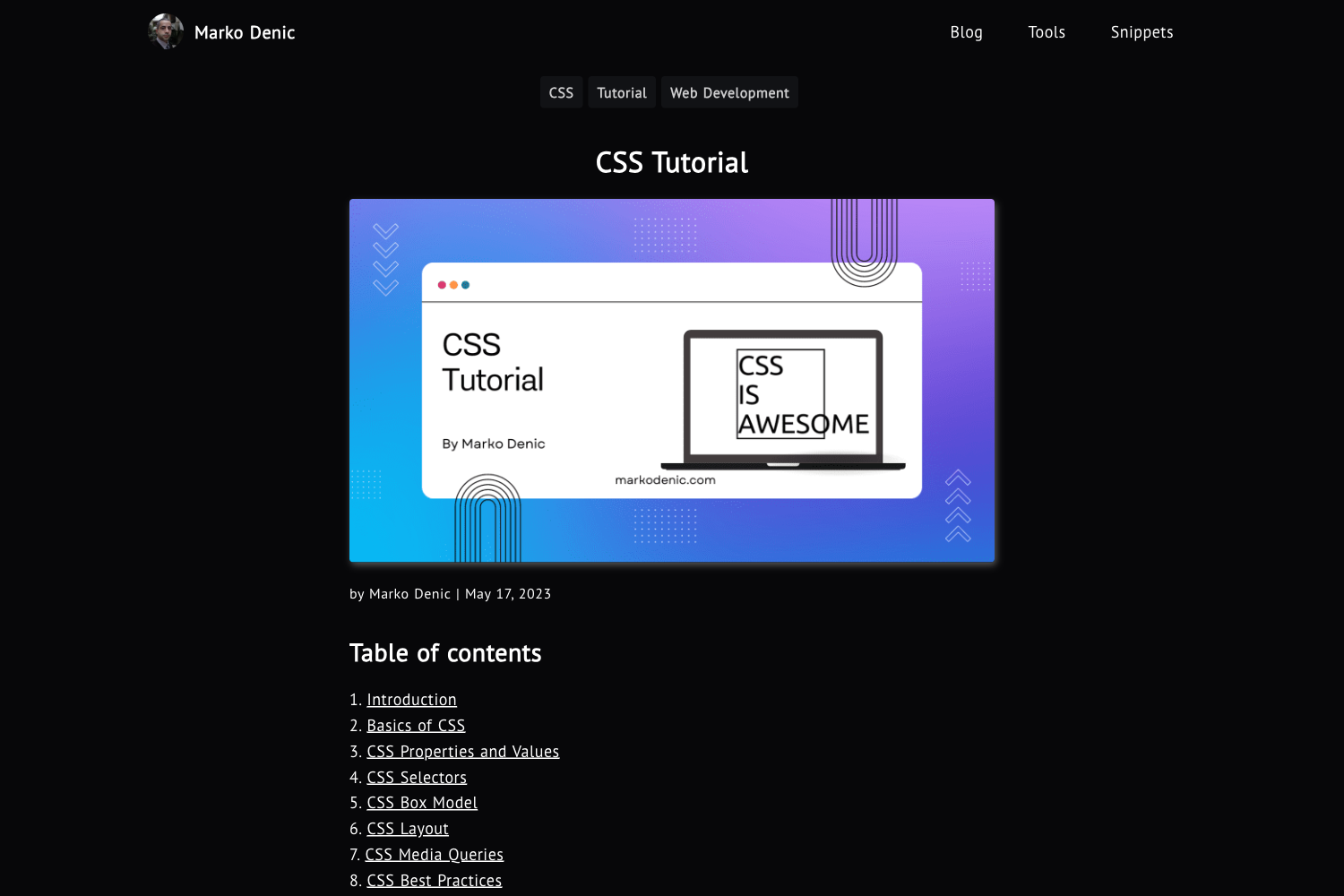
- Blog with Pagination and Category Pages — A blog section with pagination and category listing is included for release notes, tutorials, or announcements.
- CloudCannon CMS Integration — The template is optimized for editing in CloudCannon, including configuration that lets non-developers update page content, navigation, and metadata through a web interface.
- Hugo Module Based Stack — The Docsy theme and its dependencies (Bootstrap 4.6.2, Font Awesome) are pulled in as Hugo modules, making updates manageable via
hugo mod graph.
Who is it for?
- Technical writers and docs teams — They get a pre-configured docs site so they can write Markdown and see it published with navigation, search, and design in place.
- Product and engineering teams — They can spin up documentation for an API, SDK, or product quickly by using the GitHub template and then building the site in CloudCannon or locally with Hugo.
- Hugo developers — They can use the template as a reference implementation for combining the Docsy theme with CloudCannon, or adapt it for client work.
What can you do with DocsyCannon?
- Create a project documentation hub: Add Markdown files for guides, tutorials, and API references, and the sidebar navigation and taxonomy pages organize them automatically.
- Publish a product blog: Use the included blog section with pagination and categories to share release notes or company updates alongside the docs.
- Let non-technical editors maintain content: Connect the site to CloudCannon (free trial signup linked from the repository) so editors can update pages through a visual CMS rather than editing code.
How does DocsyCannon work?
To use the template, click "Use this template" on GitHub to create your own repository, sign up for CloudCannon's trial, and connect the repository to build the site. Locally, you run hugo server from the repo root after installing Hugo (extended version) and Go; SCSS edits require installing PostCSS via npm install. A Docker Compose setup is also included for running the container with the site at http://localhost:1313.
FAQ
Does DocsyCannon require the extended version of Hugo?
Yes. The SCSS processing fails with a TOCSS error if you use the non-extended Hugo. Install the extended edition as described in the Docsy user guide.
Do I need Go installed to run DocsyCannon?
Yes, because the site uses Hugo modules. If Go is missing, hugo server fails with a "binary with name 'go' not found" error.
Can I edit content without CloudCannon?
Yes. You can clone the repository, write Markdown, and run the site locally with Hugo. CloudCannon is an optional editing layer that makes CMS-style editing possible.
Is DocsyCannon free?
The template itself is open source on GitHub. CloudCannon offers a free trial, but ongoing use requires a paid CloudCannon plan; running the site locally with Hugo requires no CMS costs.