Template details
Meteor API Docs
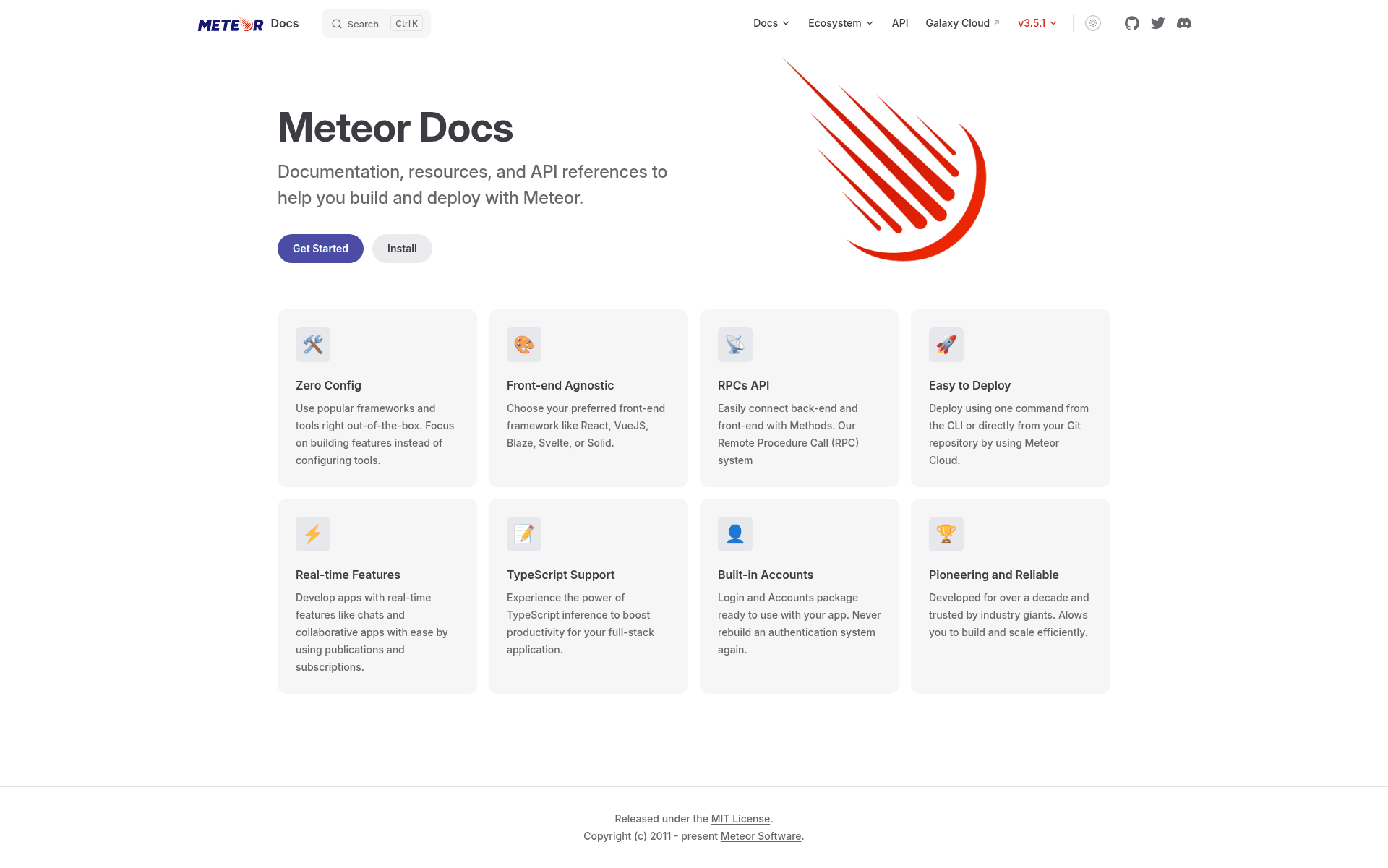
Hexo-based static site template that generates the official Meteor API documentation from jsdoc in the Meteor source.
About this template
Meteor Docs is a Hexo-based static site template that generates the official Meteor API documentation (docs.meteor.com) from jsdoc comments in the Meteor source code. This repository was the standalone source for the Meteor API docs and has since been merged into the Meteor main repository under the devel/docs path, but it remains a reference implementation for building documentation sites with Hexo.
What is the Meteor Docs template?
The Meteor Docs template is a static site generator project built with Hexo, a Node.js-based blogging and documentation framework. Its primary input is the jsdoc annotations embedded in the Meteor source code repository, and its output is the fully rendered API documentation site you see at docs.meteor.com. The project is maintained by the Meteor development community; this specific repository has been merged into the Meteor main repository, where you can find the source under devel/docs.
Key Features
- Hexo static generation — The site is built with Hexo, which compiles Markdown content and a custom theme into static HTML files that can be hosted anywhere.
- Automatic data.js generation — A file named data/data.js is generated from the jsdoc in the Meteor source code, and this generation runs automatically whenever you start the local Hexo server.
- Git submodules — The repository includes two submodules: one for the documentation theme and one for the full Meteor repository, used for extracting API data.
- Local development workflow — After running git submodule update --init and npm install, you can start a live-reloading server with npm start.
- Local meteor source support — Developers working on jsdoc in the Meteor codebase can point the code submodule to their local Meteor folder by modifying .git/config and .gitmodules, then editing the url in _config.yml to http://localhost:4000/.
- Markdown-based content — Documentation pages are written in Markdown, with Hexo watching for changes in source files and rebuilding automatically.
- Contribution-ready — The repository explicitly welcomes Pull Requests, issues, and references contribution guidelines, making it a suitable base for hacktoberfest-style contributions.
- Clean rebuild command — When changes are made in the /code submodule folder, contributors run npm run clean && npm start to regenerate the site from scratch.
Who is it for?
- Meteor contributors — Developers who want to improve the official API documentation by editing Markdown source pages or adding jsdoc comments to the Meteor source code.
- Documentation maintainers — Teams looking for a proven Hexo-based static site setup that pulls API reference data directly from source code annotations.
- Hacktoberfest participants — The repository is tagged with hacktoberfest and has contribution guidelines, making it an approachable project for first-time open-source contributors.
- Hexo developers — Anyone interested in seeing a real-world Hexo deployment with submodules and a custom data-generation pipeline.
What can you do with the Meteor Docs template?
- Add jsdoc to Meteor source code: Write or edit jsdoc comments in the Meteor codebase, then run the local server to preview how the new API boxes will render on the docs site.
- Edit documentation pages: Modify Markdown files in the sources folder; Hexo watches the files and rebuilds the affected pages automatically during local development.
- Rebuild the full site: When changes touch the code submodule, run npm run clean && npm start to regenerate the data.js file and the complete static site.
- Contribute to the official docs: Submit Pull Requests to the original repository, which the Meteor team will review and potentially merge into the main documentation.
How does the Meteor Docs template work?
The workflow starts by cloning the repository and initializing its two submodules: the theme and the full Meteor repository. When you run npm start, Hexo starts a server and automatically generates data/data.js from the jsdoc in the Meteor source. If you are developing with a local Meteor checkout, you instead deinit the code submodule, re-add it pointing to your local path, and change the url in _config.yml to localhost:4000 so links stay local.
FAQ
How do I run the Meteor Docs site locally?
Run git submodule update --init to fetch the theme and Meteor source submodules, then npm install followed by npm start. The Hexo server will start at localhost:4000 and generate the data.js file automatically on startup.
What is data.js?
data.js is a JavaScript file under data/ that contains the API box data for the documentation. It is generated from the jsdoc comments in the Meteor source code and is regenerated each time the local Hexo server starts or when you run npm run clean && npm start.
Can I use a local Meteor source when developing jsdoc?
Yes. You can disconnect the code submodule using git submodule deinit -f code, remove its metadata, add your local Meteor folder as a replacement submodule, and set the url in _config.yml to http://localhost:4000/ so links point to your local site.
Is this repository still active?
The repository states that it has been merged into the Meteor main repository, where the source now lives under devel/docs. The historical content and contribution workflow still apply, but new development happens in the Meteor monorepo.