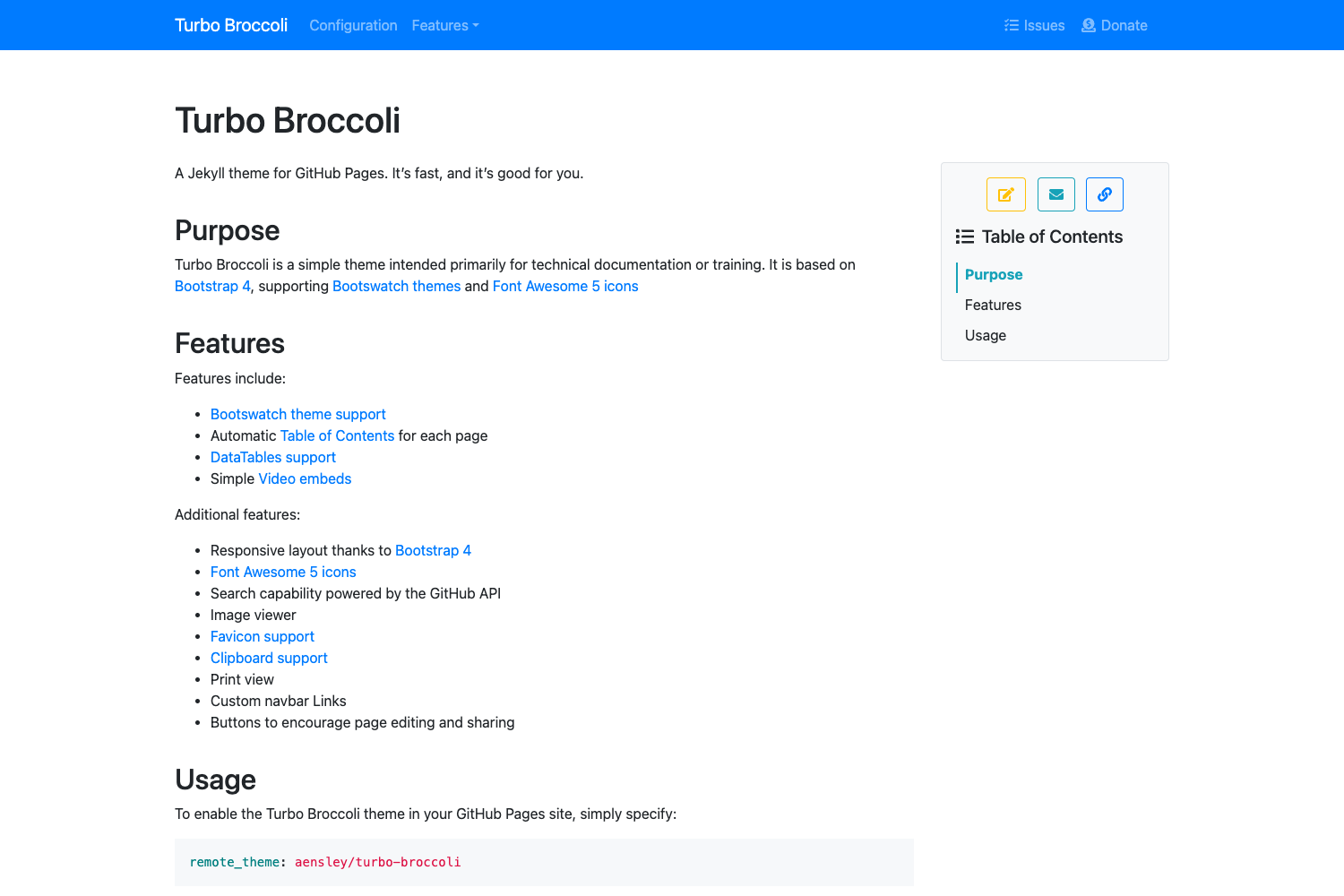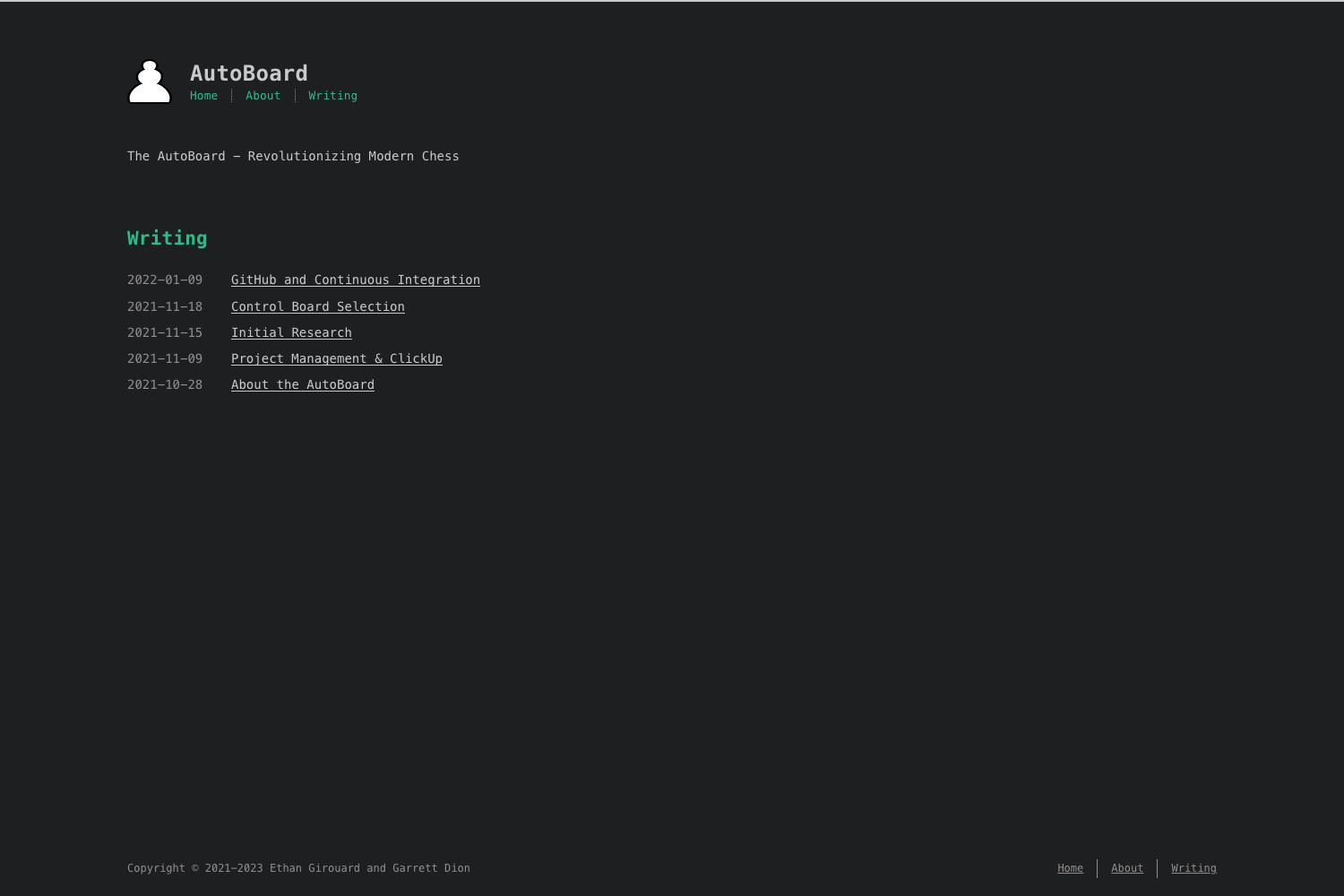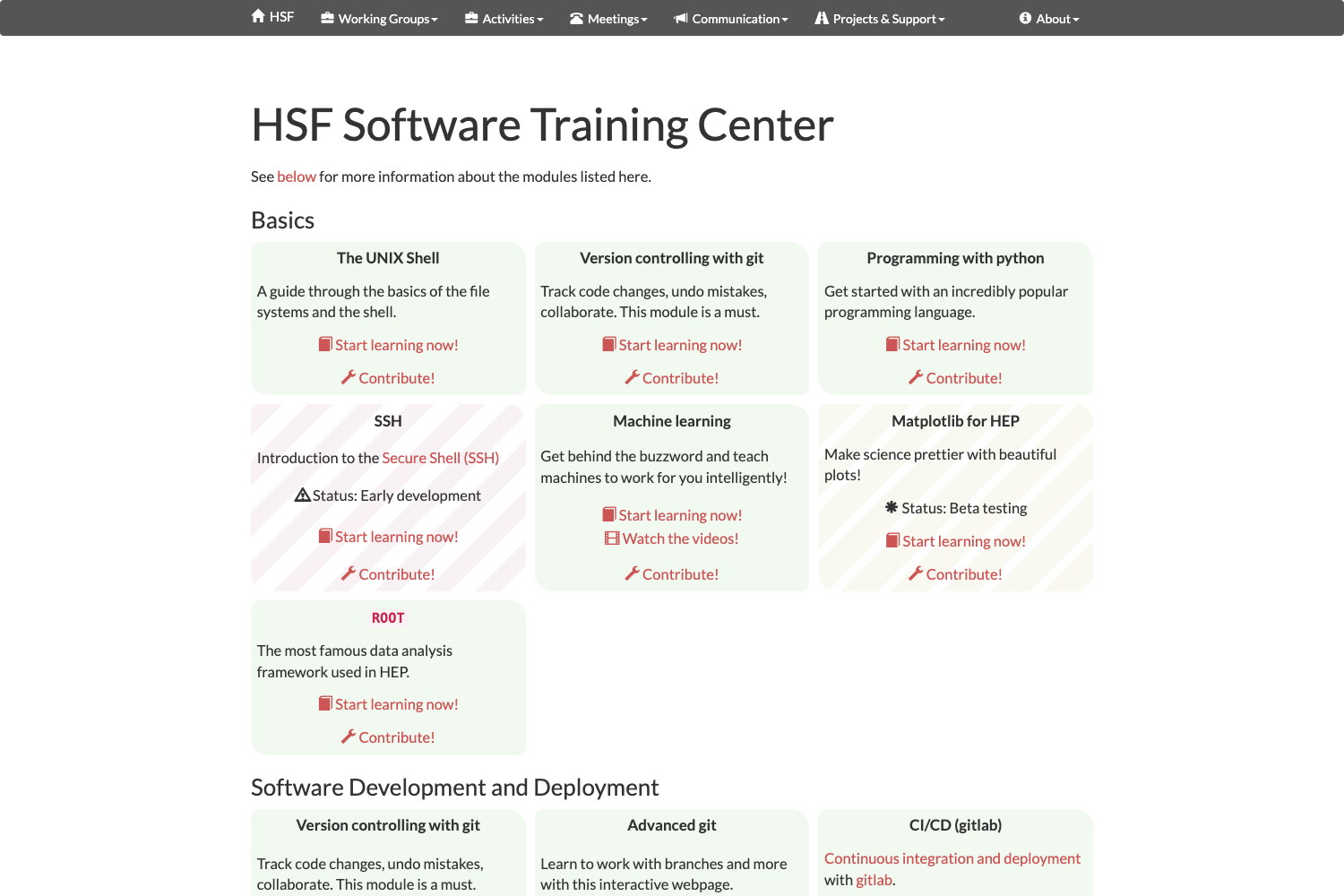
Template details
Code Guide
Standards for developing consistent, flexible, and sustainable HTML and CSS.
About this template
Code Guide is a free, open-source documentation site, built on Jekyll and hosted on GitHub Pages, that defines a set of standards for writing consistent, flexible, and sustainable HTML and CSS.
What is Code Guide?
Code Guide is a collection of front-end coding standards created by Mark Otto (@mdo), the designer and developer known for leading the Bootstrap project. It provides specific rules for writing HTML and CSS, covering syntax, formatting, and organization, all presented as a simple static website. The guide is released under the MIT license, so it can be freely used, modified, and redistributed. The canonical version is published at https://codeguide.co, and the source code lives in a GitHub repository that has accumulated more than 8,400 stars.
What makes Code Guide stand out?
- HTML and CSS standards — The guide goes beyond generic advice and gives concrete conventions for markup structure, class naming, and style declaration order, helping teams write code that reads uniformly.
- Built on Jekyll — The entire site is a Jekyll project, which means it can be forked and built like a typical Jekyll site; you need only Ruby and the Jekyll gem to run it.
- Hosted on GitHub Pages — Deployment is handled automatically by GitHub Pages, so you can push changes to the repository and the live site updates without additional hosting setup.
- MIT licensed — The content is released under the MIT license, making it safe to reuse in proprietary and commercial projects.
- Community translations — Volunteers maintain translations in at least 15 languages, including Chinese, French, German, Japanese, Korean, Portuguese, Russian, and Spanish, making the standards accessible to a global audience.
- Minimal requirements — To run the site locally, you install Jekyll with
gem install jekyll, then start the server withjekyll serveand visitlocalhost:4000in your browser. - Alphabetical translation index — The README keeps a curated list of translations and encourages contributors to submit new ones via pull requests, keeping the list organized.
Who should use Code Guide?
- Front-end developers — Use the guide as a daily reference for writing cleaner, more consistent HTML and CSS in your own projects.
- Development teams — Adopt the standards as a shared style guide to align code style across contributors and reduce style review friction in code reviews.
- Technical writers and documentation maintainers — Use the Jekyll-based structure as a starting point for publishing a standards document that can be translated and customized easily.
- Open-source maintainers — Fork the repository to create tailored coding standards for your own community, then host them on GitHub Pages for free.
How does Code Guide work?
Code Guide is structured as a static Jekyll site. After cloning the repository, you install Jekyll with the gem install jekyll command, run jekyll serve to start a local server, and open localhost:4000 to read the guide in the browser. Because it is a Jekyll project, you can edit the content files in Markdown, re-render the site, and deploy it to GitHub Pages by pushing to the repository.
Use cases
- Creating a team coding standard: Copy the Code Guide repository, edit the Markdown files to include your team's specific HTML and CSS rules, and host the result on GitHub Pages for free.
- Learning industry-aligned HTML and CSS conventions: Read the guide to internalize practices like lowercased class names, single quotes for attribute values, and consistent formatting that improve cross-browser compatibility.
- Contributing a translation: Use the existing translation files as a template, translate the guide into a new language, and submit a pull request to add it to the alphabetical list.
FAQ
Is Code Guide free?
Yes, Code Guide is released under the MIT license, so it is free to use, modify, and distribute, including for commercial purposes. The source code and all content are available on GitHub, and there are no paid tiers or premium content.
What does Code Guide cover?
The guide focuses on HTML and CSS standards—specifically syntax, formatting, and code organization. It offers practical rules such as omitting trailing slashes in self-closing elements, using lowercase tags and attributes, and grouping related CSS properties with comments. It does not cover JavaScript or other web technologies.
How do I install and run Code Guide locally?
You need Jekyll, which you can install on macOS, Linux, or Windows by running gem install jekyll in a terminal. Once installed, run jekyll serve from the project directory and open localhost:4000 in your browser. The server will rebuild automatically as you edit content.
Are there translations of Code Guide?
Yes, the repository lists community-maintained translations in at least 15 languages, including Chinese (Simplified and Traditional), Dutch, French, German, Hindi, Indonesian, Japanese, Korean, Persian, Polish, Portuguese, Romanian, Russian, and Spanish. Each translation is hosted separately and maintained by its own translators, so the content may lag behind the English version.