Template details
Codex
A minimal blog theme built for Hugo
About this template
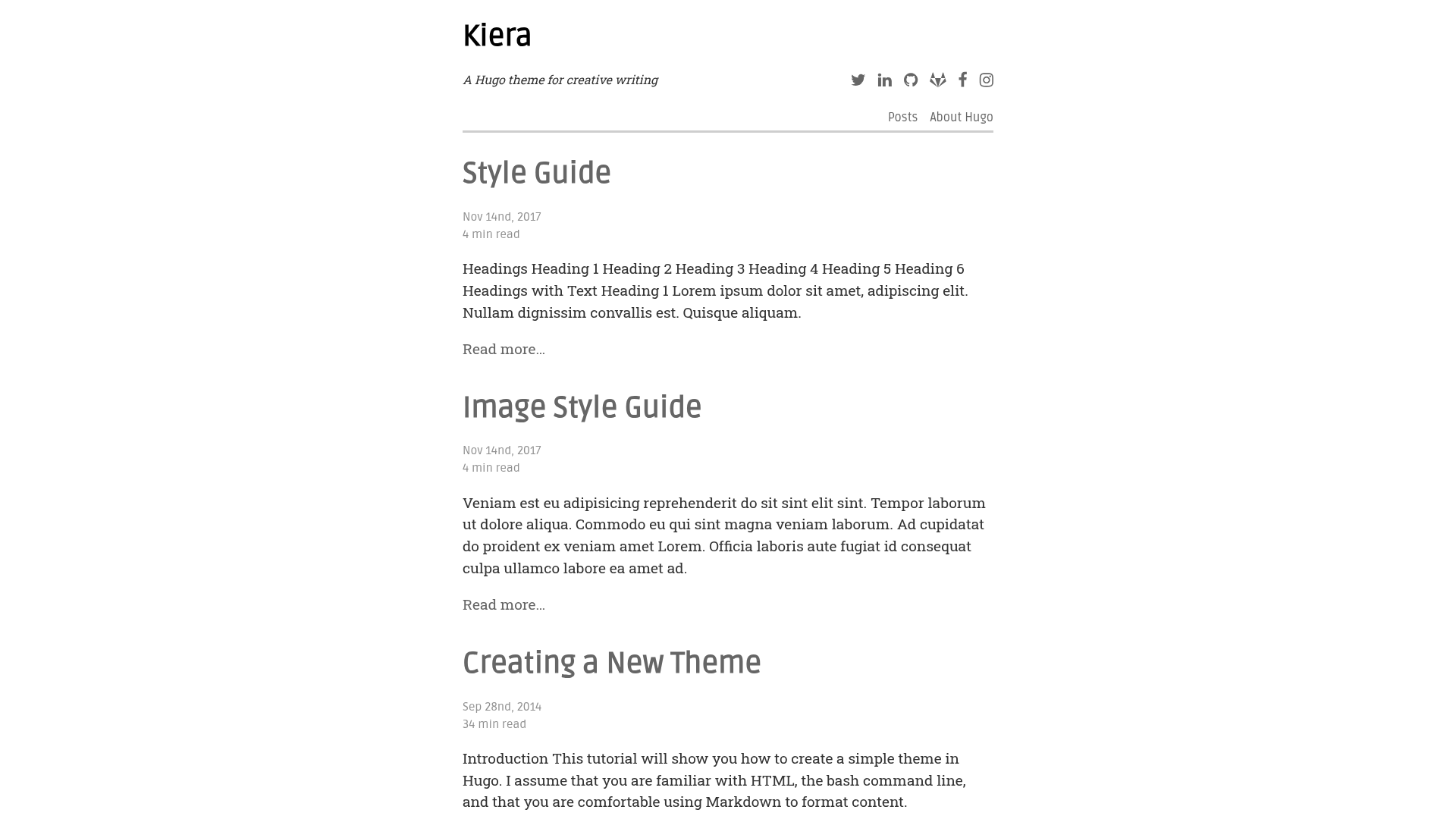
Codex is a minimal blog theme for the Hugo static site generator that produces a static blog with an about page, tag taxonomy, and KaTeX math rendering from markdown content.
What is Codex?
Codex is a free blog theme created by Jake Wiesler and published on GitHub as jakewies/hugo-theme-codex. It takes Hugo site content — markdown files with frontmatter — and renders a static website with two content types: an about page and a blog. The theme requires the extended version of Hugo (version 82 or newer) because it compiles Sass/SCSS, and it integrates Google Analytics, Disqus, and internationalization out of the box.
The theme's home page is configured through content/_index.md, where you can set heading, subheading, and handle. It uses a blog archetype at content/blog so new posts start with a set frontmatter template.
Key Features
- About and blog pages — The theme ships with an about page and a blog section; the home page is driven by
_index.mdfrontmatter. - Tag taxonomy — Blog posts can be tagged, and each tag gets a listing page at
/tags/:tag-name. - KaTeX math rendering — Enable per-post by setting
math: truein frontmatter, rendering LaTeX-style equations. - Sass/SCSS styling — Styling is written in SCSS; you can add
assets/scss/custom.scssor override variables like$primaryinassets/scss/overrides.scss. - Google Analytics and Disqus — Both integrations are built in and controlled from the site's
[params]section. - i18n — Built-in translations for English and German; additional languages can be added by creating a file in your site's
i18n/directory. - Configurable social icons — Twitter, GitHub, and other icons appear in the footer in the order set by
iconOrder; you can add more by placing SVGs instatic/svg/. - Table of contents — Posts can show a TOC for screens above 1024px by setting
toc: true; optionally include the page title viashowPageTitleInTOC.
Who is it for?
- Personal bloggers — People who want a minimal site with an about page and a blog, without a heavy theme.
- Technical writers and academics — The KaTeX support lets you publish math formulas directly from markdown.
- Hugo developers — Developers comfortable with Hugo templates can extend the theme, add menu sections, and override layouts with
layouts/index.html.
What can you do with Codex?
- Launch a blog quickly — Install the theme as a git submodule, copy the example
config.toml, and usehugo new blog/post.mdto start writing. - Publish math-heavy articles — Flip
math: truein a post's frontmatter and write LaTeX-style equations that render as KaTeX. - Localize your site — Use the built-in English and German translations, or add your own language by following the i18n pattern.
- Custom-design the layout — Override SCSS variables, add a custom
custom.scss, or replace the home page layout entirely.
How does Codex work?
- Add the theme as a submodule:
git submodule add https://github.com/jakewies/hugo-theme-codex.git themes/hugo-theme-codex. - Copy the example
config.tomland remove thethemesDirline (needed only for the demo). - Create
content/_index.mdwithheading,subheading, andhandlefrontmatter. - Generate posts using
hugo new blog/:post-name.md, which applies the theme's archetype. - Run
hugo server -Dto preview locally; the site will be blank until you add content.
Pros and cons
- Pros: Minimal design, KaTeX math, extensive SCSS customization, i18n, and built-in Google Analytics and Disqus.
- Cons: Requires the Hugo extended version (version 82+); only English and German are bundled; a blank home page appears when
content/is empty.
Pricing
Codex is free and available on GitHub, with contributions from 23 contributors. There are no paid tiers to purchase — you clone or submodule the repository and customize it.
FAQ
Does Codex support math equations?
Yes. Set math: true in a post's frontmatter and the theme will render LaTeX-style equations using KaTeX. This is available on a per-post basis.
What version of Hugo does Codex require?
Codex requires Hugo version 82 or above, and you need the extended build because the theme relies on Sass/SCSS compilation. If you use Homebrew on macOS, the extended version is the default.
Which languages does Codex support out of the box?
The theme includes i18n translation files for English and German. You can add support for other languages by copying i18n/en.toml to a new .toml file named after your language in your project's i18n/ directory.
How do I customize the theme's colors?
Create an assets/scss/overrides.scss file in your project and set variables such as $primary. You can also add a custom assets/scss/custom.scss file that supports Hugo template variables.
Why is my site showing a blank page?
An empty content/ directory is the usual cause. Create content/_index.md for the home page and place blog posts under content/blog. Without any content, the theme has nothing to render.