Template details
convertfast-ui
A CLI tool for bootstrapping customizable landing pages with copy-paste components, built on shadcn-ui and Tailwind CSS.
About this template
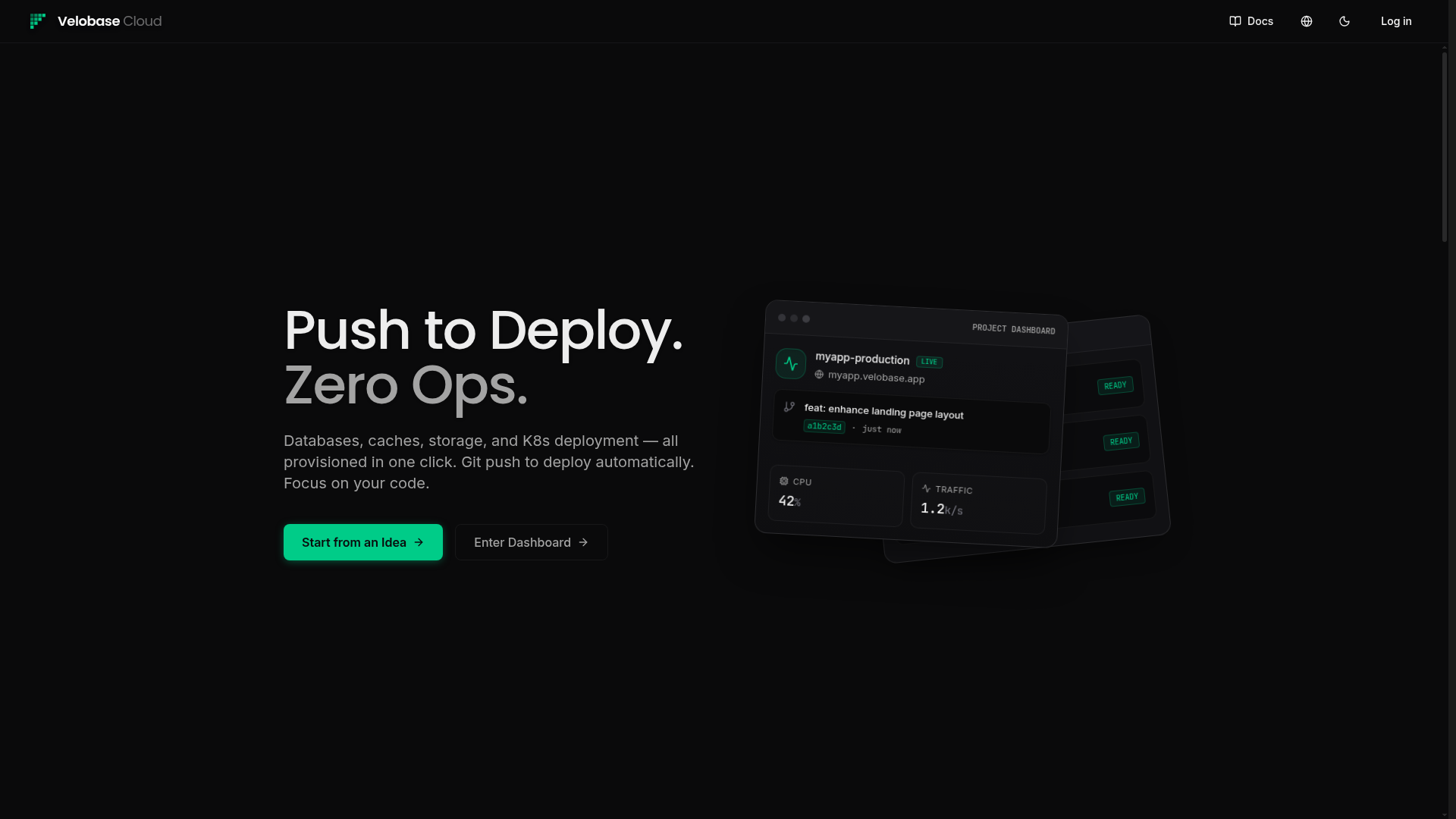
convertfast-ui is an open-source CLI tool that bootstraps customizable landing pages with copy-paste components, built on shadcn-ui and Tailwind CSS. Inspired by shadcn-ui's philosophy of owning your code, convertfast-ui generates files directly into your project rather than wrapping them in a framework.
What is convertfast-ui?
convertfast-ui is a command-line tool for creating and maintaining landing pages. It takes page names and section names as input and generates local component files and Tailwind-styled page markup directly in your project. The tool runs via npx on Node.js and is maintained by ObservedObserver, with the source licensed under MIT. The repository currently shows around 398 stars on GitHub.
Key Features
- CLI initialization —
npx convertfast-ui@latest initscaffolds the baseline setup for a new project. - Page creation —
page creategenerates a new landing page, with--template defaultor--template editorialto choose the design style. - Section management —
page addappends named sections to an existing page;--templateselects the section style. - Registry installation —
block addinstalls individual blocks likehero-sectionvia the shadcn registry, with--registry auto|only|offcontrolling fallback behavior. - Dark and light mode — Pages include both themes out of the box.
- Responsive design — Layouts adapt to different screen sizes without extra configuration.
- Copy-paste code — All generated components are local and editable, following the shadcn-ui approach.
Who is it for?
- Web developers who want a fast, opinionated starting point for a landing page without writing CSS from scratch.
- Teams already using shadcn-ui and Tailwind CSS looking to reuse prebuilt sections that match their existing stack.
- Developers who dislike black-box generators and prefer owning every line of code in their repository.
What can you do with convertfast-ui?
- Bootstrap a complete landing page: run
page createwith a name and get a responsive, dark-mode-ready page in one command. - Add a section to an existing page: use
page addto attach components like hero sections, keeping the code local. - Install individual blocks: use
block addto pull a single component such ashero-sectionfrom the shadcn registry. - Customize everything: because all code lives in your project, you can edit sections, styles, and templates without fighting a generator.
How does convertfast-ui work?
The CLI runs node scripts that generate files directly in the current directory. After running init, you create a page with page create, then extend it with page add or block add. The --registry auto option attempts to install blocks from the ConvertFast registry first, then falls back to local dependencies if that fails.
FAQ
Is convertfast-ui free?
Yes, convertfast-ui is open-source and released under the MIT license. You can use it for personal and commercial projects without licensing fees.
What is the tech stack behind convertfast-ui?
convertfast-ui is based on shadcn-ui and Tailwind CSS, meaning generated components use Tailwind utility classes and follow shadcn-ui's component patterns.
Does convertfast-ui support dark mode?
Yes, pages created with convertfast-ui include both dark and light mode, which can be toggled or configured via the generated code.
Can I use a custom template?
The CLI supports a --template flag on both page creation and section addition. The current options are default and editorial.
Is structured data for SEO included?
Not yet. The feature list marks structured data for SEO as unchecked, so it is not generated in the current version.