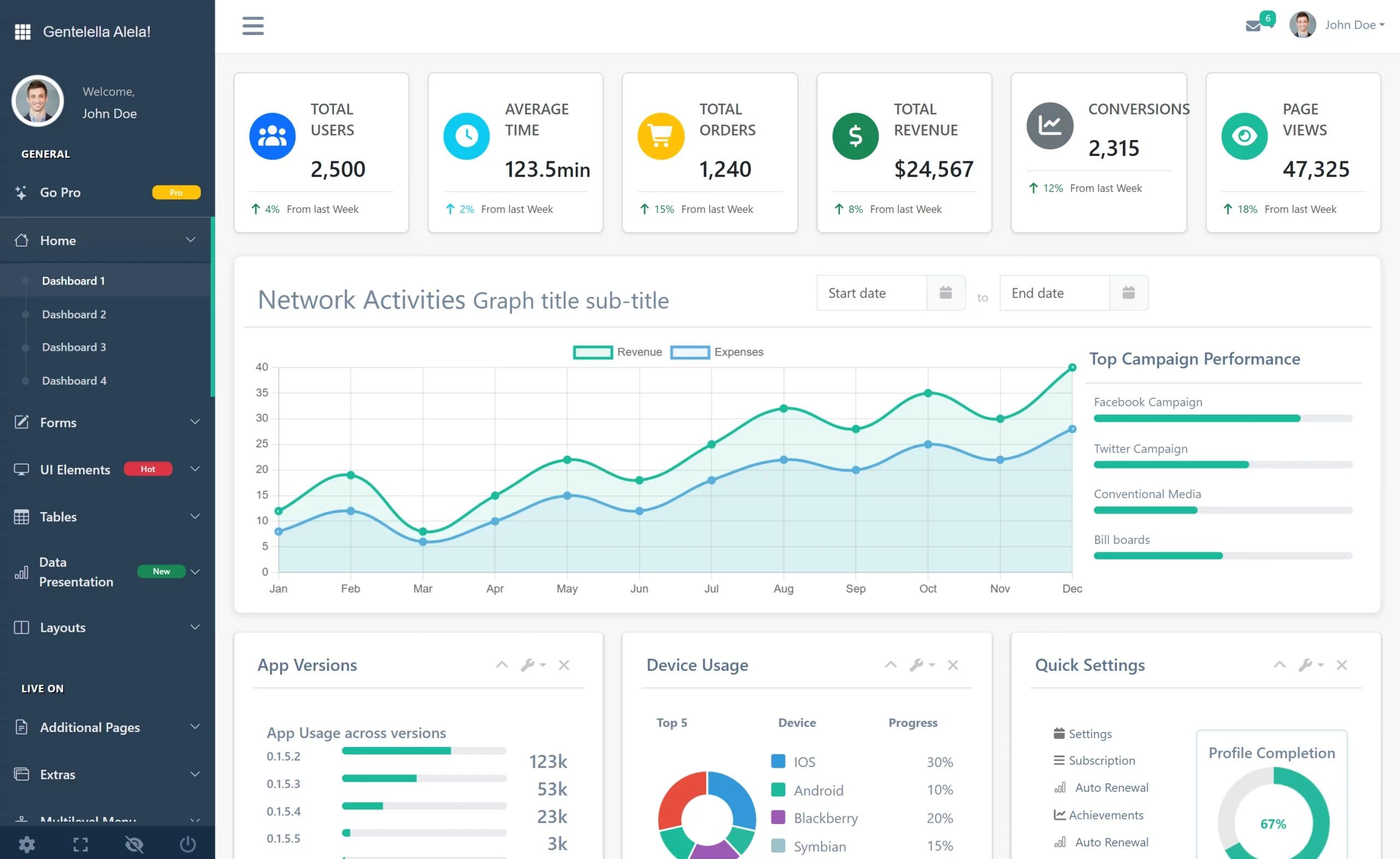
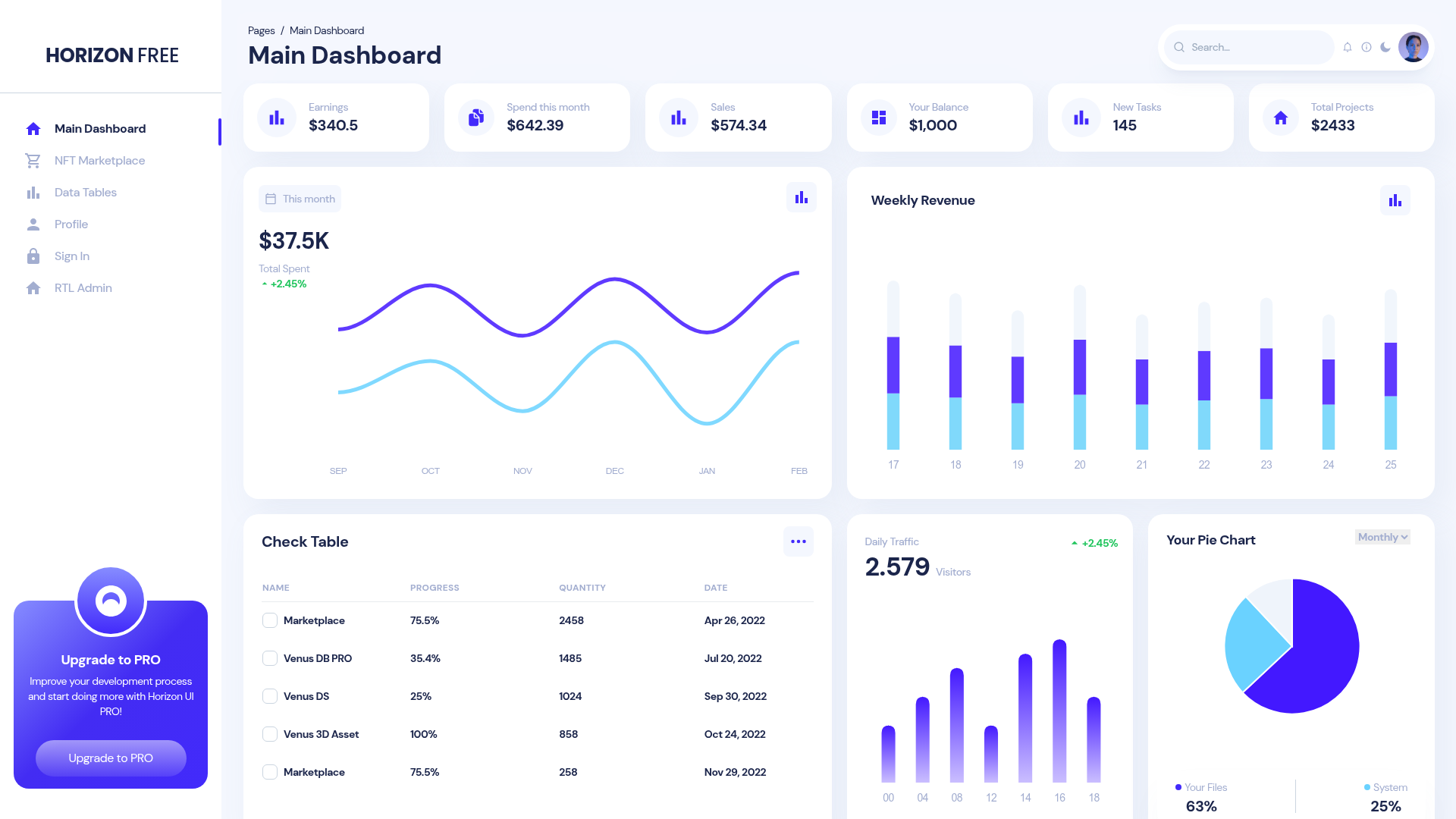
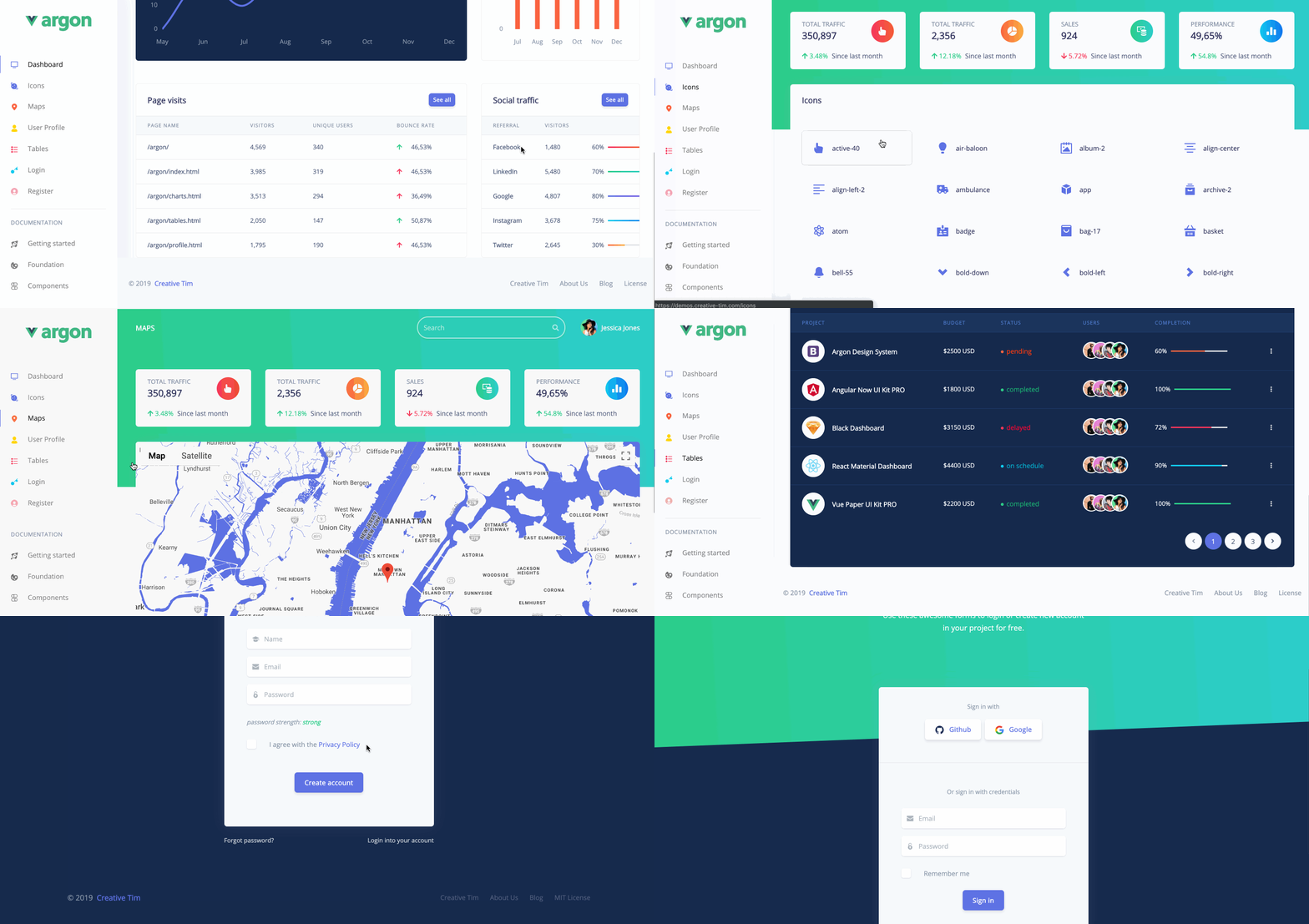
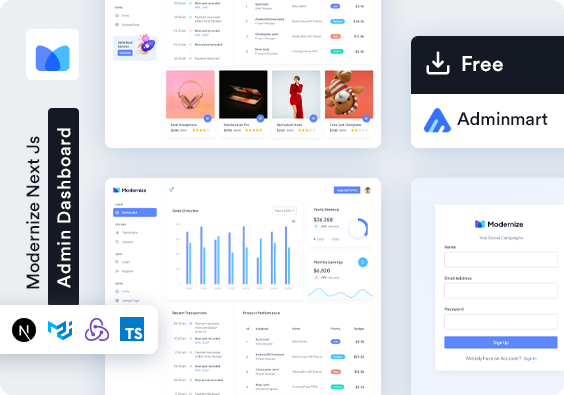
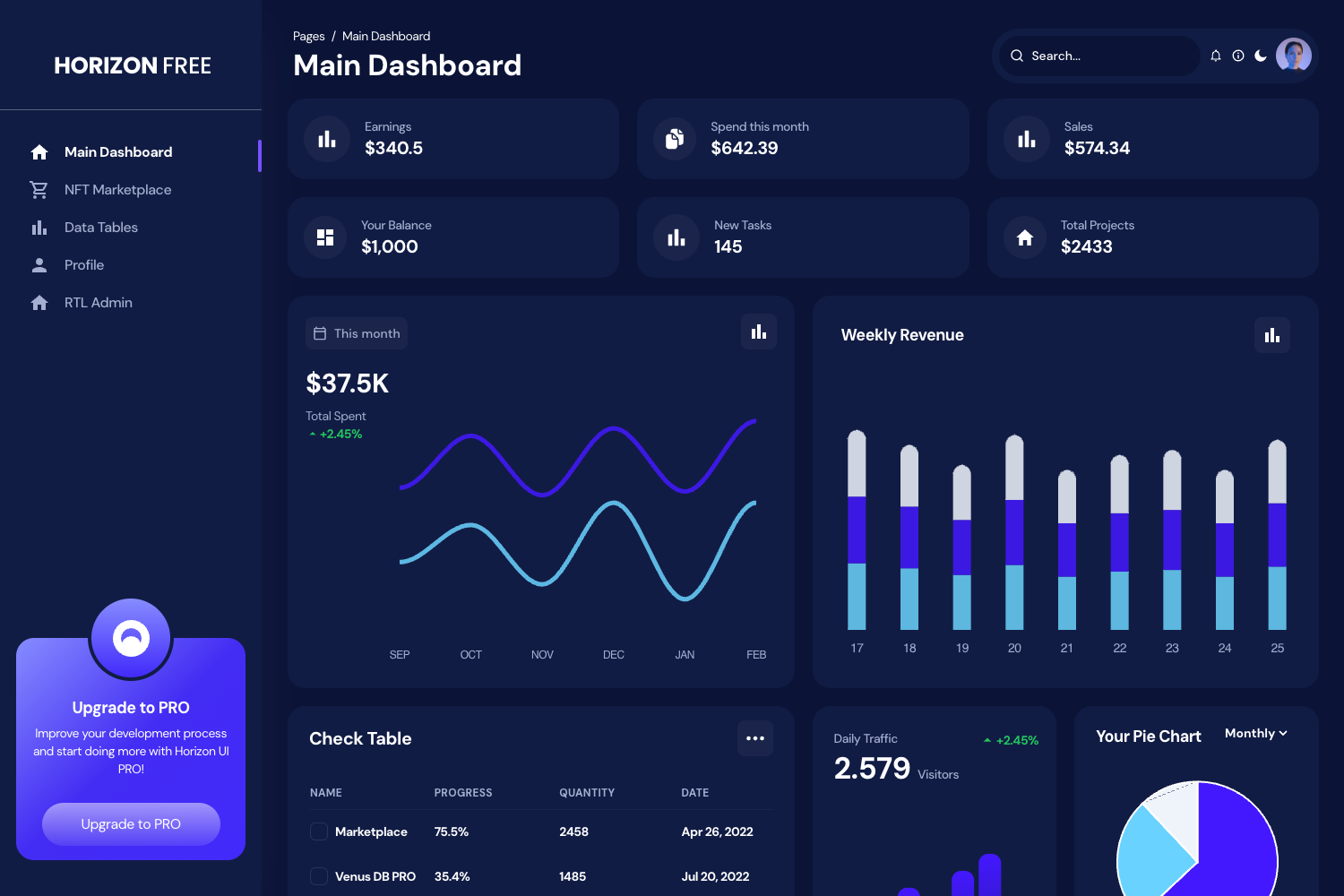
Template details
Material Dashboard 2 Laravel Livewire
Free Bootstrap 5 admin dashboard for Laravel 9+ with Livewire auth, user profile, billing, and tables by Creative Tim.
About this template
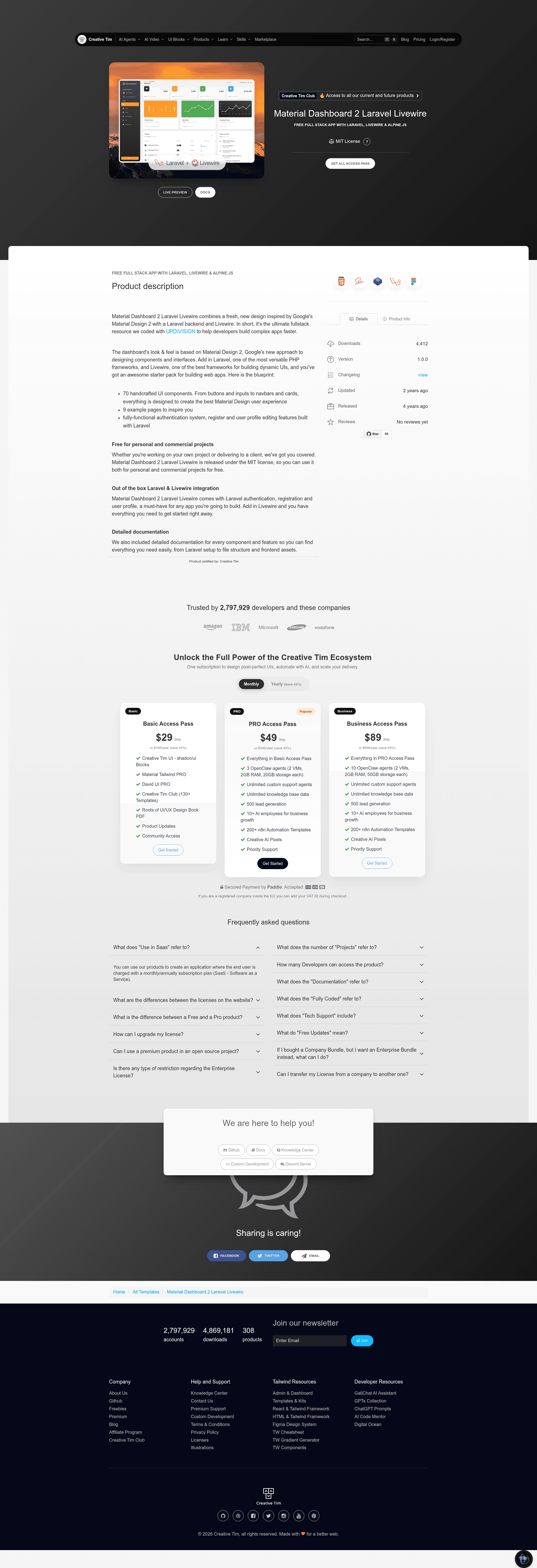
Material Dashboard 2 Laravel Livewire is a free, MIT-licensed admin dashboard template by Creative Tim and Updivision that pairs the Bootstrap 5 Material Dashboard design with a Laravel backend and Livewire components for authentication, user profiles, and dashboard pages.
What is Material Dashboard 2 Laravel Livewire?
It is a starter Laravel application — not just a static HTML theme — that outputs a working admin panel with sign-in, sign-up, forgot/reset password, user profile, billing, tables, notifications, and virtual reality pages. It runs on Laravel Framework 9.x and up (the repository metadata specifies 11.x and up), uses Bootstrap 5 styling from Material Dashboard v3.0.0, and handles stateful UI interactions through Livewire classes in the app/Http/Livewire directory. The template is produced by Creative Tim with development contribution from Updivision, and the free tier is distributed under the MIT license.
Key Features
Bootstrap 5 admin design — Based on Material Dashboard v3.0.0, providing the Material Design look with Bootstrap 5 components, cards, tables, and sidebar navigation.
Livewire auth pages — Pre-built Login, Register, Forgot Password, and Reset Password components; forgot-password emails expire after 12 hours, and password reset requires email plus confirmation.
User profile management — The UserProfile Livewire component lets logged-in users update phone number, location, description, name, and email from the /user-profile page.
Database migrations and seeders — Running php artisan migrate --seed creates the roles and users tables and seeds a default admin user, so the dashboard works immediately.
Pre-configured routes — All necessary routes are already added to routes/web.php, with guest-only access to auth pages and authenticated access to the dashboard.
Default login credentials — Ships with admin@material.com and password secret so you can test the panel right after installation.
Multiple framework versions — The same dashboard design is offered as HTML, Vue, and React products, letting teams switch stacks without redesigning.
Browser support — Officially aims to support the last two versions of Chrome, Firefox, Edge, Safari, and Opera.
Who should use Material Dashboard 2 Laravel Livewire?
Laravel developers who want a prebuilt admin panel with auth instead of writing the same login, registration, and profile code from scratch, especially those already using Livewire to avoid custom JavaScript. Updivision and Creative Tim built it for teams shipping Laravel applications quickly. Freelancers and agencies can use it as a base for client dashboard projects, since the MIT license permits modification and reuse. Developers learning Laravel auth flows can study the Livewire components in app/Http/Livewire/Auth to see how login, registration, and password reset are implemented.
What can you do with it?
Laravel developers: Bootstrap a new admin panel by running composer install, key:generate, and migrate --seed, then extend the seeded User model and routes.
Agencies: Rebrand the Bootstrap 5 layout and reuse the auth and profile pages as the foundation for client dashboards.
Livewire learners: Follow the component classes in app/Http/Livewire to see how form validation, session regeneration, and redirects are handled in Livewire.
How does Material Dashboard 2 Laravel Livewire work?
Installation takes seven steps: unzip the archive, copy the folder into your projects directory, run composer install, copy .env.example to .env and set database credentials, run php artisan key:generate, run php artisan migrate --seed to create and seed tables, then run php artisan storage:link to create the storage symlink. After that, visit the site and log in with admin@material.com / secret or register a new user through /sign-up.
FAQ
Is Material Dashboard 2 Laravel Livewire free?
Yes, the free version is released under the MIT license, so you can use, modify, and redistribute it. Creative Tim also sells a paid PRO version, Material Dashboard 2 PRO Laravel Livewire, which adds more components and pages.
What Laravel version does it support?
The readme states Laravel Framework 9.x and up, and the repository metadata specifies Laravel 11.x and up. The installation instructions link to the Laravel 10.x docs, indicating compatibility with recent Laravel releases.
How do I log in?
Use the default credentials admin@material.com with password secret. These are only available after you run php artisan migrate --seed, which seeds the roles and users tables.
Does it include a user profile page?
Yes. Logged-in users can access the profile at /user-profile, where they can change their name, email, phone number, location, and description. The update is processed by the UserProfile Livewire component.
Can I reset my password?
Yes. The forgot-password page sends a reset link to the account email; the link is valid for 12 hours. The ResetPassword component then updates the password after validating the email, password, and confirmation.