Template details
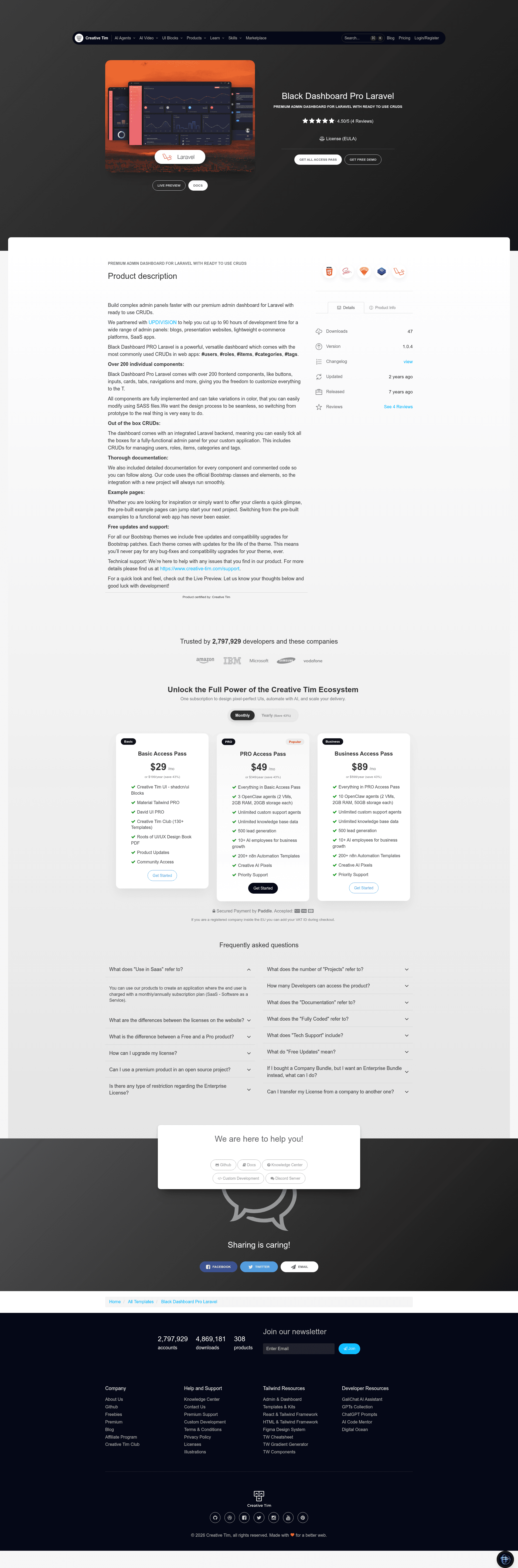
Black Dashboard Pro Laravel
Premium Bootstrap 4 admin dashboard for Laravel with role-based CRUD examples.
About this template
Black Dashboard Pro Laravel is a premium Bootstrap 4 admin dashboard template for Laravel that ships with role-based CRUD examples for users, roles, tags, categories, and items. Built by Creative Tim with UPDIVISION, it pairs the Black Dashboard frontend with Laravel back-end code so developers can start from a working admin panel instead of an empty Laravel install.
What is Black Dashboard Pro Laravel?
Black Dashboard Pro Laravel is a premium admin dashboard template from Creative Tim and UPDIVISION that combines the Bootstrap 4 Black Dashboard frontend with Laravel backend code. It takes a fresh Laravel installation as input and outputs a complete admin panel with authentication, profile editing, and five role-based CRUD examples. The README states support for Laravel 9.x and up, while the GitHub repository description cites 11.x and up.
Key Features
- Role-based access control — Ships with Admin, Creator, and Member roles; each role has different privileges across categories, tags, items, roles, and users.
- User management — Add, edit, and delete users with name, email, role, password, and profile picture upload; backed by
UserControllerandUserRequestvalidation. - Role management — Create and edit roles with name and description, but roles cannot be deleted; authorization handled via
RolePolicy. - Tag and category management — Add and edit tags (with color) and categories; records attached to items cannot be deleted.
- Item management — The most advanced example: items have a picture, a category, multiple tags, status, date, and options, with an
ItemObserverthat cleans up pictures and tag associations on delete. - Profile editing — Users can update their name, email, profile picture, and change password, with validation rules including
CurrentPasswordCheckRule. - Laravel architecture — Controllers, form requests, policies, observers, migrations, seeders, and Blade views are all included; routes are pre-wired in
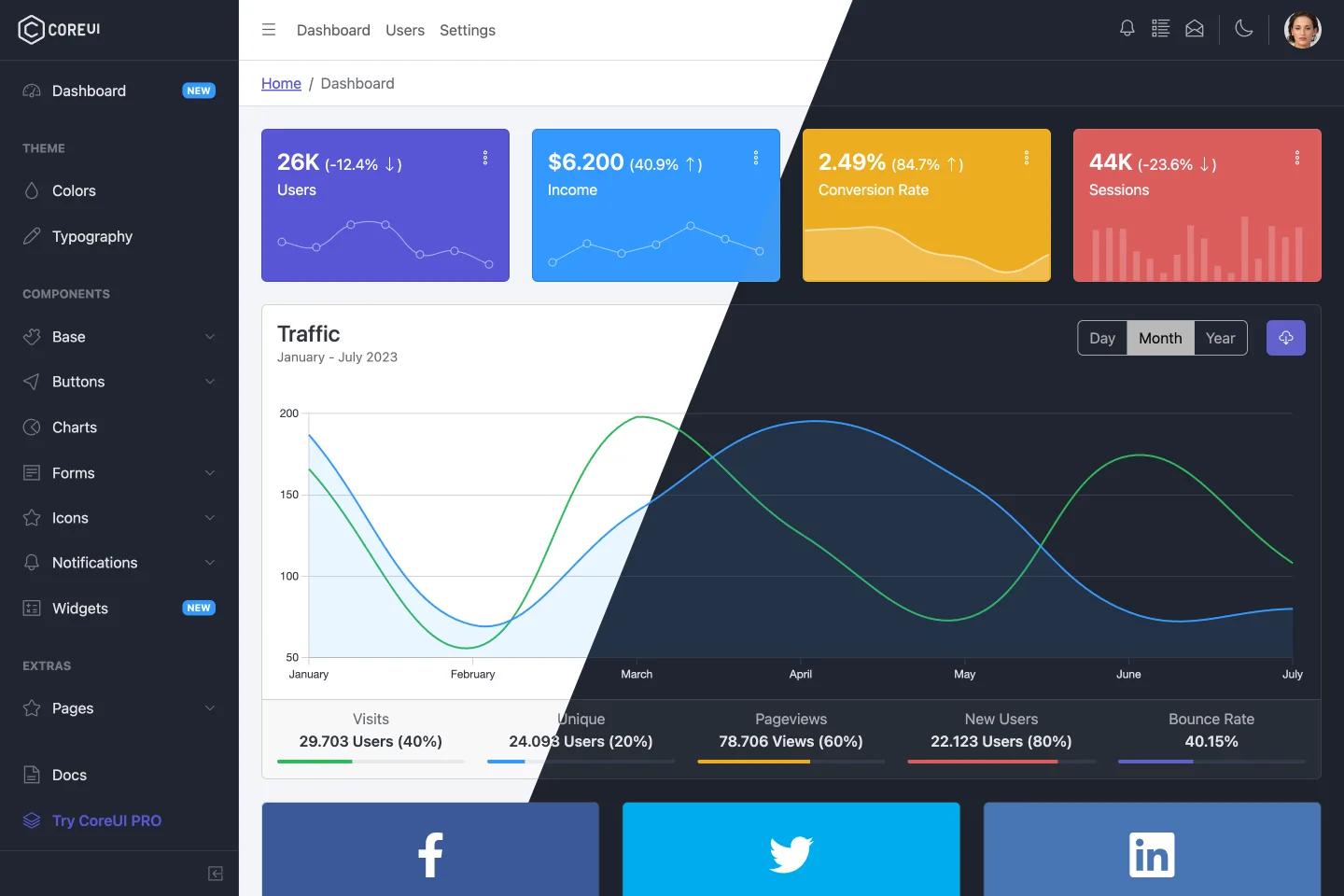
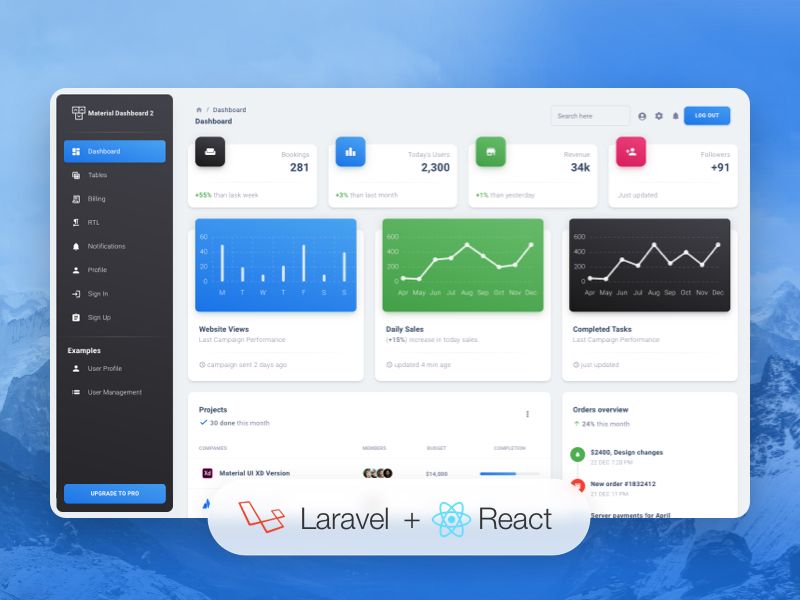
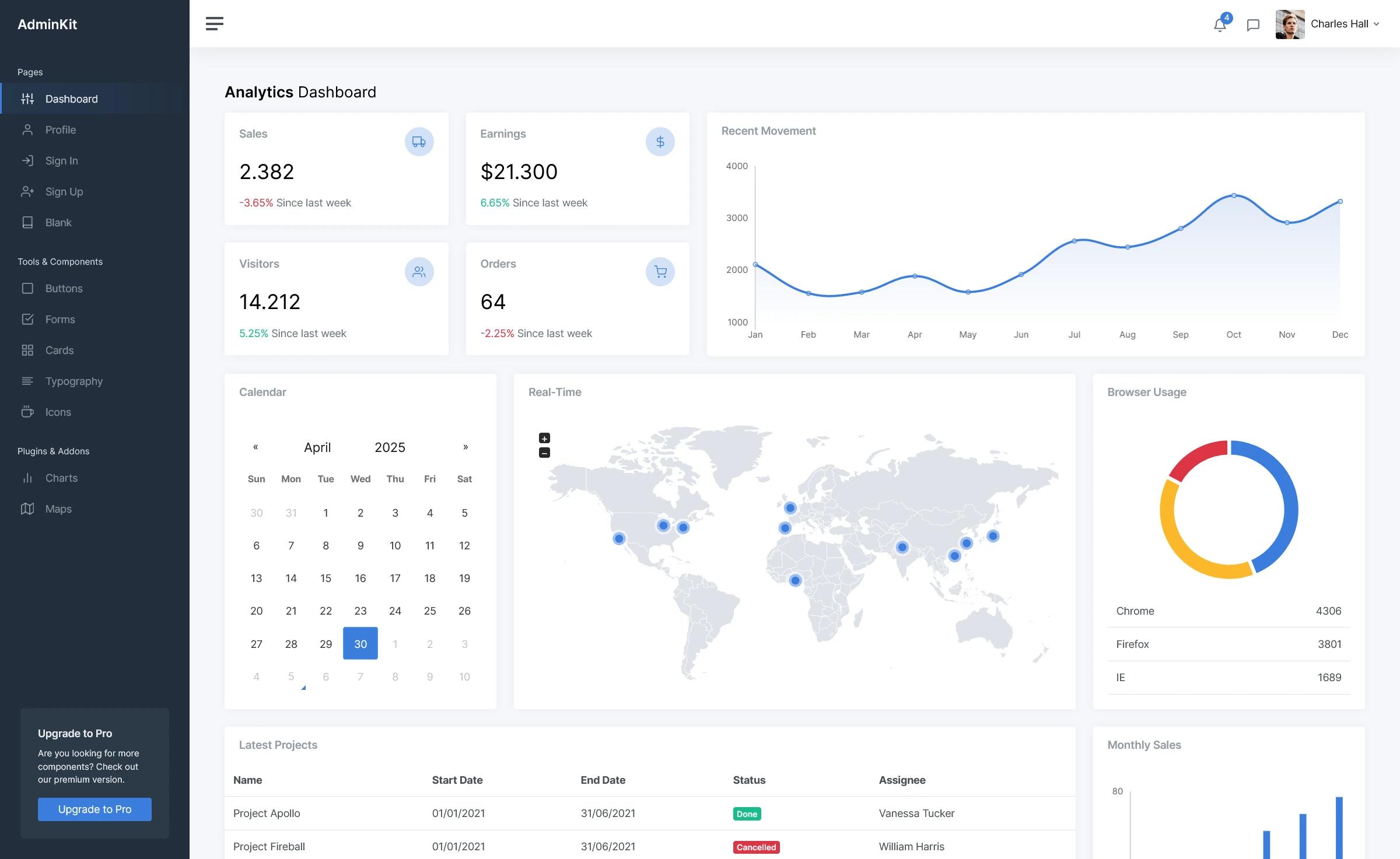
routes/web.php. - Bootstrap 4 UI pages — Includes dashboard, calendar, charts, widgets, forms, maps, tables, and component pages with the Black Dashboard Pro design.
Who is it for?
- Laravel developers — get a pre-built admin panel with authentication and CRUD modules to extend rather than building from scratch.
- Agencies building internal tools — use the role-based user management to deliver client dashboards with separate privileges for admins, creators, and members.
- Developers learning Laravel conventions — study the bundled policies, observers, form requests, and seeders as working examples of common patterns.
What can you do with Black Dashboard Pro Laravel?
- Launch an admin backend quickly: run
composer install,php artisan migrate --seed, andphp artisan storage:linkto get a working panel with three seeded users. - Model a content workflow: use tags, categories, and items with pictures to replicate a blog or shop backend, then restrict actions by role.
- Customize the UI: the public folder includes the full SCSS source (
black-dashboard.scss) and the compiled black-dashboard.css and JS plugins like Chart.js, FullCalendar, and SweetAlert2.
How does it work?
The installation flow is documented in the README: unzip the archive, copy the folder into your projects, run composer install, copy .env.example to .env with database settings, run php artisan key:generate, then php artisan migrate --seed to create tables and seed roles/users, and finally php artisan storage:link for file uploads.
Pros and cons
- Pros: includes all controllers, requests, policies, and views out of the box; provides demo users for every role; uses Blade templates with validation on every form; includes SCSS source for styling.
- Cons: role deletion is not allowed; tags and categories can only be deleted when not attached to items (source states these constraints).
Pricing
Black Dashboard Pro Laravel is a premium product sold by Creative Tim under the Creative Tim License. No price is listed in the README; visit the product page on creative-tim.com for current pricing.
FAQ
Is Black Dashboard Pro Laravel free?
No, it is a premium (paid) product from Creative Tim. The README does not list a price, so check the product page for current licensing costs.
What Laravel versions does it support?
The README introduction says Laravel Framework 9.x and up. The GitHub repository description mentions 11.x and up, so it targets modern Laravel releases.
What are the default login credentials?
After running migrations and seeders, three users exist: admin@black.com, creator@black.com, and member@black.com, all with password "secret". You can also register a new user.
Can I delete roles?
No. The role management section explicitly says deletion is not allowed. You can only add and edit roles, while user, tag, category, and item management support deletion under certain conditions.
How do I handle file storage?
The README instructs running php artisan storage:link (inside your virtual machine if using Vagrant/Homestead). Profile pictures and item images are stored in the public disk via the controllers.