Template details
CoreUI Free Vue Admin Template
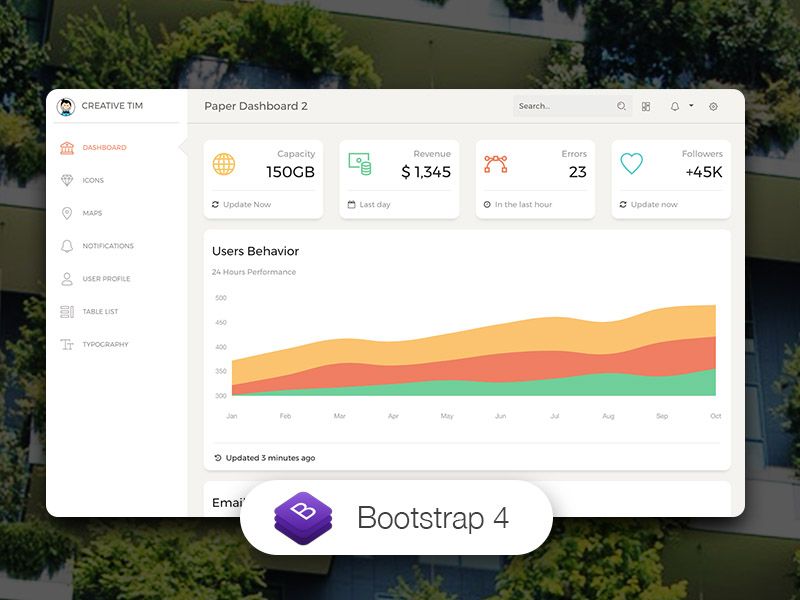
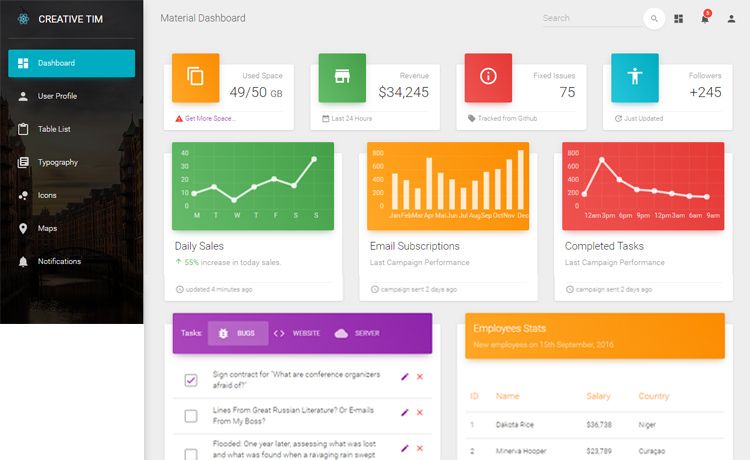
Free Vue 3 admin dashboard template built on CoreUI and Bootstrap 5, optimized for AI-assisted development.
About this template
CoreUI Free Vue Admin Template is an open-source, MIT-licensed admin dashboard template for Vue 3 that ships with the CoreUI Vue component library and Bootstrap 5 styling, purpose-built to integrate with AI coding assistants such as Cursor, GitHub Copilot, and Claude Code.
What is CoreUI Free Vue Admin Template?
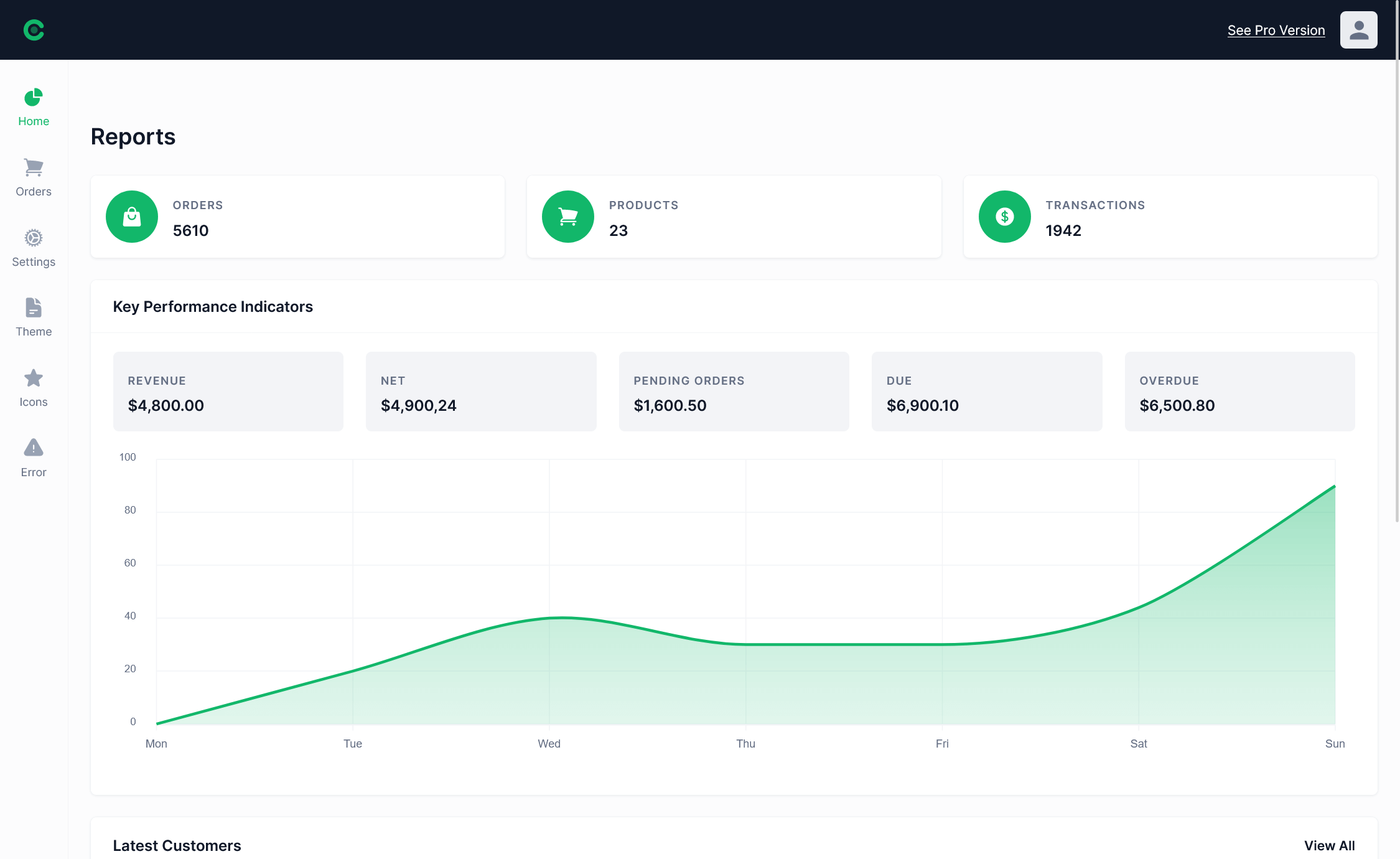
This is a free admin dashboard template for Vue 3 that provides a complete single-page application (SPA) skeleton, including layout containers, sidebar navigation, example views, and routing/state management setup. It runs on Vite as the build tool, Vue Router for navigation, Pinia for state management, and SCSS for styling. The template is created by Łukasz Holeczek and the CoreUI team, and is maintained under semantic versioning guidelines.
Key Features
- Vue 3 + Composition API — Built with
<script setup>syntax and the Composition API, with Prettier formatting and ESLint rules configured. - Bootstrap 5 + CoreUI components — Includes free access to dozens of CoreUI Vue components (accordion, alert, card, modal, sidebar, table, tooltip, and more), with PRO-labeled components like date picker, multi-select, and smart table reserved for the paid version.
- AI-assisted development support — Includes
.cursorrules,ARCHITECTURE.md,DEVELOPMENT.md, and JSDoc comments on main components so AI assistants understand project conventions and generate matching code. - Vite build system — Uses Vite with a dev server at http://localhost:3000 (hot reload on file changes) and production builds output to
dist/with minification. - SCSS styling and layout API — Uses SCSS for styles and the CoreUI Layout API, letting you customize navigation and layouts for mobile, web, and web-app breakpoints.
- Structured SPA scaffolding — Comes with folders for assets, components, layouts, scss, router, stores (Pinia example), views, and a
_nav.jssidebar navigation config. - Multiple technology versions — The same template is offered for Bootstrap, Angular, React.js, and Vue.js, with download links for each.
Who is it for?
- Vue developers — Need to bootstrap a functional admin panel with routing, state management, and a ready-made sidebar instead of building from scratch.
- Teams using AI coding assistants — Want a codebase with explicit
.cursorrulesand architecture docs so Cursor, Copilot, or Claude Code produce code that matches existing patterns. - Front-end learners — Want a realistic example of a Vue 3 SPA using Vite, Pinia, Vue Router, and SCSS to study.
What can you do with CoreUI Free Vue Admin Template?
- Internal tool builders: create data-heavy back-office dashboards with CoreUI tables, forms, modals, and navigation in hours.
- SaaS founders: prototype an admin area for customers, including charts, user management views, and theming via the layout API.
- Agency developers: spin up client admin panels quickly and hand over a codebase that supports custom SCSS overrides.
- AI-assisted developers: describe a new page (for example, "Create a new products page with a table showing product name, price, and status") and let the AI follow the project's documented conventions.
How does CoreUI Free Vue Admin Template work?
Download the release as a zip or clone the GitHub repo, run npm install (or yarn install), then start the dev server with npm run dev and open http://localhost:3000. The app hot-reloads on source changes; npm run build outputs minified production files to dist/.
Pros and cons
- Pros: MIT license lets you use it in commercial projects free of charge; active release cycle follows semantic versioning; both npm and yarn supported.
- Cons: The free version excludes PRO-only components (date pickers, multi-select, smart table, and others marked PRO in the docs), so production apps needing those controls would require the paid CoreUI PRO version.
Pricing
CoreUI Free Vue Admin Template is free and released under the MIT license. CoreUI PRO is a paid upgrade sold via coreui.io with additional components and themes (default, light, modern, bright); exact prices are not listed on the GitHub page.
FAQ
Is CoreUI Free Vue Admin Template free?
Yes. The template is released under the MIT license and is completely free to use, including in commercial projects. A paid PRO version exists, but the free template includes many components and views.
How do I run the template locally?
You need Node.js and npm or yarn. Download or clone the repo, run npm install, then npm run dev to start the development server at http://localhost:3000. npm run build creates minified production files in dist/.
Does the template use Vue 3?
Yes. The template is built for Vue 3 using the Composition API with <script setup> syntax, and it uses Vite as the build tool, Pinia for state management, and Vue Router for navigation.
Does the free version include all CoreUI components?
No. Some advanced components are marked PRO on the documentation page (for example, date picker, multi-select, smart table, and rating). Those are not included in the free template and require a CoreUI PRO license.
What styling system does the template use?
The template uses Bootstrap 5 as its CSS framework with SCSS for customization. CoreUI components are styled to look consistent out of the box and can be themed through SCSS variables and the CoreUI Layout API.