Template details
Cyberscape
A lively and fun Hugo theme for creating personal websites 🌐
About this template
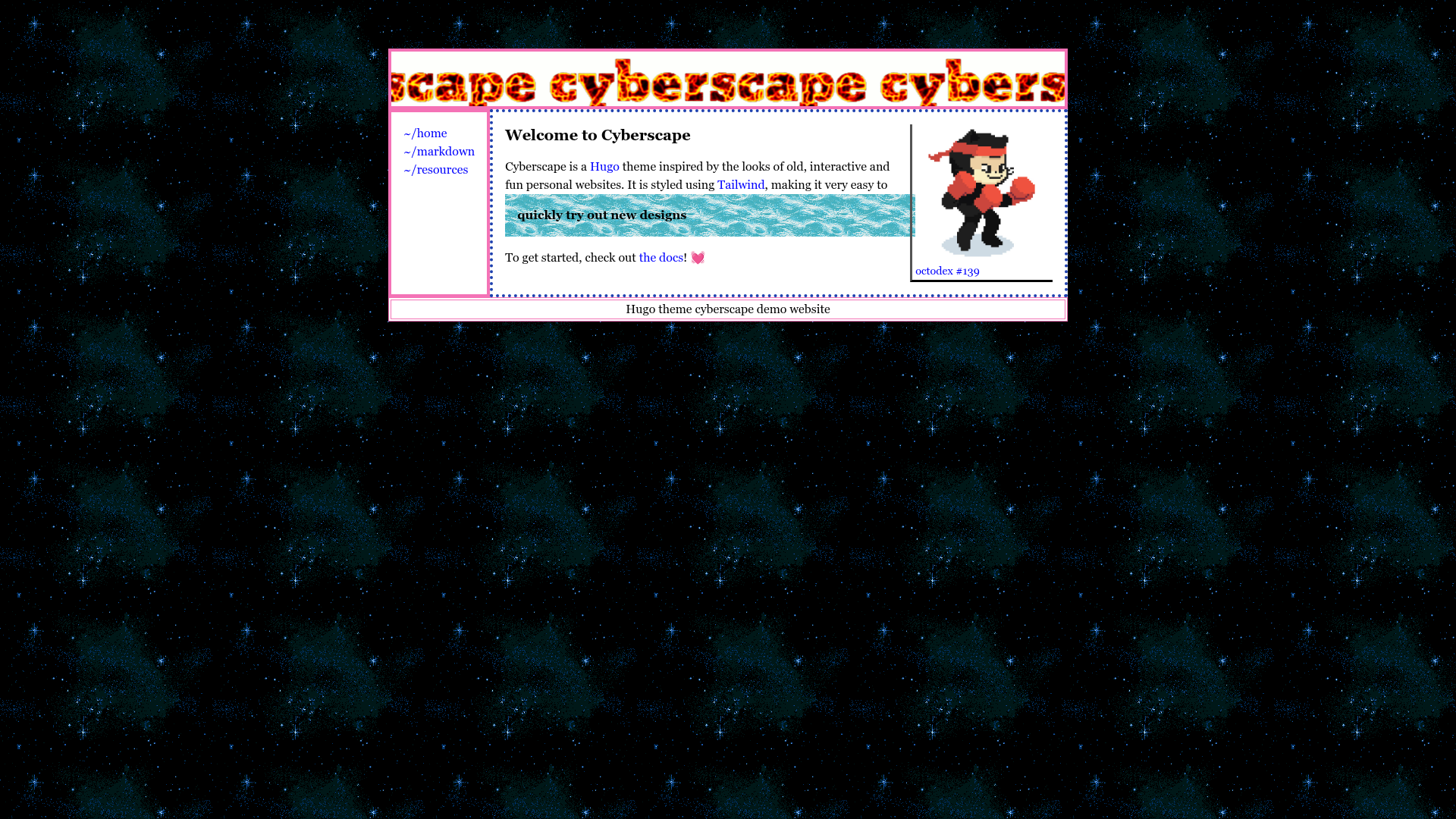
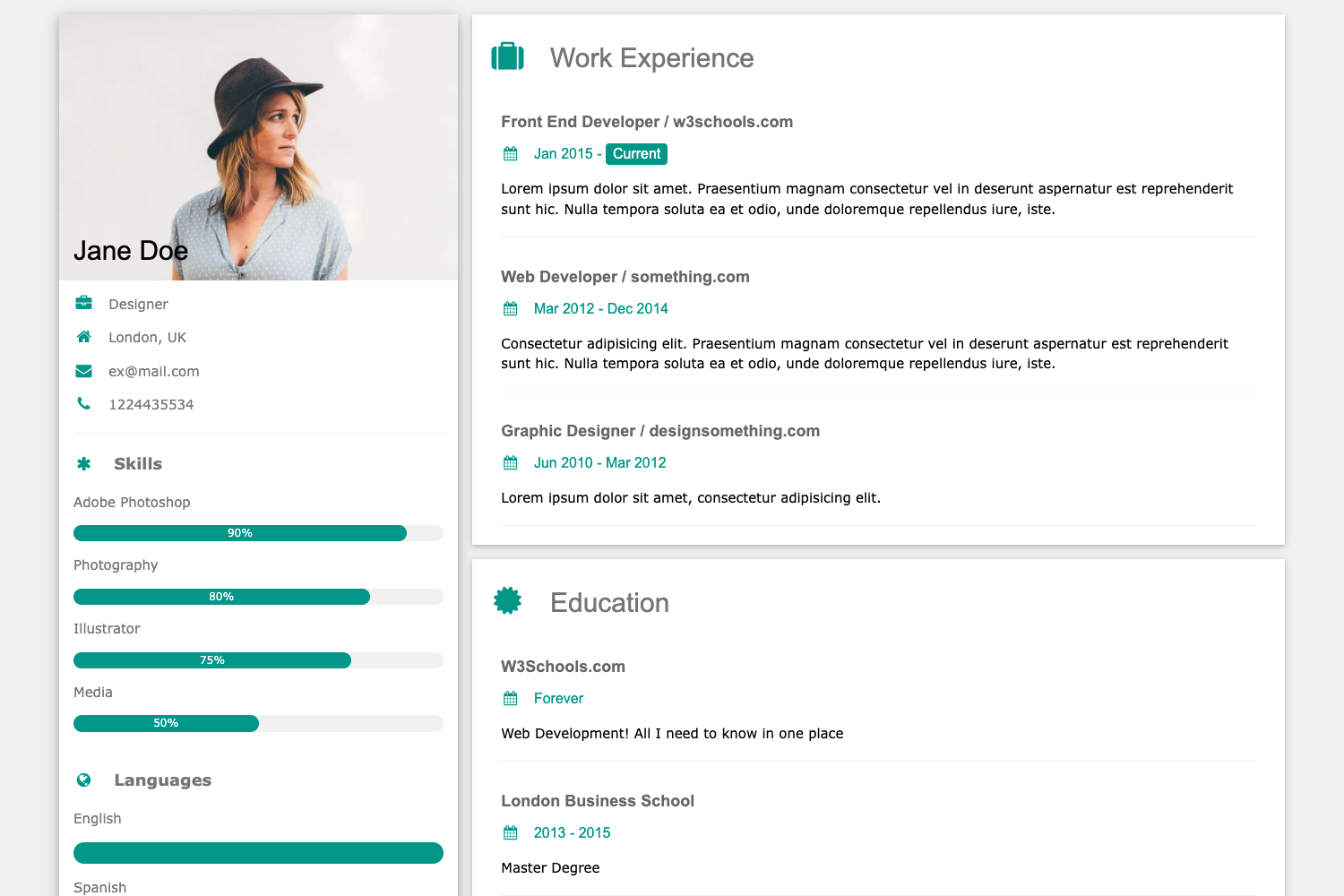
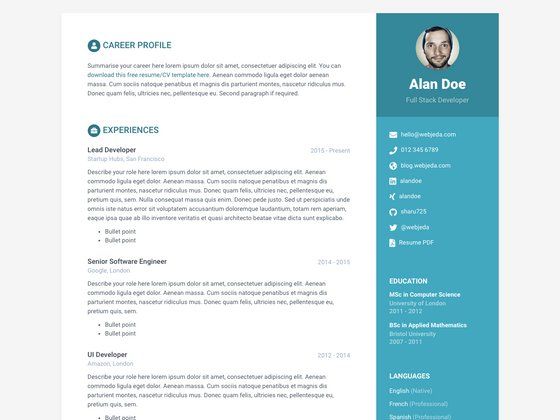
Cyberscape is a Hugo theme for building personal websites, using Tailwind CSS to produce a lively and colorful static site from Markdown content.
What is Cyberscape?
Cyberscape is an open-source Hugo theme created by isaksolheim, published on GitHub, and released under the MIT license. It takes Markdown files placed in the content directory and renders them into a static website, with color and styling handled by Tailwind CSS. The theme is designed to feel lively and fun, making it a good fit for personal blogs, portfolios, and experimental sites. A live demo is available at cyberscape.isak.me, and its source repository is also posted on GitHub.
Key Features
- Hugo integration — Install as a git submodule and activate with the
theme = "cyberscape"setting inconfig.toml. - Tailwind CSS styling — Ships with a
tailwind.config.jsthat scans Markdown, layouts, and parent content directories, plus annpm run watchcommand for live compilation. - Markdown flexibility — Enabling the Goldmark renderer's unsafe mode lets you write raw HTML and Tailwind classes directly inside Markdown content.
- Configurable menu — Add links to the main navigation via the
[[menu.main]]section inconfig.toml, pointing to pages in the content folder. - MIT licensed — Free to use, modify, and redistribute, with the source hosted on GitHub.
- Live demo — A maintained demo site shows the theme in action and doubles as a reference implementation.
Who is it for?
- Independent developers who want a ready-made Hugo setup with Tailwind already wired up, so they can focus on writing content.
- Personal bloggers who want a vibrant, energetic design without writing HTML and CSS from scratch.
- Portfolio owners who want a lightweight static site to showcase projects and writing, with straightforward menu configuration.
What can you do with Cyberscape?
- Start a personal blog: drop Markdown posts into the content folder, configure the main menu, and get a Tailwind-styled site with no front-end build step of your own.
- Build a portfolio: use Markdown pages for projects and link them from the menu, relying on the theme's layout to present them consistently.
- Learn Hugo and Tailwind together: study the theme's layouts and Tailwind config to see how the two tools are combined in a real project.
How does Cyberscape work?
After installing the theme as a submodule, you activate it in config.toml, run npm i inside the themes directory, and start the Tailwind watcher with npm run watch. Hugo then compiles your Markdown content into a static site, with Tailwind generated based on the class names found in your content and layouts.
Alternatives
- PaperMod — a popular Hugo theme known for its minimal design and focus on performance.
- Coder — a developer-oriented Hugo theme with a clean, command-line-inspired aesthetic.
FAQ
Is Cyberscape free?
Yes, Cyberscape is released under the MIT license, so it is free to use, modify, and redistribute, including in commercial projects.
How do I install Cyberscape?
Add it as a git submodule with git submodule add https://github.com/isaksolheim/cyberscape themes/cyberscape, then set theme = "cyberscape" in config.toml, navigate to themes/cyberscape, and run npm i.
Does Cyberscape require Tailwind CSS?
Yes, Cyberscape uses Tailwind CSS for styling. You need Node.js and npm installed to install dependencies and run the npm run watch command during development.
Can I write Tailwind classes in Markdown?
Yes, if you set [markup.goldmark.renderer] unsafe=true in your config, you can use raw HTML and Tailwind classes in Markdown files.
What license is Cyberscape under?
Cyberscape is MIT licensed, and the source code is available on GitHub at https://github.com/isaksolheim/cyberscape.