Template details
Simple-CV
A minimalistic, multi-page CV template with BibLaTeX support and customizable themes.
About this template
Simple-CV is a minimalistic LaTeX CV/resume template that produces multi-page documents with BibLaTeX-based publication lists and customizable color themes.
What is Simple-CV?
Simple-CV is a GitHub-hosted LaTeX template for building multi-page CVs or resumes with BibLaTeX support. It takes a main.tex file containing personal details, work history, education, and a references.bib bibliography, and compiles via XeLaTeX or LuaLaTeX into a PDF with automatically formatted references. The template is inspired by Sourabh Bajaj's resume and Seojin Bang's TidyCV, and is maintained by a single developer, with the repository carrying 305 stars.
Key Features
- BibLaTeX integration — Automatically formats a publications or references section from a .bib file using the biber backend; compile with
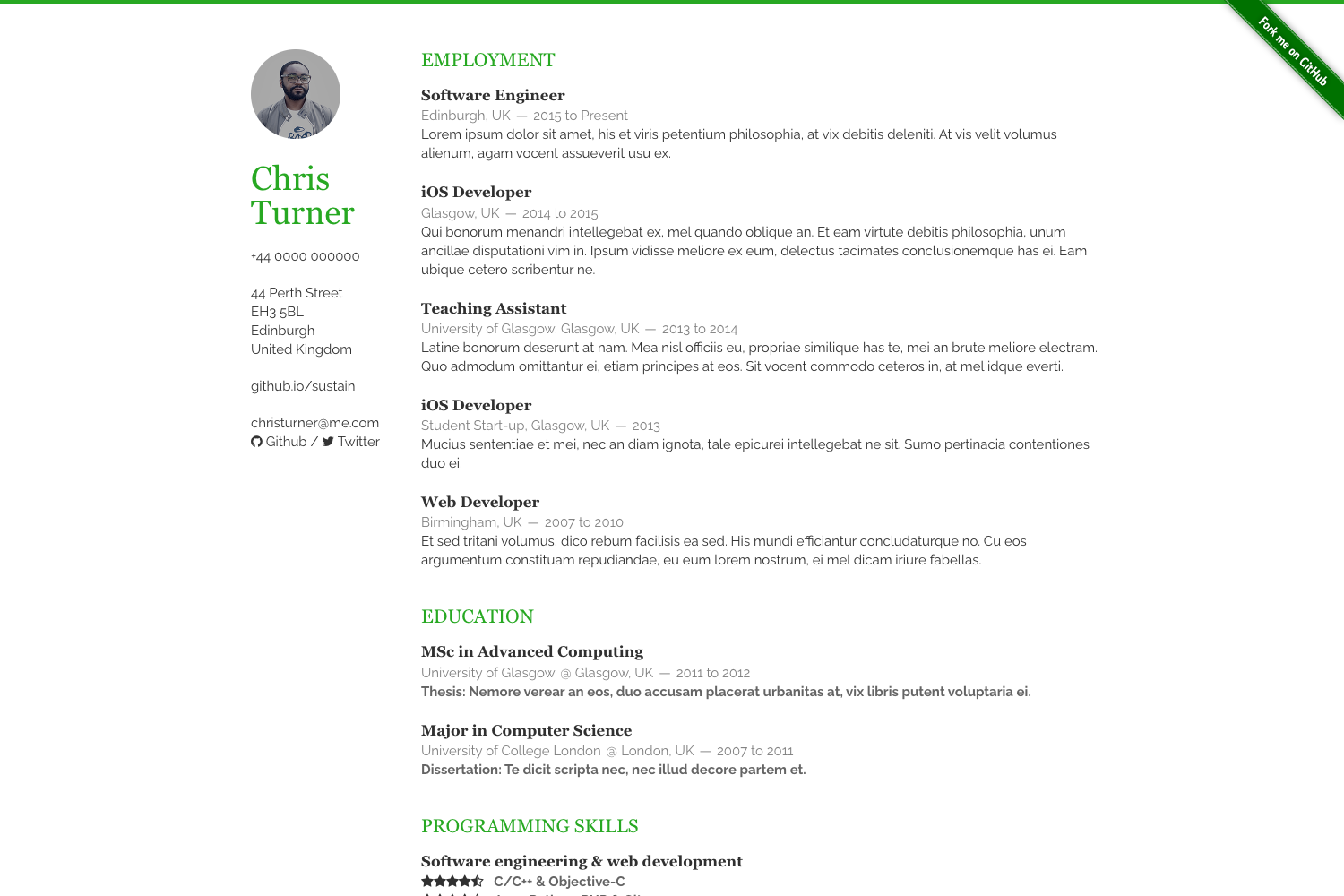
xelatex main.tex,biber main, thenxelatex main.textwice. - Multi-page layout — Unlike single-page resume templates, it is designed to flow across pages, as shown in the two-page preview.
- Alternative headers — Choose a simple header or a photo header with
\headingphotoby uncommenting lines in main.tex; a placeholder photo is replaced with yours. - Font Awesome social icons — Icons for LinkedIn, GitHub, and other services are included via the fontawesome LaTeX package, with the CTAN reference listing all available icons.
- Customizable themes — Theme color and bibliography style are set at the top of main.tex; the repo shows black, blue, and red color themes, and any predefined LaTeX color from the LaTeX wikibooks can be used.
- Chinese and Cyrillic support — Uncomment the relevant lines in the preamble to typeset Chinese or Cyrillic characters.
- Overleaf-ready — A basic version is available as a free Overleaf template, so you can fill it in and compile without a local LaTeX installation.
- MIT licensed — The code is free to reuse under the MIT license; the author notes all data in the example is personally owned.
Who is it for?
- Researchers and academics — Use BibLaTeX to maintain a curated list of publications in a .bib file, which compiles into a formatted references section in the CV.
- Job seekers with multi-page careers — People with extensive work history, projects, or publications who need more than one page and want a clean, minimal design.
- LaTeX users — Developers and academics who prefer version-controlling their CV as text and building it with XeLaTeX or LuaLaTeX on systems like Windows, MiKTeX, or Linux.
What can you do with it?
- Personalize the theme: change the color, font, and bibliography style with a few lines at the top of main.tex.
- Add a photo header: include a professional headshot using the
\headingphotooption. - Showcase publications: keep a BibTeX file with your papers and let biber sort and format them consistently.
- Localize your CV: uncomment the lines for Chinese and Cyrillic to write your CV in those languages.
How does it work?
The template is used as a standard LaTeX project. After installing a TeX distribution with biber (e.g., MiKTeX, and tested with Texmaker on Windows), you run xelatex main.tex, then biber main, then xelatex main.tex twice to resolve all references. A single latexmk -xelatex -bibtex-cond1 -silent main.tex command also works if Perl is available.
FAQ
Is Simple-CV free to use?
Yes. The template is released under the MIT license, and a basic version is also available as a free Overleaf template. The only requirement is to compile it with XeLaTeX or LuaLaTeX rather than the default pdfLaTeX.
Does it support Chinese or Cyrillic?
Yes. The repository states that the template supports Chinese and Cyrillic characters; you simply need to uncomment the relevant lines in the LaTeX preamble.
How do I add my publications?
Use a .bib file with your entries. The BibLaTeX package integrates with biber, so your references will be formatted consistently. The README's compile sequence includes running biber main to process the bibliography.
What do I need to compile the template?
A LaTeX distribution with XeLaTeX or LuaLaTeX engines, plus the biber bibliography tool. The README notes it was tested on Windows with Texmaker, Biber, and MiKTeX.
Are there alternative headers?
Yes. You can use a simple header or a header with a photo by uncommenting the relevant lines in the main tex file and replacing the photo file with yours.