Template details
Online CV (Orbit)
A minimal Jekyll theme for hosting your resume as a clean single-page CV on GitHub Pages.
About this template
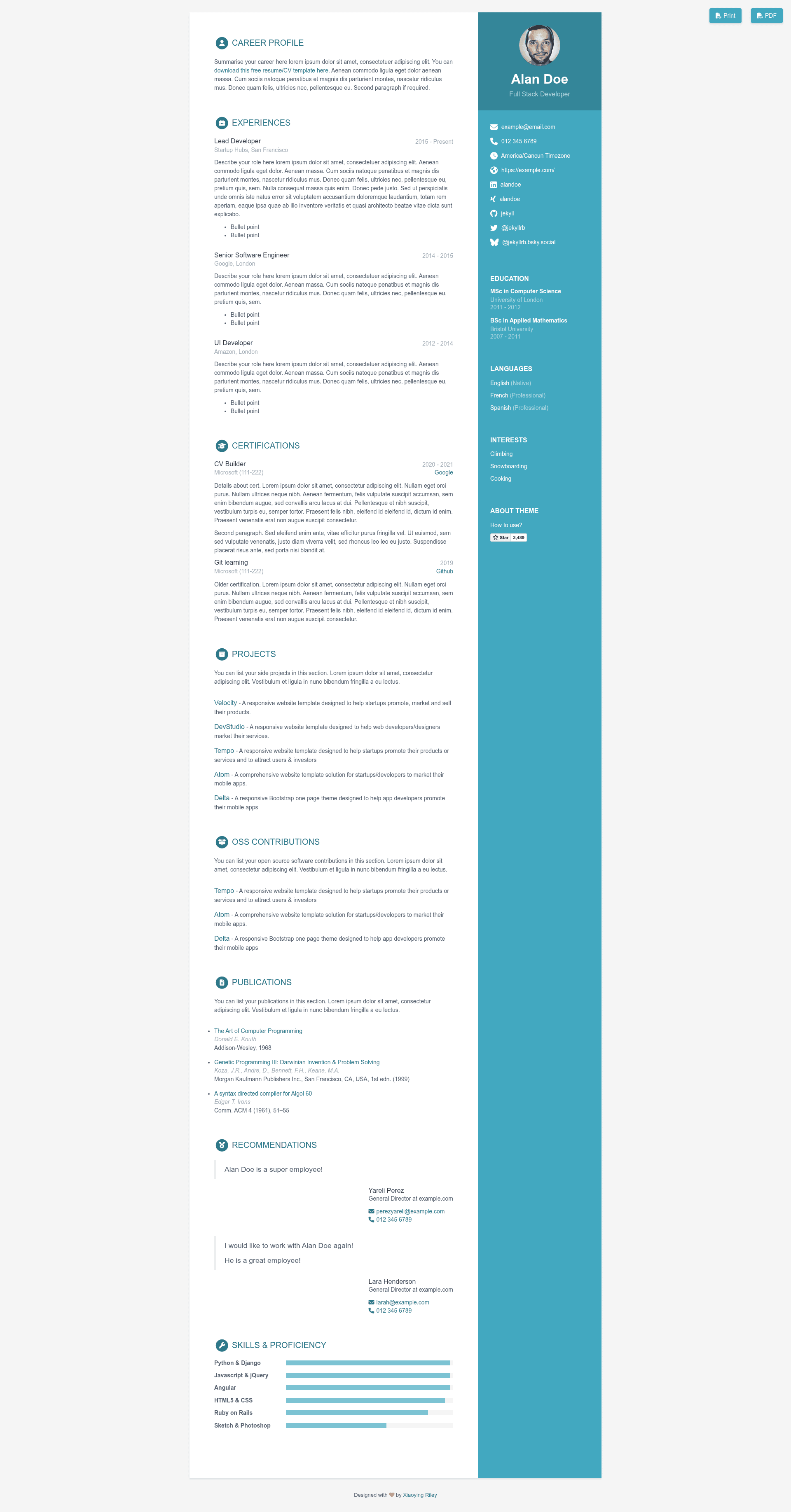
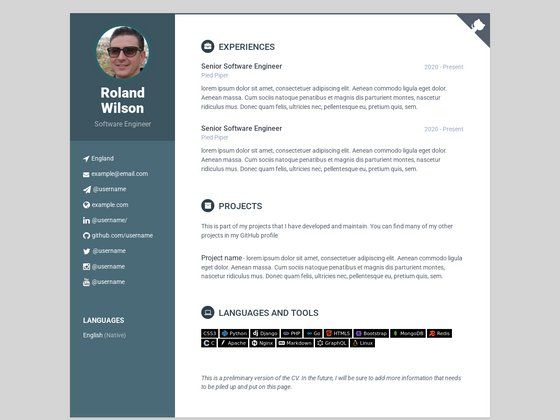
Online CV (Orbit) is a free Jekyll resume theme that generates a clean single-page CV website from a single YAML data file, ready to host on GitHub Pages. It is a Jekyll port of an original design by Xiaoying Riley at 3rd Wave Media, with the GitHub repository maintained by sharu725. The theme stores every resume detail in the _data/data.yml file, so users never touch HTML or CSS to publish a personal resume site.
What is Online CV (Orbit)?
Online CV (Orbit) is a Jekyll theme created for people who want a minimal, professional resume website without building it from scratch. It takes the content you write in _data/data.yml and outputs a static one-page CV at your site's root, plus a second printer-friendly page at the /print path. The theme runs on any Jekyll environment and is specifically set up to deploy through GitHub Pages by forking the repository. The original page design comes from Xiaoying Riley's template and was converted to Jekyll by sharu725.
Key Features
- One-file content editing — All personal details, work history, and skills go into _data/data.yml, making the theme easy to update.
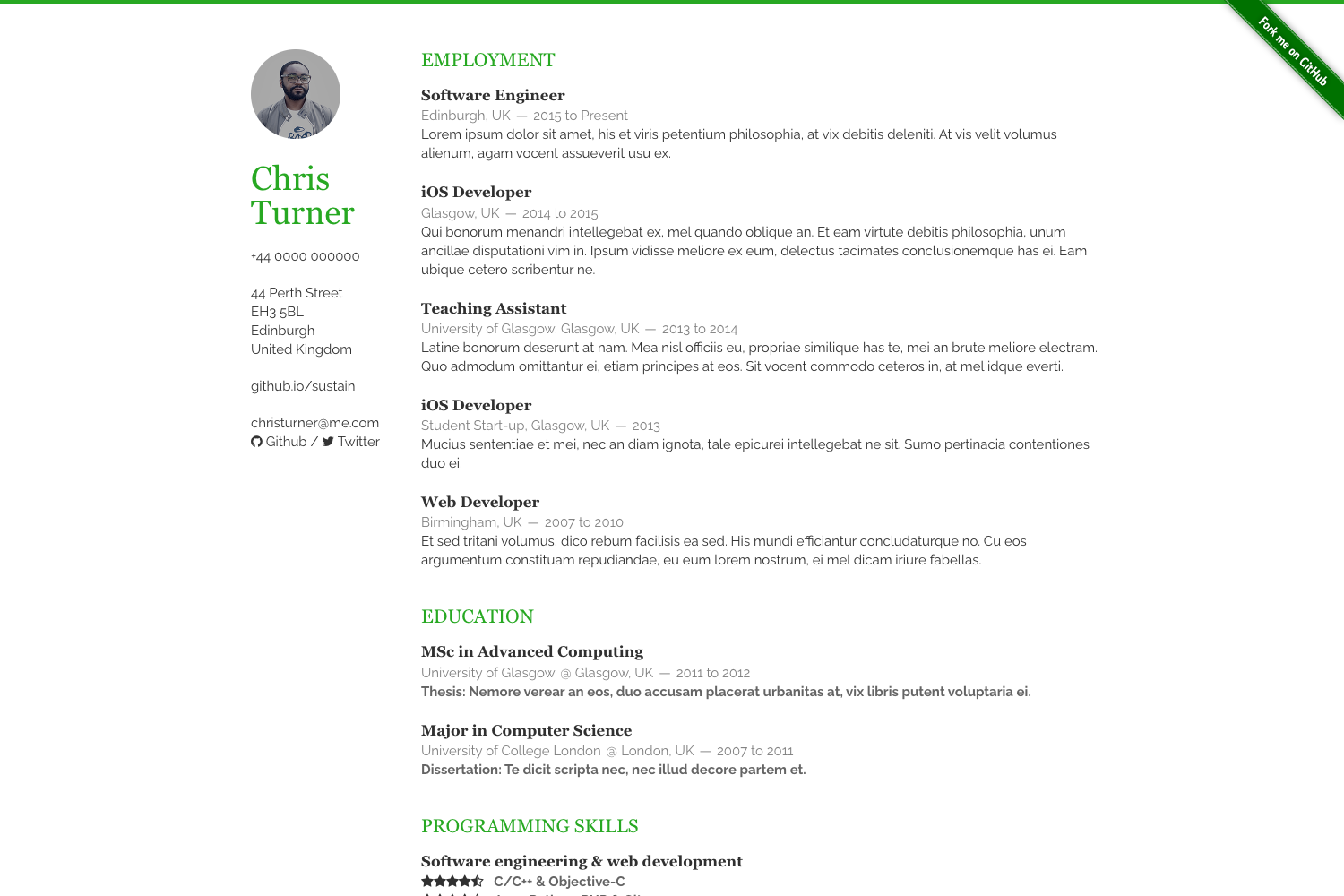
- Six built-in color skins — The repository shows Blue, Turquoise, Green, Berry, Orange, and Ceramic color schemes, giving 6 visual variants out of the box.
- Printable CV page — A dedicated /print path is generated, which you can convert to PDF using external services like pdflayer.com or web2pdfconvert.com.
- GitHub Pages deployment — Fork the repo, enable GitHub Pages with the master branch as source, and your CV is live at username.github.io/online-cv.
- Docker support — A docker-compose.yml file lets you preview the site in a container, reachable at http://localhost:4000, with data changes appearing automatically.
- Local Jekyll development — The repo includes a Gemfile; run bundle install then bundle exec jekyll serve to work on the site locally.
Who should use Online CV (Orbit)?
Job seekers can publish a resume website in less than an hour using the one-file YAML setup. Developers who already use GitHub can fork the repository and host their CV without paying for a domain or server. Anyone wanting a printable PDF version of their CV can rely on the built-in /print page instead of manually formatting a document.
What can you do with Online CV (Orbit)?
- Publish your resume — Edit _data/data.yml with your experience, education, and skills, and the theme generates a clean online CV at your GitHub Pages URL.
- Export a PDF version — Open the /print page and send it through a conversion service like web2pdfconvert.com to get a PDF you can attach to job applications.
- Experiment with visual styles — Switch between the 6 color skins to find a look that matches your profession or personal brand.
How does Online CV (Orbit) work?
First, fork the online-cv repository on GitHub. Then edit _data/data.yml with your resume content. Enable GitHub Pages in the repository settings using the master branch as the source. The theme automatically builds the site, and your CV is available at username.github.io/online-cv. For local development, you can instead clone the repo, run bundle install, and serve it with bundle exec jekyll serve at port 4000.
FAQ
Is Online CV (Orbit) free?
Yes. The theme is hosted on GitHub as an open repository, and you can deploy it to GitHub Pages at no cost. The free plan of GitHub Pages is sufficient for hosting a static resume site.
How do I update my resume details?
All content is managed from _data/data.yml. You edit that one YAML file, and the Jekyll site rebuilds with your changes. The repository states that "all the details" are changed from this one place.
Can I see a live demo?
Yes. The repository links to a live demo at https://online-cv.webjeda.com. The demo includes both desktop and mobile screenshots of the layout.
How do I run it locally?
The repository gives two options: use Docker with docker-compose up to serve at http://localhost:4000, or install Ruby gems with bundle install and run bundle exec jekyll serve for local development.
Does the theme come with multiple color schemes?
Yes. The README shows a table of six color skins: Blue, Turquoise, Green, Berry, Orange, and Ceramic. Each is illustrated with a preview screenshot in the repository.