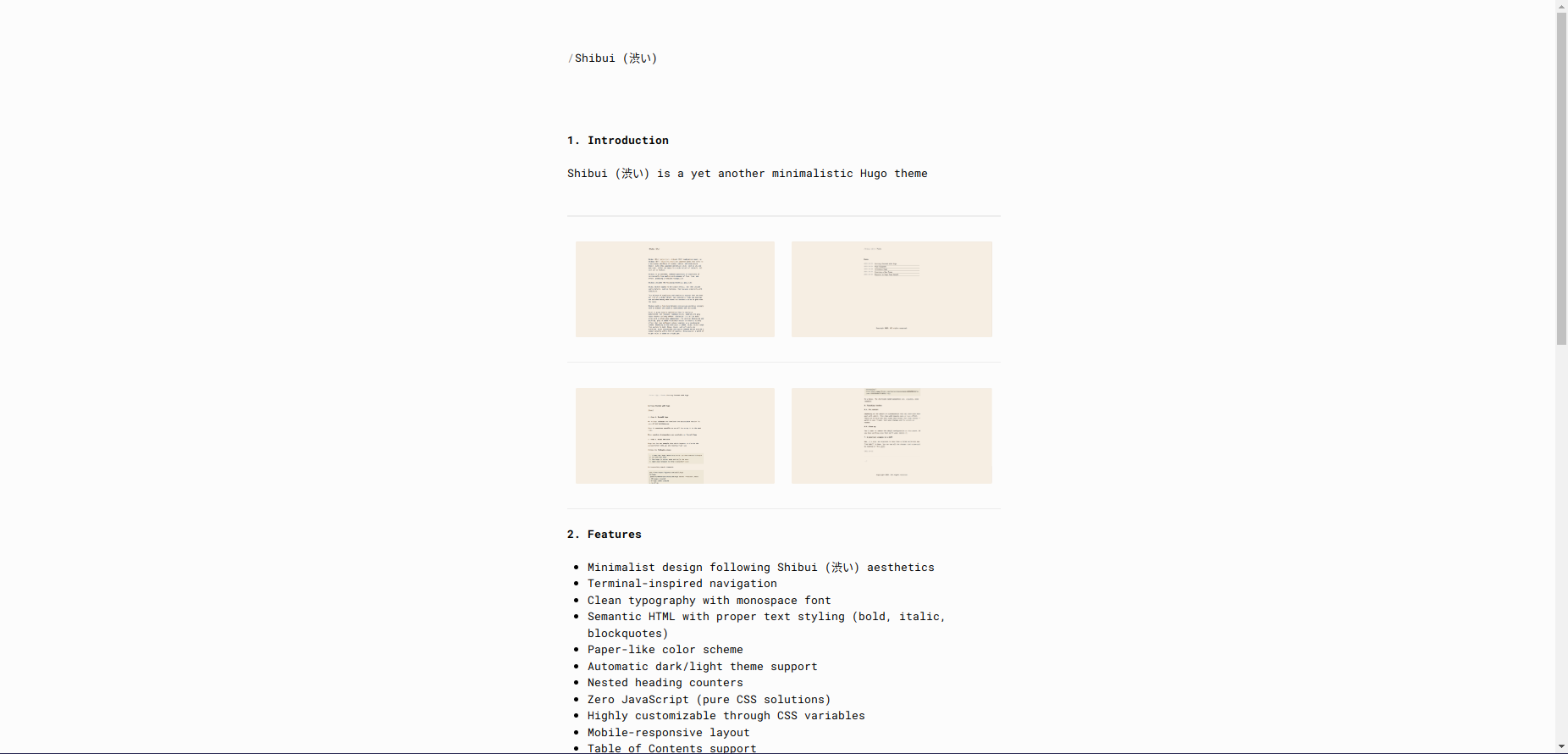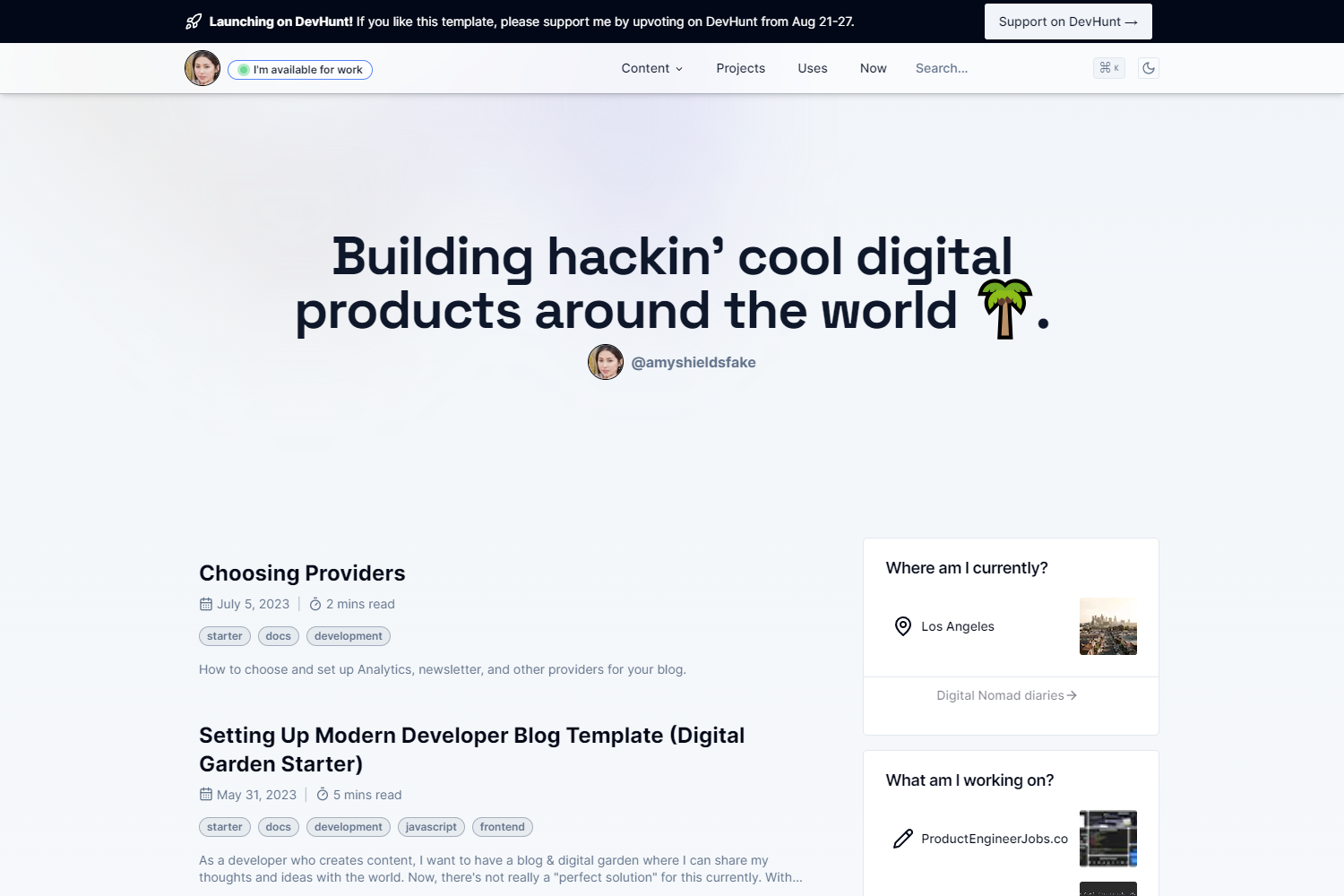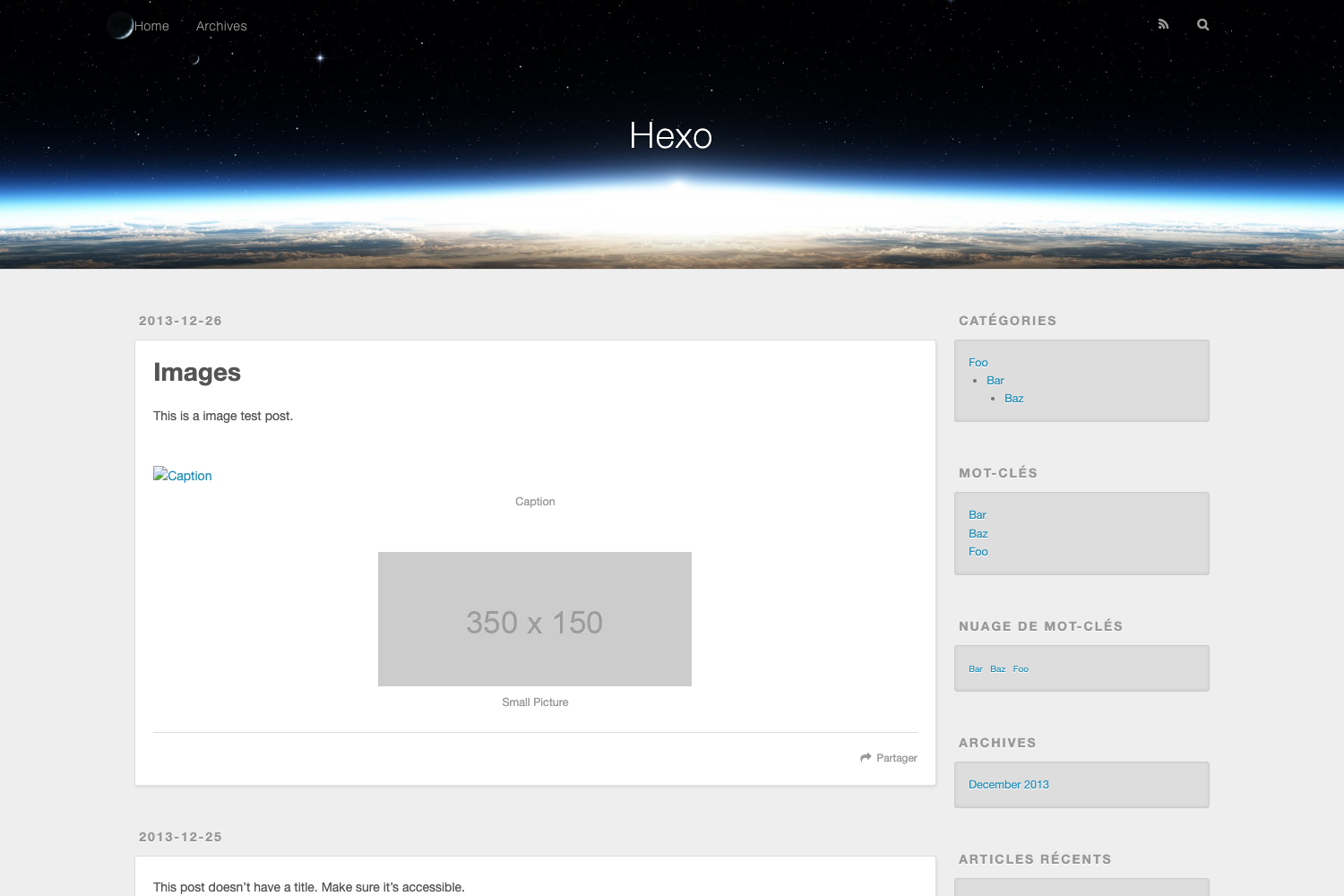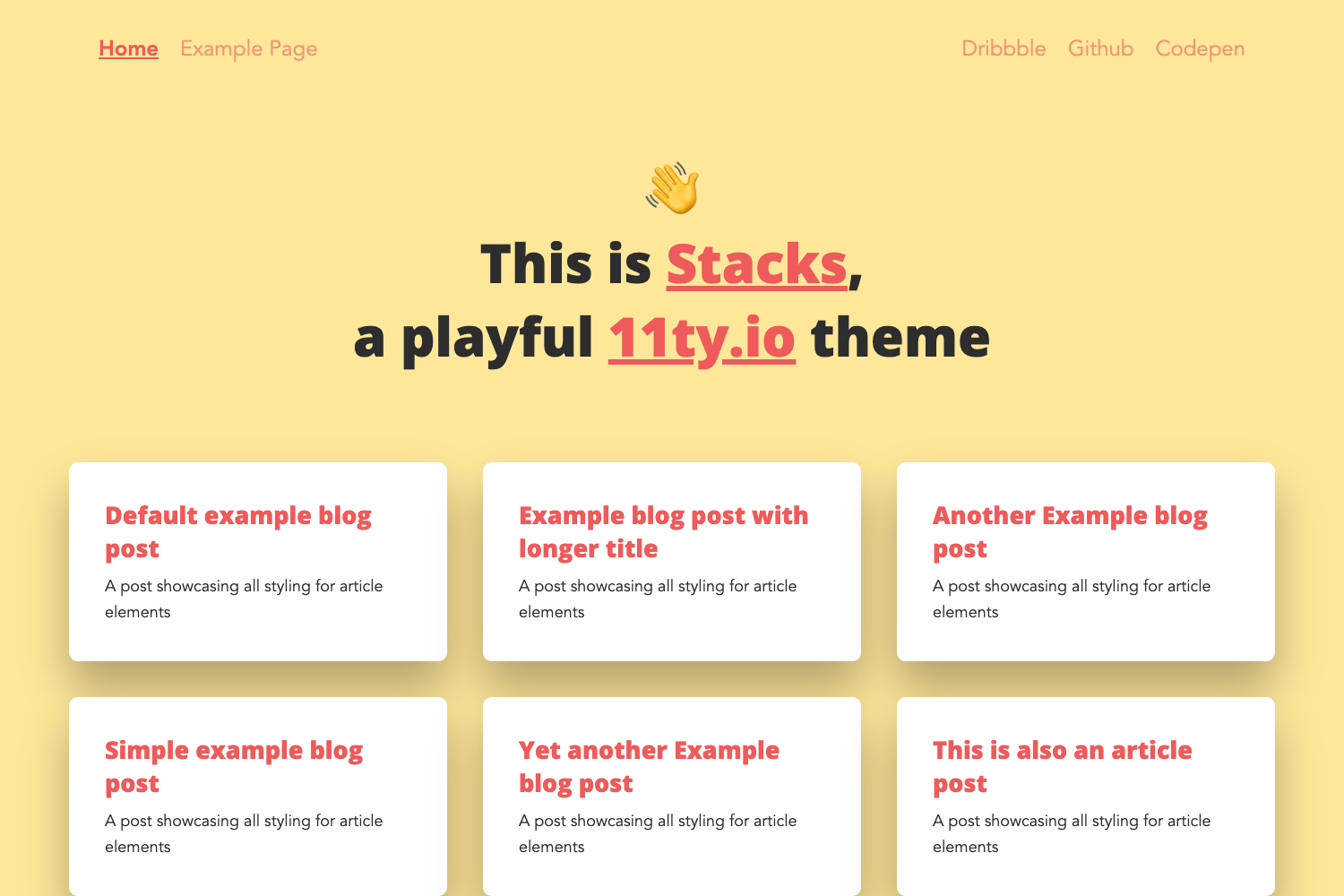
Template details
Dekyll
Clean and minimal Jekyll blog theme based on Minima, with SEO, pagination, and analytics support.
About this template
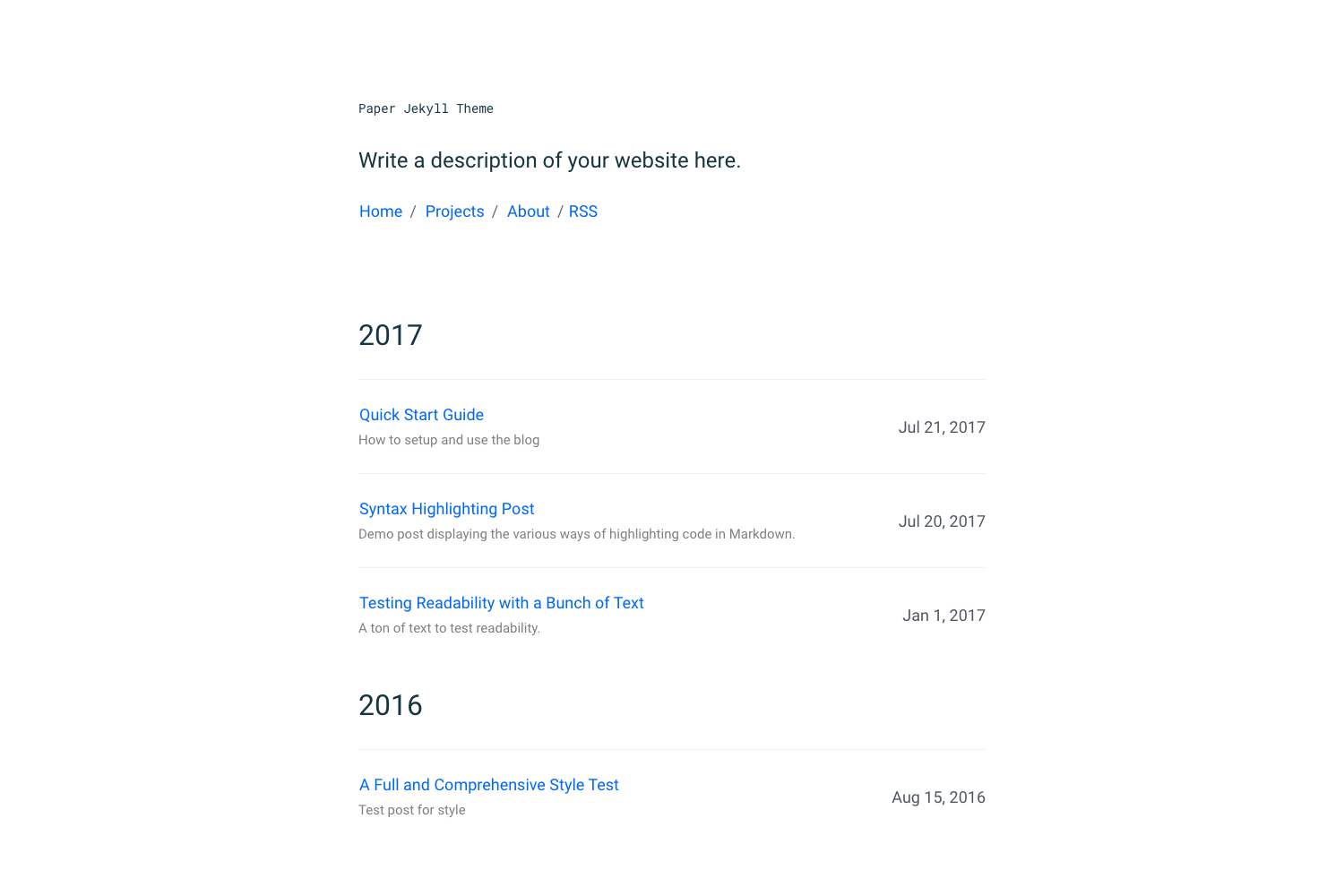
Dekyll is a clean, minimal blog theme for Jekyll, built on the Jekyll Minima theme, that turns Markdown content into a static blog with pagination, related articles, and SEO support.
What is Dekyll?
Dekyll is a Jekyll blog theme based on Minima, Jekyll's default theme, with all configuration centralized in the _config.yml file. It takes Markdown posts and produces a responsive static site with pagination, sitemaps, and social sharing buttons. The theme supports Jekyll 4 and is maintained on GitHub by kuntoaji.
Key Features
- Jekyll 4 support — Dekyll works with Jekyll 4.
- No JavaScript required — The theme renders without any client-side JavaScript.
- CSS Compression — Compresses CSS output for faster loading.
- Related articles — Automatically suggests related posts.
- Responsive design — Adapts to mobile and desktop screens.
- Pagination support — Includes pagination for blog listings.
- Sitemap with Last-Modified-At — Generates a sitemap with last modified timestamps.
- Social media sharing buttons — Adds share buttons for social platforms.
- Google Analytics and Disqus — Integrates Google Analytics and Disqus comments, rendered only in production environment.
- Jekyll SEO tag — Uses Jekyll SEO tag for metadata.
- Pagination on Category and Tag pages — Paginates category and tag archive pages.
Who is it for?
- Bloggers — who want a minimal, fast static blog without client-side dependencies.
- Jekyll developers — who want a clean starting point that can be extended and customized via
_config.yml. - Developers using GitHub Pages — who need to build locally and push the built site to a GitHub repository for hosting.
What can you do with Dekyll?
- Publish a personal blog — write posts in Markdown, configure the site in
_config.yml, and generate a static site with related articles and pagination. - Add comments and analytics — enable Disqus and Google Analytics by setting the production environment when building.
- Optimize for search engines — automatically generate SEO tags, a sitemap with last-modified dates, and clean URLs.
How does Dekyll work?
Dekyll is built and served locally. After installing Jekyll, clone the repository, run bundle install, then bundle exec jekyll serve to preview the site. To build for production (which renders Google Analytics and Disqus), set JEKYLL_ENV=production before running jekyll build.
FAQ
Is Dekyll compatible with GitHub Pages?
By default, no. Dekyll does not work with GitHub Pages out of the box. You must build the site locally and push the generated files to a GitHub repository.
Does Dekyll require JavaScript?
No. The theme has no JavaScript requirement; it renders static HTML/CSS.
What configuration does Dekyll use?
All settings are in _config.yml — you can change the site title, pagination, social media, and integrations there.
How do I enable Google Analytics and Disqus?
Set the environment to production when building: JEKYLL_ENV=production jekyll build. This ensures those integrations are included.