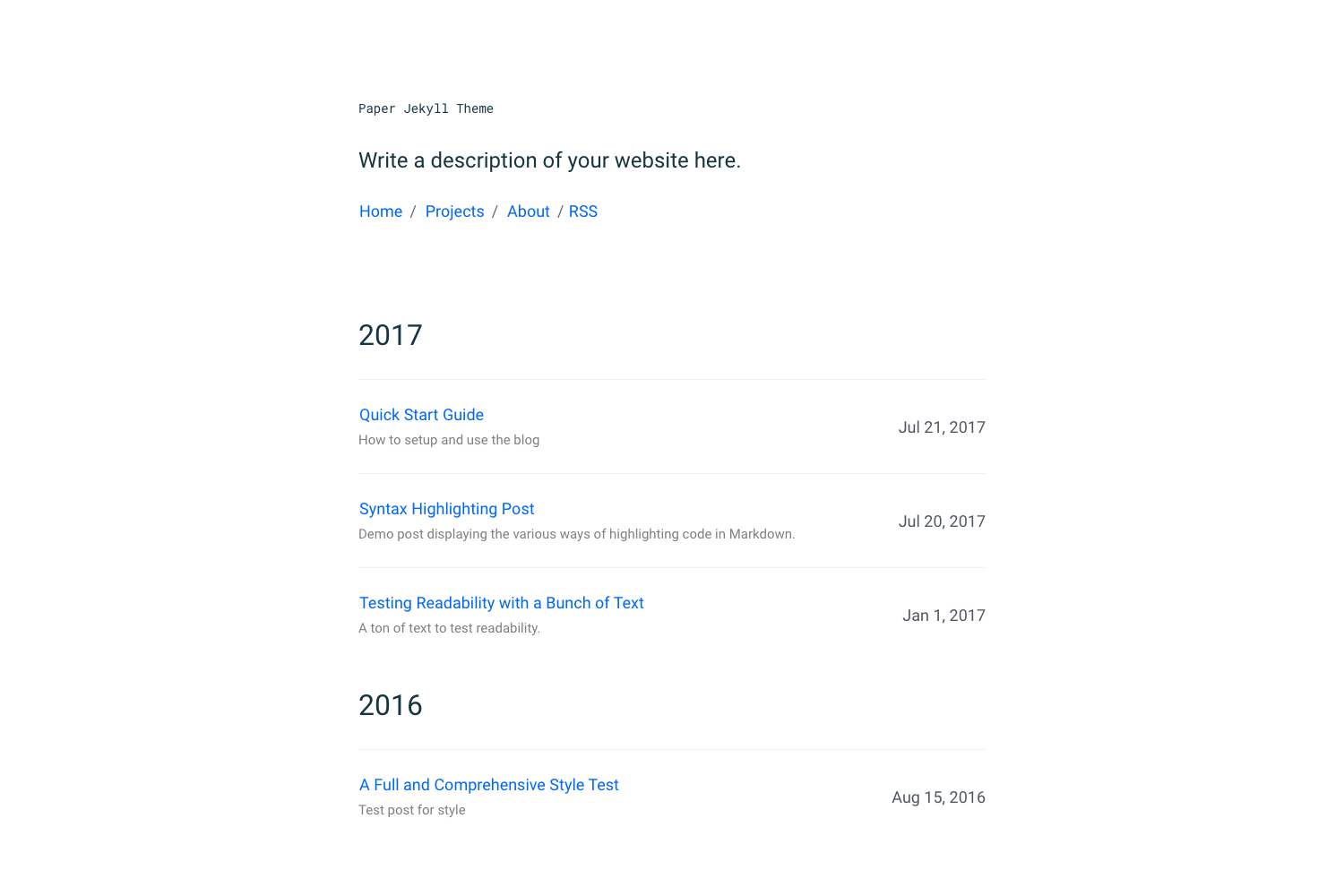
Template details
Digital Garden
An open source Next.js digital garden starter with MDX, Tailwind, analytics, and newsletter.
About this template
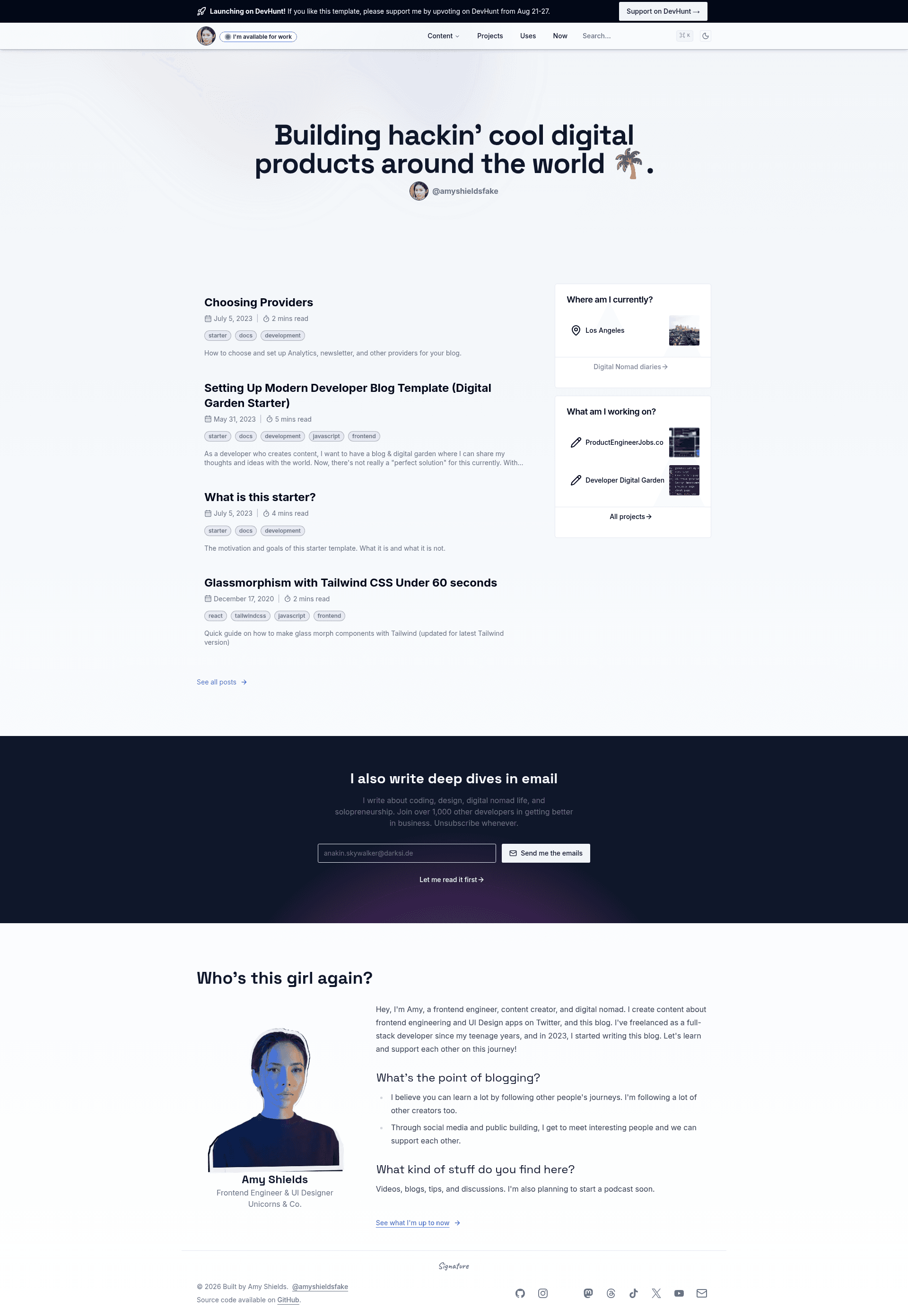
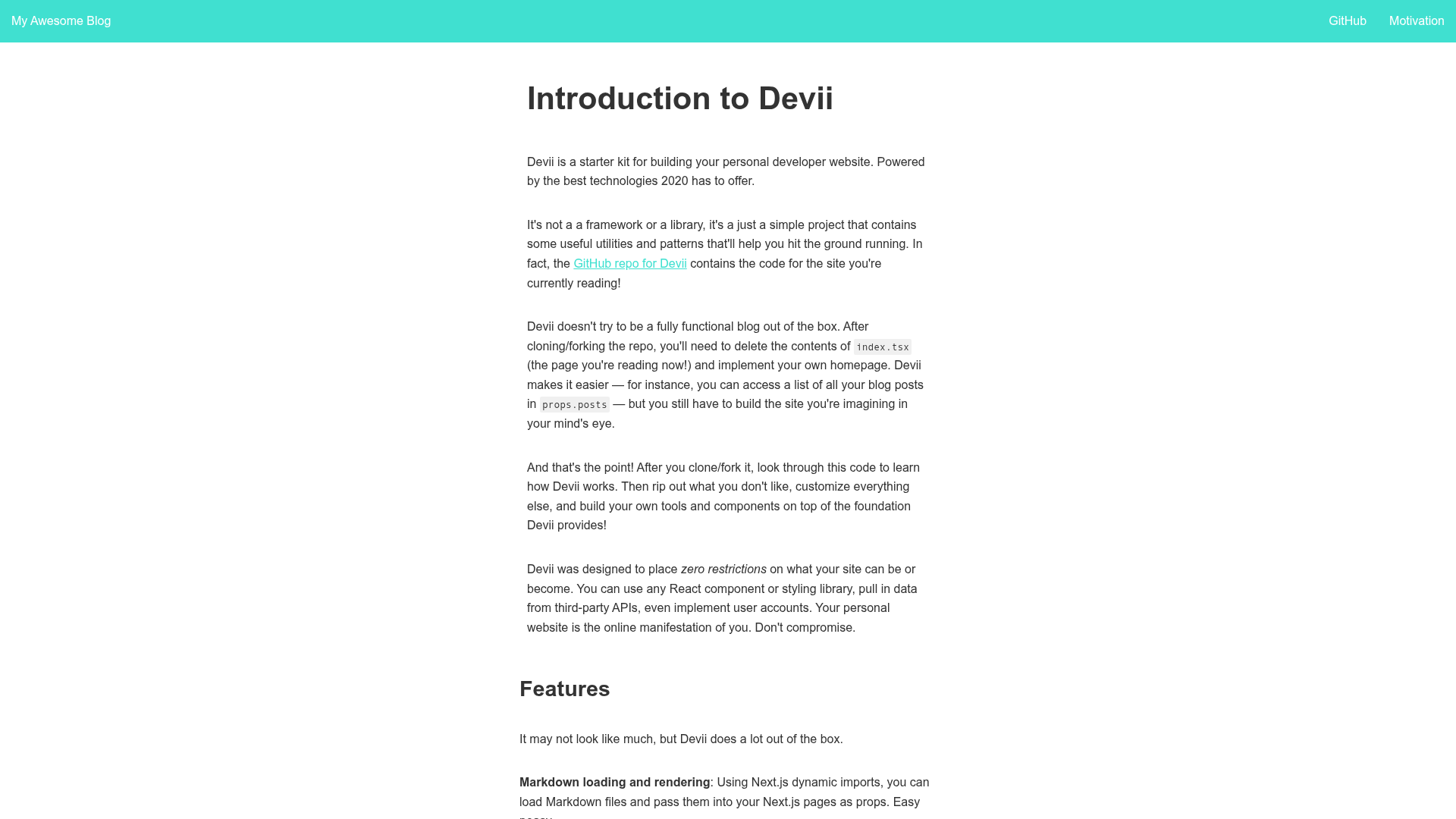
Digital Garden is an open source developer blog and digital garden starter built with Next.js App Router, MDX, Contentlayer, Tailwind CSS, shadcn/ui, and Lucide Icons that turns Markdown files into a full-featured personal site.
What is Digital Garden?
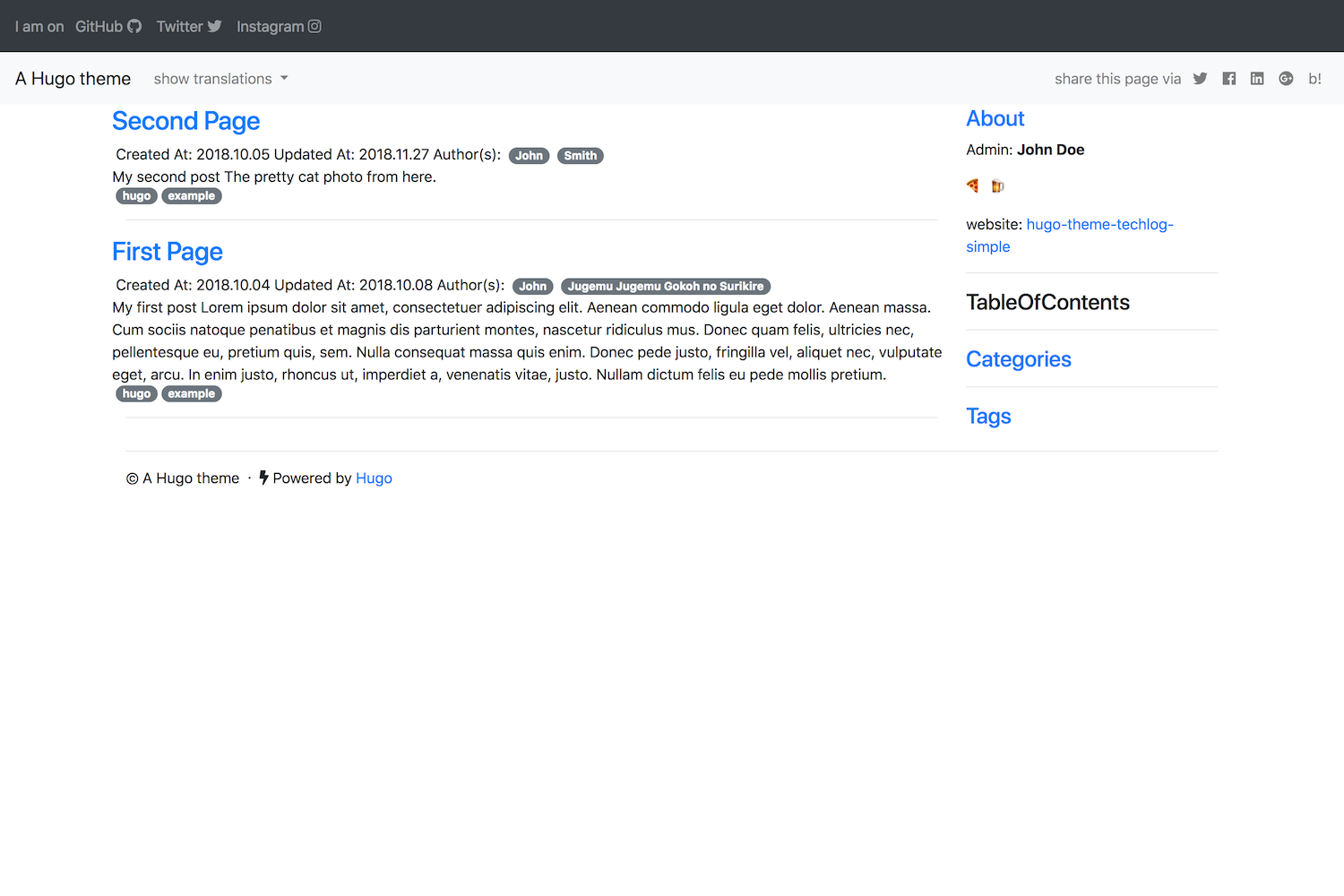
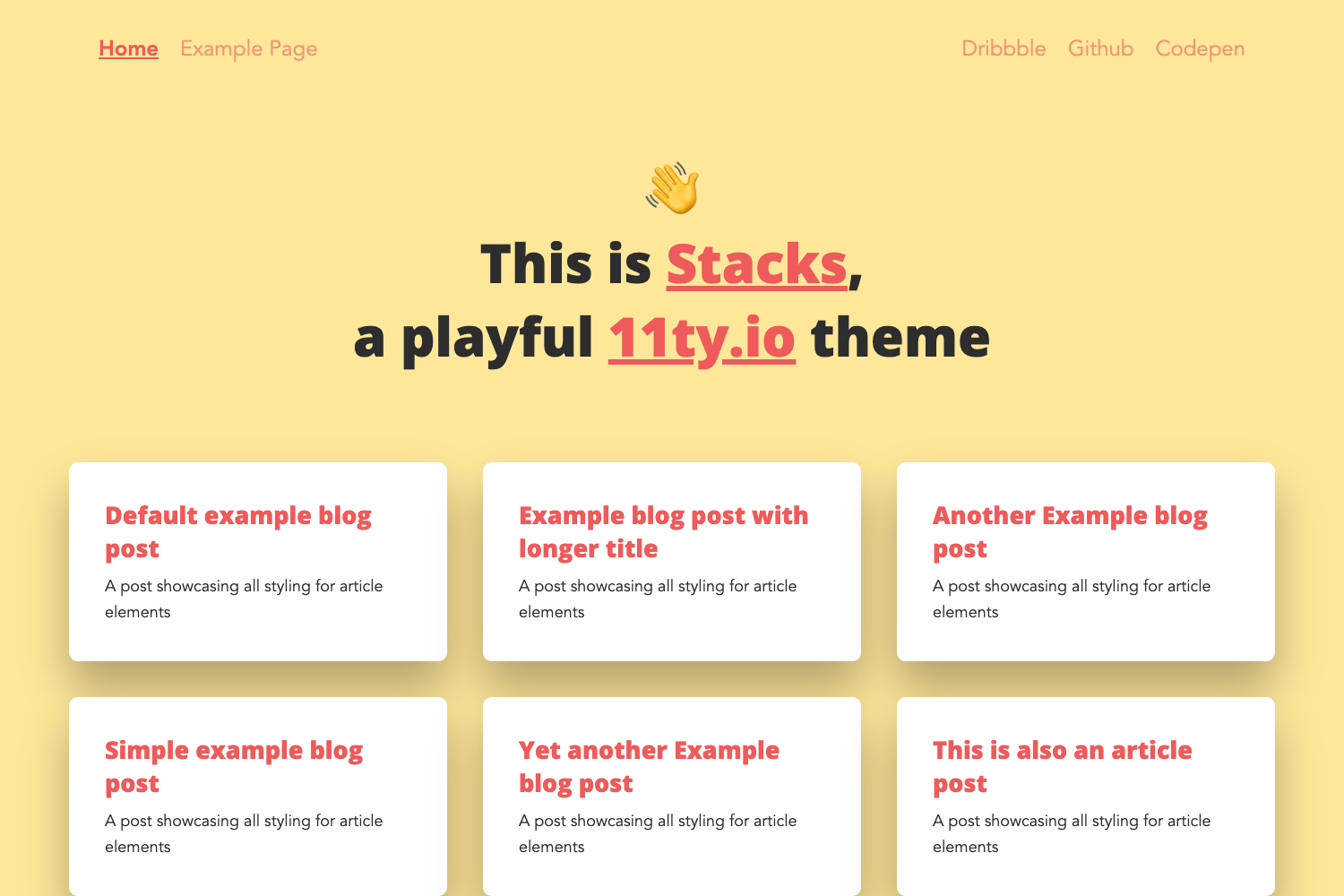
Digital Garden is an open source blogging and digital garden starter template created by GitHub user @thedevdavid. It runs on the Next.js App Router and uses MDX, Contentlayer, Tailwind CSS, shadcn/ui, and Lucide Icons. The template takes Markdown or MDX content from a content folder and outputs a complete blog with pages for posts, projects, a uses page, and a link-in-bio social page, plus RSS feed, sitemap, and SEO metadata. It ships with built-in support for analytics, newsletter subscriptions, search and command bar, and OG image generation.
Key Features
- Tech stack — Next.js App Router, MDX, Contentlayer, Tailwind CSS, shadcn/ui, and Lucide Icons; dark/light mode comes out of the box.
- Content authoring — Write posts in Markdown or MDX with YAML frontmatter for title, description, published and updated dates, tags, series, author, and draft status.
- Built-in analytics — Connect Vercel, Umami, Plausible, or Google Analytics through environment variables; Umami can be self-hosted.
- Newsletter integration — MailerLite form with API route and welcome page, configured via EMAIL_API_BASE, EMAIL_API_KEY, and EMAIL_GROUP_ID.
- SEO & syndication — Automatically generates robots.txt, sitemap.xml, RSS feed, open graph images, and reading time estimates.
- Homepage hero variants — Swap between HeroSimple, HeroVideo with Videoask embed, HeroImage, and HeroMinimal.
- MDX components — Includes table of contents, footnotes, KaTeX math, code highlighting, social sharing buttons, and back-to-top button.
- Deployment — One-click deploy to Vercel; also supports any host that runs Next.js, with NEXT_PUBLIC_BASE_URL for production URLs.
Who is it for?
- Developer bloggers who want a modern, minimal blog with a unique digital garden style without starting from scratch.
- Digital gardeners who want to share notes, links, and projects in a structured, evergreen way.
- Indie hackers who want a link-in-bio page and email newsletter capture built directly into their personal site.
What can you do with Digital Garden?
- Technical writers: publish long-form MDX posts with code highlighting, TOC, footnotes, and math notation.
- Open source maintainers: maintain a projects page and a /uses page listing hardware and software.
- Content creators: collect email subscribers via MailerLite and track traffic with Plausible or Umami.
How does Digital Garden work?
Fork the repo, run pnpm install, then edit utils/metadata.ts and the data files in lib/ to set your name, social links, projects, and navigation. Add Markdown or MDX files under content/, then run pnpm dev to preview at localhost:3000. Deploy with the Vercel button and set environment variables for analytics and newsletter.
FAQ
Is Digital Garden free?
Yes, Digital Garden is open source under the MIT License, and you can use it for personal or commercial projects without cost.
What is Contentlayer used for?
Contentlayer is the content preprocessor in Digital Garden. It reads Markdown and MDX files from content/ and provides type-safe data to the Next.js app, so you get autocompletion and validation for frontmatter fields.
Which newsletter providers are supported?
Currently MailerLite is fully integrated. The roadmap lists Convertkit, Substack, Buttondown, and Mailchimp as planned providers, so only MailerLite works out of the box.
Can I customize the design?
Yes. Fonts are changed via next/fonts in app/layout.tsx, Tailwind colors are edited in globals.css, and the footer signature is a custom SVG in components/signature.tsx.