Template details
Shibui
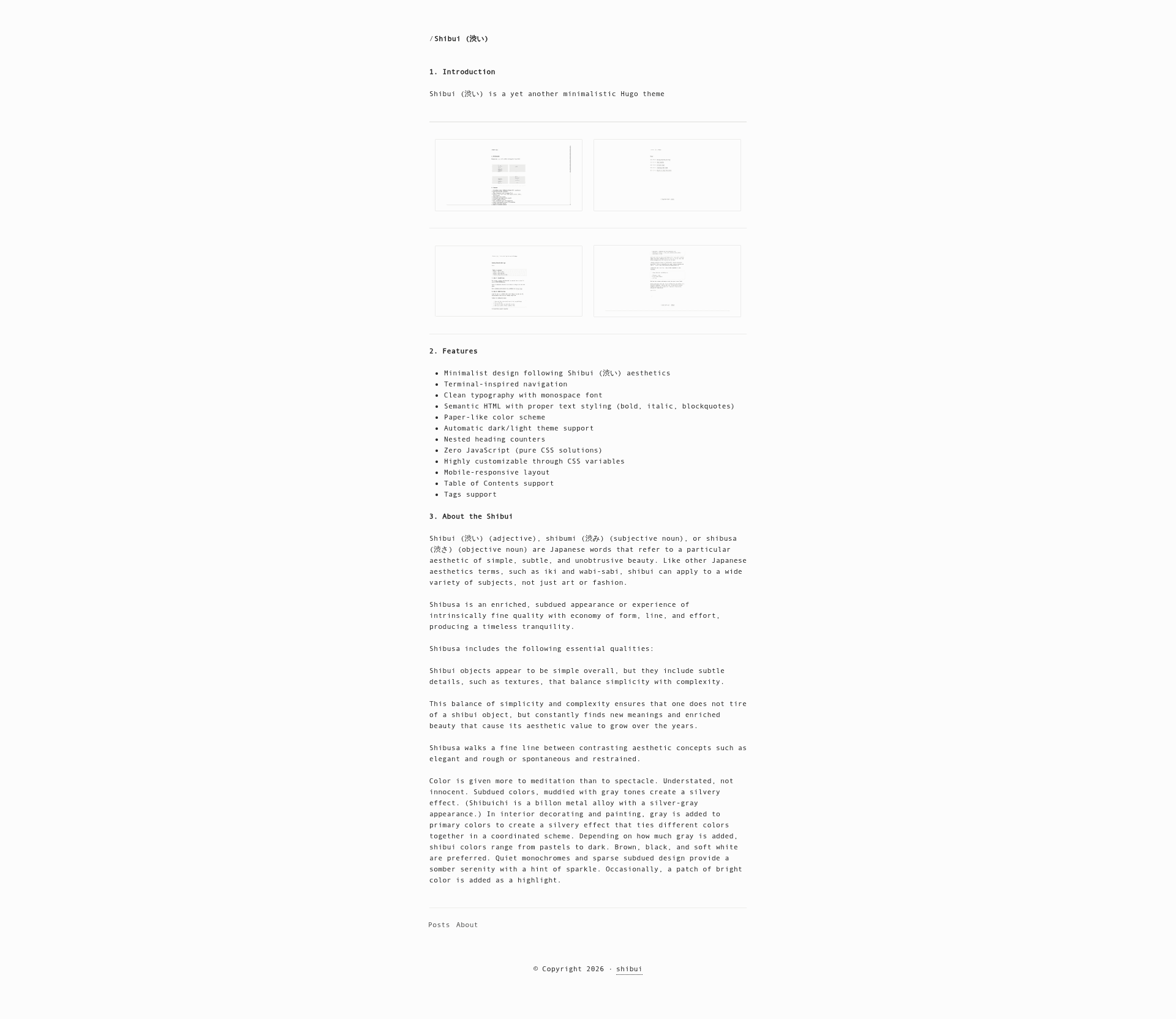
A minimalist Hugo theme inspired by Japanese Shibui aesthetics, with zero JavaScript and terminal-inspired navigation.
About this template
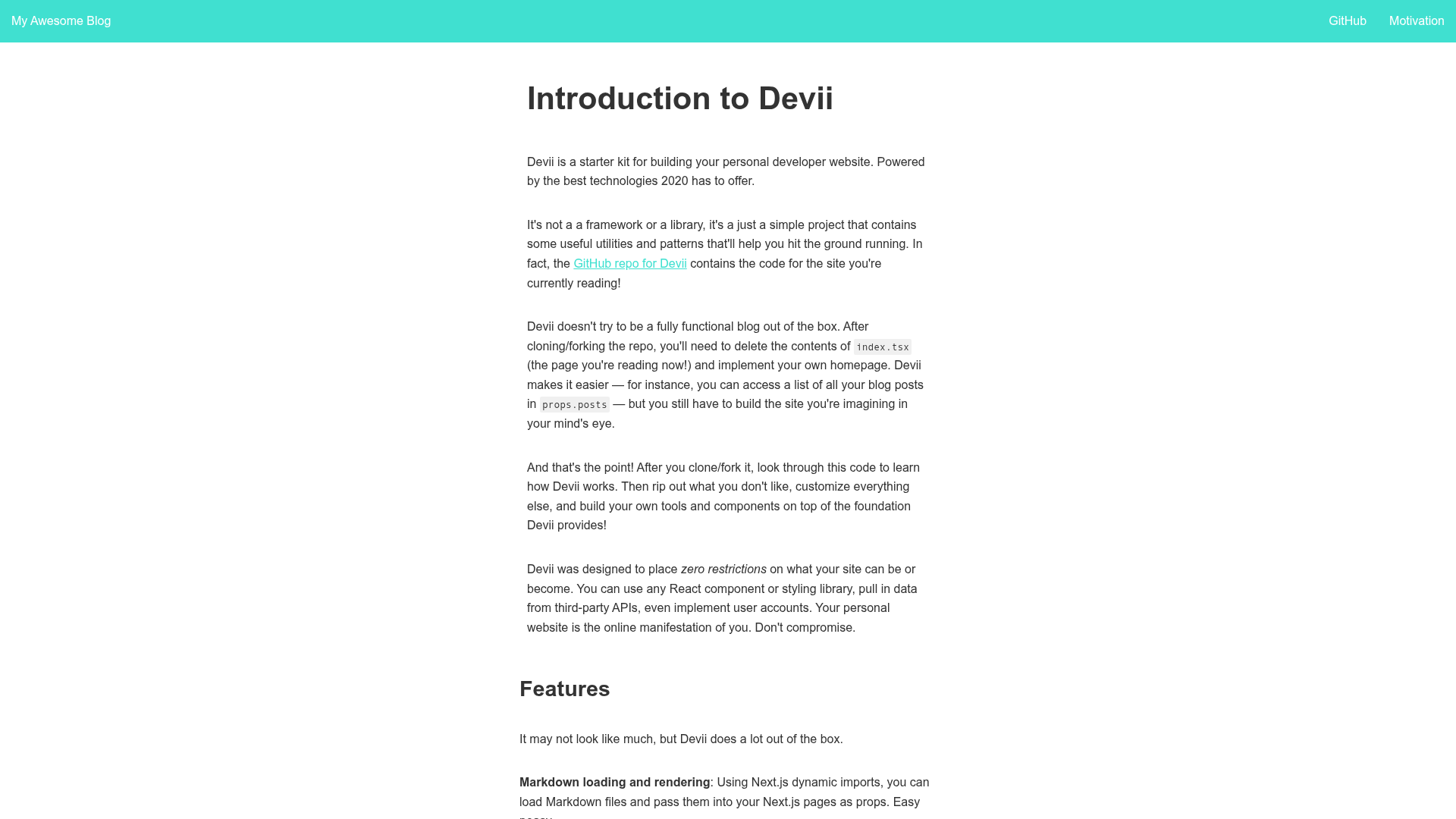
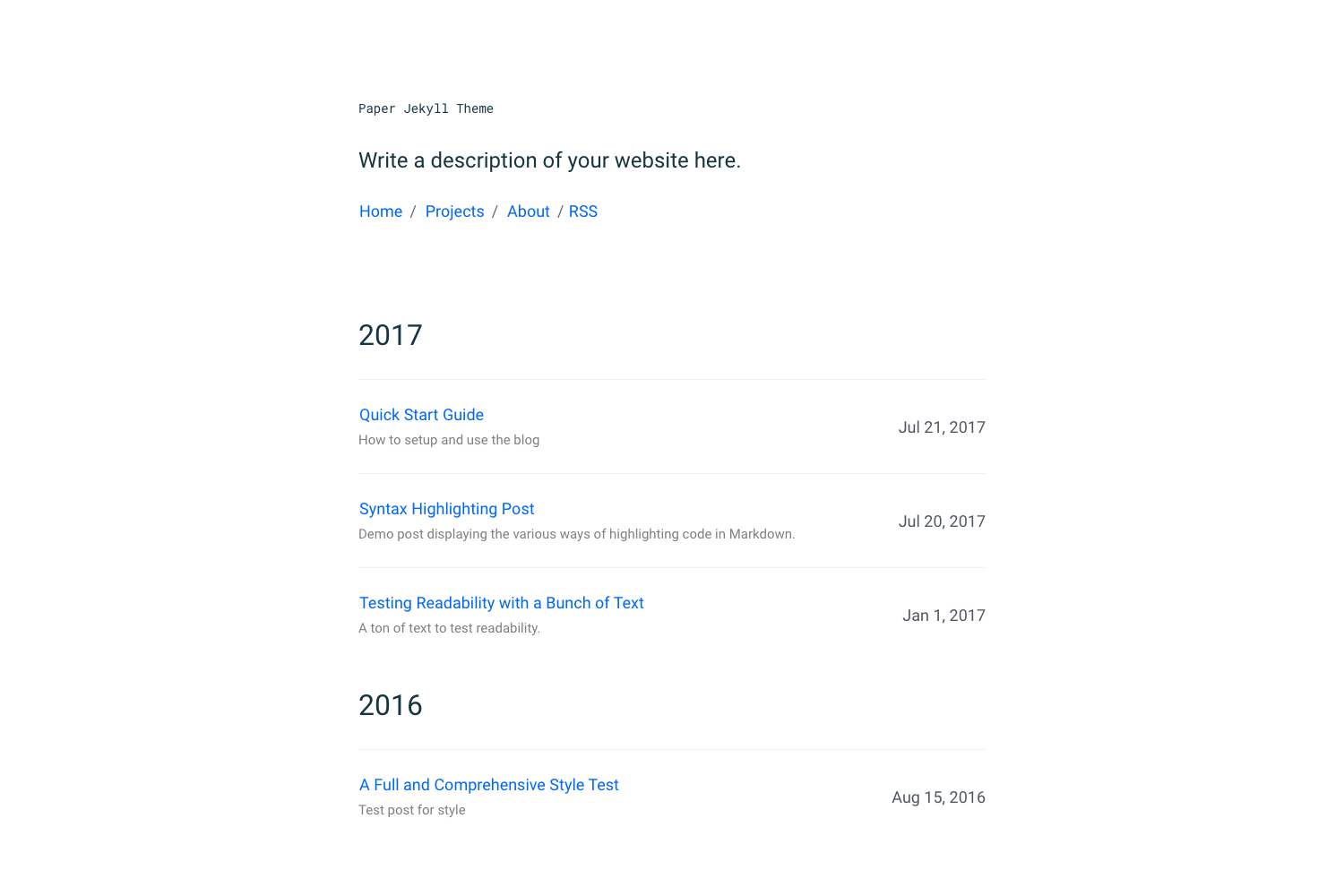
Shibui (渋い) is a minimalist Hugo theme for blogs and personal sites that renders content with a paper-like color scheme and zero JavaScript, built by ntk148v under the MIT license.
What is Shibui (渋い)?
Shibui is a Hugo theme that transforms Markdown content into a static website with terminal-inspired navigation and a monospace font. It takes standard Hugo content files (with front matter like title, date, tags) and outputs a mobile-responsive site with automatic dark/light theme support. The theme requires Hugo Extended v0.93.0 or higher and Go 1.18+ if using as a Hugo module.
Key Features
- Zero JavaScript — the entire theme works with pure CSS; no JS assets are required for core functionality.
- CSS variable theming — colors derive from a single base hue (
--bg-h), saturation (--bg-s), lightness (--bg-l); override variables inassets/css/custom.cssto create custom light/dark themes. - Automatic dark/light mode — the paper-like palette shifts lightness to produce both variants with WCAG-friendly contrast for text.
- Terminal-inspired navigation — the header and menus use a monospace font and a simple, unobtrusive layout.
- Nested heading counters — headings are numbered hierarchically in the rendered output.
- Table of Contents — optional TOC per page via
showtocparameter ortocfront matter. - Tags support — content front matter with a tags list renders tag links.
- Mobile-responsive layout — the design adjusts cleanly to small screens.
Who is it for?
Shibui suits bloggers who want a text-first reading experience without visual clutter. It is also a match for Hugo users who prefer to hand-tune a theme through CSS variables rather than editing templates. Developers interested in Japanese aesthetics (shibui, wabi-sabi) will find the design principles directly expressed in the theme's structure.
What can you do with Shibui?
- Personal bloggers: publish Markdown posts with tag and TOC features, and let readers use light or dark mode automatically.
- Minimalist writers: focus on typography with a monospace font and high-contrast text derived from a single base color.
- Hugo developers: use the
exampleSitedirectory as a reference for configuration, front matter, and menu structure, then override CSS variables to rebrand.
How does Shibui work?
Install the theme as a Git submodule, add theme = "shibui" to config.toml, and configure parameters such as comments, showtoc, and showreadingtime. Each content file's front matter controls per-page behavior. Then build with Hugo Extended v0.93.0+ to generate the static site.
FAQ
Is Shibui free?
Yes. Shibui is released under the MIT license, so you can use, modify, and distribute it freely.
Does Shibui use JavaScript?
The core theme requires zero JavaScript. The assets directory includes an optional js folder, but everything that renders is built with pure CSS.
How do I customize the theme colors?
You can override CSS variables in assets/css/custom.css. The documentation shows how to set the base lightness level (for example, --bg-l: 12% for a dark theme) and the other colors derive automatically.
What Hugo version do I need?
You need Hugo Extended v0.93.0 or higher. If you use Hugo modules, Go 1.18 or higher is also required.
Does this theme support tables of contents?
Yes. The TOC is enabled by default (showtoc = true) in site parameters, and each page can turn it off with toc: false in front matter.