Template details
DevJournal
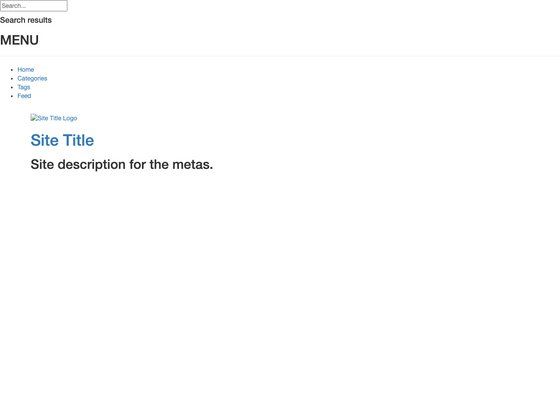
A minimal, text-based Jekyll theme for developers to create blogs and pages with Markdown.
About this template
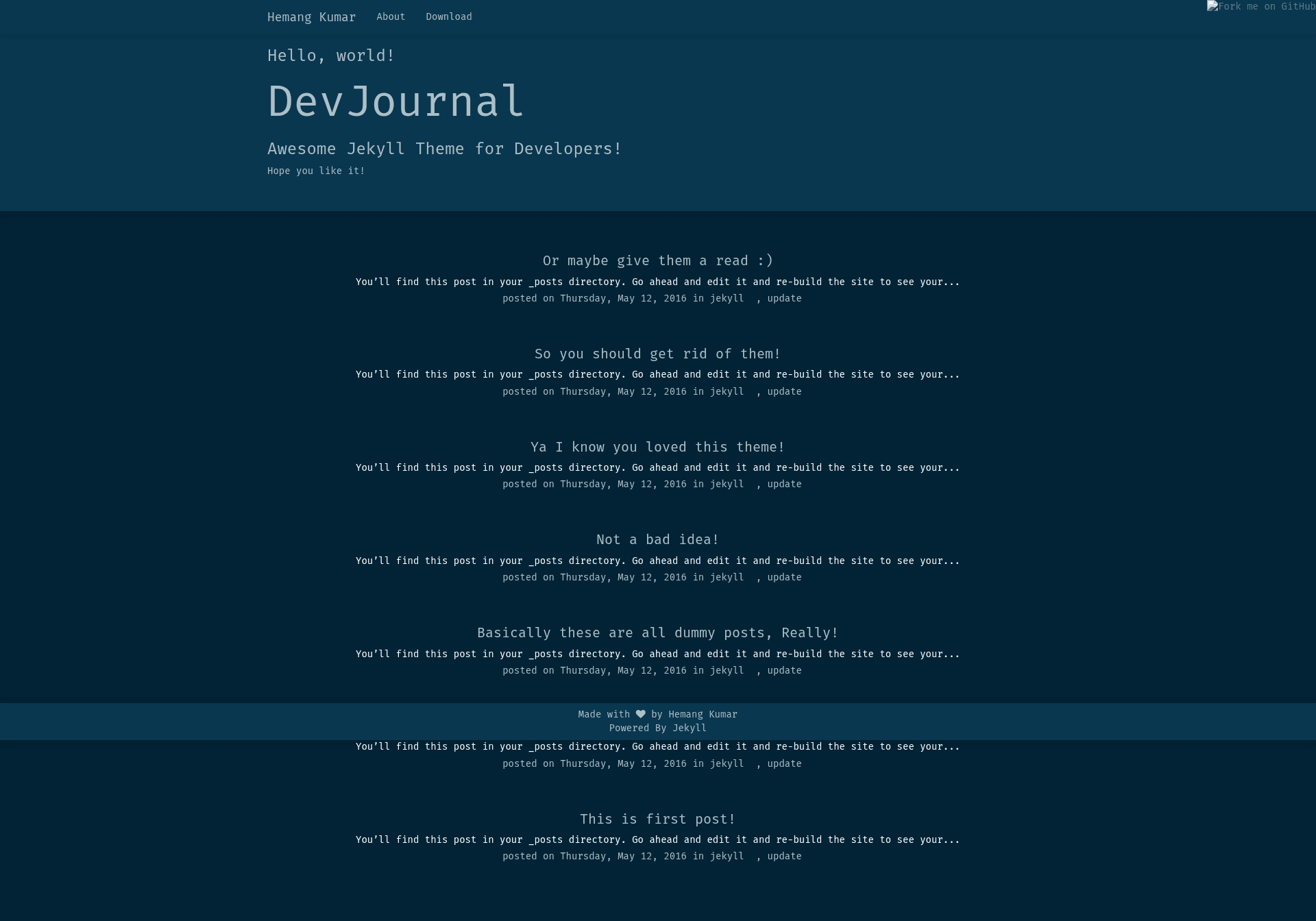
DevJournal is a minimal, text-based Jekyll theme for developers who want a fast, distraction-free blogging platform powered by Markdown files. It converts simple front matter and Markdown content into a static site with support for posts and pages, all styled with a clean, geek-friendly aesthetic.
What is DevJournal?
DevJournal is a free, open-source Jekyll theme created by Hemang Kumar (GitHub user hemangsk) for developers who want to publish content without a database or CMS. It takes Markdown files with YAML front matter as input and outputs a static website with blog posts and individual pages. The theme is distributed via its GitHub repository under the MIT license.
Key Features
- Markdown-based content — Write posts as .markdown files in the _posts folder following Jekyll naming conventions like
2016-03-30-i-love-design.markdown. - Flexible front matter — Posts support layout (post, default, or page), title, date, and categories (string or array) to organize content.
- Pages made simple — Create new pages by dropping a .md file in the root directory with front matter defining layout: page, title, permalink, and an optional tagline.
- Minimal design — A text-focused, super flexible layout that avoids visual clutter, suited for programmers.
- Community-driven — The project welcomes pull requests for new features and encourages filing issues for bugs or feature requests.
- Open-source license — Released under MIT, so you can freely use, modify, and distribute it.
Who is it for?
- Developers and programmers — Set up a personal blog or technical journal using only a text editor and Git, no admin panel required.
- Technical writers — Publish documentation or tutorials as version-controlled Markdown files.
- GitHub users — Host the site on GitHub Pages by pushing the repository, following standard Jekyll workflows.
What can you do with DevJournal?
- Create blog posts — Write a new .markdown file in _posts with front matter, and Jekyll generates a dated post entry.
- Build custom pages — Add an about page, a design page, or any info page by creating a root-level .md file with a permalink and optional tagline.
- Categorize content — Assign single or multiple categories in the front matter to organize posts for readers.
How does DevJournal work?
DevJournal works as a standard Jekyll theme. You start by cloning the repository, then add your content as Markdown files with YAML front matter. Jekyll processes these files on build, applying the template layouts (post, default, page) and outputting static HTML. The theme requires no database; all site data lives in your text files.
FAQ
How do I create a new post in DevJournal?
Create a .markdown file inside the _posts folder, naming it according to Jekyll's date-based format, for example 2016-03-30-i-love-design.markdown. Add front matter with layout, title, date, and categories, then write your content in Markdown.
How do I create a new page in DevJournal?
Create a .md file in the root directory with a name like about.md. In the front matter, set layout: page, provide a title, a permalink (for example /science/), and an optional tagline. The page will be accessible at that permalink.
Is DevJournal free?
Yes, DevJournal is released under the MIT license, so it's free to use, modify, and distribute. The source code is available on GitHub.
Does DevJournal require a database?
No, DevJournal is a static-site Jekyll theme. It uses Markdown and YAML front matter files, and Jekyll builds static HTML output. No database or server-side processing is needed.
Can I customize DevJournal?
Yes, the theme is designed to be flexible. You can modify the layouts, styles, and add features by forking the repository and submitting pull requests to the original project.