Template details
LessOrMore
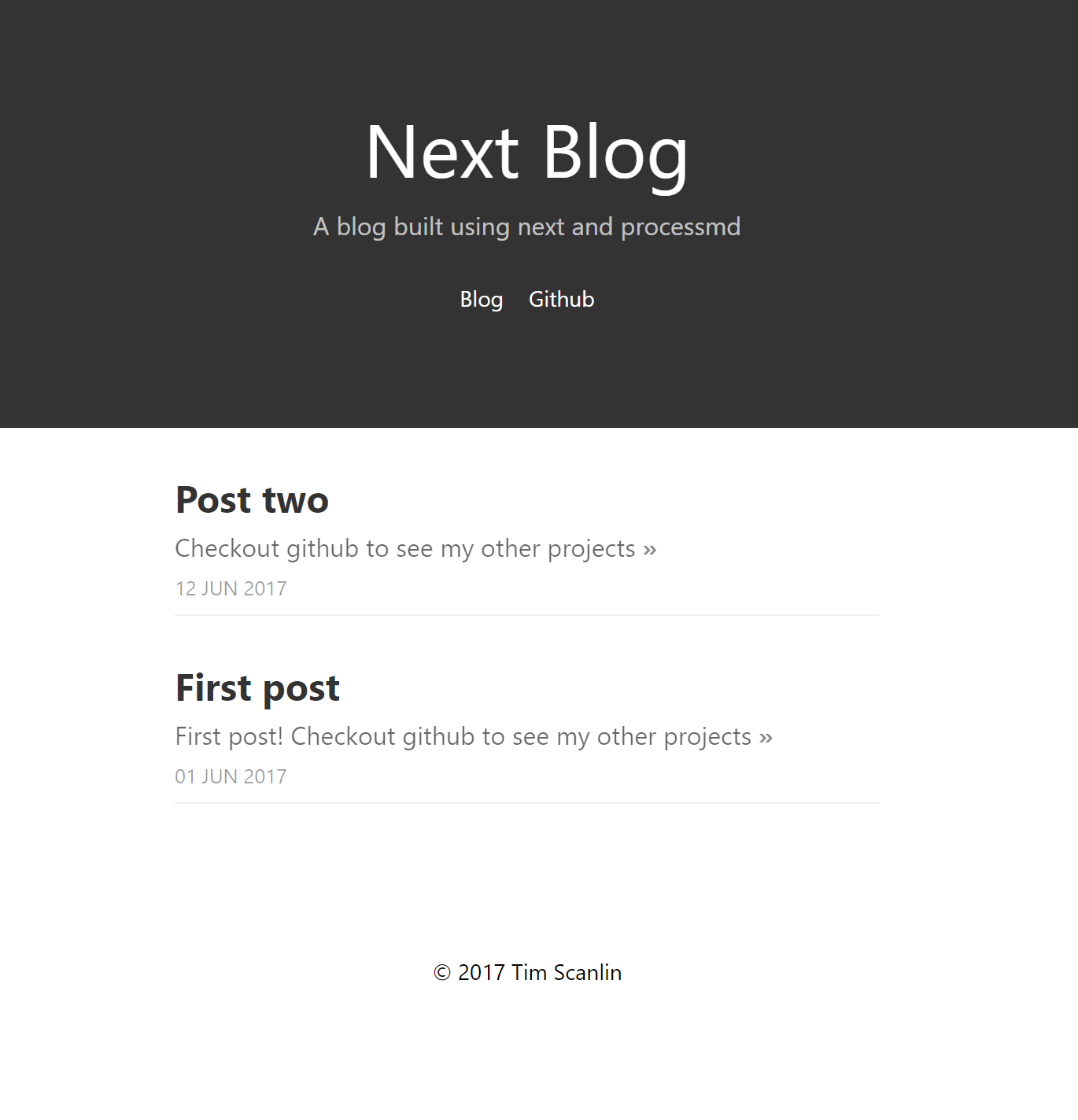
A minimal Jekyll blog theme based on the Less CSS website design, with Baidu Tongji, RevolverMaps, and Busuanzi analytics support.
About this template
LessOrMore is a free and open-source Jekyll blog theme that re-creates the look of the Less CSS website, offering a clean, light reading experience with built-in Chinese analytics integrations.
What is LessOrMore?
LessOrMore is a Jekyll theme for building static blogs, created by developer luoyan35714 and published on GitHub. It takes a Jekyll project as input and outputs a static blog with a light, single-column layout copied from the official Less CSS website. The theme is distributed freely under the LessOrMore GitHub repository and requires only Jekyll to build.
Key Features
- Jekyll-based static site — Built on Jekyll, so posts are written in Markdown with YAML front matter and output is pure static HTML, suitable for hosting on GitHub Pages.
- Minimal light design — The visual style is directly copied from the Less CSS official website, resulting in a simple, unadorned reading layout with clear hierarchy between heading levels.
- Three analytics integrations — Supports Baidu Tongji backend statistics, a RevolverMaps visitor map in the sidebar, and Busuanzi page-view counter in the top-right corner; each is configured via
_config.yml. - Post pinning — YAML front matter supports a
topping: truefield to pin a post to the top of the blog. - Automatic table of contents — Adding
* content {:toc}in a post generates a table of contents for that article. - Easy configuration — The only required config file is
_config.yml, where you set blog name, email, author, URL, baseurl, github username, and analytics IDs. - GitHub Pages ready — Cloning the repo and adjusting
baseurlto an empty string forusername.github.ioprojects makes the theme run on GitHub Pages without extra setup.
Who is it for?
- Developers who write in Markdown — They can clone the theme, add posts in
_posts, and runjekyll serverto preview or deploy to GitHub Pages. - Chinese-language bloggers — The theme ships with Chinese-language instructions and integrates Baidu Tongji and Busuanzi, which are popular analytics services in China.
- Bloggers migrating from darker themes — Those who find dark blog layouts hard to read can use this light theme originally adapted from the Less website's design.
- Open-source hobbyists — Anyone looking for a minimal self-hosted blog can fork the repository and customize the single
_config.yml.
What can you do with LessOrMore?
- Personal bloggers: Publish posts with Markdown and get an auto-generated table of contents and pinned posts for important articles.
- GitHub Pages users: Configure
baseurland deploy tousername.github.iofor free static hosting. - Analytics-minded site owners: Connect Baidu Tongji, RevolverMaps, and Busuanzi to track visits, see a world map of readers, and show a total visitor counter.
How does LessOrMore work?
- Clone the repository from GitHub using
git clone https://github.com/luoyan35714/LessOrMore.git. - Edit
_config.ymlwith your blog name, email, author, URL, baseurl, and analytics IDs. - Write posts in Markdown inside the
_postsdirectory, including YAML front matter with title, date, categories, and optionaltopping. - Run
jekyll serverand openhttp://localhost:4000/to preview the blog.
FAQ
Is LessOrMore free?
Yes, the theme is open-source on GitHub and can be cloned and used without charge.
Does LessOrMore work with GitHub Pages?
Yes, the README explains that for username.github.io projects you must set baseurl to an empty string or static assets will not load properly.
Which analytics services does LessOrMore support?
It supports Baidu Tongji (backend stats), RevolverMaps (sidebar map), and Busuanzi (page-view counter). Each requires its own ID configured in _config.yml, except Busuanzi which is automatic.
Can I change the theme colors?
The theme copies the Less official site's CSS, so visual changes would require editing the stylesheet directly; no built-in color options are mentioned.
What is the topping field for?
Setting topping: true in a post's YAML front matter pins that post to the top of the blog listing.