Template details
dev.ui
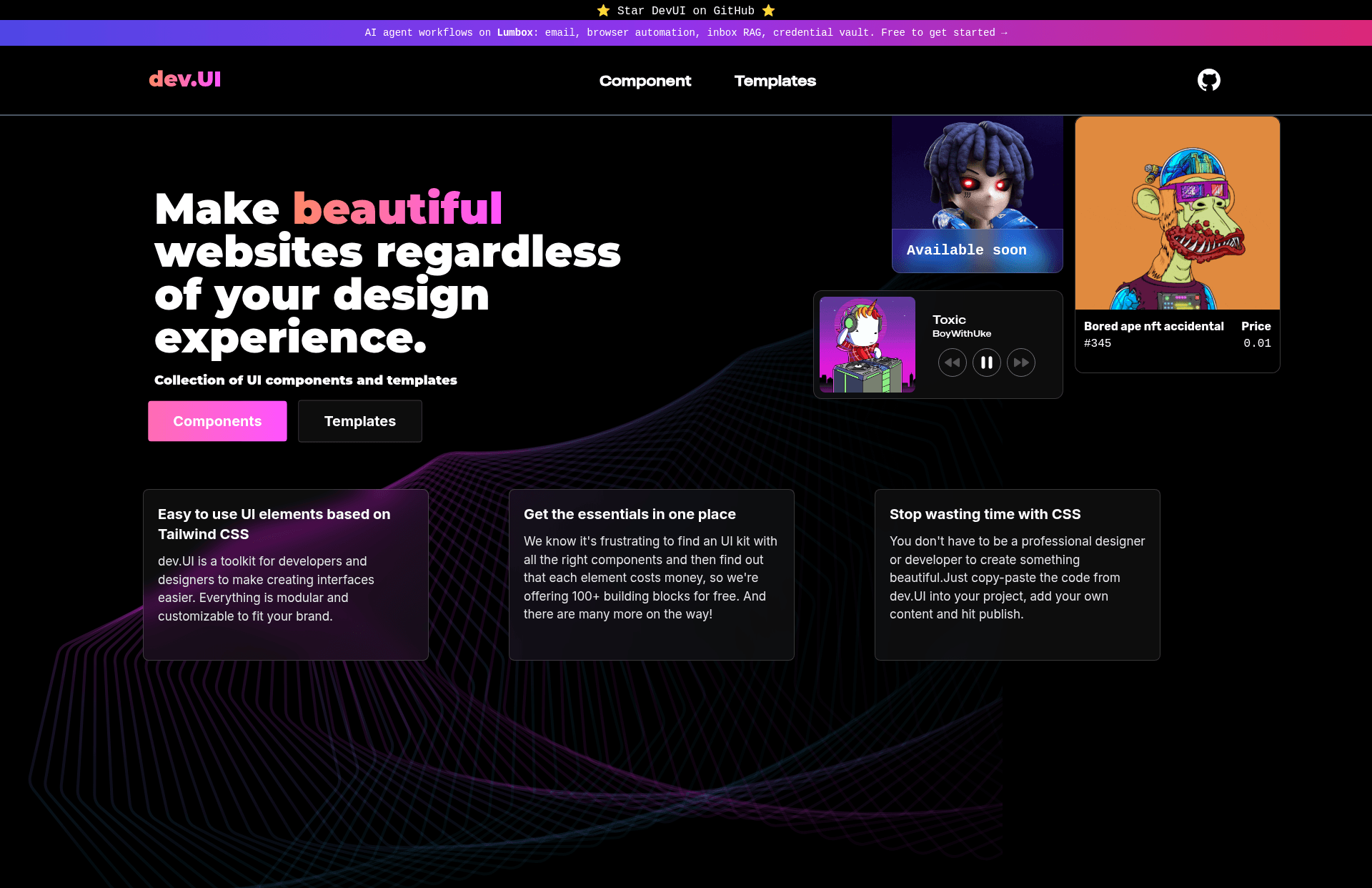
DevUI is a free and open source set of accessible, customizable React components and templates that accelerate development.
About this template
dev.ui is a free and open source developer toolkit that provides a set of accessible, customizable React components and templates to speed up front-end development.
What is dev.ui?
dev.ui is a free and open source developer toolkit built around React. It supplies a set of React components and templates designed to be fully accessible and customizable, accelerating the development process for front-end developers. The repository is maintained as a hobby project by the author, who updates it in spare time.
What makes dev.ui stand out?
- Accessibility-first components — components are designed to be fully accessible out of the box, reducing the need for manual ARIA and keyboard navigation work.
- Template projects — includes template project structures so developers can scaffold a new app quickly instead of configuring from zero.
- Customizable styling — built with Tailwind CSS, allowing rapid theme adjustments through utility classes.
- Modern stack — built with React and Next.js, and written in TypeScript for type safety.
- Open source development — anyone can contribute through pull requests; contribution steps are documented in the README.
- Simple development workflow — uses npm or Yarn to install dependencies, run a dev server, and build for production.
Who should use dev.ui?
- React developers — who need pre-built, accessible components to include in their applications without writing low-level accessibility code.
- Front-end teams starting new projects — who can use the template projects to get a Next.js + Tailwind CSS + TypeScript foundation instead of setting it up manually.
- Open-source contributors — who want to practice contributing by following the documented steps: star, fork, clone, branch, commit, push, and pull request.
What can you do with dev.ui?
- Rapid prototyping: assemble user interfaces quickly by composing the included React components, then restyle with Tailwind classes.
- Scaffolding a new app: clone the repository and run the build commands to start from a pre-configured Next.js and TypeScript base.
- Learning accessibility patterns: study the component implementations to see how accessible behavior is achieved in React.
How does dev.ui work?
The README explains a straightforward workflow: clone the repository, install dependencies with npm install or yarn, start the development server with npm run dev or yarn dev, and create a production build with npm run build or yarn build. The same commands are repeated for contributing after forking and branching.
Pricing
dev.ui is free and open source. There are no paid tiers or licenses to purchase mentioned in the project description.
FAQ
Is dev.ui free?
Yes, dev.ui is free and open source. The project description states that it is a free and open source developer toolkit, and the repository is public for anyone to use and contribute to.
What does dev.ui do?
dev.ui provides a set of React components and templates that are fully accessible and customizable. Its goal is to speed up the development process by giving developers ready-made building blocks for their applications.
What technology stack does dev.ui use?
Based on the repository topics, dev.ui is built with React, Next.js, Tailwind CSS, and TypeScript. The project also uses npm or Yarn for dependency management and building.
How do I contribute to dev.ui?
The contribution steps in the README are: star the repo, fork it, clone your fork, create a new branch, make your changes, commit the changes, push the branch to your fork, and open a pull request. For major changes, you are asked to open an issue first to discuss the changes.