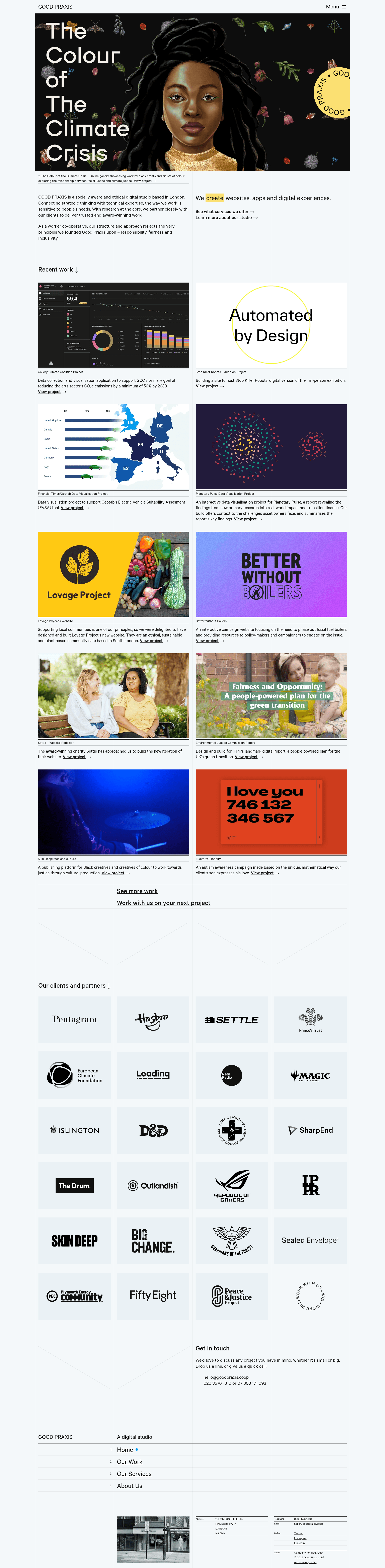
Template details
Gatsby Starter: TypeScript + SASS + Jest + SEO + Cypress
Gatsby starter from Good Praxis with TypeScript, SASS, Jest, Cypress, and Helmet SEO.
About this template
Gatsby's Starter: TypeScript + SASS + Jest + SEO + Cypress is a Gatsby starter template from the Good Praxis cooperative that scaffolds a new Gatsby site with TypeScript, SASS, unit and end-to-end test tooling, and Helmet-based SEO pre-configured. Running one command creates a project that includes these integrations, so you can focus on building pages instead of wiring up tooling.
What is this Gatsby starter?
This is a GitHub-hosted Gatsby starter used by Good Praxis (goodpraxis.coop). It takes a project name and location via the Gatsby CLI and produces a Gatsby site configured with TypeScript for static typing, SASS (SCSS) for stylesheets, Jest for unit and snapshot testing, Cypress for end-to-end tests (including accessibility checks), and Helmet for managing meta tags. The starter is maintained by Good Praxis and published at the repository gp-gatsby-starter-ts-sass-jest.
Key Features
- TypeScript support — The starter is set up to use TypeScript, so components and pages can be written with type checking from the start.
- SASS (SCSS) styling — Stylesheets are written in SCSS, making variables, nesting, and mixins available without extra configuration.
- Jest unit tests with snapshots — Unit tests run with
npm run test:unitand snapshot testing is configured; snapshots update withnpm run test -- -u. - Cypress end-to-end tests — E2E tests run with
npm run test:e2e, opening Cypress interactively, or headless withnpm run test:e2e:cifor CI pipelines. - Accessibility tests — The Cypress E2E setup includes accessibility tests, which are not present in many default starters.
- Helmet for SEO — SEO meta tags are handled through Helmet, Gatsby's standard plugin for managing the document head.
- Single-command setup — After installing
gatsby-cli,gatsby new our-site https://github.com/GoodPraxis/gp-gatsby-starter-ts-sass-jestcreates a ready-to-run project.
Who is it for?
- Gatsby developers — Developers who want a TypeScript-first Gatsby project without spending time on tooling configuration.
- Teams that value testing — Teams that require unit tests and E2E coverage from the first commit, with separate commands for each.
- Accessibility-conscious projects — Teams that want automated accessibility checks out of the box alongside normal Cypress tests.
- Cooperatives or small organizations — Groups looking for a starter aligned with the practices used at Good Praxis.
What can you do with it?
- Start a new site: Run
gatsby newwith the repository URL to create a project with all tooling installed. - Run development: Use
gatsby developto run a development instance with live reload. - Maintain test snapshots: After changing markup, run
npm run test -- -uto update Jest snapshots. - Run E2E tests in CI: Use
npm run test:e2e:cito execute Cypress tests in headless mode, suitable for continuous integration.
How does it work?
The setup process is command-driven: install gatsby-cli globally, then run gatsby new with the starter's GitHub URL and a directory name. The generated project contains the full configuration for TypeScript, SASS, Jest, Cypress, and Helmet. From there, the standard Gatsby workflow applies: gatsby develop for local development, npm run test for all tests, and gatsby build for a production build.
Alternatives
- Gatsby's official default starter — The basic Gatsby starter that comes with
gatsby newand lacks TypeScript, SASS, and testing pre-configured.
FAQ
Does this starter include TypeScript?
Yes, TypeScript is included and configured. This means you can write .tsx files and use type checking across your Gatsby project without adding a separate plugin or build step.
How do I run all tests?
Use npm run test. To run only unit tests, use npm run test:unit. To run only E2E tests, use npm run test:e2e, which opens Cypress in a new window.
How do I update Jest snapshots?
Run npm run test -- -u (the -u flag with the test script). The README specifically reminds you to update snapshots after changing markup.
Does the Cypress setup include accessibility tests?
Yes, the Cypress E2E setup contains accessibility tests. This is beyond typical starter configurations and helps catch accessibility issues during E2E runs.
Is there a production build command?
Yes, run gatsby build to build the website for production. This is the standard Gatsby build command and outputs static files ready for deployment.