Template details
Strapi Starter Next Corporate Site
Next.js starter for creating a corporate site with Strapi.
About this template
Strapi Starter Next Corporate Site is a boilerplate that pairs a Next.js frontend with a Strapi CMS backend to generate a corporate website, letting non-developers create and arrange pages from reusable UI sections without writing code. It was built by the Strapi team and published as part of their starter collection, though this specific repository is now deprecated and only works with Strapi v3.
What is Strapi Starter Next Corporate Site?
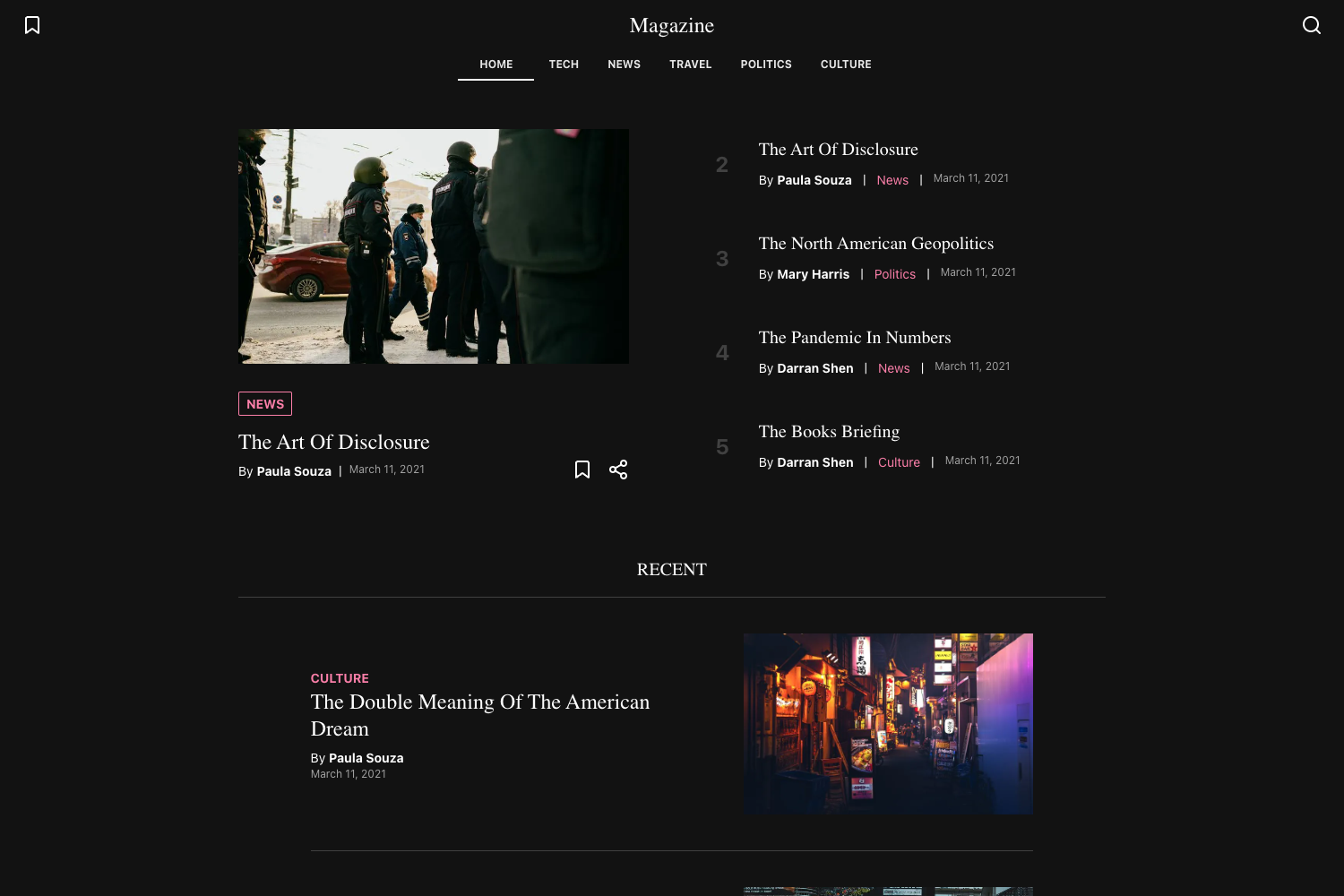
This starter is a pre-configured monorepo containing a Next.js frontend and a Strapi backend, designed so all website content is managed inside the Strapi admin panel. The frontend statically generates pages with Next.js and the backend provides the content model, including a Pages collection that accepts a list of UI sections. A live demo is available at https://strapi-starter-next-corporate.vercel.app/, and the accompanying blog post explains the architecture on the Strapi blog.
Key Features
- Code-free page creation — Marketing teams can create new pages and choose their layout directly in Strapi, with no developer involvement.
- 8 built-in UI sections — Hero, RichText, LargeVideo, Testimonials, Pricing, BottomActions, FeatureRows, and FeatureColumns are included, and more can be added.
- Flexible page structure — Each page's contentSections field accepts any combination of sections, so layouts are assembled per page.
- Tailwind CSS theming — The frontend is styled with Tailwind, and the default theme can be changed by editing
tailwind.config.jsin the frontend folder. - Static site generation — Next.js SSG pre-renders pages at build time for fast delivery.
- Preview Mode — A built-in preview URL lets editors view draft pages before they are published, secured by a
PREVIEW_SECRETenvironment variable. - Multilingual content — i18n is supported so pages can be translated into multiple languages within Strapi.
- Separate deployments — The frontend and backend are deployed independently, each with its own environment variables.
Who is it for?
This starter suits marketing teams who need to manage a corporate website without touching code, as they can create and arrange pages through the Strapi admin. It also helps developers who want a quick starting point for a Strapi + Next.js project, since the monorepo scaffolds both apps and the section wiring. Agencies building multi-page corporate sites for multiple clients can reuse the section-based architecture to keep layouts consistent.
What can you do with it?
- Marketing managers: build landing pages, pricing pages, and testimonial sections by selecting from the 8 pre-built UI sections in Strapi.
- Content editors: edit text, videos, and feature lists in the admin panel and use Preview Mode to check drafts before publishing.
- Frontend developers: extend the starter by creating new Strapi components, adding React components in the frontend sections folder, and registering them in the sectionComponents map.
- Localization teams: add translated versions of pages using the i18n capabilities built into Strapi.
How does it work?
Run npx create-strapi-starter@3 my-site next-corporate to generate the project; the CLI creates the monorepo, installs dependencies, and launches both the Next.js server on port 3000 and the Strapi server on port 1337. To add a section, create a Strapi component, attach it to the Pages contentSections field, build a matching React component, and register it in the sections map. Preview Mode is activated by visiting a URL with the preview secret and a page slug, which works even for pages still in draft status.
Pros and cons
Pros
- Entirely content-managed pages suitable for non-technical teams.
- Includes 8 ready-to-use sections covering the most common marketing page blocks.
- i18n support avoids duplicating content structures for multilingual sites.
Cons
- This repository is deprecated and only works with Strapi v3; the Strapi v4 version lives in the starters-and-templates monorepo.
- Frontend and backend must be deployed separately, which adds infrastructure overhead.
FAQ
Is this starter still maintained?
No. The repository is marked deprecated and only works with Strapi v3. The latest Strapi v4 version is available in the starters-and-templates monorepo linked in the README.
How do I create a new UI section?
Create a new component in Strapi under the sections category, enable it on the Pages collection's contentSections field, then create a React component in /frontend/components/sections and add it to the sectionComponents object in /frontend/components/sections.js.
What environment variables are required?
The frontend needs NEXT_PUBLIC_STRAPI_API_URL (Strapi backend URL without trailing slash) and PREVIEW_SECRET (a random string for preview mode). The backend needs FRONTEND_URL and FRONTEND_PREVIEW_SECRET matching the frontend's preview token.
Does the starter support multiple languages?
Yes, it includes i18n support for multilingual content managed through Strapi, allowing pages to be translated into multiple languages.
Can I change the visual theme?
Yes, the frontend uses Tailwind CSS, and you can edit the theme in the frontend's tailwind.config.js. The README gives an example of overriding the primary color with a Tailwind default color like green.